


You might think that high refresh rate monitors are only for gamers, but if you’re looking for a new monitor for your work computer, there are many features to look out for, and one that stands out is having a high refresh rate.尽管高更新率萤幕通常面向游戏玩家销售,但它却适合每个电脑用户,为什么?
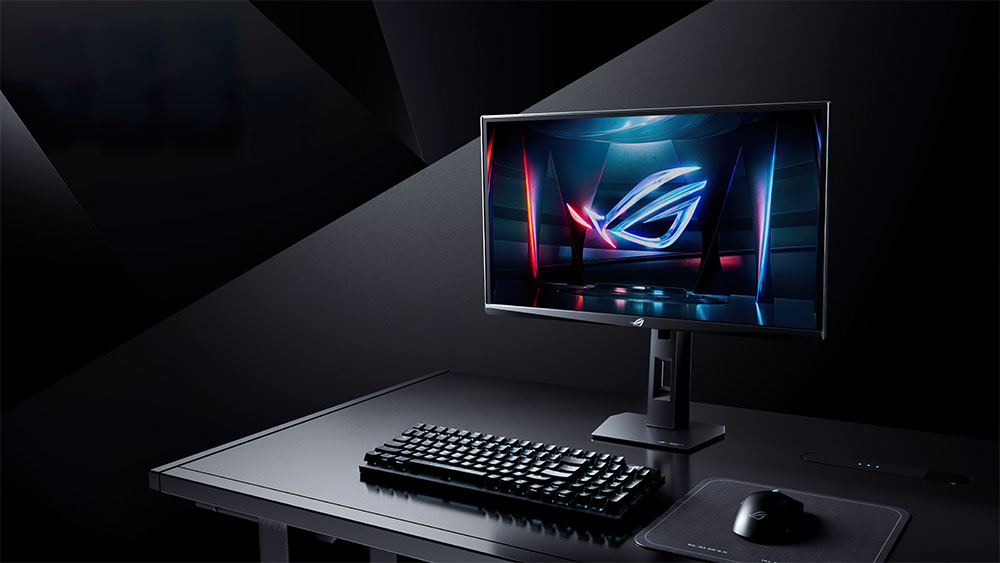
Not just gamers, but three reasons why high refresh rate monitors are suitable for you too
Animation is smoother
Before we delve deeper, let’s briefly explain what a high update rate actually means. Simply put, a monitor’s refresh rate defines how many times it updates images per second, and the higher the refresh rate, the smoother everything looks. Think of it like a page-turning book, the faster you turn the pages, the smoother the animation you draw looks, which is why high update rates are often associated with games as it allows for smoother animations, among other benefits.
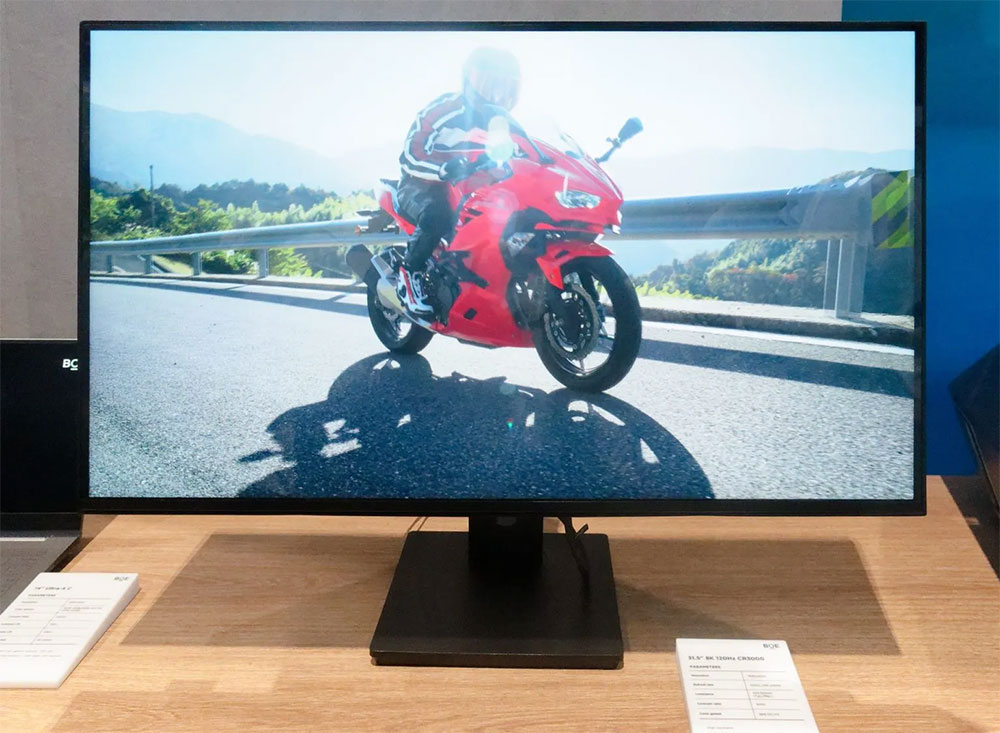
The standard refresh rate of 60Hz means that the monitor updates the image 60 times per second, so a high refresh rate must be higher than this number. However, 75Hz is not particularly high, so we can generalize: any monitor higher than 90Hz counts as a high refresh rate. Of course, the higher the value, the better. Especially for work purposes, the benefits begin to fade away after about 120Hz. With that explanation in mind, let’s look at the reasons why a higher refresh rate monitor can make a meaningful difference in day-to-day use, even if you never get into gaming.
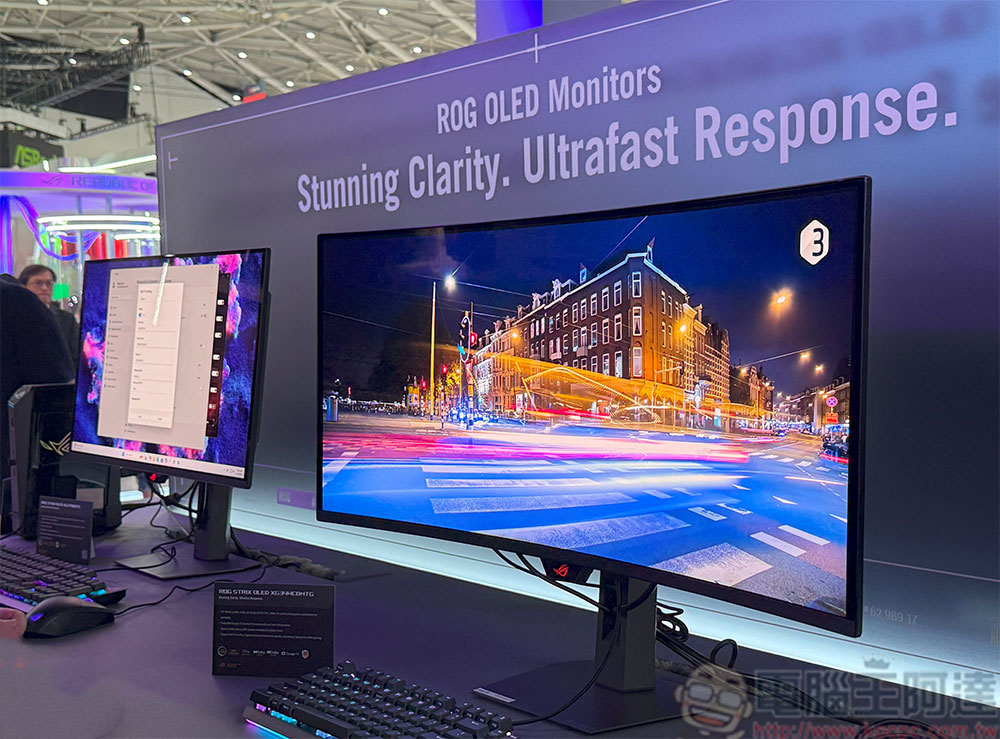
Scrolling through web pages, documents and menus is especially improved with the higher update rate. You may have noticed that when scrolling on a low refresh rate monitor, icons and text become blurry and even difficult to read. But this is not the case with a high update rate, and when you move the mouse cursor, it will slide more smoothly. Granted, this doesn’t have a huge practical benefit, but it makes day-to-day use more enjoyable and everything feels more fluid and satisfying. Trust me, after a week of using a high refresh rate monitor, you’ll find it hard to go back to 60Hz.
Your computer feels more responsive
Have you ever tried a high refresh rate monitor, maybe on a phone or on a gamer friend’s computer. If you’ve tried it, chances are the reason you noticed it has nothing to do with the powerful processor inside the device, but rather the display. Even a cheap computer or laptop can pump out enough FPS (frames per second) to take full advantage of high refresh rate displays in operating systems and web browsers, so there’s no need to worry about this particular feature being locked out of higher-priced computer upgrades. Plus, high refresh rate monitors are now much more affordable than in the past.
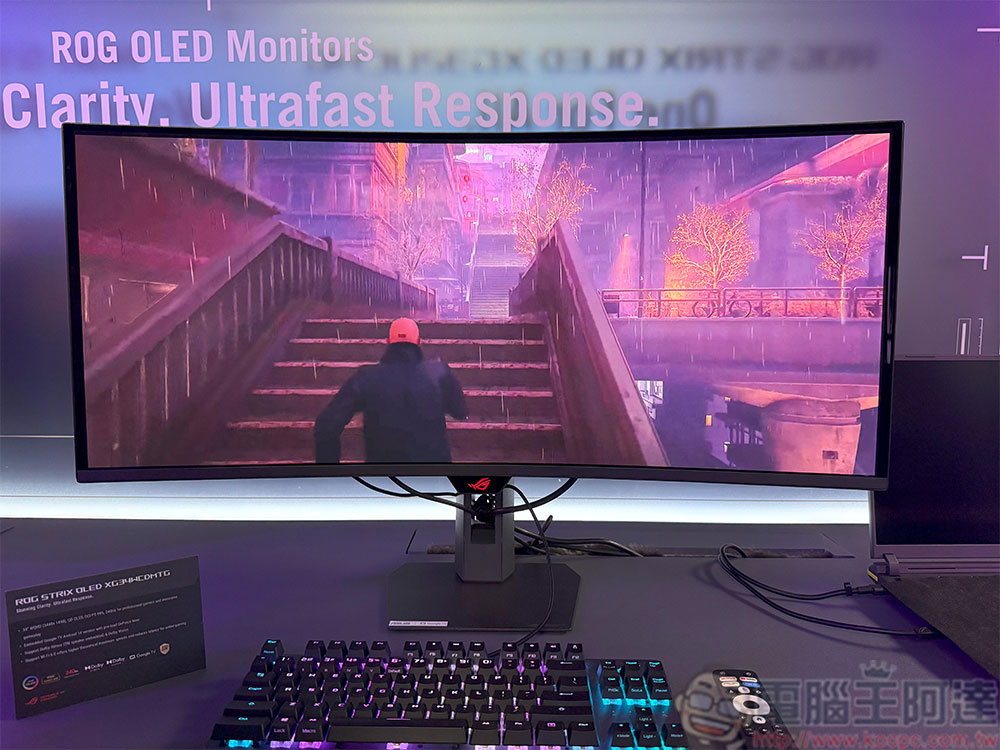
For a laptop, if it only has a 60Hz display, you’ll have to use an external monitor, but you can take advantage of it as long as its port supports high refresh rates. With a higher update rate, you get significantly lower input lag, meaning there’s a much shorter delay between your input and what’s happening on the screen. As with animation, the benefits drop off slightly after 120Hz for office work, but the difference between 60Hz and 120Hz is still noticeable. On a 60Hz monitor, each frame stays on screen for about 16.7ms, with a minimum input lag of about 8.3ms (half a frame); with 120Hz, those numbers are halved, meaning the time between frames is only about 8.3ms, with a minimum input lag of about 4.2ms.
What this means to you is that the entire system feels snappier and more immediate, and even if your computer doesn’t actually get faster, it takes advantage of the high update rate to display all your inputs more quickly.
Your eyes may feel less tired
It’s easy for your eyes to tire when you’re using a computer for long periods of time, something I’ve often encountered myself, but frankly, a high refresh rate monitor alone won’t eliminate the problem, but it can help a little. This is because higher update rates tend to reduce visible artifacts such as motion blur, flickering, and judder. Everything from fast-moving objects and animations to scrolling text will look clearer and sharper, which means your eyes don’t have to work as hard to follow what’s happening on the screen.
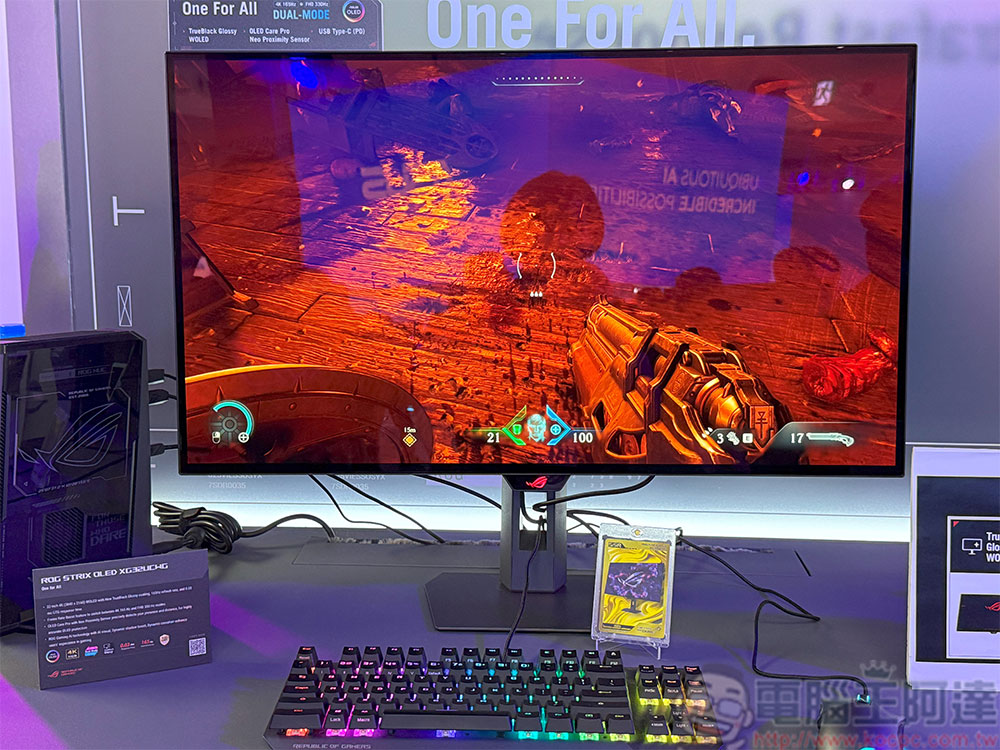
If you spend a lot of time scrolling through spreadsheets, PDFs, word documents, web pages, or e-books every day, a higher refresh rate monitor can make staring at the screen feel significantly more satisfying, responsive, and comfortable. In fact, TÜV Rheinland’s eye comfort certification requires an update rate of at least 120Hz to achieve a 5-star rating.
Source: KOCPC Chinese