


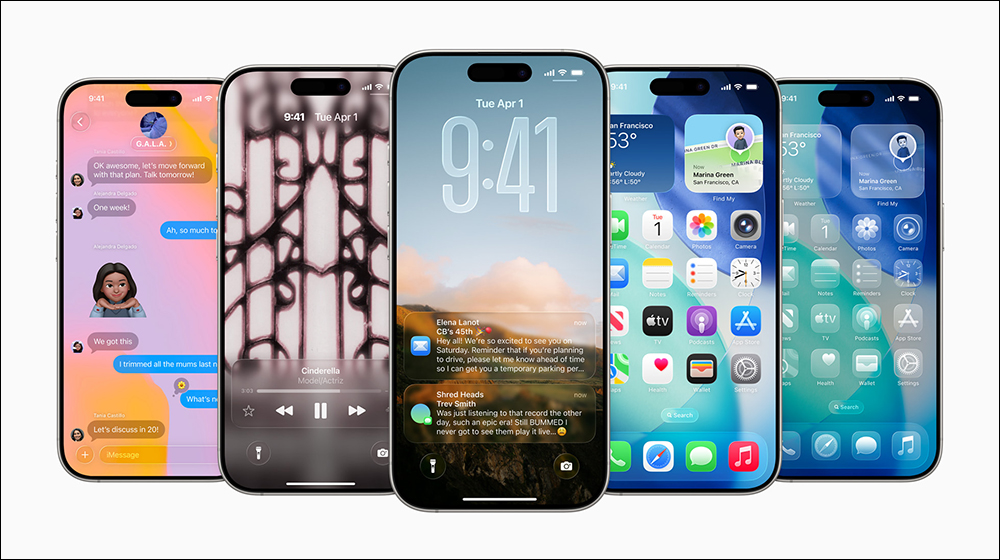
Apple’s shift from a classic skeuomorphic design to a more modern, flat, and glassy look with the launch of iOS 7 would shape the dominant look of iOS for the next 10 years, and it wasn’t until the launch of iOS 26 that we saw a major shift. While there are several new useful features in iOS 26, what everyone seems to be focusing on more is the instantly visible Liquid Glass aesthetic. With the iOS 26 beta out, anyone with an iPhone 11 or newer can go to Settings and install it.
Notice your phone is slowing down after installing iOS 26? You can fix it with these methods
If you’ve installed iOS 26, you might be someone who likes the new animations and user interface, or is tired of dealing with sluggish performance, low battery life, and various bugs. The last part Apple is constantly solving problems in the form of bug fixes, so it’s important to keep your iPhone operating system up to date.
As for performance issues, if you’ve recently upgraded your iPhone to iOS 26, you’ll typically see frame drops and experience noticeably slower operations. This is because your iPhone is working hard to index your data in the background, which is normal with every major update. Your iPhone should return to optimal performance within a few hours or days, but if it hasn’t, you’re not alone. Some users have reported poor performance after the update, and you can use the methods we’ve mentioned below to fix it.
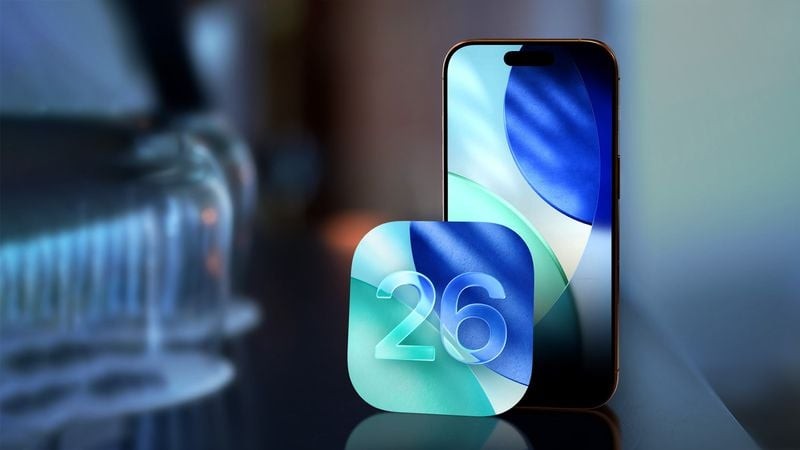
Liquid glass could be tough on older iPhones
Perhaps one of the biggest reasons why your iPhone is slowing down after updating to iOS 26 is because of the UI updates. This isn’t just a new skin, Liquid Glass achieves fluid and dynamic reflections and reflections through real-time rendering, which is why Apple says the new design language is “expressive.” Because liquid glass components are affected by other surrounding elements, considerable processing is required to achieve them.
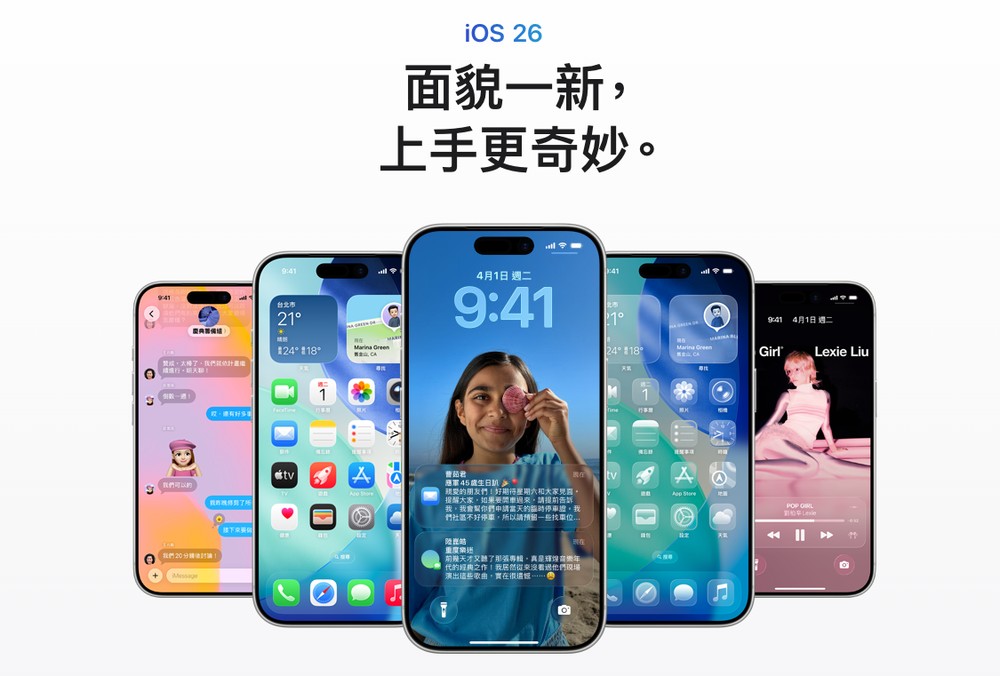
While newer iPhones can handle demanding UIs well, older models may experience occasional frame drops or sluggish performance. Given that Apple is also updating iOS 26 on iPhones launched in 2019, it is understandable if these devices have difficulty maintaining a smooth software experience. Additionally, looking at the rollout of iOS 26, it’s clear that Apple hasn’t found the right balance between form and function, with the first few betas featuring exaggerated transparency effects that were painfully slow to perform.
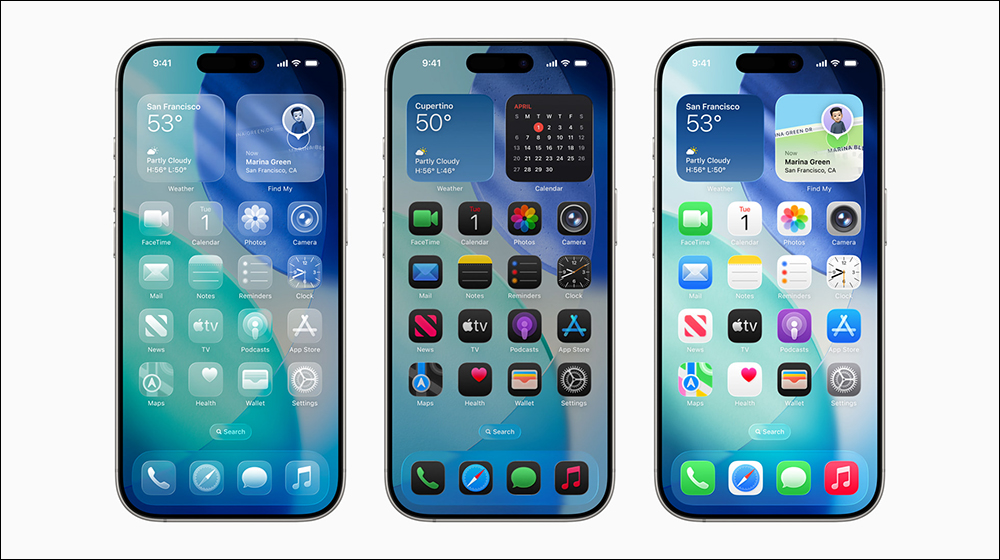
The transparency effect has been toned down a lot in the official release, but Liquid Glass will continue to tax iPhone hardware, with all those timely reflections and animations already shown. If you’re using older hardware, you can try reducing the Liquid Glass effect, which may help improve performance and readability:
- Open the Settings app.
- Select “Assisted Use”.
- Click “Display & Text Size”.
- Turn on the “Reduce Transparency” switch.
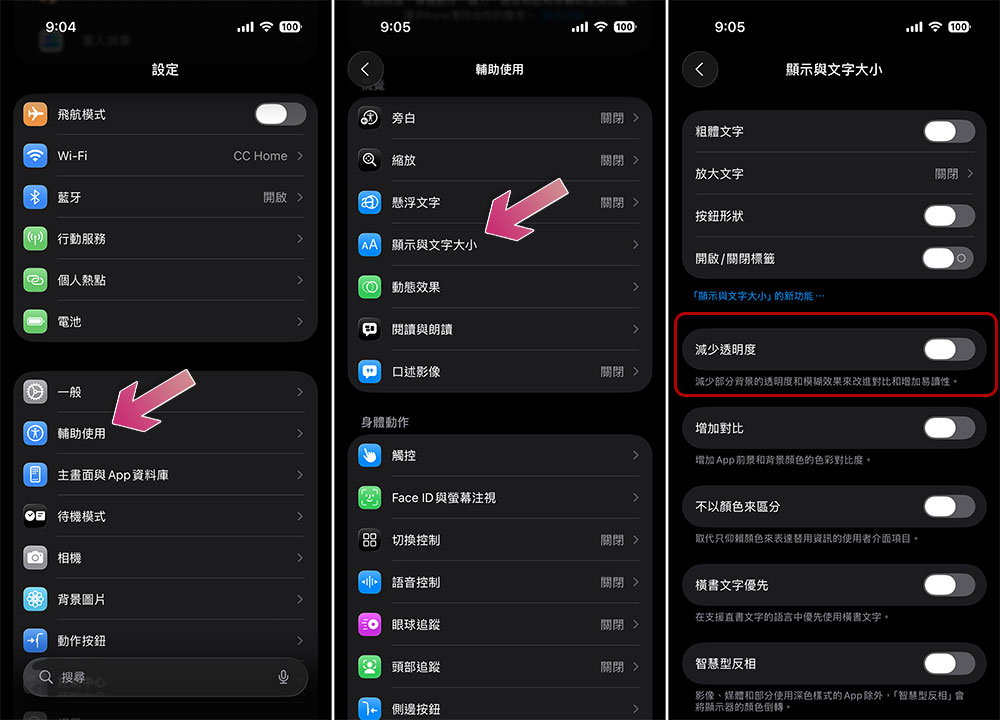
iOS 26 tweaks to make your iPhone run smoother
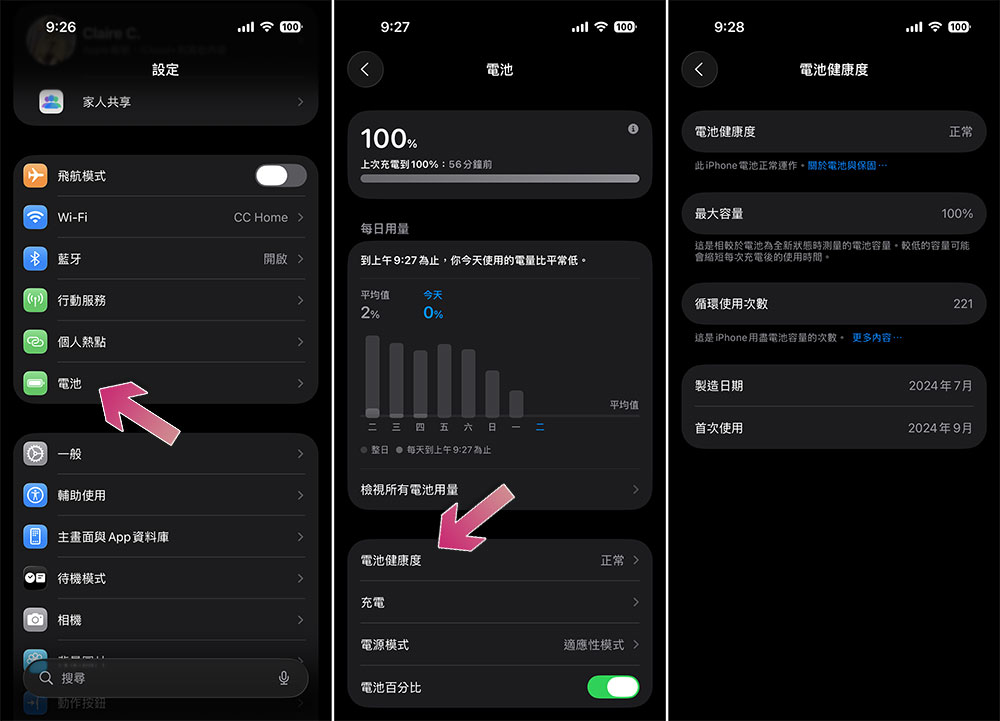
The significant degradation in battery life may also be the culprit behind the increased performance issues after the update. If your iPhone’s battery health falls below normal, iOS automatically adjusts performance to ensure you don’t experience an unexpected shutdown. You can check the battery health of your iPhone as follows:
- Open the Settings app.
- Select “Battery”.
- Click “Battery Health”. If your iPhone’s battery needs to be replaced, you’ll see a maintenance message, and performing this action may also significantly improve performance.
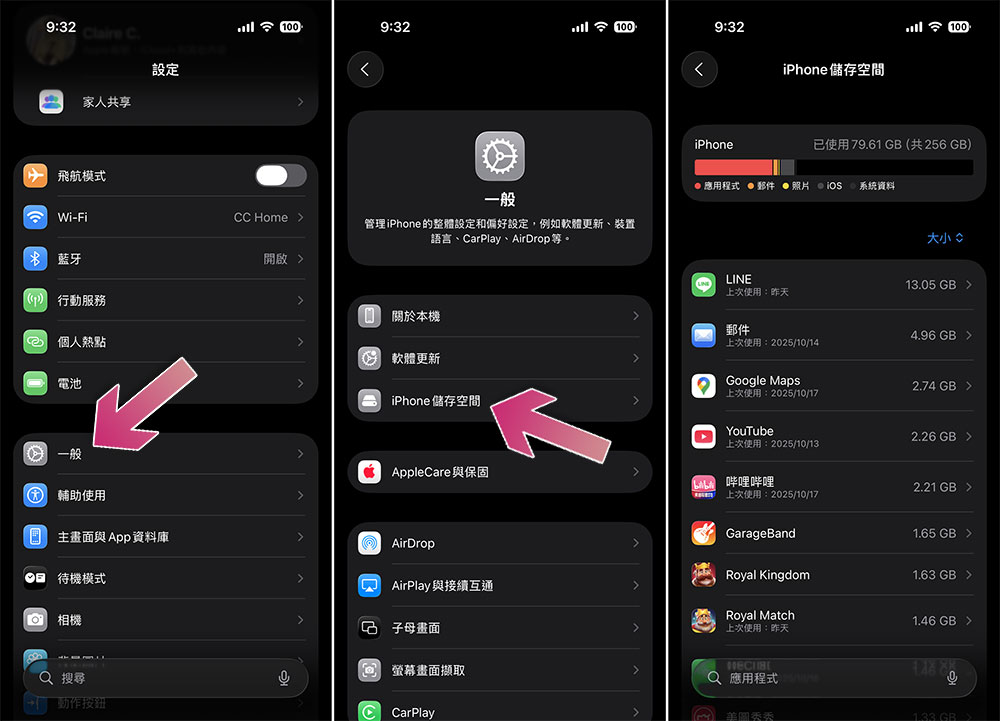
Low storage space may also cause iOS operations to slow down. You can check how much storage space is left on your iPhone through the following methods. While you can’t expand the built-in storage on your iPhone, you can upgrade iCloud+ to expand most media, which will make room for other apps and features to work best on your device, or you can uninstall apps on iOS that you don’t use often:
- Open the Settings app.
- Select “Normal”.
- Click “iPhone Storage”.
You can also try resetting your iPhone if you’re experiencing slow performance and other issues, such as faster battery drain and device overheating. Often, issues following major software updates will be corrected after a full factory reset. However, this operation will delete all apps, photos, and videos from your iPhone, so be sure to back them up. As a last resort, you can also try to downgrade your iPhone to iOS 18, but the process is not that user-friendly and simple.
Source: KOCPC Chinese