


want to iPad Attention designers who are not just watching dramas, but truly becoming “productivity tools”! In addition to Adobe, another set of professional design tools that have become increasingly popular in recent years Affinity, recently released an amazing benefit – the iPad version of the three flagship software “Affinity Photo 2”, “Affinity Designer 2” and “Affinity Publisher 2” can be “free for life”! This combination has always been regarded as the best alternative to Photoshop, Illustrator and InDesign. Now the iPad version is available for a limited time and is completely free. It is equivalent to putting desktop-level professional editing, drawing and typesetting functions directly into your iPad. Whether you are a photographer, illustrator, design student, or freelance case worker, this wave of “limited free offers” is definitely worth downloading and collecting immediately!
You won’t regret it for sure! Affinity’s three major design software iPad apps are free for life
If you are usually in contact with design tools, you must know that Adobe almost monopolizes the fields of image processing, vector drawing and typesetting. However, a dark horse has emerged in recent years – Affinity, which relies on a one-time purchase system, is affordable and has complete functions. It has quickly become a favorite tool of many professional designers and students. This time, the iPad versions of three major apps were released directly, and they were advertised as free for life. Many people in the design circle exclaimed, “It’s basically giving away money!”
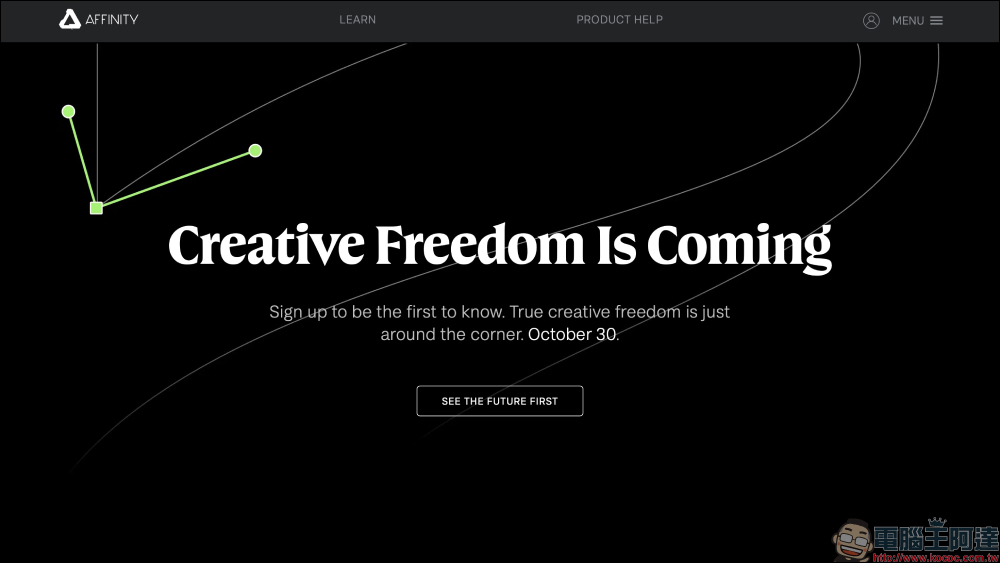
And this wave of limited exemptions is likely related to the release of the new generation of Affinity software that will be launched at the end of October. The official website has already posted a preview of “Creative Freedom Is Coming”. It is speculated that the new version is about to be released, so before the new generation is launched, more people can experience the full functions of the previous generation.
- Affinity Photo 2 for iPad download (App Store)
- Affinity Designer 2 for iPad Download (App Store)
- Affinity Publisher 2 for iPad download (App Store)
Three major application functions at once
1. Affinity Photo 2 for iPad — The best alternative to Photoshop
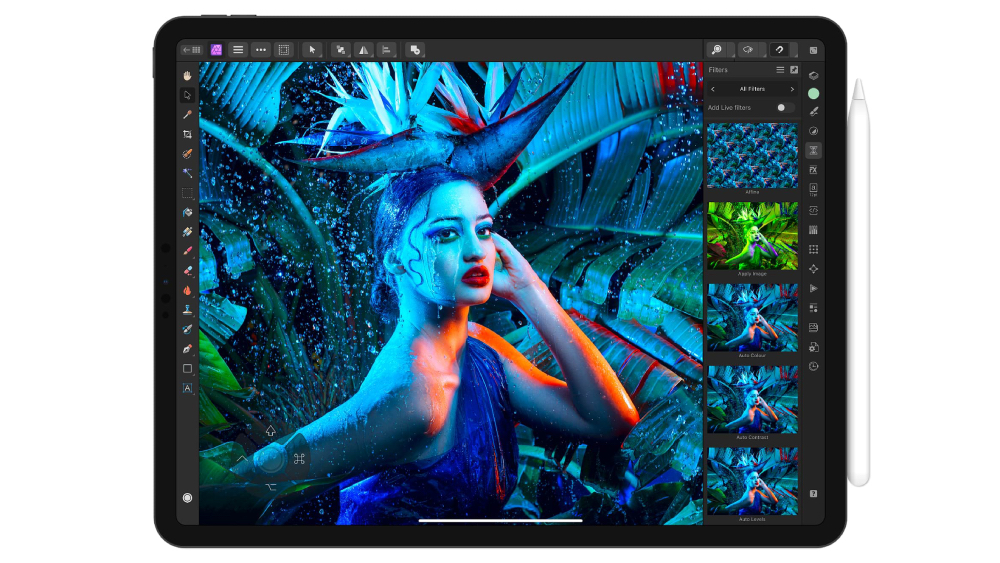
This app is specially designed for professional photographers and image retouching designers, and can handle various image processing needs:
- Professional retouching and synthesis: From basic exposure and white balance adjustments to advanced chromatic aberration correction, HDR merging, and panoramic stitching, everything can be done.
- Non-destructive editing: Supports complete non-destructive adjustment of RAW files to ensure that the original image is completely preserved.
- Ultimate performance: Smoothly handle large files of more than 100 million pixels on iPad, supporting high refresh rate zoom and pan.
- Strong compatibility: Fully supports Photoshop’s PSD/PSB format, and can also output JPEG XL and OCIO v2 standard files.
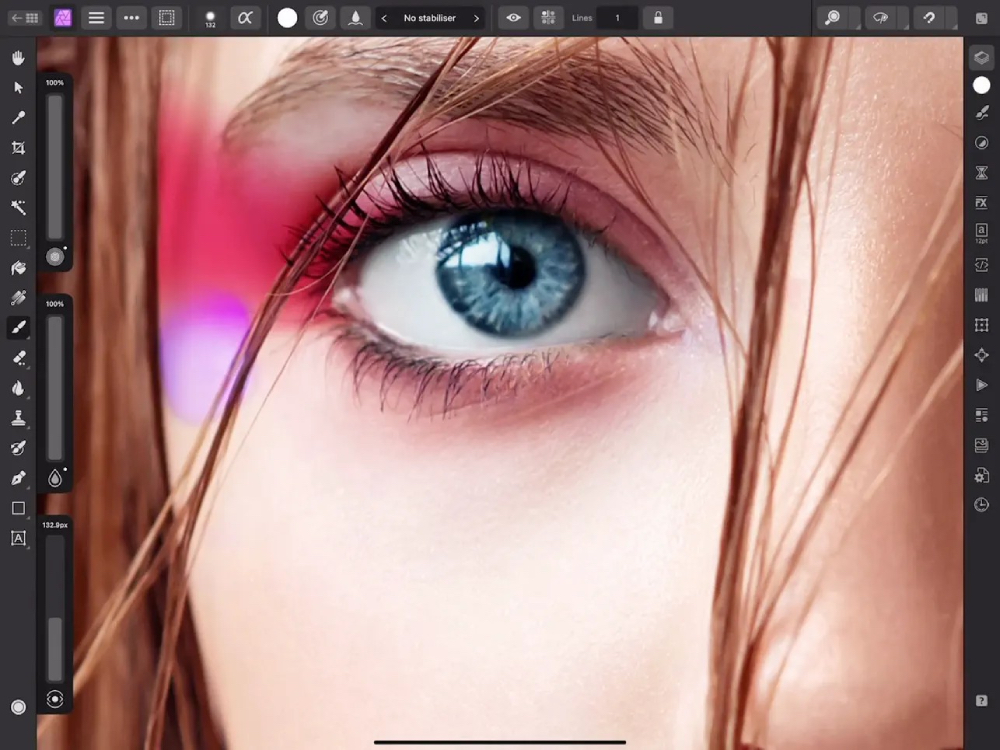
For professional retouchers, it not only has hairline-detailed selection tools, frequency separation skinning, and Liquify distortion effects, but also provides complete 32-bit color editing capabilities, which are difficult to match with traditional iPad retouching apps.
2. Affinity Designer 2 for iPad — A serious challenger to Illustrator
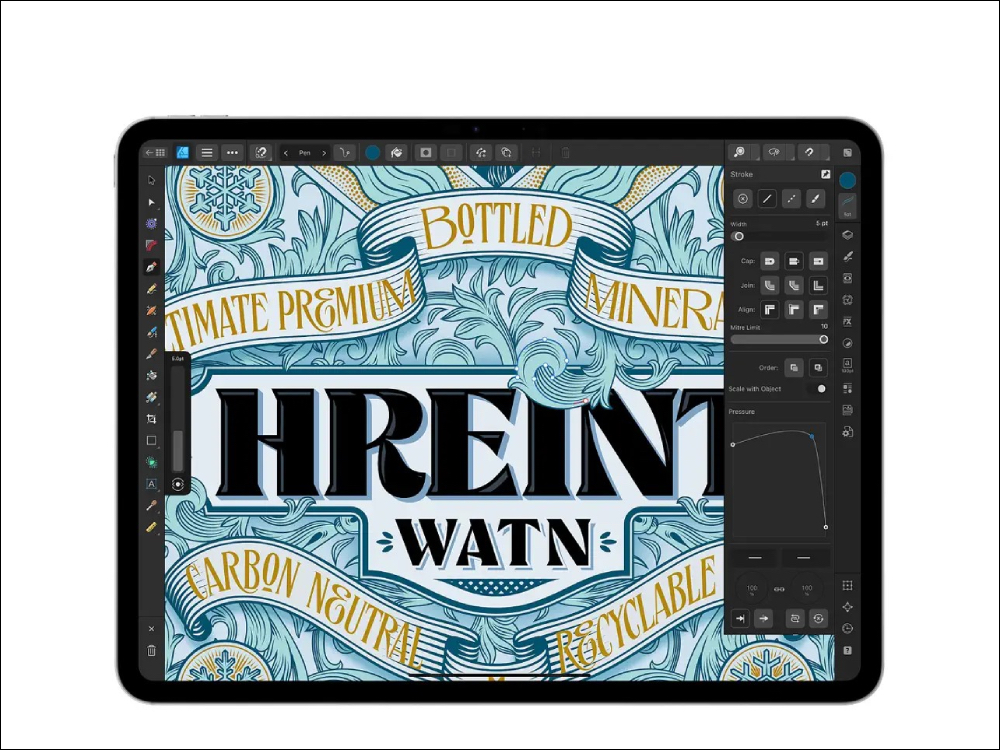
Known as one of the “most powerful graphic design apps”, this tool can almost replace Illustrator:
- Dual editing of vector and dot matrix: You can seamlessly switch between vector mode and dot matrix mode. Designers can complete illustration line drawings and detailed textures at the same time.
- High-performance drawing experience: Supports 120fps panning and zooming, and can still operate smoothly when zoomed in to 1 million times.
- Complete professional tools: Built-in advanced functions such as Vector Warp, Shape Builder, Knife Tool, etc.
- Industry compatibility: supports Ai, PSD, PDF, SVG files, and provides professional-grade color management (CMYK, LAB, Pantone).
For UI/UX designers, brand designers or illustrators, this is an almost coveted “mobile professional drawing studio”. With the support of Apple Pencil, creative inspiration can be captured at any time.
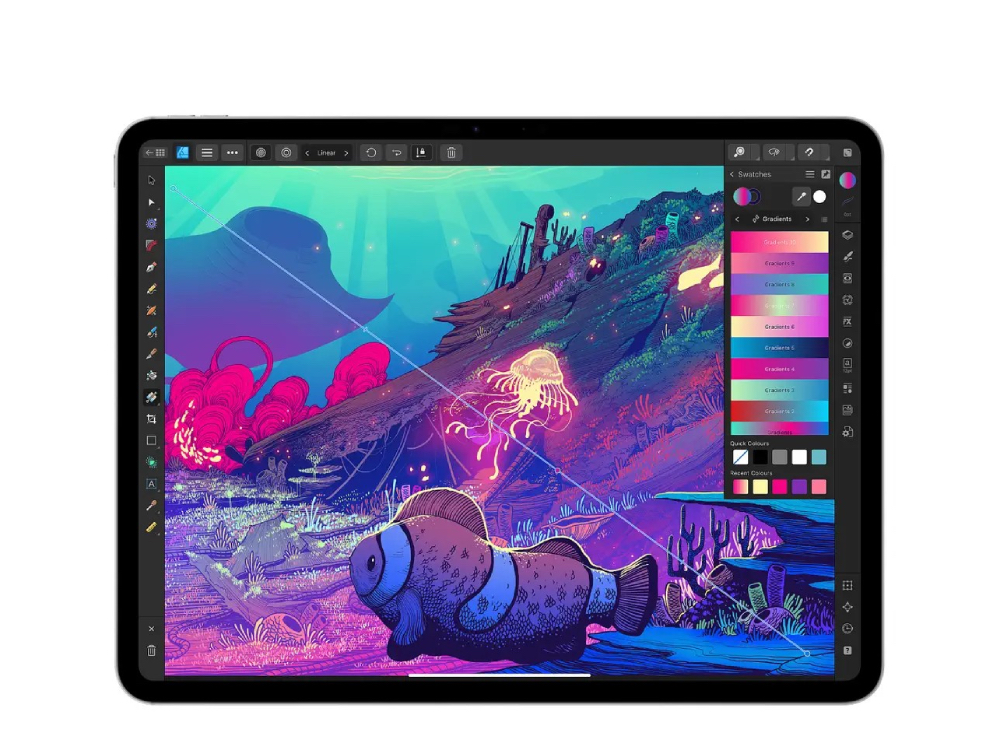
3. Affinity Publisher 2 for iPad — InDesign’s iPad rival
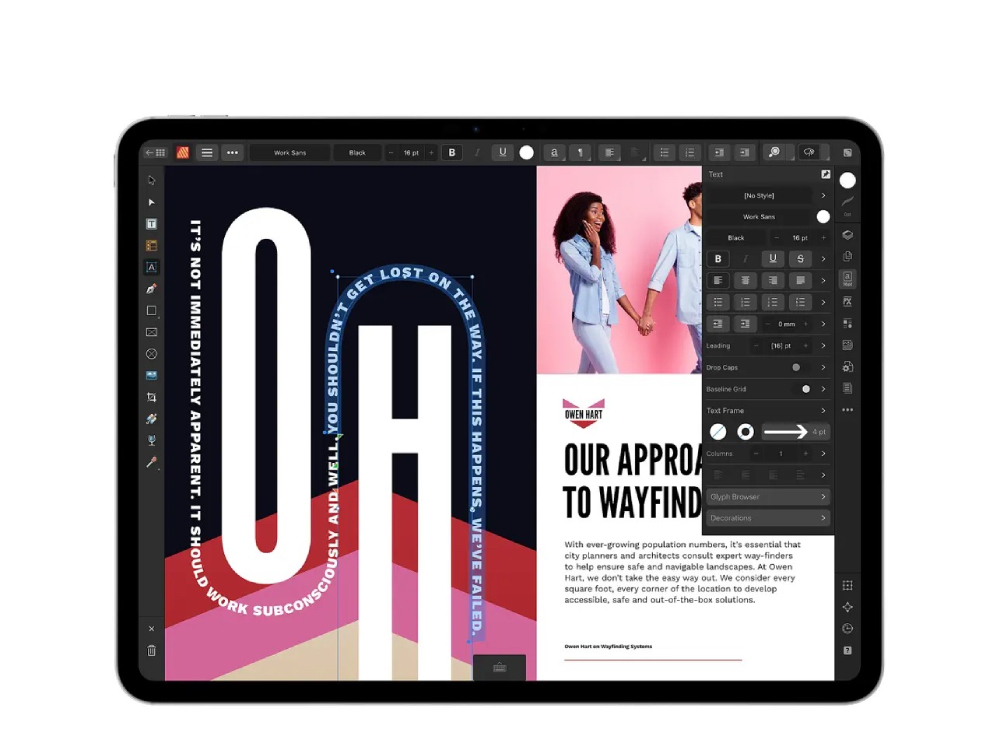
If you often need to create magazines, books, presentations or e-books, then Publisher 2 is a good helper for you.
- Professional typesetting functions: supports cross-page design, text box linkage, OpenType fonts, and text alignment along paths.
- Powerful integration: can directly open files in PSD, AI, PDF, DWG and other formats.
- Print-level output: Supports CMYK, Pantone, spot color and PDF/X to ensure correct printing colors.
- StudioLink Technology: The highlight! You can instantly call Photo’s retouching tools or Designer’s drawing tools in the Publisher interface to achieve a three-in-one smooth workflow.
This eliminates the need for designers to switch back and forth between different apps, and the efficiency soars directly. It is a magical tool for publishing professionals.
How to get it for free? Step by step teaching
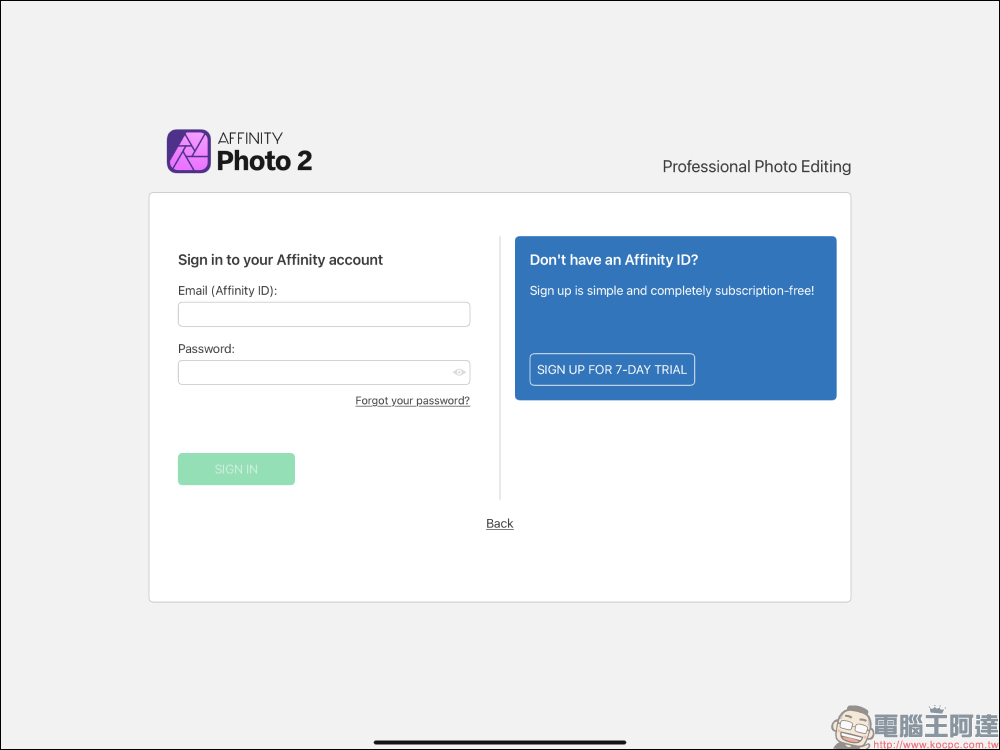
The lifetime free trial introduced this time is only for the iPad version, and you need to go through a specific process to turn the “7-day trial” into “lifetime free”. The following takes Affinity Photo 2 for iPad as an example. First go to the App Store to download and launch the app:
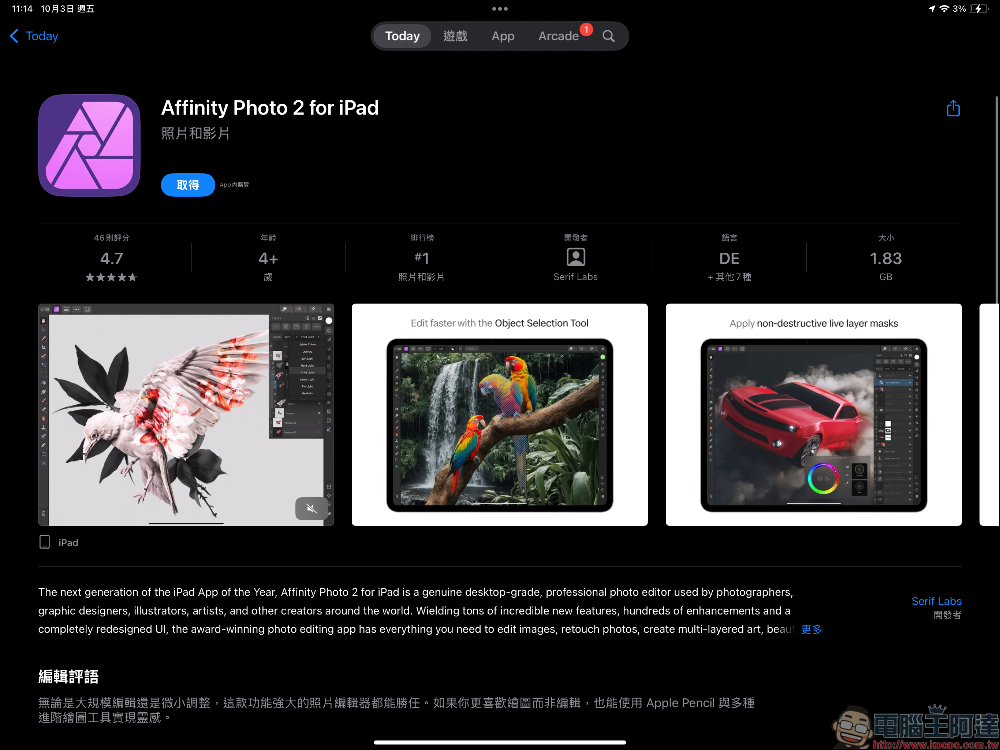
Then enter and click “Sign Up For 7-Day Trial” to create a 7-day trial account.
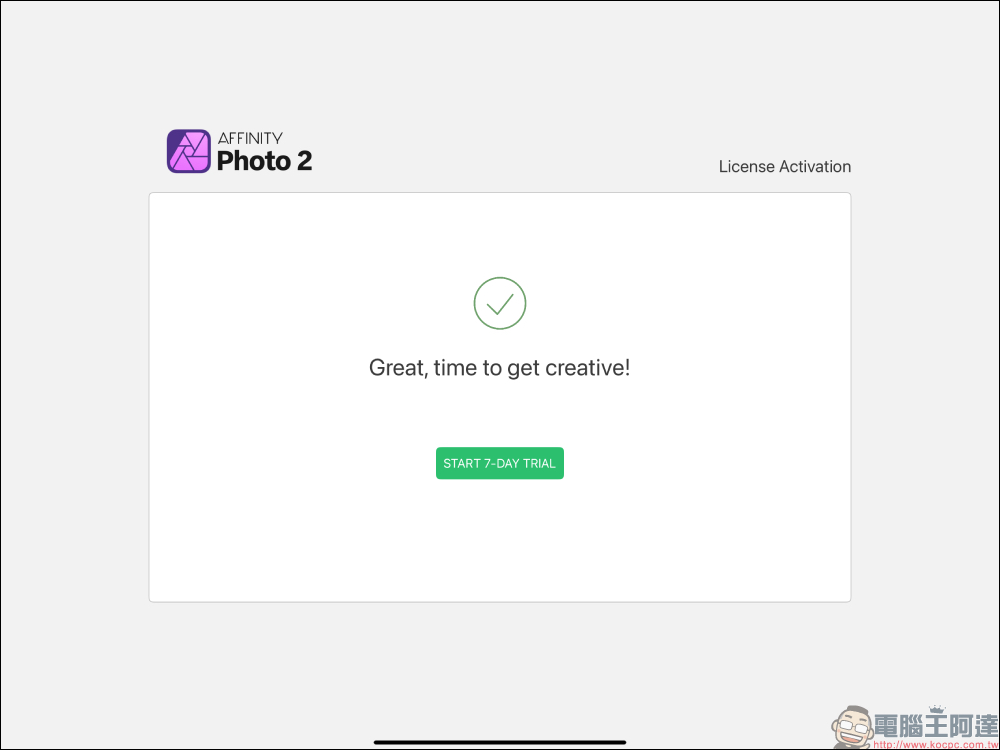
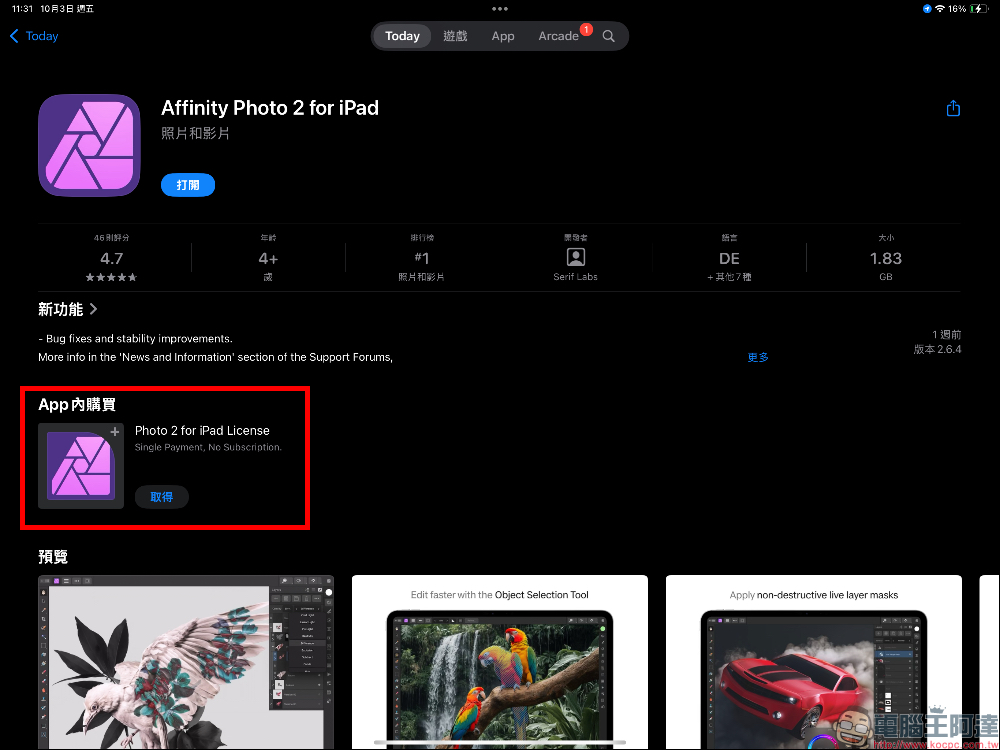
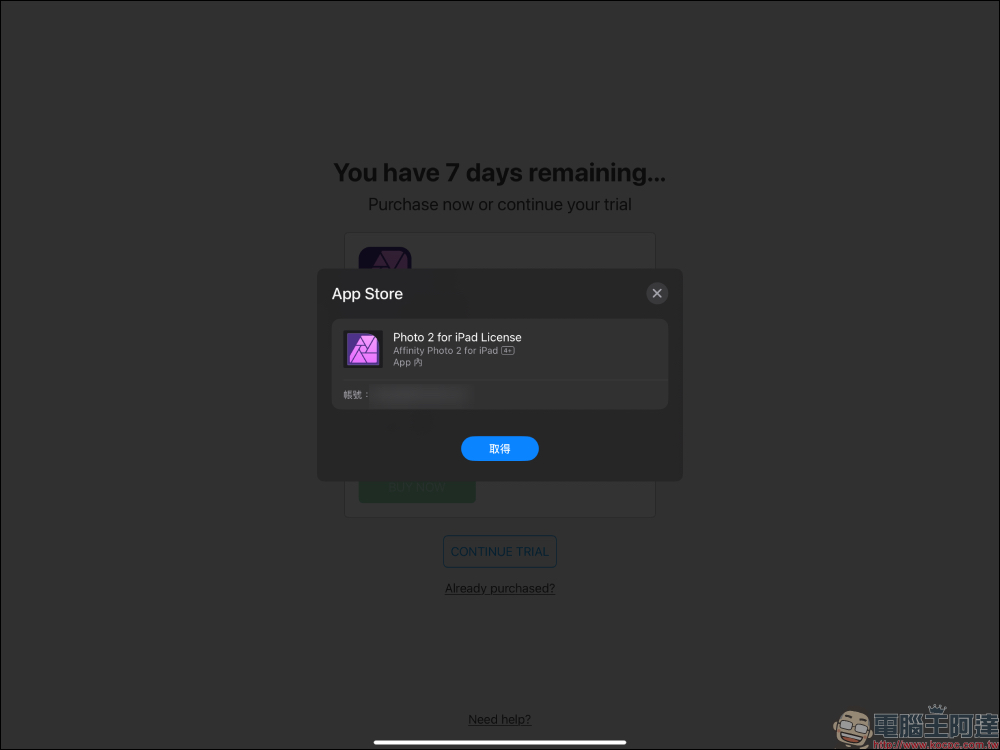
Go back to the App Store and find the in-app purchase item. Taking Affinity Photo 2 for iPad as an example, you will see the in-app purchase called Photo 2 for iPad License. Click “Get”.
At this time, the price will be displayed as $0.00, just click “Buy Now”. It has not yet been determined when the event will end, so if you open it and see that you have to pay, don’t click on it, as it means that the limited-free event has ended.
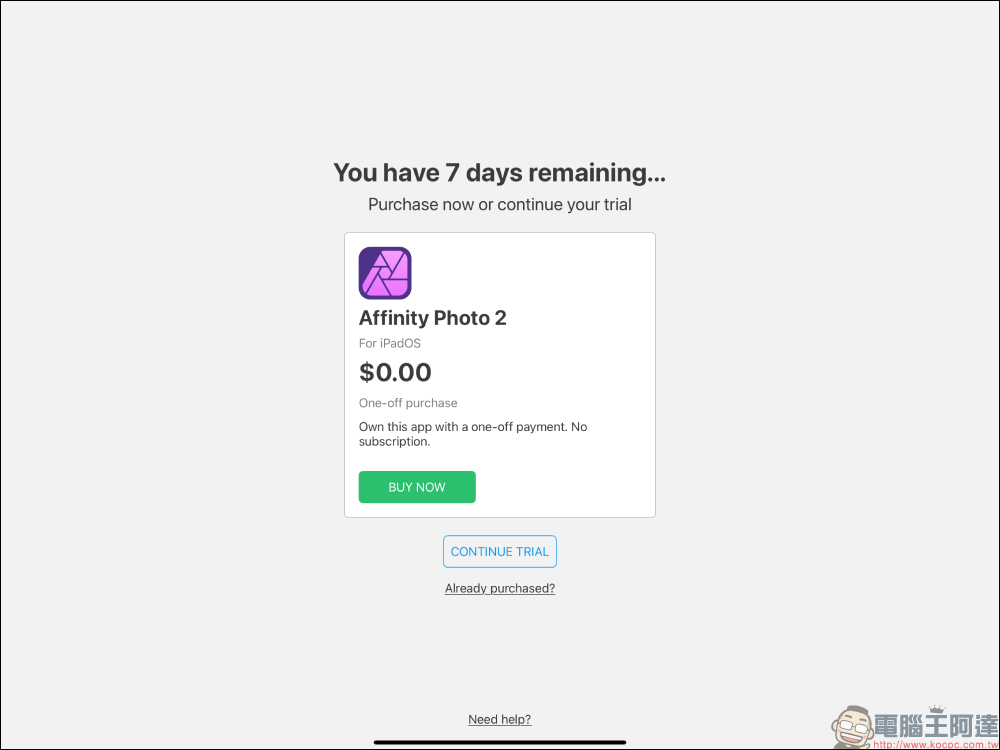
After clicking the Buy Now button, you need to go through the App Store verification process, but if it is in the limited exemption status, no payment will be incurred.
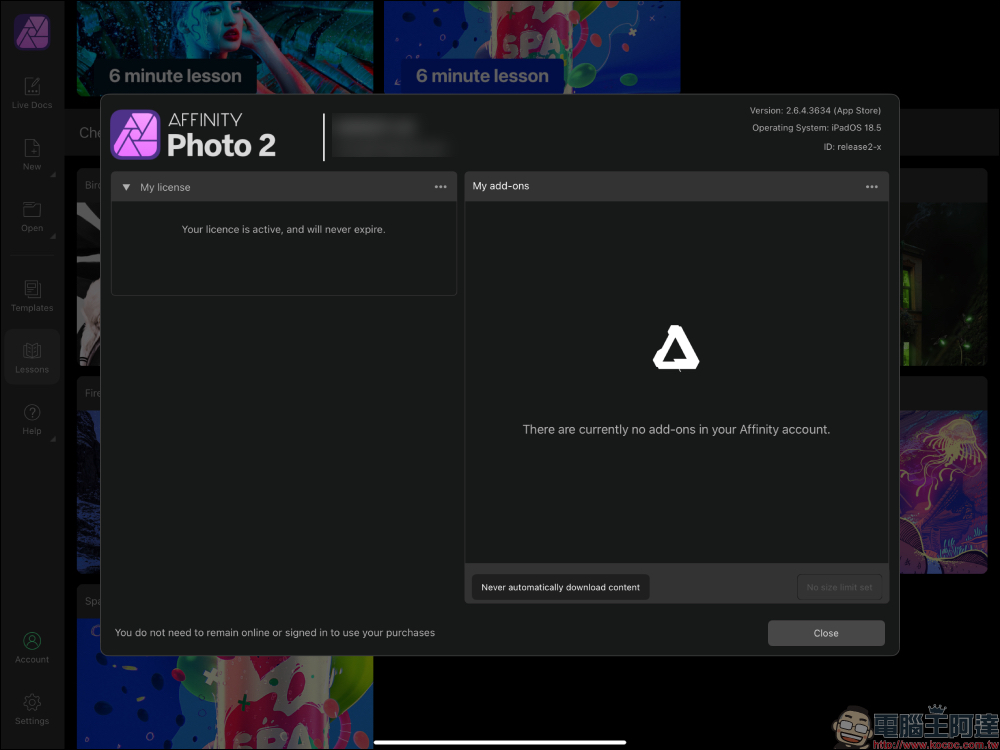
After success, go to the “My License” page of the account and you will see “License is active and will never expire”, indicating that the lifetime exemption has been successful.
Summarize
Affinity’s big deal this time, whether it is a pure marketing strategy or a sincere feedback to users, is a rare gift to us. The three major softwares respectively correspond to Photoshop, Illustrator, and InDesign. You can fully experience desktop-level professional design capabilities on the iPad. For Taiwanese users, this is not only a great way to save money, but also a rare opportunity to get started. While it’s still free, download it now and add it to your collection! If you miss it, you will regret it.
- Affinity Photo 2 for iPad download (App Store)
- Affinity Designer 2 for iPad Download (App Store)
- Affinity Publisher 2 for iPad download (App Store)
Further reading:
Source: KOCPC Chinese