


When smartphones become an indispensable part of life, anxiety about battery life and charging are commonplace. Apple has incorporated some power-saving features into the latest iPhone models and the iOS 26 software update. One of the benefits that is very beneficial to users is “Adaptive Mode”, which can save the battery life of the phone when usage is higher than usual.
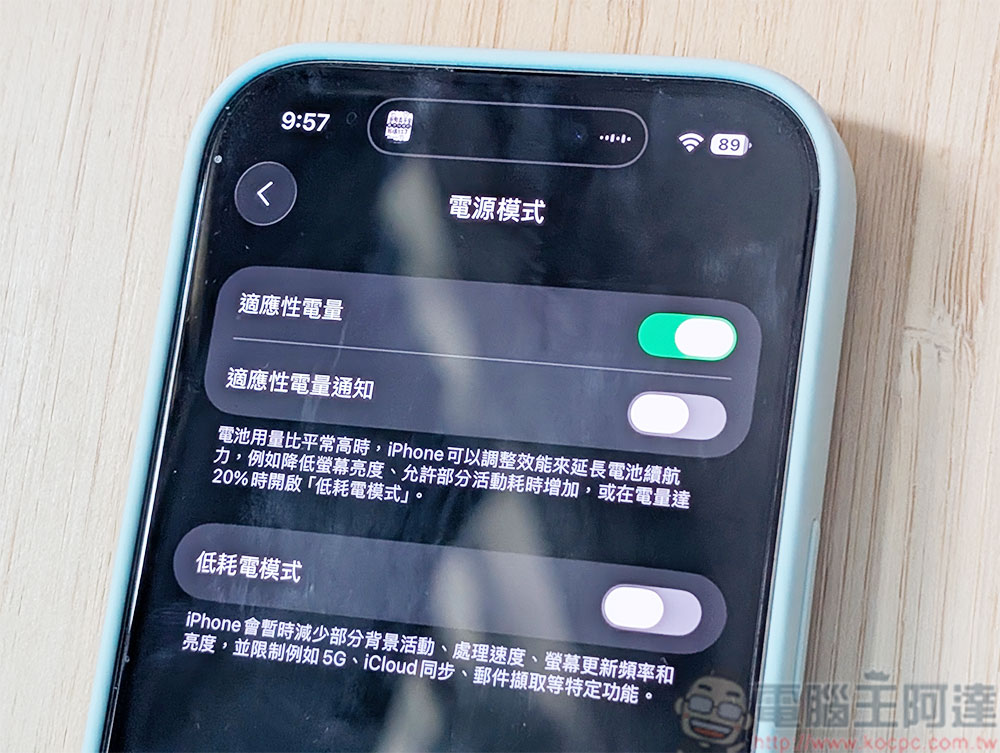
How does battery “adaptive mode” work in iOS 26?
“Adaptive Mode” relies on machine learning on Apple devices to analyze your battery usage patterns and charging habits, predicting when you may need to make additional backups until the next time you charge. It works quietly behind the scenes, making performance adjustments, limiting background activity, reducing screen brightness by 3%, and turning on low-power mode when the battery percentage drops below 20%.
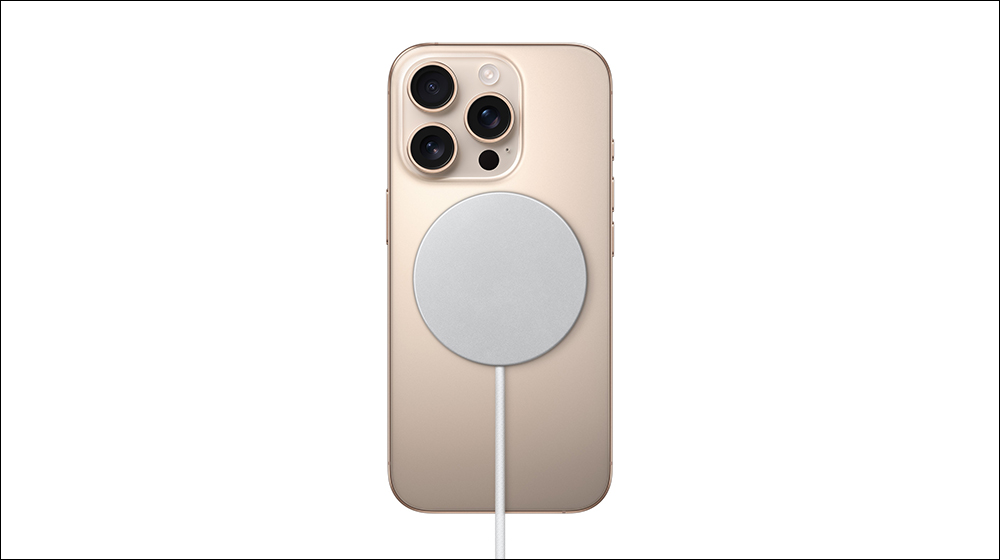
Which iPhones support “Adaptive Mode”?
- On by default
iPhone Air、iPhone 17、iPhone 17 Pro、iPhone 17 Pro Max - Default off
iPhone 16 Pro / Pro Max、iPhone 16 Plus、iPhone 16、iPhone 16e、iPhone 15 Pro/Pro Max
How do you enable it?
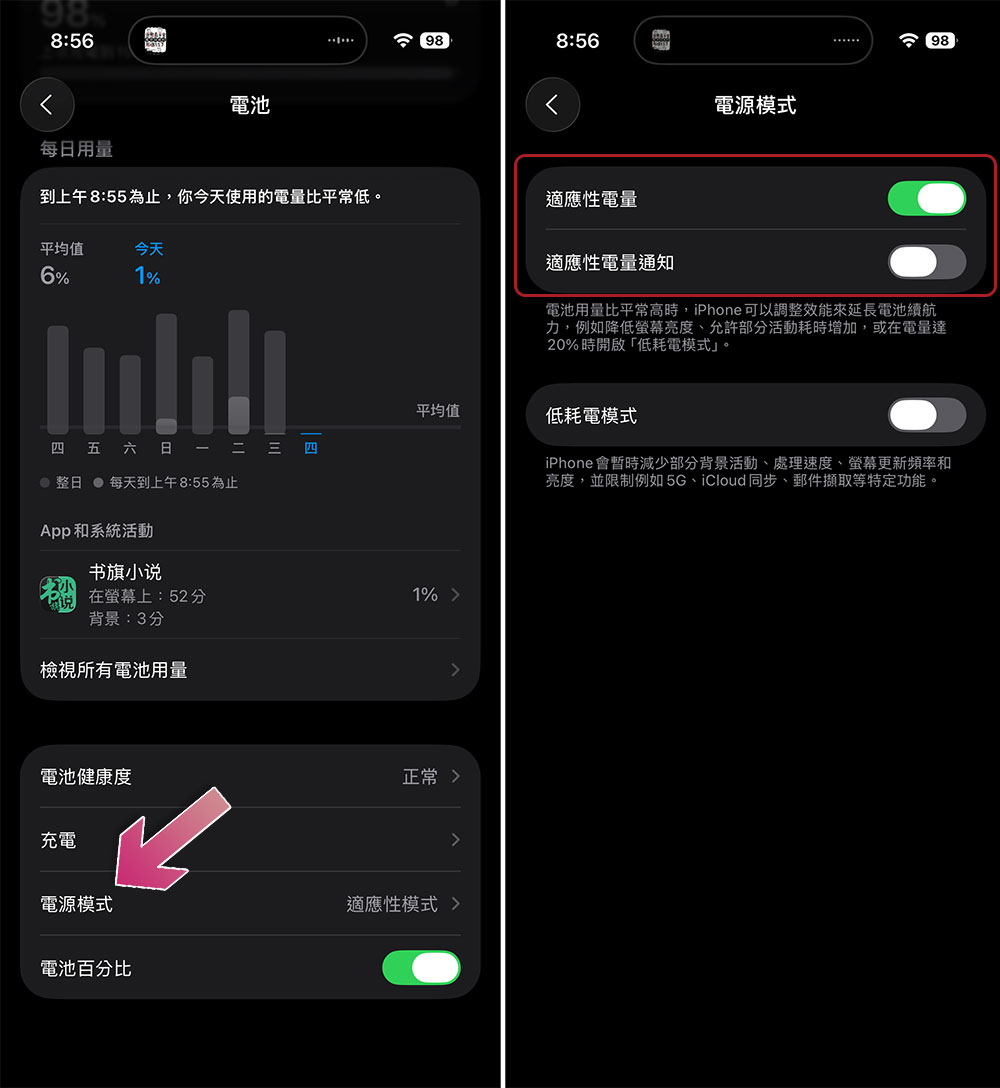
- Open the Settings app.
- Click “Battery”.
- Scroll down, click “Power Mode”, and then turn on “Adaptive Mode”.
- You can also turn on Adaptive Battery Notification to know when and when it activates during the day. Even if you turn off notifications, the previous item will still run in the background as long as it is turned on.
Note that this feature won’t limit performance when your iPhone has to push harder, such as when using the Camera app or playing games with Game Mode enabled. Additionally, Adaptive Mode takes at least 7 days to analyze your charging habits before it kicks in. On a side note, iPhone 17 series devices can now charge battery capacity from 0 to 50% in 20 minutes using Apple’s new 40W charging adapter.

The iOS 26 update is now available for download on iPhones, so if you haven’t installed it yet, you can give it a try. But having said that, Apple recently reminded everyone that installing iOS 26 or any major update may cause the iPhone to become battery-consuming in the initial stage. If you are not in a hurry, it is recommended to wait a few days before updating your operating system.
Source: KOCPC Chinese