


On social platforms such as LINE, Facebook, Instagram, YouTube, and even personal websites, photo posts are often the first impression showing your personal style. However, when uploading photo stickers on many platforms, you need to cut them into circles or squares first, which is very inconvenient for people who do not have photo editing software. That’s when Circle Crop Image comes to the rescue! This is afreeon-linePicture tools, supports JPG, PNG, WebP, GIF and other formats. The operation is simple. No registration or app download is required. Cutting can be completed in three steps. What’s even better is that the processing process is completely carried out on the browser side, and the files will not be transferred externally. It is safe and fast, and can be used directly on mobile phones and computers.

No worries when cutting photo stickers! Circle Crop Image Free online image tool to get it done in one go
On commonly used social platforms in Taiwan, such as LINE, Facebook, Instagram and even X, the photo stickers are almost always round or square. Especially the avatar of a YouTube channel, if it is not round, it will often be automatically cropped by the system when displayed, causing the composition to run away, and even your face or brand logo to be cut off, which looks very unprofessional.
Although professional software such as Photoshop and Illustrator can handle this need, not everyone can use it, and the installation cost of these software is high and the operation is complicated. That’s why more and more people need simple and fast online tools to process photo sticker cutting.
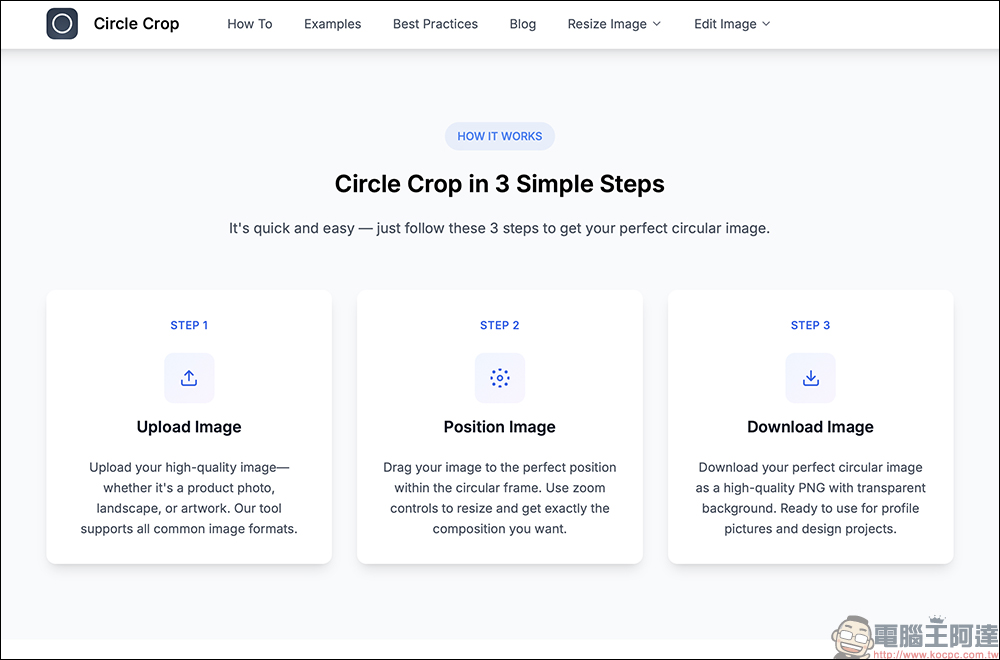
Features of Circle Crop Image
Circle Crop Image is a free online tool designed specifically for this need. It is completely free, no need to download the app, and no need to register an account. The biggest highlights are:
- Supports multiple formats: JPG, JPEG, PNG, WebP, and GIF can all be processed.
- File size limit 20 MB: enough for most avatar images.
- The output format is PNG: and a transparent background is automatically attached, allowing the image to fit perfectly into the framework of various platforms.
- Privacy and security: All cropping processing is completed on the browser side, and the files will not be uploaded to the server, so there is no need to worry about privacy leakage.
- Use it anytime, anywhere: It supports computers and mobile phones, and you can operate it directly by opening the browser.
In other words, whether you want to create a community photo post, a website member avatar, or even an app icon or company logo, you can do it quickly.
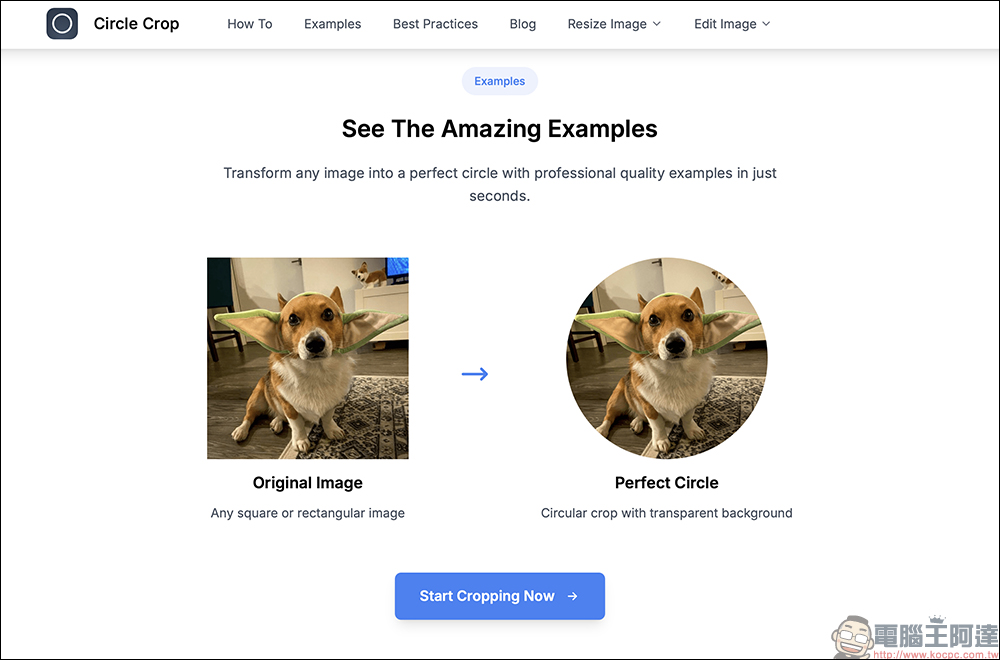
Three-step quick cutting tutorial
The operation process is very intuitive, even computer novices can get started immediately. Cutting can be completed in the following three steps:
1. Upload pictures:
Open Circle Crop Image websiteThen, drag the photo you want to crop directly to the “Upload Your Image” area, or click to select the file. A single image supports a maximum size of 20 MB, whether it is a daily photo or a high-definition logo.
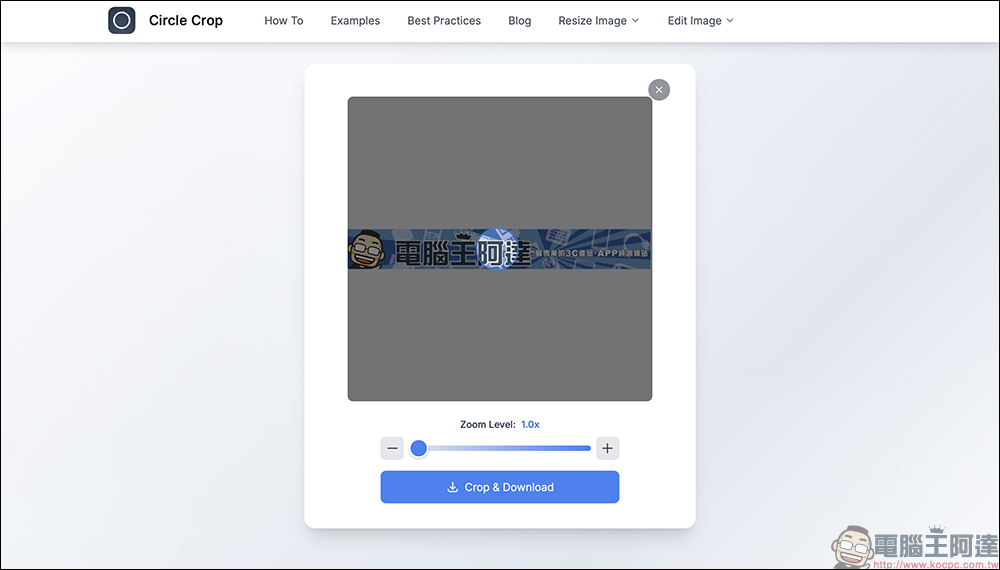
2. Adjust range and crop:
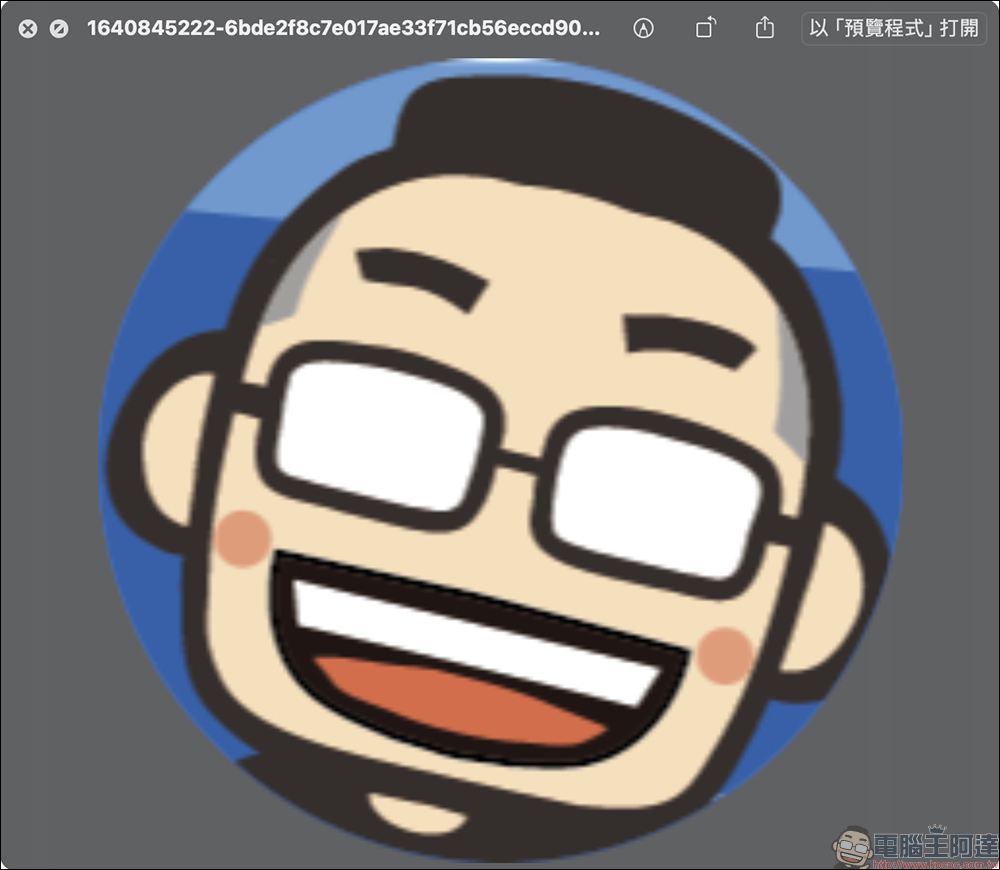
After the upload is completed, the editor will immediately display your image, with “Zoom Level” below to adjust the zoom ratio. You can drag the image so that the face or the part you want to keep falls within the blue circle. This circle is the part that remains after final cropping, and the surrounding area will automatically become a transparent background. After completing the adjustment, click the “Crop & Download” button to crop immediately.
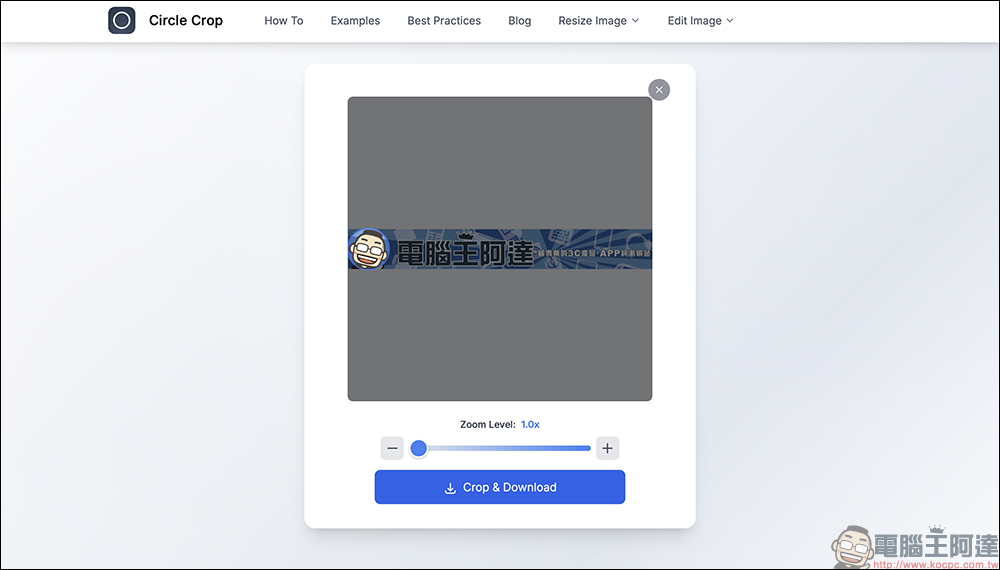
3. Download the completed image:
After cropping is completed, the image will be automatically downloaded in PNG format. The transparent background design allows your avatar to be placed on any platform without being disturbed by strange borders, which is quite professional. The entire process does not require installing programs or logging in to an account. It is so fast that it can be completed with just one click, saving time and effort.
Square cutting is equally easy
In addition to circular cropping, Circle Crop Image also offers Square Image Maker Tool that can cut pictures into square shapes. This feature comes in handy if you need an Instagram profile picture or the square avatar required by some forums.
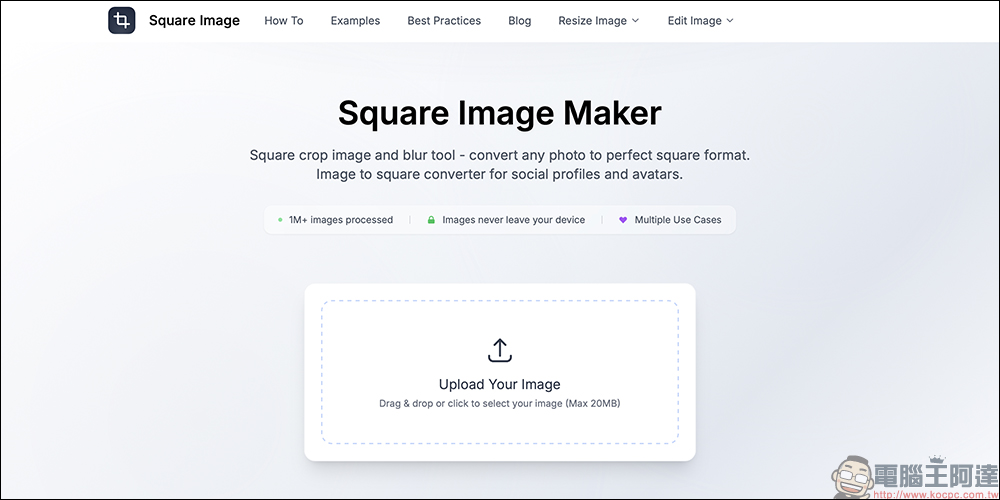
The operation method is almost the same as circular cutting:
- Select Image → Resize → Download PNG.
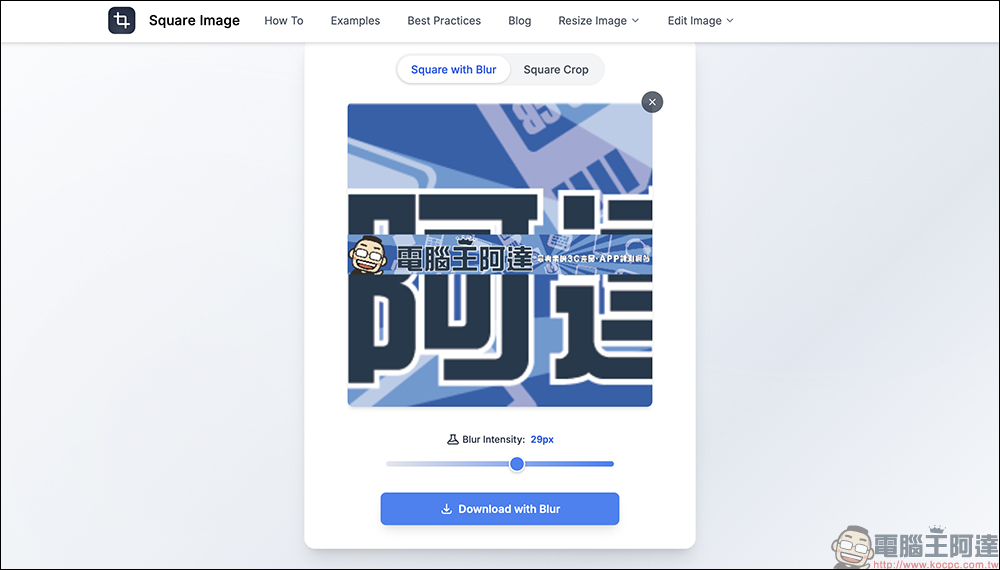
- The preset blurs the excess to make the square border look more natural.
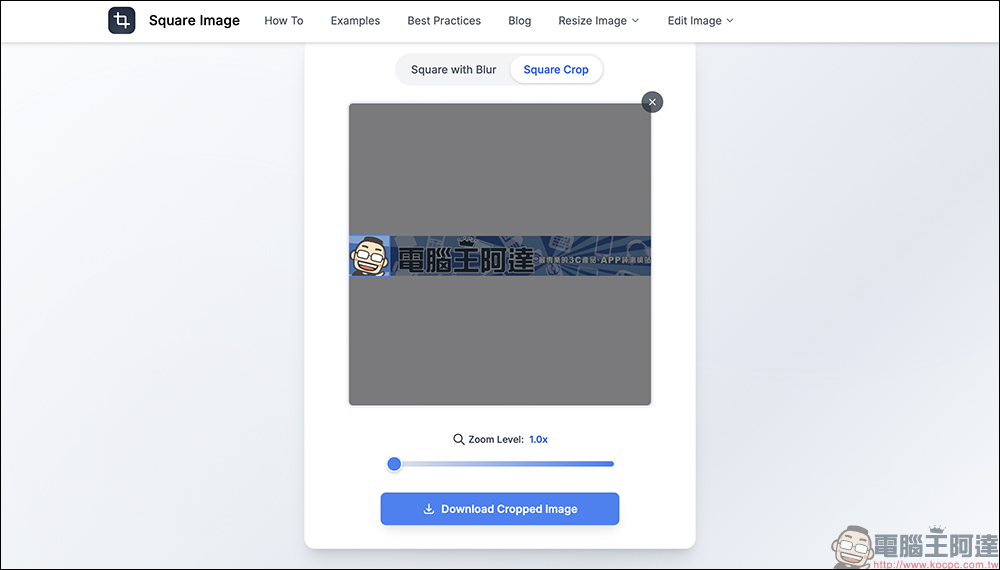
- You can also switch to “Square Crop” mode to simply crop the image into squares without any additional effects.
It only takes a few seconds to complete, completely eliminating the trouble of downloading software.
Usage scenarios are not limited to photo stickers
Although this tool is mainly used for photo cropping, its application range is wider than you think:
- Company or team logo: When you need a round or square icon, quickly cut it to align perfectly.
- Website membership system: Some CMS (content management systems) will require specific sizes. It is most convenient to directly use Circle Crop Image to cut and upload.
- E-commerce platform: Seller avatar or brand identification image, PNG format with transparent background makes the visual cleaner.
- Pre-design work: Designers need circular materials temporarily, so there is no need to open Photoshop.
Conclusion
In this era where everyone has a social account, photo posts are no longer just “photos”, but also a display of one’s own style. Circle Crop Image provides the most direct, safest and most convenient solution, allowing you to complete it in just three steps without having to learn how to retouch images or install software.
Whether you are new to the community, an e-commerce seller, or a designer, this free online tool can come in handy. Next time you want to change your head stickers, you might as well try Circle Crop Image and experience what “the efficiency of one-click completion” means.
Circle Crop Image Free Image Cropping Tool
Further reading:
Source: KOCPC Chinese