


Network hardware is the backbone of smart homes, gaming computers, and modern homes and workplaces. The development of technology has become more and more convenient. Setting up a new Wi-Fi router is often a plug-and-play thing that only takes a few minutes to complete. However, this also gives people the illusion that there is no need to adjust the settings. Internet speed and security are more nuanced than you think, but they can be compounded by inaccurate advice, outdated tips and marketing jargon that confuses users. Here are a few common myths to help you break through the myths.
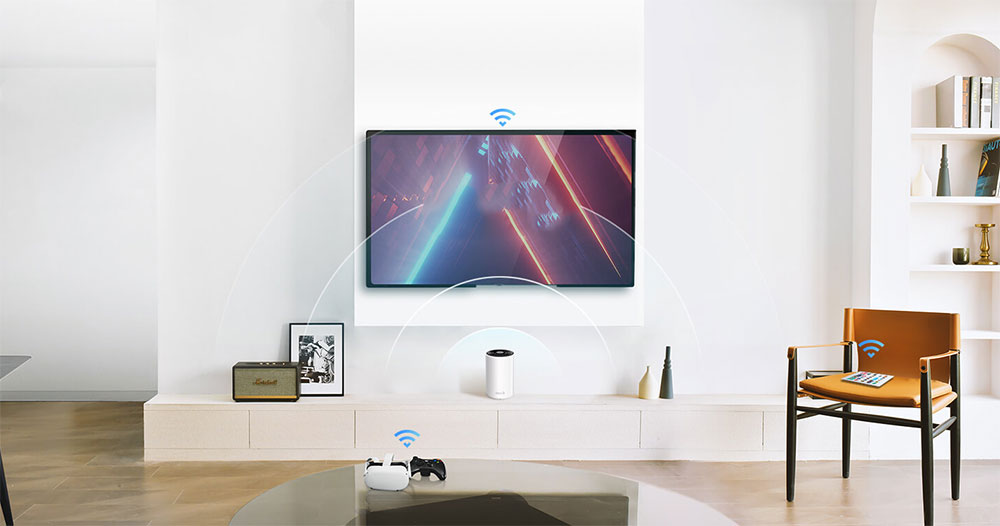
Don’t believe these rumors unconditionally anymore about Wi-Fi
Antenna direction is important
One of the most common things you’ll see in any tech enthusiast’s home is router antennas twisted into some unusual arrangement. It’s widely believed that these antennas are like little sights that you have to point at your devices in order to send a signal. Although everyone subconsciously fiddles with antennas, current router antennas are basically omnidirectional.
Once you install your routers, they radiate signals outward in all directions perpendicular to the antennas, creating a signal pattern that resembles a flat donut or sphere. When the antenna is vertical, it pushes the signal out horizontally, covering a single layer very well. With most consumer routers, you can rotate the antenna horizontally and up and down for better coverage in multi-story buildings (such as Tiancuo).
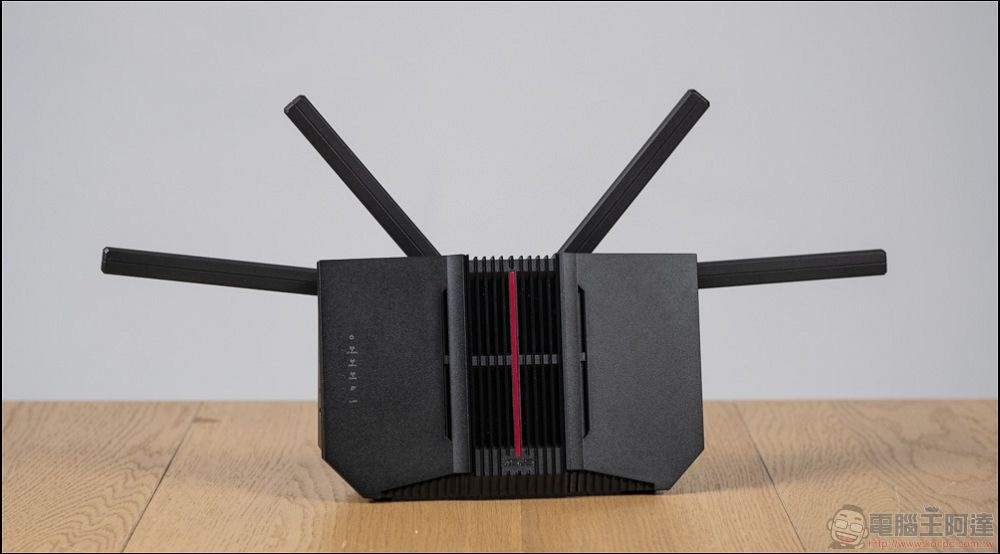
However, the impact of the antenna is insignificant compared to where the router itself is placed. If you place your router in a closet, in a dead spot in the house, or surrounded by metal objects, the Wi-Fi signal won’t be good no matter how you angle the antenna. Ideally, you must place the router in the center of your home, preferably without visual obstructions such as walls. This eliminates more signal dead spots than adjusting the antenna.
The basic settings are good enough
The router comes with added convenience right out of the box. During the setting process, the default is to automatically select the least congested frequency band and channel among the 2.4GHz and 5GHz frequency bands to obtain the best performance. However, this does not mean that you can ignore it, especially in commercial areas or places with dense Wi-Fi networks such as buildings and apartments.
Unfortunately, your router’s automatic band selection is similar to your neighbor’s, and most routers are set to the same defaults, which are 2.4GHz band channels 1, 6, and 11. Since multiple networks use the same frequency band channel, devices on the network will have to fight interference and wait for a clean transmission. Of course, this process is fast, and the interference can be controlled, but you’d better optimize the settings.
Additionally, the 2.4GHz band is particularly susceptible because it is used simultaneously by Bluetooth devices, wireless devices, and even microwaves, smart light bulbs, and other appliances, all of which can increase interference. Simple Wi-Fi analyzer apps available on your phone can distinguish between messy channels and clean channels, which you can then manually select in your router settings. The 5GHz band, which has more channels and less interference, is recommended for critical devices with newer Wi-Fi connections, such as game consoles and smartphones, while smart TVs and home appliances can continue to occupy the 2.4GHz band because speed is not as important to them.
Wi-Fi can replace wired networks
Wi-Fi’s ever-advancing connectivity. With each generation, Wi-Fi becomes faster and more powerful, and we often see the debate between wired and wireless on the Internet. Wi-Fi 6 and Wi-Fi 7 offer speeds that even exceed the speeds of standard Ethernet ports, leading many people to mistakenly believe that wired connections are obsolete. This is true and more convenient for casual browsing and streaming audio and video media, the Wi-Fi 7 port suffers from noticeable packet loss and feels instantaneous for most tasks. However, for critical tasks such as gaming and remote operations, momentary lag can creep in and impact usage.
The fundamental weakness of Wi-Fi is that it is a shared connection method. Simply put, as long as there is one device communicating on a specific channel at any time, your game console, family members’ mobile phones, smart TVs, etc. all seize the channel on this channel, so the device you are currently mainly using inevitably has to wait for a connection, and this waiting is often accompanied by packet loss and confusion, causing fluctuations in the interval between consecutive packet receptions. This is especially important for games that use peer-to-peer networks. Pause in Wi-Fi can make some games laggy or even impossible to play. When it comes to performance, Ethernet still dominates.
Hiding the SSID protects your network
The most classic Wi-Fi security tip is to hide the network name or SSID. At first glance, this logic seems reasonable, hackers can’t attack if they can’t see your network, but there’s no real protection on modern Wi-Fi, and convenience is sacrificed.
The SSID is the name that Wi-Fi routers constantly broadcast to remain discoverable. If you delete it, your network will disappear from most basic public identification, but the network will still continue to send wireless signals. Any Wi-Fi analysis tool can still see the traffic on your network. In addition, your client device (such as your mobile phone) will send a connection request containing the network name when trying to connect. This is like yelling in a locked and dark room, which can be heard outside, but you think the neighbors will not notice that no one is home. Any interested attacker can easily discover your hidden SSID simply by monitoring connection requests.
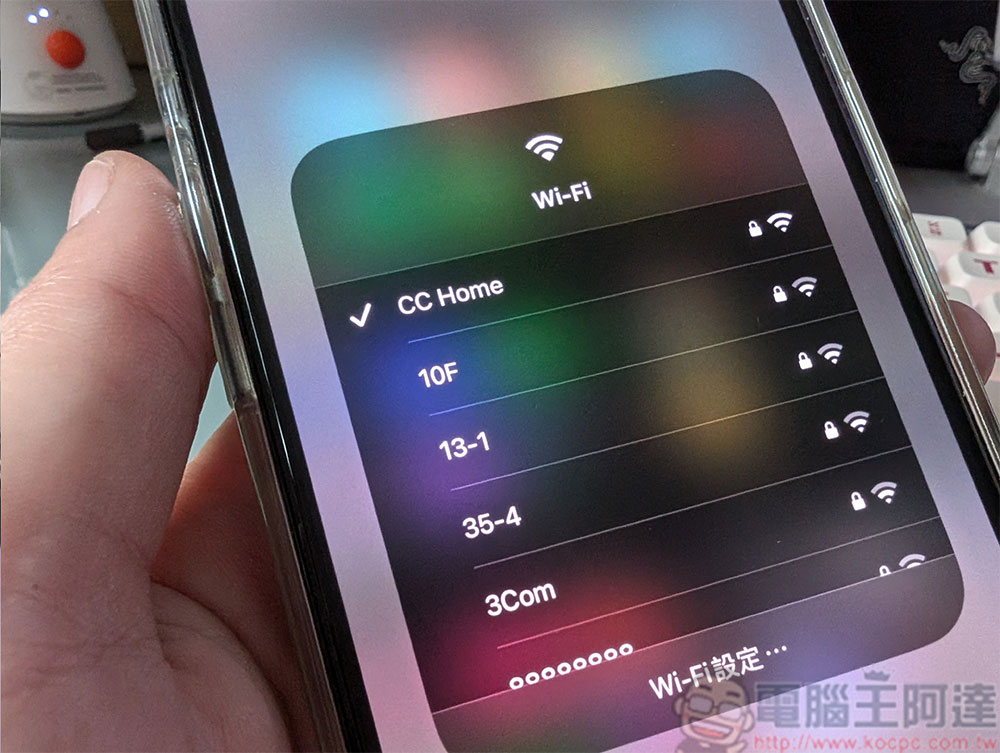
True online security comes not from hiding, but from strong, modern encryption and passwords. Make sure your router uses WPA3 or at least WPA2-AES security. Then, create a long, complex, and unique password that shouldn’t be an easy-to-guess phrase. Router firmware updates install security fixes, and these patches can also go a long way toward ensuring network security. Hiding your SSID will fake a sense of security that won’t stand up to the actual protection of encrypted network traffic, broadcasting your SSID will at least make connecting to new devices easier.
In summary, a good Wi-Fi experience isn’t about buying the most expensive device or believing in secret tricks. This is about understanding the basics of signal interference, encryption, and router placement. Falling into these common pitfalls can degrade your user experience, lead to frustration, and often lead to unnecessary spending on extenders or meshes where the underlying issues are not addressed. With just a few smart and simple steps, your home Wi-Fi will be better, and it’s worth your while to check it out.
Source: KOCPC Chinese