


If you ask which method to use to compress and decompress on Windows systems, most people will mention 7-Zip or WinRAR. After all, these two are currently the most popular tools. 7-Zip is an efficient and free open source compression tool that has been around for over two decades, making it the default tool for some Windows users. On the other hand, WinRAR is not only beautiful and reliable, but also has an easy-to-use interface for most people. In addition, it can also open RAR files, but unfortunately it requires a fee. These two tools have their own advantages, so are there other tools that have both advantages and are free?
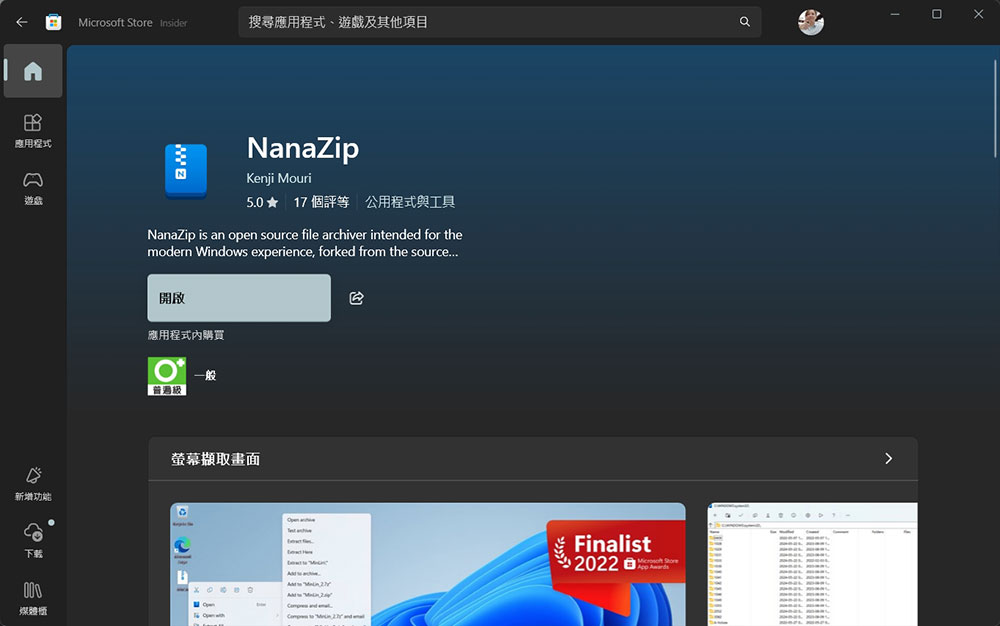
Free and easy-to-use file compression tool NanaZip, which combines the advantages of 7-Zip and WinRAR
Nanazip is an open source archive compression tool available at on Microsoft StoreGet it for free. Essentially, Nanazip is a fork of 7-Zip, but with added features that make it more modern. It has the characteristics of simplicity and efficiency, and has everything a compression tool worker should have.
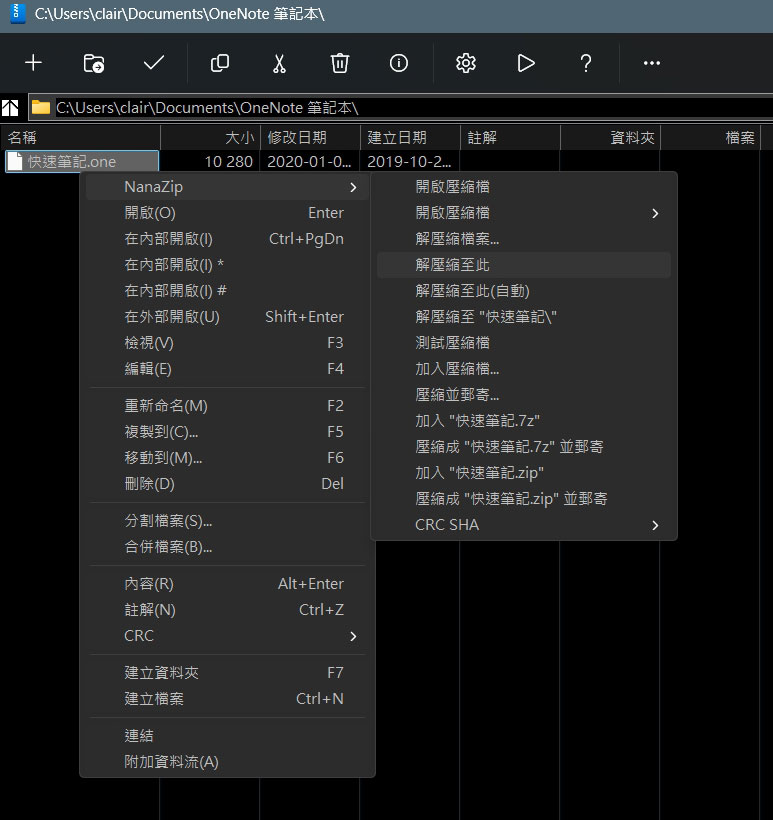
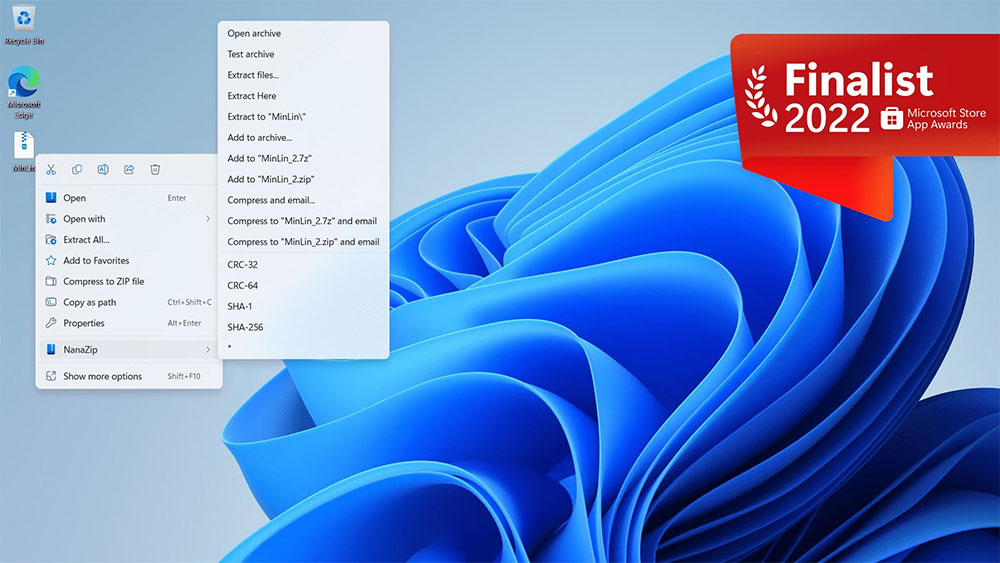
7-Zip is known for its high compression ratio, which is useful when sharing or backing up large files; WinRAR is popular for its easy-to-use interface and support for multiple formats, including the application’s proprietary RAR format. NanaZip blends the two well together, creating a tool that is efficient, has a smooth UI, and integrates well with Windows File Explorer. It supports the most popular formats, including 7z, ZIP, TAR, GZ, BZ2 and XZ, etc. Like 7-Zip it is completely open source and works on Windows 10 and Windows 11.
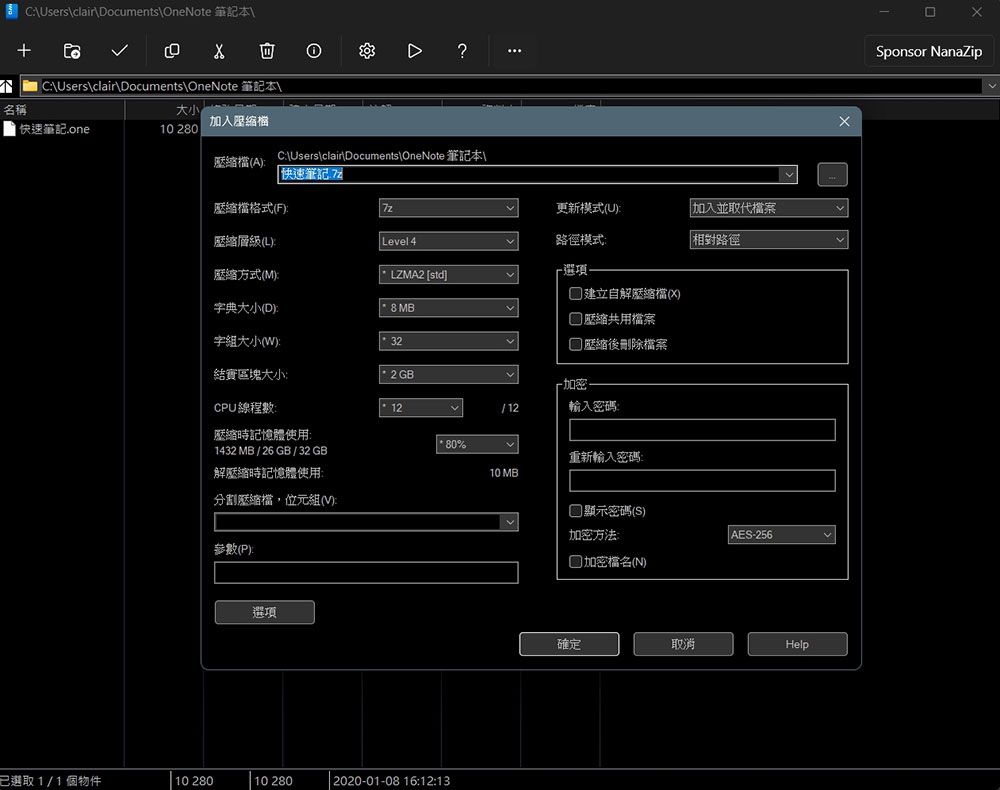
Since NanaZip is 7-Zip at its core, you get all the benefits of the original software. The more efficient compression mentioned above is a good example, but the similarities end there, and the rest of the software differs from 7-Zip’s unintuitive interface. When you open this application, you will notice that it looks very similar to WinRAR, is well designed, fast and has all the necessary features and shortcuts. At the same time, Nanazip is also very lightweight, with the installation file taking up just over 5MB of space.
NanaZip also adds the ability to create self-extracting archives (SFX), making it easy to share files with those who are less familiar with computers. It is worth noting that the application can decompress RAR, but cannot create RAR because the format is unique to WinRAR. Features such as recovery records and repairing damaged RAR files are not present on NanaZip, but these features are not commonly used.
Source: KOCPC Chinese