


Every time Apple shows off the next major version update, it comes with some cool new software features that make people excited to try them out, and there are plenty of ways to try them out before anyone else does. One of them is to install the Apple developer beta version on your iPhone. While this can be a great way to get early access to the next wave of features, we generally don’t recommend using these beta versions on your primary iPhone. Next, we’ll explain what developer betas are and why they shouldn’t be used on major phones.
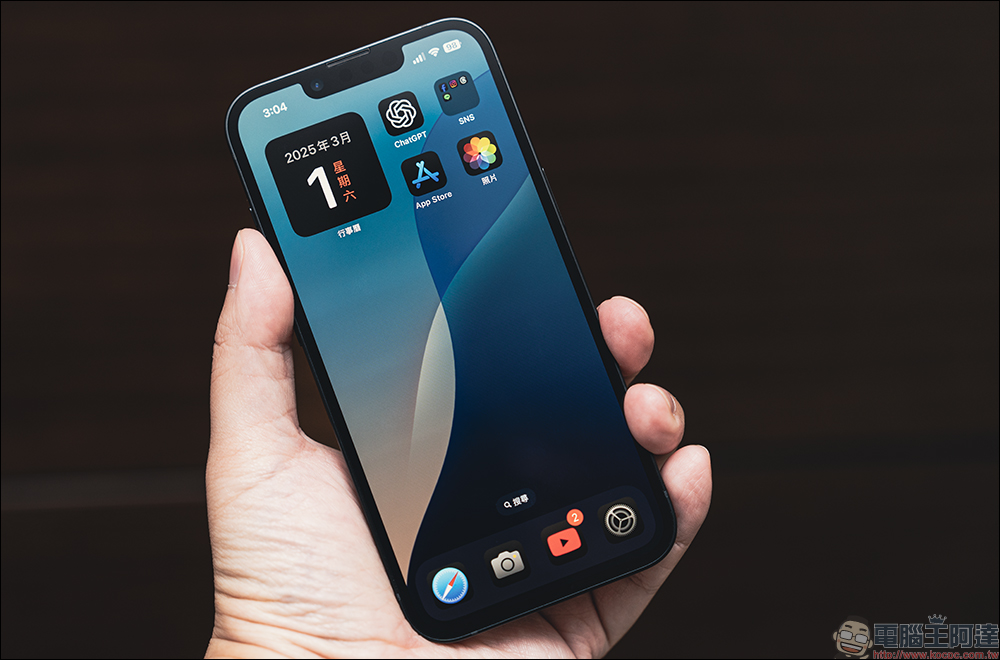
Why shouldn’t regular users install developer beta versions on their iPhones?
What is a developer beta?
Almost every Apple device has its own beta version, allowing users to experience the latest operating system before it is officially released. For iPhone, the current beta version is iOS 26, which is expected to be officially released in the fall of 2025.
Developer betas are usually released before public betas are launched and are the early stages of the latest operating system. Once the developer beta version is upgraded to the public beta version, the operating system will become a release candidate (RC, Release Candidate) or Golden Master (GM, Golden Master). In the past, getting a developer beta required more effort and spending $99 to join the Apple Developer Program. Since Apple eliminated these fees in 2023, it’s now easier than ever to get a developer beta.
While it’s fairly easy to install the developer beta, a keyword in the title should give you an idea of who it’s really aimed at: developers. Apple launched the developer beta to give third-party app developers, programmers, and developers an opportunity to stay ahead of the curve by discovering any instabilities or bugs in the operating system. Providing early access to the next version of iOS also helps app developers better integrate their apps with the system to provide a better experience for everyone. The developer beta is also a great tool for those who want to learn more about programming and software.
Developer Beta Benefits: Get New Things
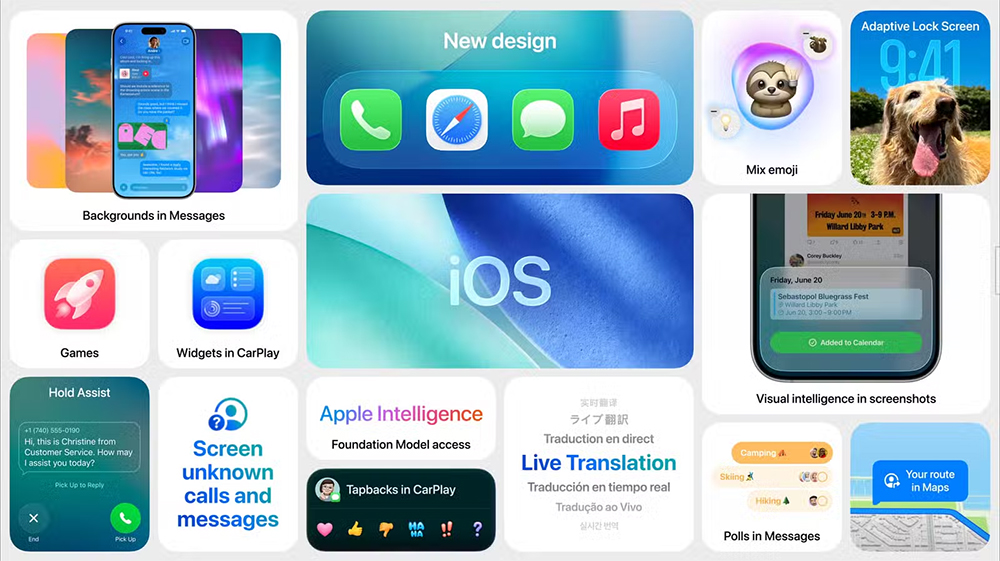
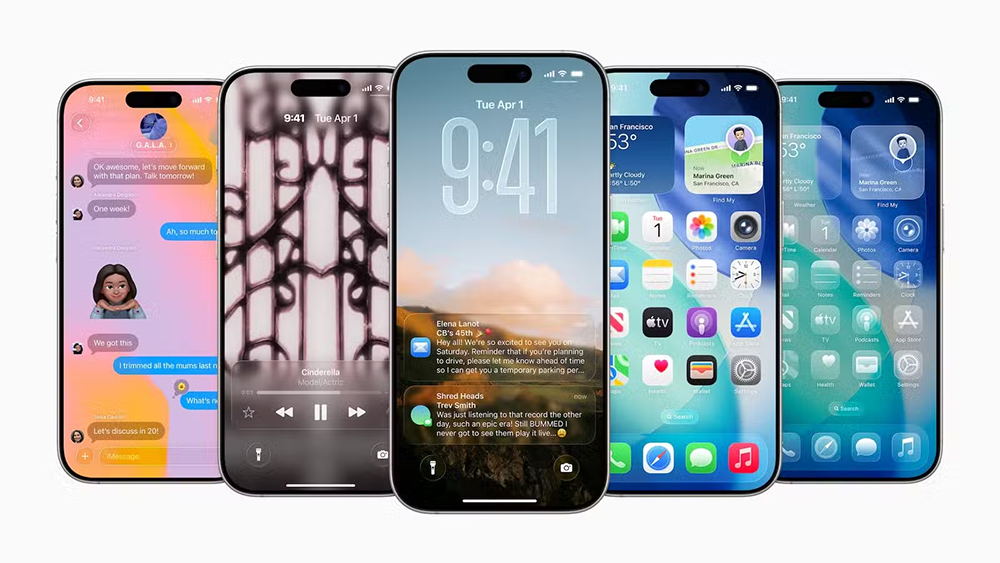
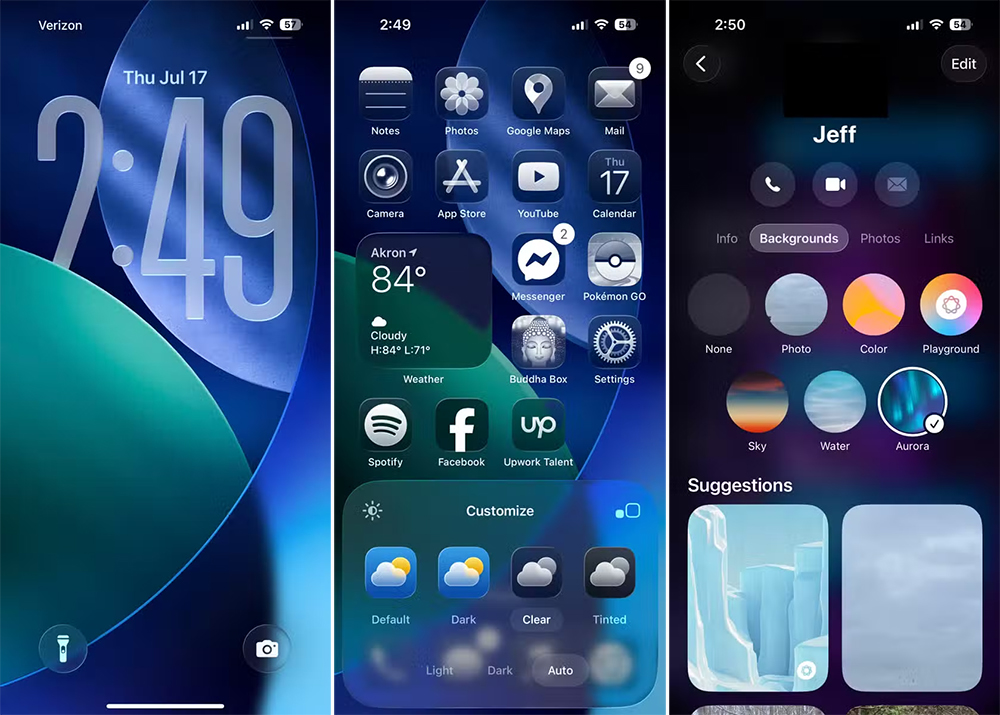
The most exciting thing about installing a developer beta is that it gives you a taste of Apple’s latest updates and ideas. For example, compared to iOS 18, iOS 26 has a lot of improvements, from the new Liquid Glass user interface to enhanced messaging functions (such as initiating polls in the whole chat group), it is natural to want to experience these new features as soon as possible.
Another benefit of developer betas is that they help Apple build more comprehensive products. If you are willing to participate, you can submit feedback in a variety of ways to prevent any surprises you encounter during the beta experience. Sending feedback through Apple’s Feedback Assistant helps them improve their products, and you can be a part of the development process.
Developer Beta Disadvantages: Battery consumption and bugs
One thing you need to note about the developer beta is that it’s not necessarily optimized for your device. Developer betas and public betas are typically rolled out in stages. No matter which developer beta version you use, the battery will be severely drained. Unfortunately, battery drain is just the beginning. The developer beta version should encounter more problems, especially some bugs. You’re going to run into some issues in the developer beta that will drive you crazy, and that’s normal.
Another thing to note is that the features you want to try may not be available in early betas. Take iOS 26, for example, you might not even be able to use it when it’s officially released. So you might run the risk of installing an early developer beta only to find that you can’t access the new software features you originally wanted to experience.
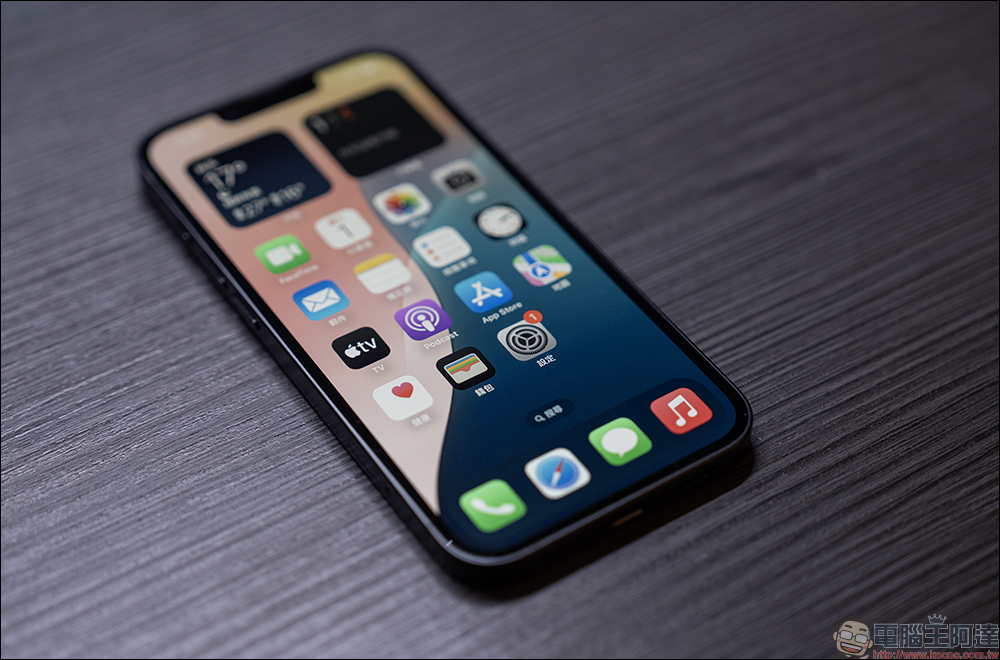
Avoid beta versions unless you are a developer
While there’s nothing inherently wrong with installing a developer beta on your primary iPhone, it’s likely to come at the expense of day-to-day experience. While Apple has released a developer beta that provides at least some basic functionality, severe battery drain and potential issues mean you should keep it on a backup device, and be sure to remember to back up.
Considering that restoring an iPhone can be a time-consuming process, it’s best to avoid installing and using developer betas on your primary device unless research and development is necessary.
Source: KOCPC Chinese