


Android devices come with powerful built-in security features, but you can still inadvertently expose your data and personal files to hackers through common mistakes, or even worse, without even knowing it. While you may have made some of the mistakes mentioned in this article without causing harm, the risks only increase over time. So, for your own sake, avoid making these common mistakes and keep your Android system safe.
Avoid these behaviors to keep your Android device secure
Use public Wi-Fi
Living in an era of widespread Wi-Fi, there may be public Wi-Fi available wherever you go, but using public Wi-Fi may be the worst choice. If the data is not encrypted, it can easily be stolen on an unsecured network. There is a trick called “Evil Twin”, in which hackers set up fake Wi-Fi networks that look real and trick users into clicking to connect. Once the connection is established, the hacker can steal the user’s information. Another method is packet sniffing, in which attackers analyze encrypted data sent over the network, which may lead to the theft of sensitive information.
There are many other ways to harm you, but essentially, when you connect to public Wi-Fi, your phone is at risk of being exploited by hackers.
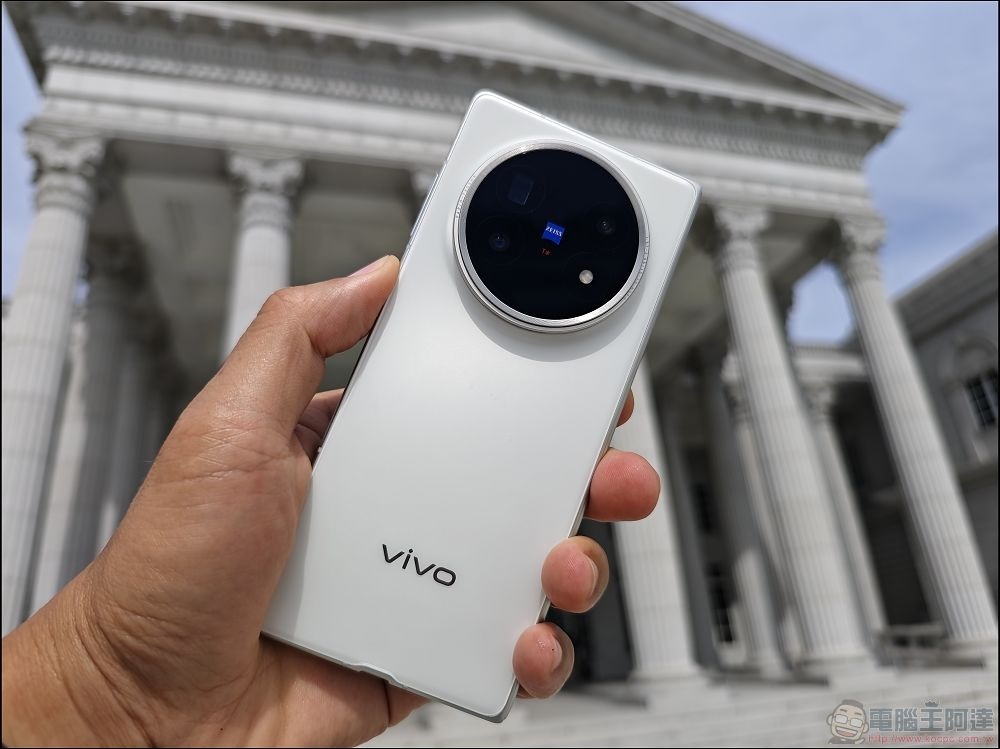
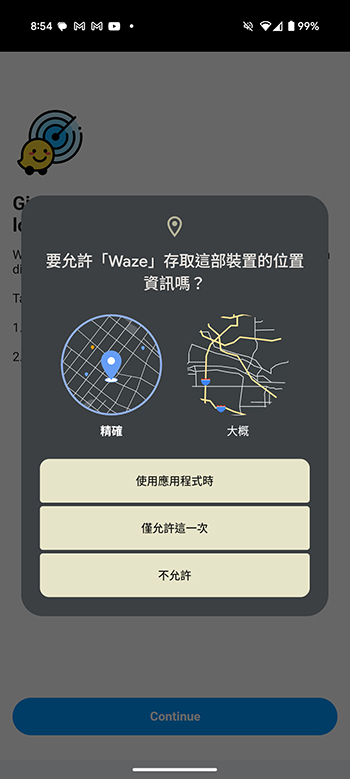
Granted too many permissions
While you may be impatient to accept every permission request that comes your way, you should be very cautious. On Android devices, granting apps too many permissions can significantly weaken security by allowing them to access sensitive data and functionality they don’t actually need. Such broad permissions make devices more vulnerable to data exfiltration, surveillance, tracking and data collection risks posed by hackers, shady software tools and careless developers.
For example, free apps often contain external advertising tools that can download and execute any code if granted too many permissions. This could allow hackers to take control of the phone or steal private information such as call logs and contact numbers. Please double-check that the app you are using actually requires the permissions it is requesting. If it seems suspicious, use another app.
App does not close after use
Apps running in the background can take advantage of sensitive features, such as cameras or microphones, to spy on users without their permission. While Android will alert users when they use these features, manually closing apps is an important step to stay safe.
Many free apps, especially those containing third-party advertising tools, can be very dangerous if left running. These ad tools can download and execute any code from a remote server, which may lead to a “root vulnerability” attack, giving the attacker complete control of the device. Once they gain access, they can steal private information such as call logs, phone numbers, and lists of installed apps.

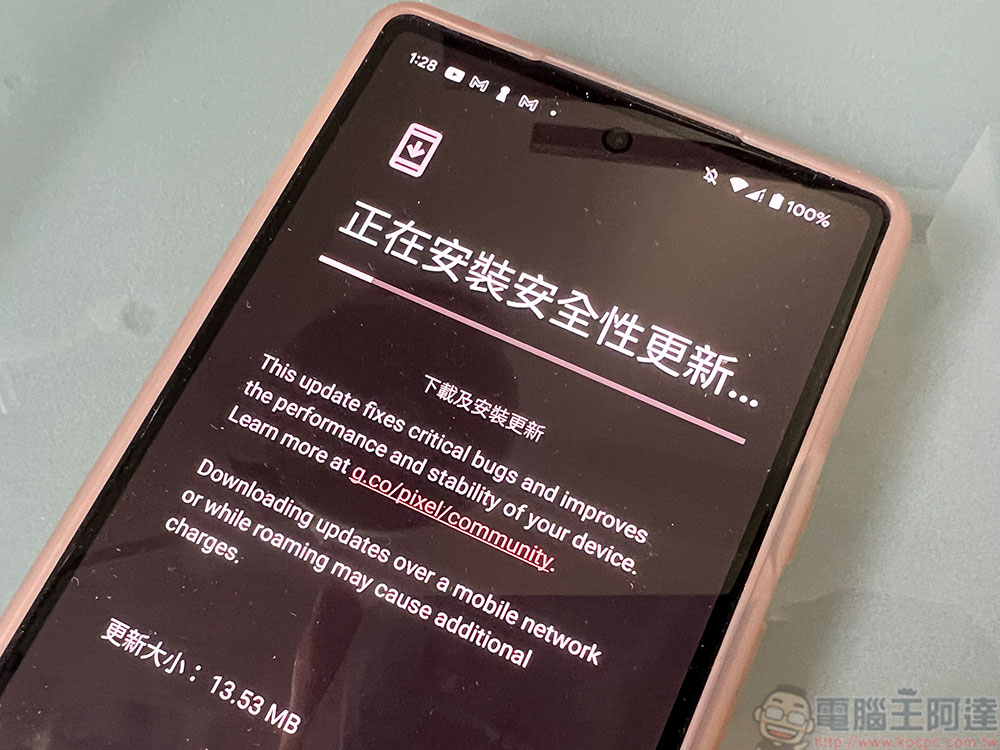
Check for updates from time to time
Updates aren’t just for new features, companies are actively fixing issues that hackers use to attack phones, so regular updates are crucial. If you don’t install updates, your device will be vulnerable to known security vulnerabilities that hackers can exploit to spread harmful software, steal data, or take control of your system.
If your version is out of date, your device is at higher risk of attacks such as ransomware, which can compromise personal and financial information. In addition, updates can make your device run smoother and faster, and fix issues that cause apps to crash or stop functioning properly.
Sideloading suspicious apps
Many apps need to be sideloaded to the phone from a third-party source in order to be used, which bypasses many of Apple or Google’s security checks (depending on the phone’s operating system). This means it poses significant security risks to Android devices, the biggest risk being malware. Devices with sideloaded apps are more likely to be infected with malware because someone puts harmful files online for you to download.
Harmful software, often hidden in legitimate-looking applications (called Trojans), can read messages, steal passwords, and even take complete control of a device, leading to data theft. Developers outside of the official store may not provide security updates in a timely manner, or even at all, leaving your device vulnerable.
You need a good password or PIN
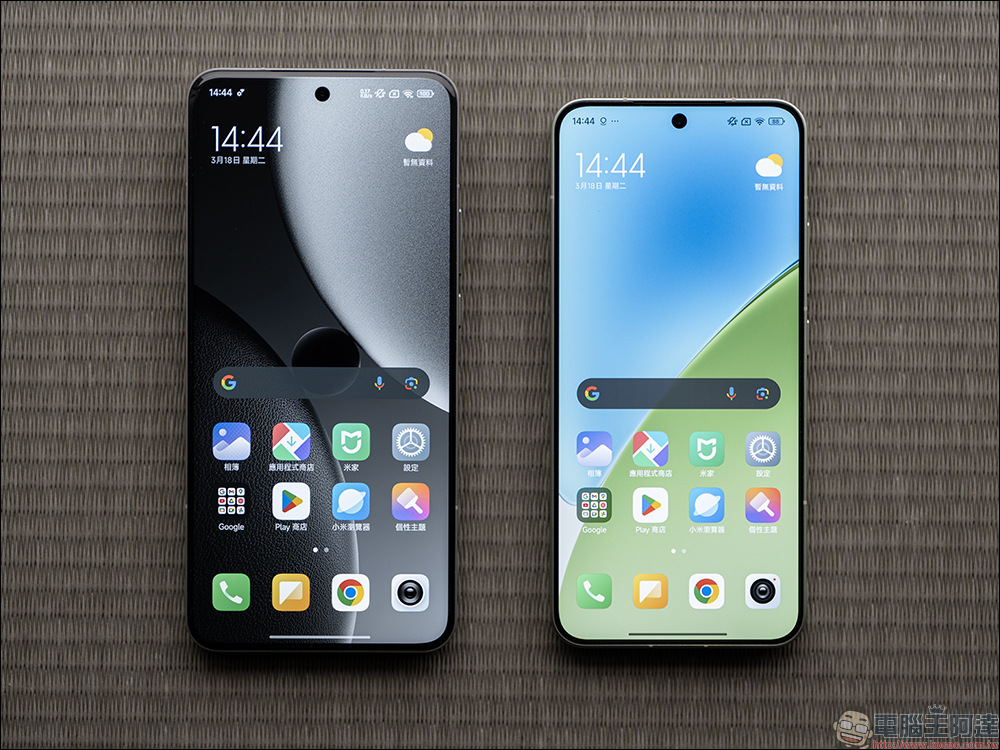
A weak password or PIN makes your Android device vulnerable to hacking. A 4-digit PIN is easy to guess, especially if it uses a common obvious pattern of number sequences (such as birthdays). While Android limits the number of guesses to thwart brute-force attacks, the greater risk comes from someone directly guessing the password or secretly viewing it.
The days of “1234” or “0000” are over, so choose a good password that only you know. If your device is unlocked and the screen lock is weak, it is possible for others to access your private information, such as banking information, personal photos, and password managers, putting you at risk of identity theft and financial fraud. For optimal security, experts recommend using a full alphanumeric password rather than just a PIN.

Ignore backup data
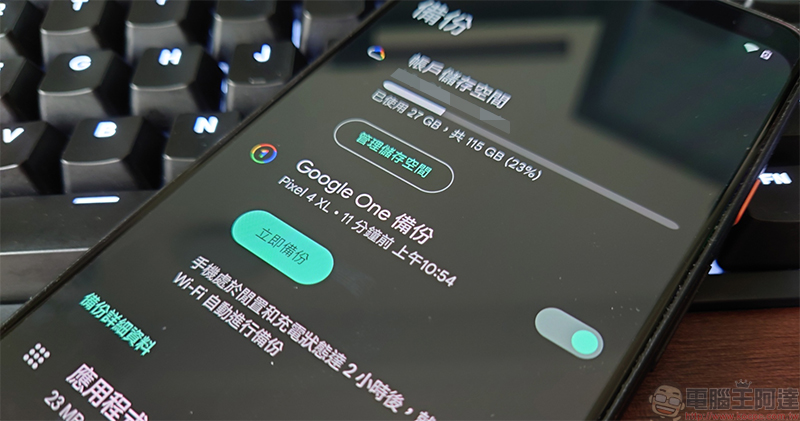
Backing up your data can be a lengthy process that doesn’t feel worth it, but it can be very useful. If you don’t back up the data on your Android device, you’re not only jeopardizing your security, but you could also lose important information forever. The day you realize this, your smartphone may be broken and all the saved data will be inaccessible.
Your smartphone stores a wealth of personal data, such as photos, contacts, messages, banking information, and two-factor authentication (2FA) applications. Malware and other security risks, such as ransomware or viruses, can take over your device and make your files inaccessible. But if you have a recent clean backup, you can restore your data and reduce the damage.
Not using Find My Device
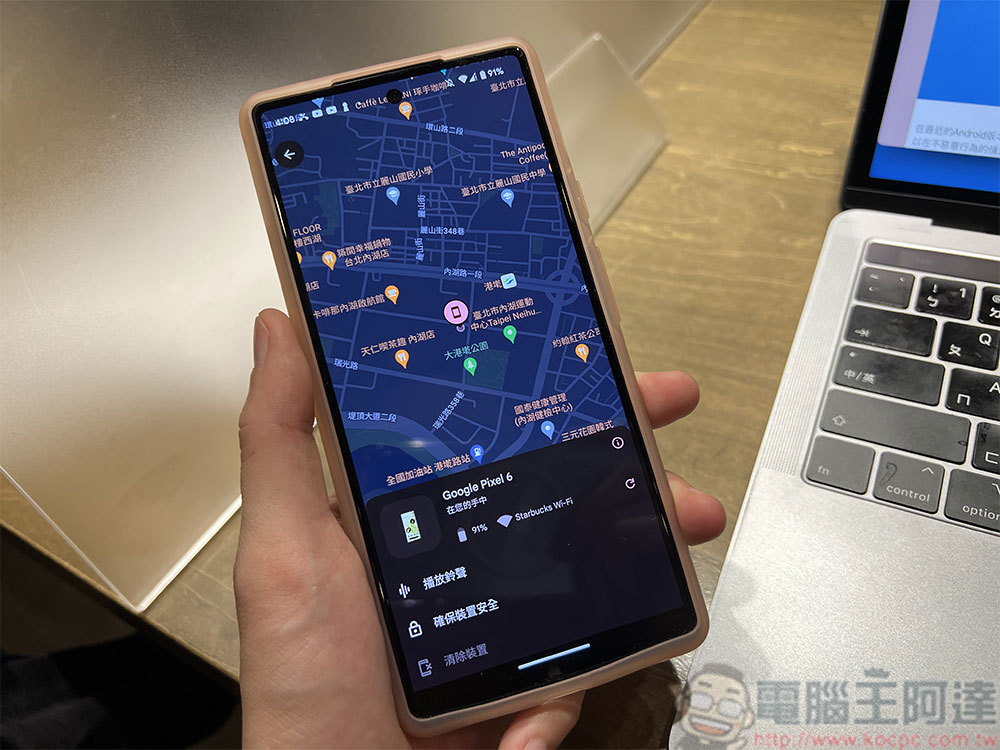
The “Find My Device” software is very useful, especially if your phone is lost or stolen. This is because you can lock it remotely, so when your phone is lost and recovered, all your data will be saved and your device will be locked.
The setup process takes a few minutes, but it’s definitely worth it. You don’t realize how important it is until you need it, and by then it’s often too late. If your phone is lost or stolen and you don’t have “Find My Device” set up, you won’t be able to remotely locate, lock or clear data, which means all your valuable information may be accessible to others.
Source: KOCPC Chinese