


Do you often encounter this situation? The file is too big to send a letter, and the cloud capacity is bursting at the seams. You just want to quickly transfer a file to colleagues, friends, and clients, but you can’t find a service that doesn’t require registration, doesn’t pop up a bunch of ads, and doesn’t limit the speed? At this time, you can try “BestFile”, a completely free file sharing website. There is no need to log in or pay. You can upload files up to 2GB. Sharing links can be generated in a few seconds. It is also very convenient for downloaders without registration!
BestFile free spaceIt focuses on painless operation and fast upload and download. You can also customize the storage time of files, which can be set to up to 25 days. It will be automatically deleted when it expires, saving you the trouble of manual management. Although this kind of “Buddhistfree of charge“It seems a bit like the service model of waiting for the website to be closed (laughs), but it is really easy to use at the moment. If you are looking for a quick file transfer tool, you can take advantage of it now!
Finally a decent free ticket! BestFile is an ad-free, speed-limited file transfer tool
BestFile, which I want to share with you today, is a free online file sharing platform designed for users who “just want to upload a file quickly.” Different from traditional free apps, it does not have a “premium account” or “subscription payment” system at all. It is given to you for free and there are no other tricks.
Using BestFile does not require login, email verification, or community binding. You can start uploading as soon as you open a webpage and click on a file. Then you will get a set of download links and just throw them to the recipient. The other party does not need to log in to their account to download.
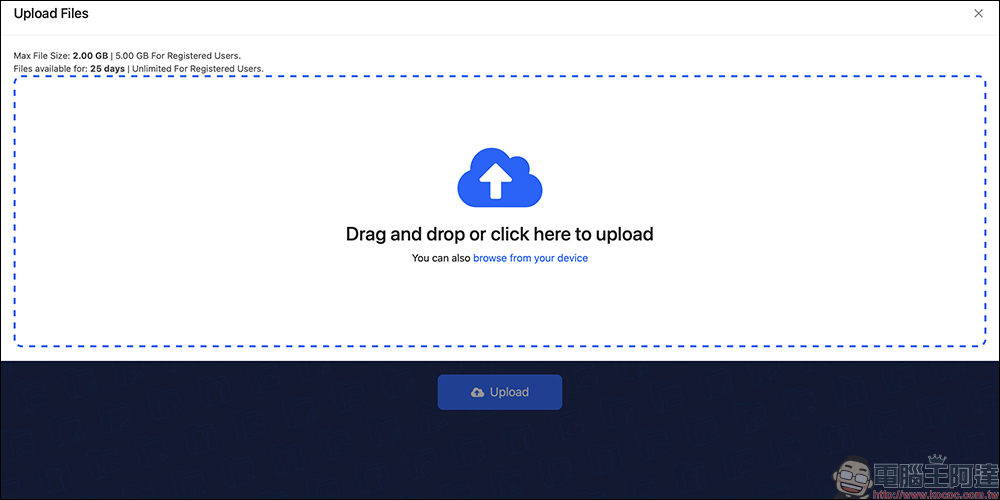
Anonymous users who are currently unregistered can upload a maximum single file of 2GB. If you are willing to register an account (you need to provide information such as phone number, email address, etc.), you can unlock the maximum single file upload limit of 5GB and retain the file permanently, without a 25-day limit.
All uploads and downloads are transmitted via SSL encryption, which means you don’t have to worry too much about security. As long as you are not using it to share illegal content, BestFile is definitely a practical and lightweight tool.
The process of using BestFile is super simple! Four steps to quickly transfer files
Next, let’s take a look at the actual operation process. File sharing can be completed in just four steps:
Step 1: Select file to upload
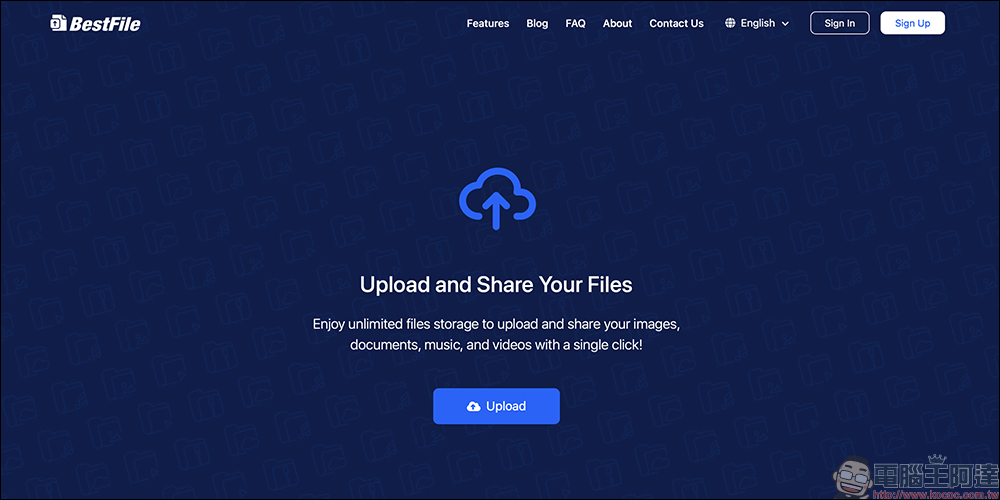
After entering the BestFile official website, click the “Upload” button in the center of the homepage to open the file selection window. You can select up to five files to upload at a time, with a maximum file size of 2GB each. This part can be dragged in or directly selected, which is very intuitive.
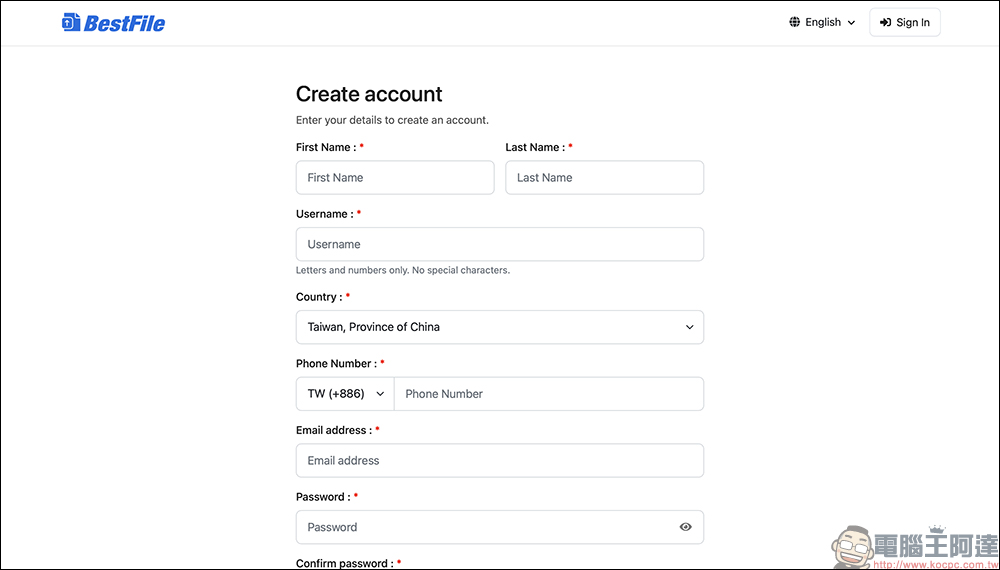
The upload limit for registered users will be increased, but registration requires filling in name, country, phone number, email address, and setting a registered account password and other information (as shown below). Considering user personal information and the convenience of this type of free upload, it is recommended that ordinary users upload anonymously.
Step 2: Set the file retention period
Before uploading, you can set how long it will take for these files to be automatically deleted, with a minimum of 5 minutes and a maximum of 25 days. Anonymous uploaders cannot save them permanently. If you don’t want the files to disappear immediately, remember to adjust the expiration date to be longer. This function is particularly useful for short-term file transfers, such as temporarily transferring photos to friends, sharing a large file report, and testing a version with colleagues. Setting it to one to two weeks is enough.
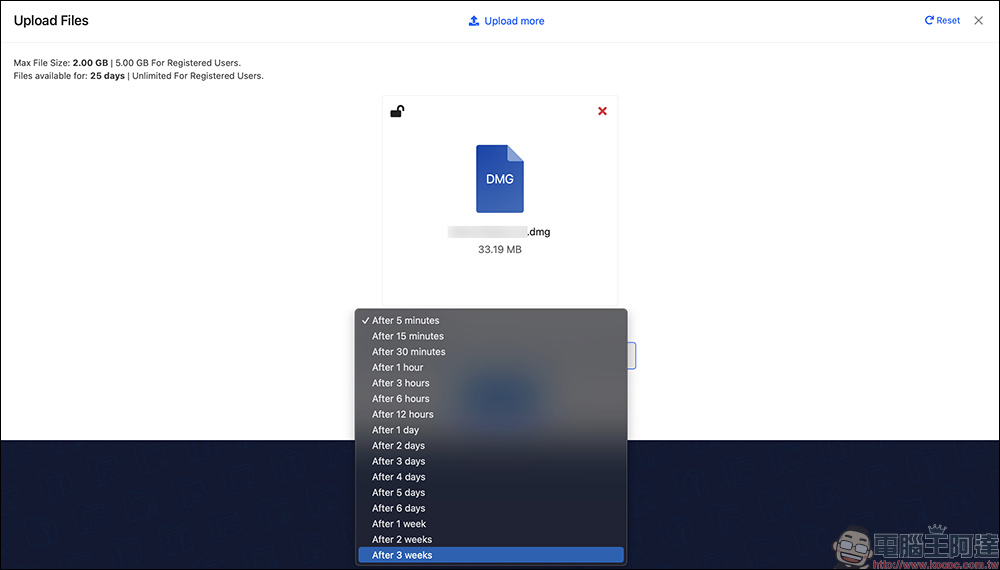
Step 3: Start uploading and get sharing link
After clicking the “Upload” button, the system will start uploading the file. The actual upload speed of BestFile is faster than expected. Whether you are using Wi-Fi or 5G, the upload can be completed in a short time.
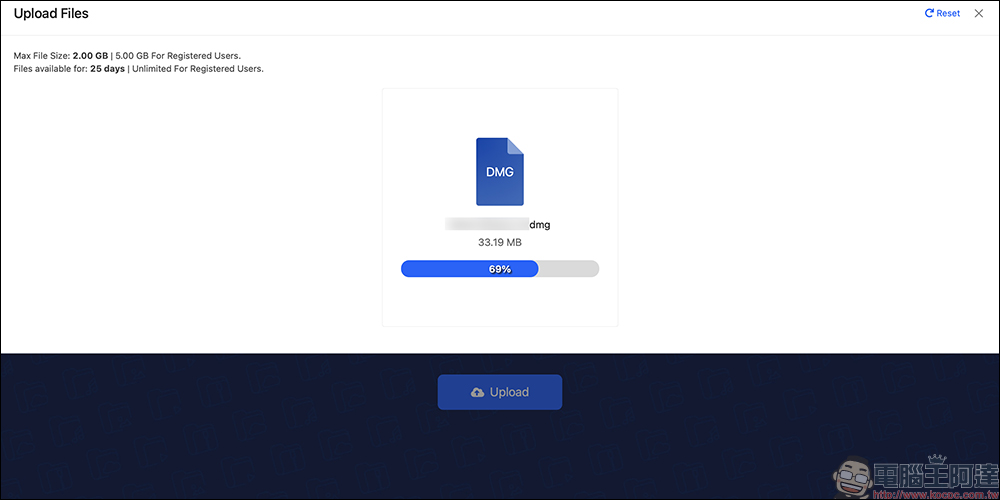
After the upload is completed, a set of download links will automatically pop up on the web page. Just copy and paste them to send them to the other party.
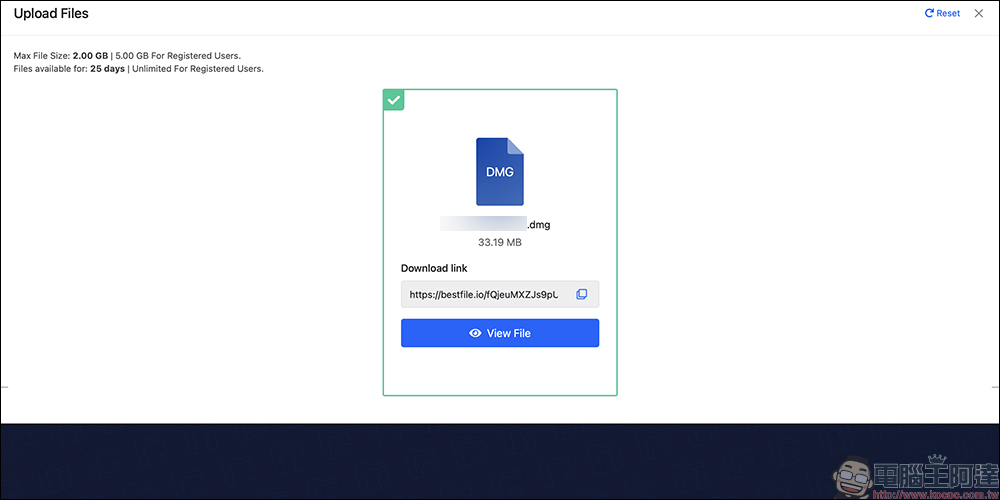
The only pity is that this link does not have advanced features such as password protection or customized download times. It is simply “if you have the link, you can download it.” In addition, BestFile does not provide the function of manually deleting files. The files will be automatically removed when the expiration date is reached (as shown below). So please make sure that the time limit is set and that the other party can complete the download within the time after the link is sent.
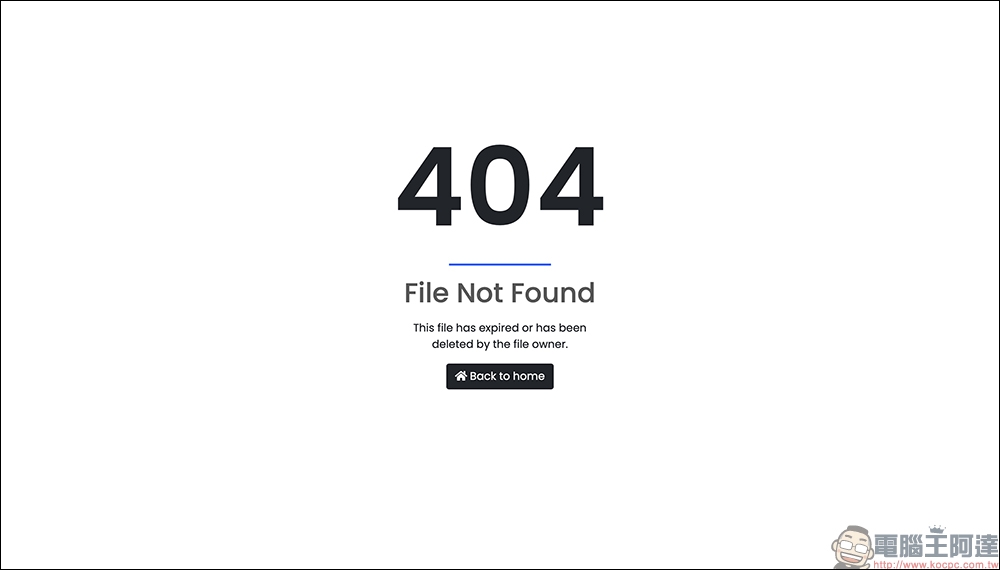
Step 4: The download operation process is also very simple
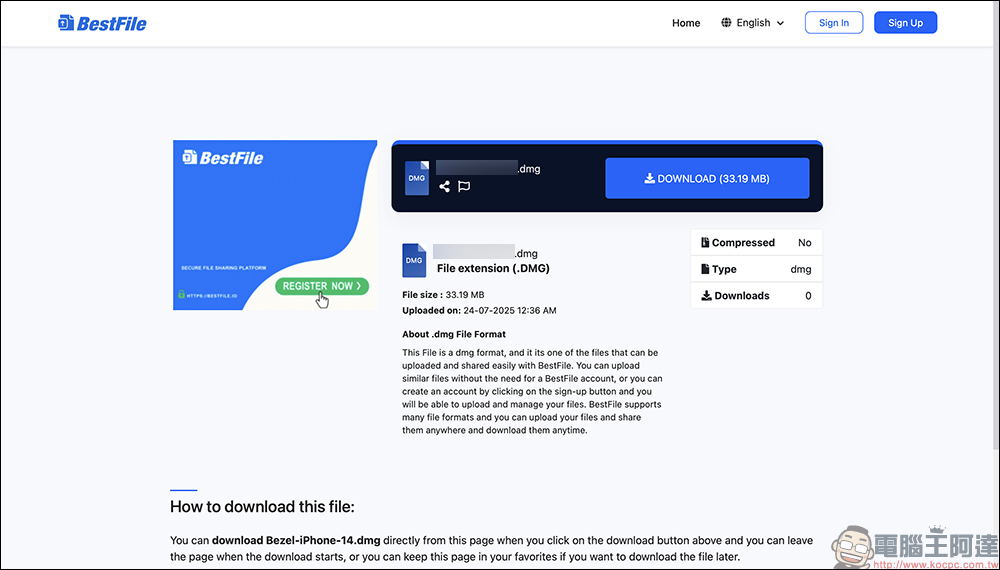
After the other party gets your download link, you will see a very simple web interface when you open it, which will list the file name, format, size, upload date and other information.
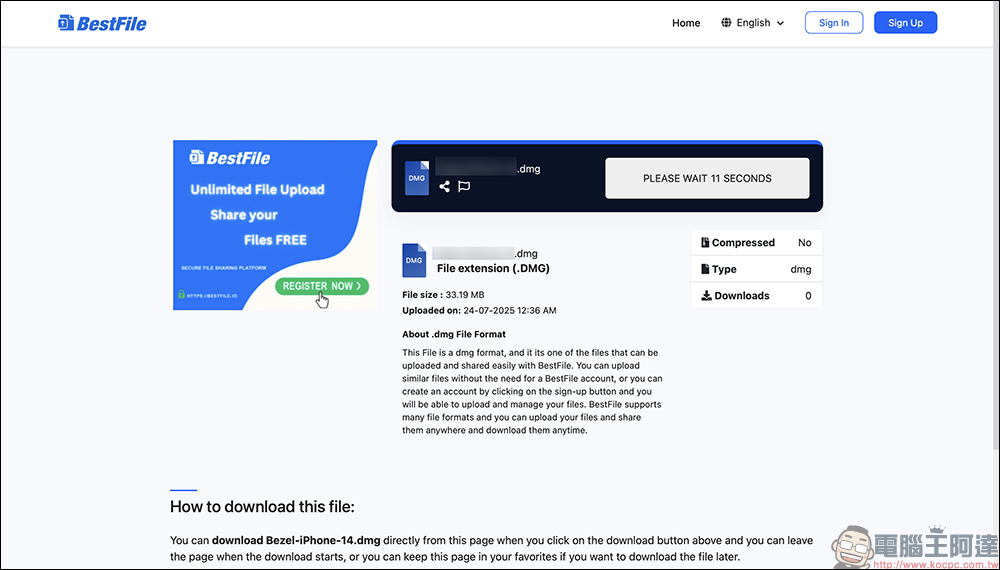
There will be a “Download Button” in the upper right corner, but you need to wait for a countdown of about ten seconds before the real “Download” button appears. You can download it by clicking on it. It will not jump to ads or redirect to other pages. It is a very clean and neat design.
Who is BestFile suitable for?
The characteristics of BestFile make it particularly suitable for the following usage scenarios:
- Office workers and freelance workers who want to quickly send large files to others
- Photographers and creators who send high-quality photos and video files to relatives and friends
- Students or engineers who temporarily share design files, documents, and backups
- Anonymous sharers who don’t want to register an account and are afraid of being tracked
- I’m looking for someone who doesn’t skip ads, has no speed limit, is simple and clean and has no empty space.
To put it simply, if you just want to “send a file to someone quickly” instead of storing the file for a long time, then BestFile is really useful.
Are there any limitations or risks to be aware of?
Although BestFile is a pleasure to use, there are still a few things to note:
- No file list or management interface: Anonymous users cannot view uploaded file records, nor can they manually delete them in advance.
- If the link is leaked, it will be used: there is no password protection or limited download times, and the link can be downloaded if a third party obtains it.
- Files will be automatically deleted after the expiration date: do not use them to store important long-term files and remember to back them up.
- At present, service stability cannot be guaranteed: because there is no payment mechanism, no one can guarantee whether this type of Buddhist service will still exist in the future. It is recommended to use it as a temporary tool.
Conclusion
BestFile is like the kind of free service representative that “won’t last long, but if it’s useful now, you should cherish it.” For those of you who are looking for fast, accurate file sharing, it is definitely worth adding to the bookmark list! Although it does not have a complete account and management system like Google Drive or Dropbox, in terms of anonymous, fast, and single file transfer, it can be described as cool. It happens to be available now, so hurry up and try it out!
BestFile free space
Further reading:
Source: KOCPC Chinese