


Although there are many onlineFree conversionservice, but the files need to be uploaded to the server. You may worry about privacy leaks, or the files exceed the limit, which is inconvenient to use. The ConvertX open source tool introduced in this article is a good alternative. It supports more than 1,000 formats, ranging from videos, music, pictures, e-books, to documents, etc. It can be said that it provides almost everything you need, and it can be used through the browser.
The only inconvenience is that ConvertX does not provide an installation file and you need to deploy it yourself. However, don’t worry too much for those who don’t understand. You can ask AI to help you deploy it through Gemini CLI. It can be installed on Windows and Mac. I will also give a brief demonstration below.
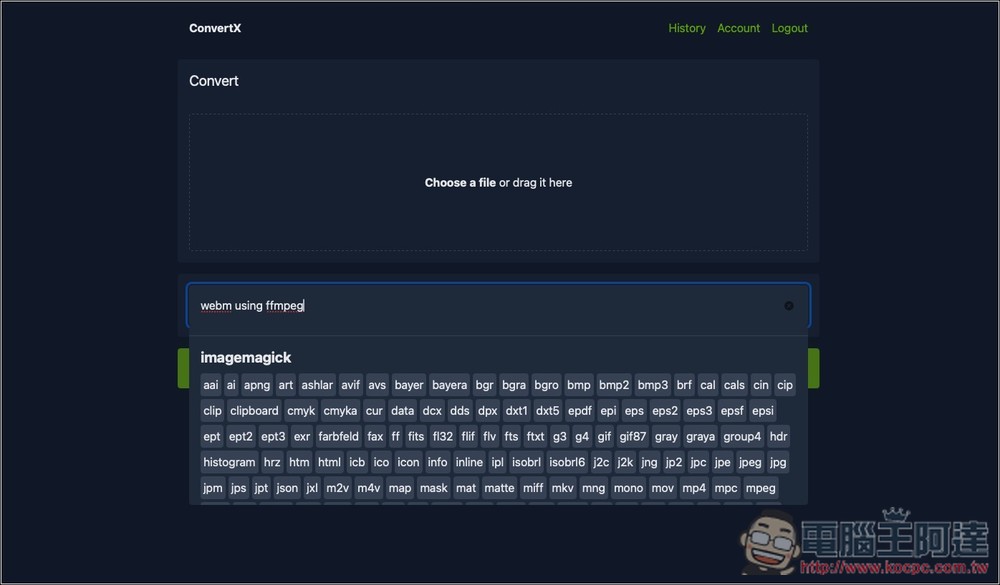
ConvertX is a free open source conversion tool that supports over 1,000 file formats
ConvertX currently has 5.5K stars on GitHub and is very popular. It can be deployed with one click using Docker. It mainly has the following four features:
- Convert files to different formats, over 1,000 supported
- Can process multiple files in batches
- Password protection, you need to log in to use the account, and provide multi-account management
- Integrate various professional conversion engines to ensure conversion quality and compatibility
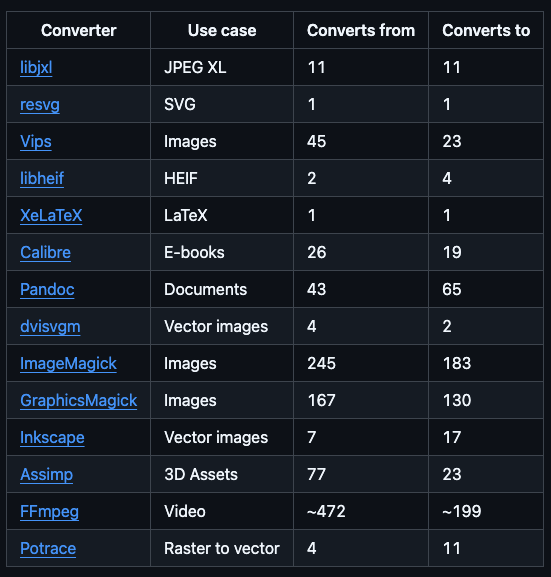
The conversion engines used are as follows:
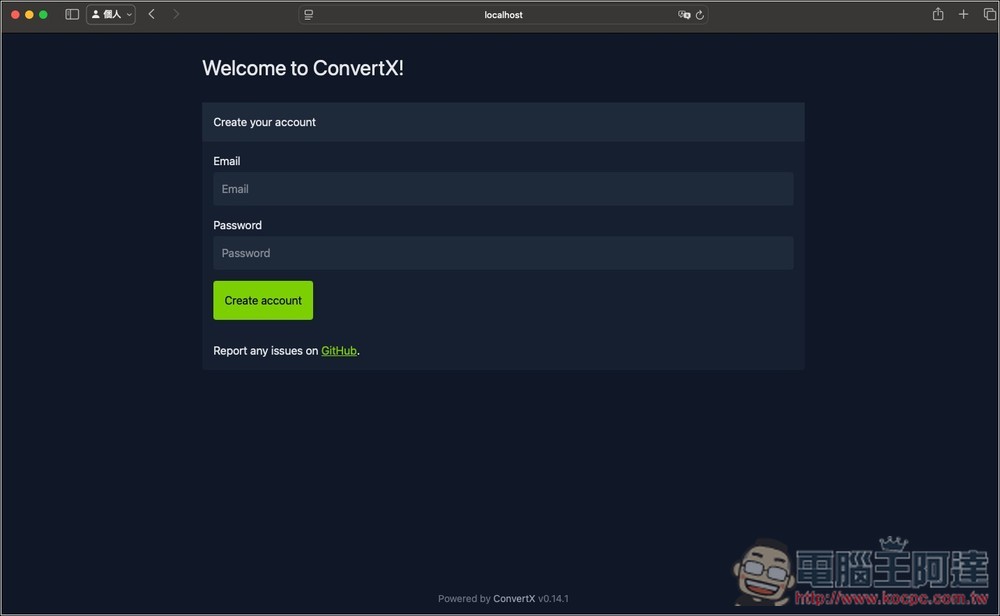
Before using ConvertX, you need to register an account, enter your email and password, and then log in to use:
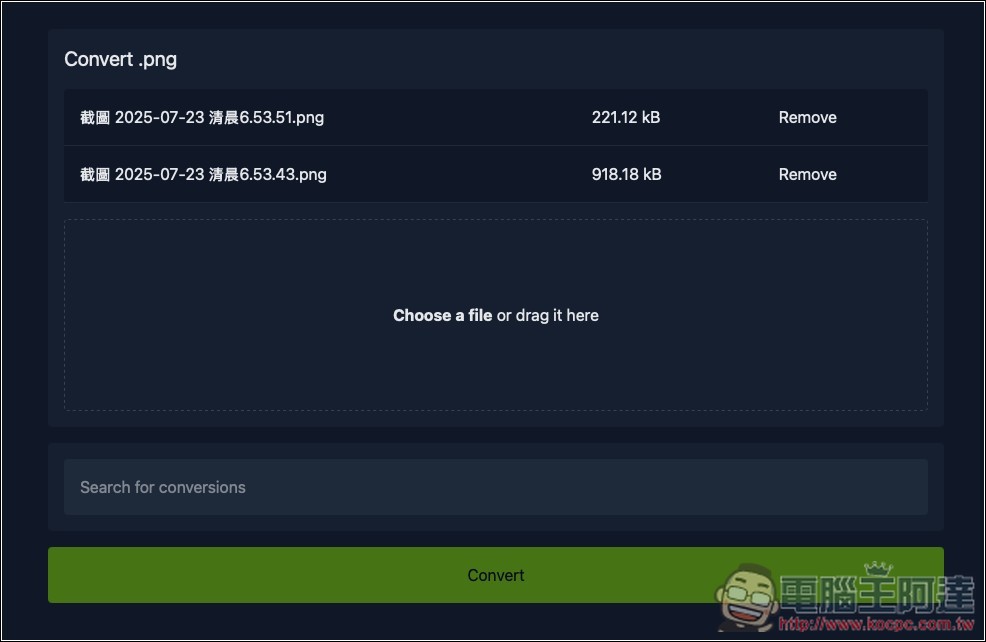
You will then enter the main screen and drag in the files you want to convert. Multiple files can be dragged at one time to support batch processing:
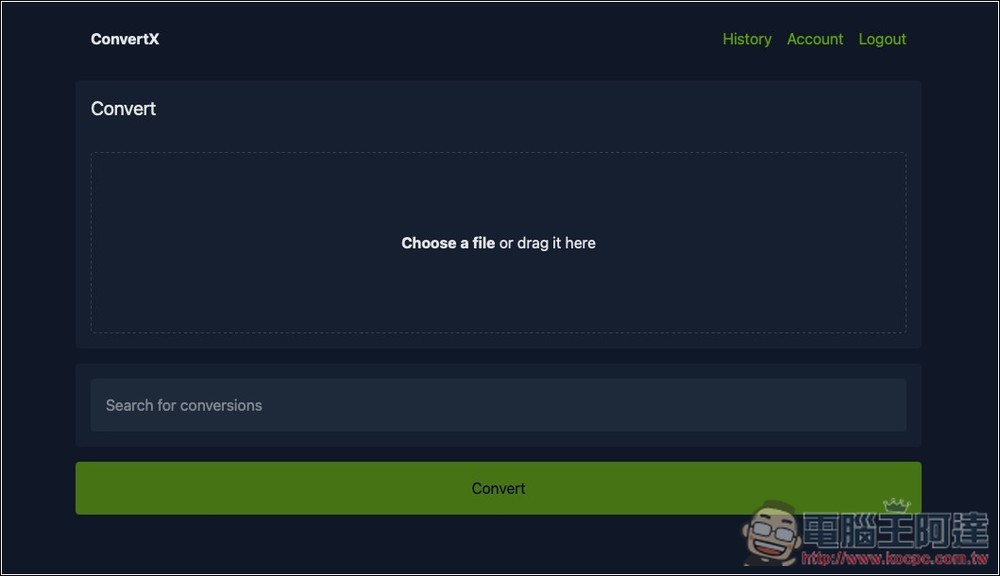
After importing, click Search for conversions below to search for the format you want to convert:
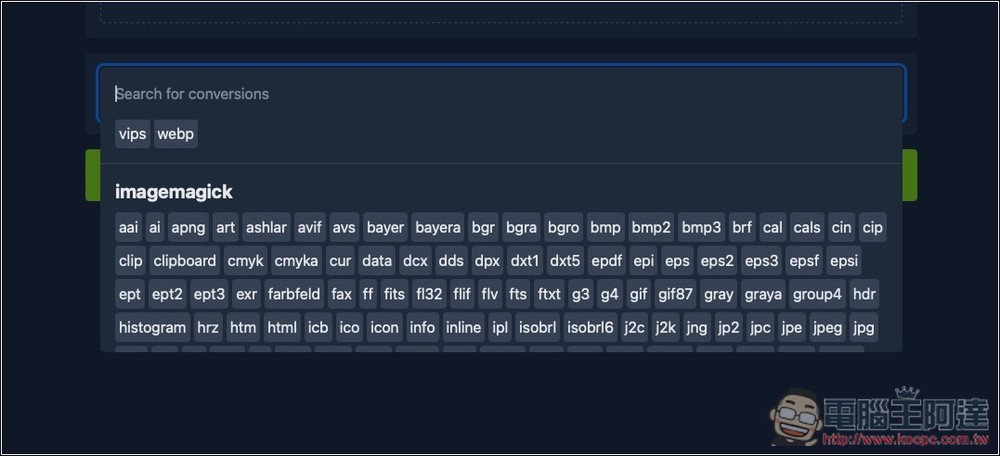
There will be a lot of formats listed. You can browse slowly, but it is still recommended to enter keywords so that you can find them faster:
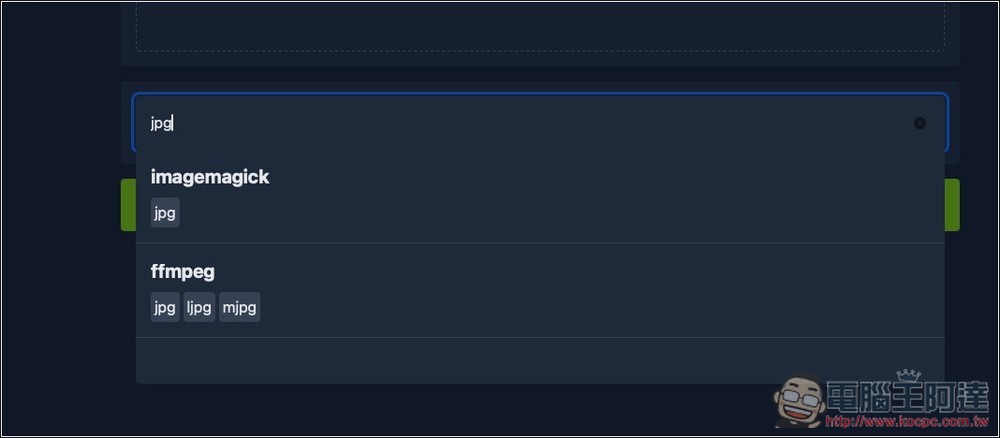
For example, if I want to convert the PNG image file just now into JPG, both imagemagick and ffmpeg converters can convert it. I use the former:
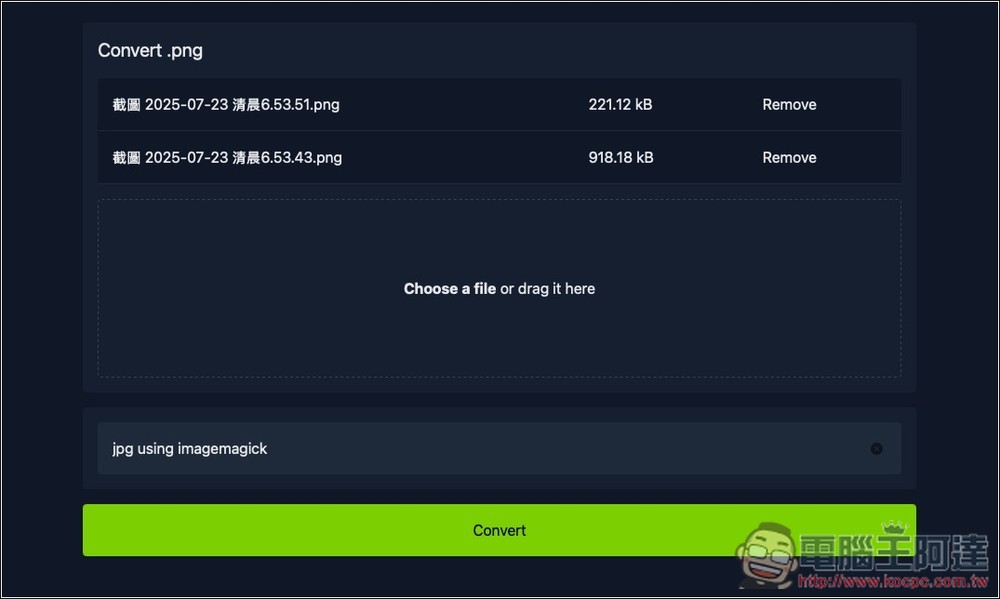
After making adjustments, click Convert below to start the conversion:
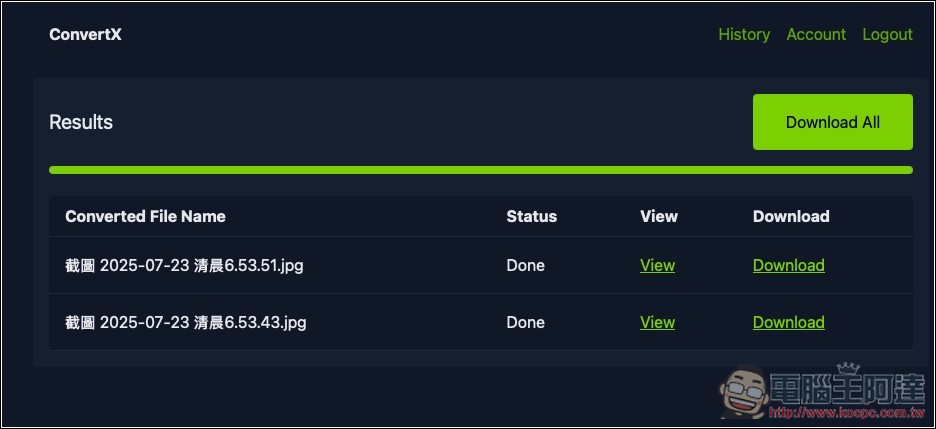
The image conversion speed is very fast. After the conversion, you can download them individually, or you can click Download All in the upper right corner to download them all at once. Because the conversion process is handled locally, there is no need to wait for download time no matter how big the file is:
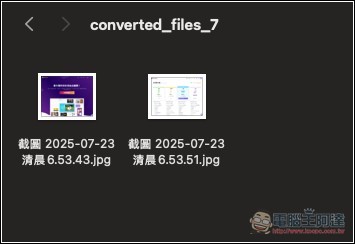
I checked that both of my images were converted to JPG:
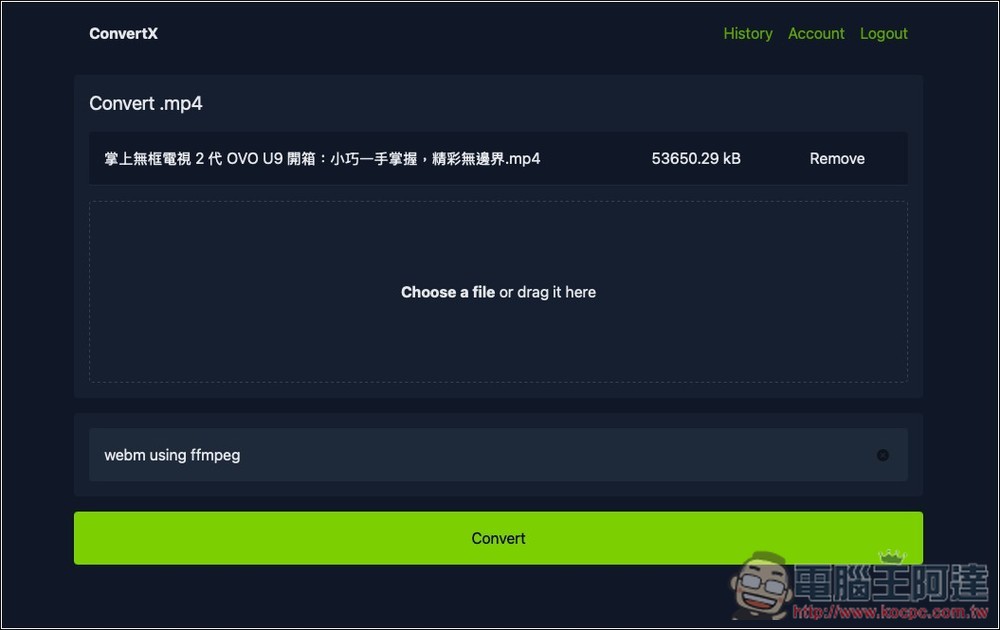
Next, I also tested video conversion, converting MP4 files to WEBM using the FFMPEG converter:
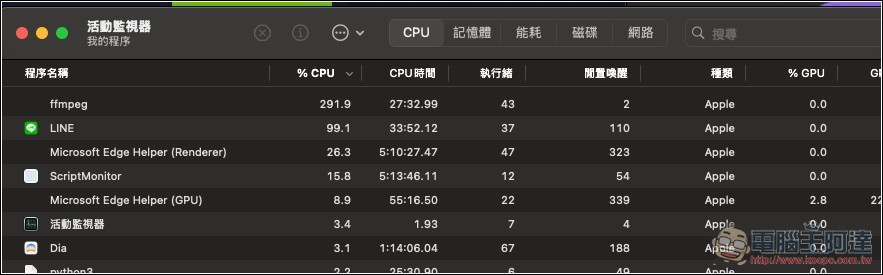
The video conversion speed is much slower, and currently this tool does not display the conversion progress, so you can only leave the screen and wait until it shows that it is completed. If you are worried or feel that it is not running, you can check whether it is running through tools such as Job Manager or Activity Monitor. I’m using a Mac, and I can clearly see through the Activity Monitor that ffmpeg is using a lot of CPU resources. The representative says that it is indeed running:
In addition, ConvertX does not support any hardware acceleration, so the video conversion speed is actually a bit slow.
After the conversion is completed, download it as follows:
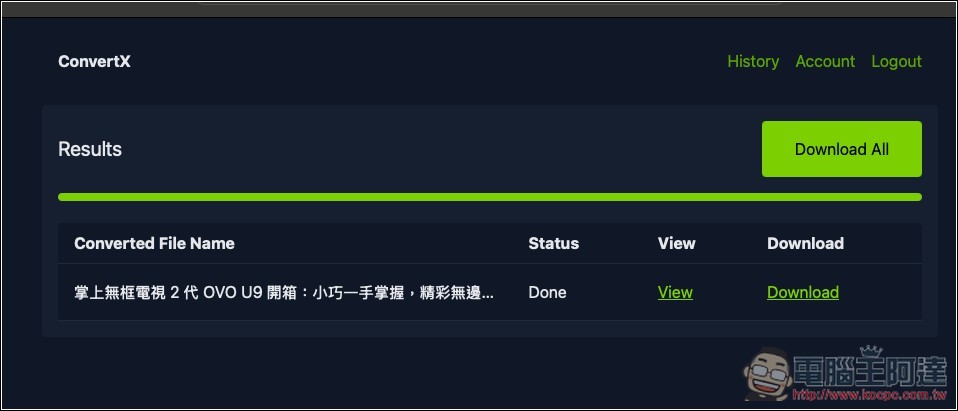
Indeed, MP4 was successfully converted to webm, and playback is no problem:

How to install ConvertX via Gemini CLI
If you have it installed on your computer Gemini CLI, and you don’t know how to deploy ConvertX locally, you can ask AI to help you complete all actions, and you can ask AI to help solve any problems you encounter.
After opening the Gemini CLI through the command prompt or terminal, tell the AI ”Help me install this project” and paste the GitHub URL of ConvertX at the end:
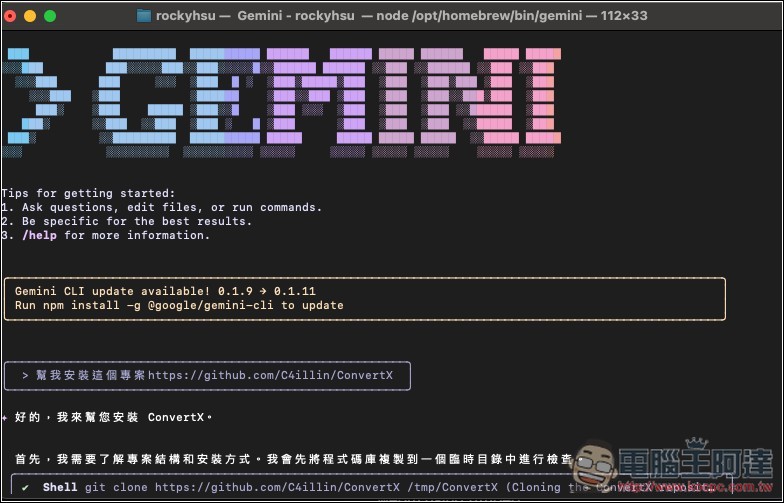
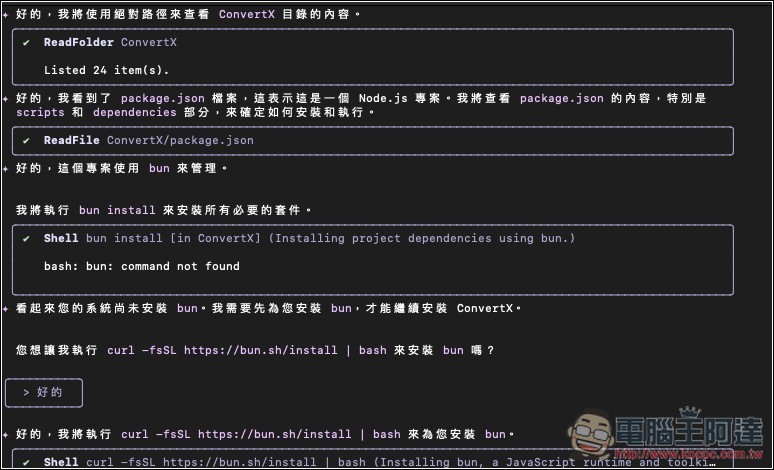
The AI will start executing, just ask for consent for any action. If your computer is missing any package, it will basically install it for you:
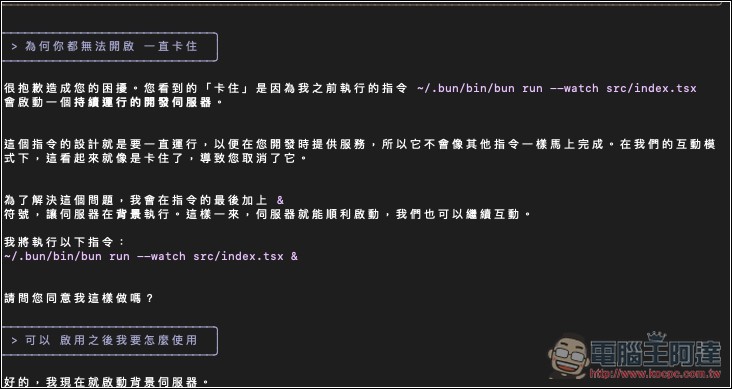
If you have any questions during the process, you can ask it again. For example, during my installation process, the AI seemed to be stuck, so I asked it “Why can’t you open it and keeps getting stuck?”, and then it explained it to me and optimized the entire execution process:
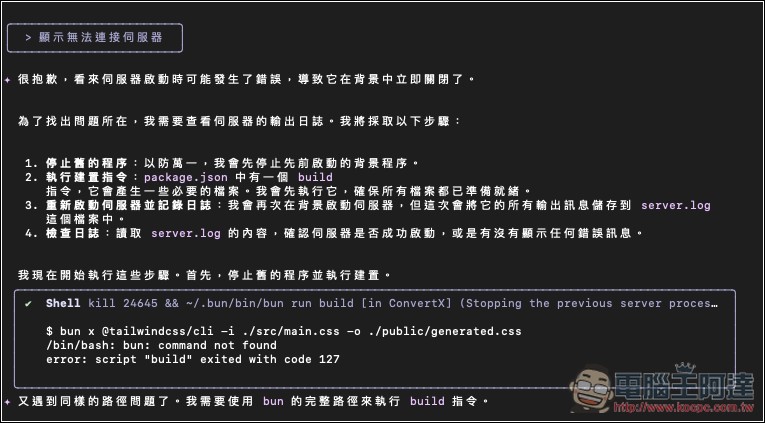
The first time I opened it through the browser, it couldn’t be used, and it showed that it could not connect to the server. I also asked the problem to AI, and AI started to help me find what went wrong and fix it:
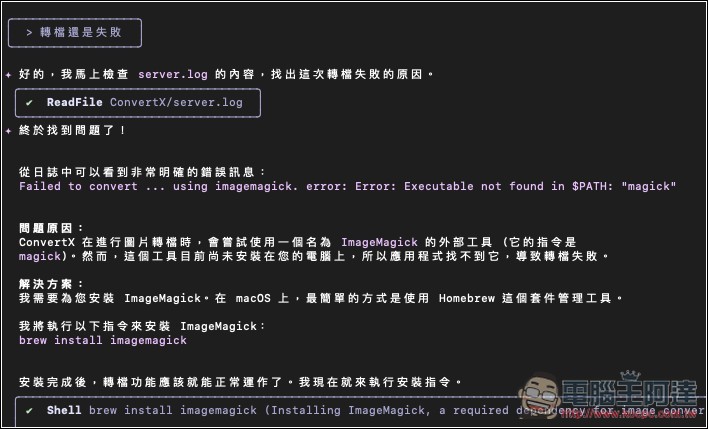
My first conversion also failed, and I also threw it to the AI, which found the problem and solved it:
Source: KOCPC Chinese