


Modern life is surrounded by various devices,ChargeIt’s everyone’s daily routine. Just like eating and sleeping, no matter how long the battery life of mobile phones, laptops, handheld devices or wearable devices is, they cannot get rid of the need for charging. With the development of charging technology, fast charging can bring a more efficient life to everyone, but only if it can function properly. Especially in a race against time, if your fast charge cannot reach its potential, it will be a huge problem for users.
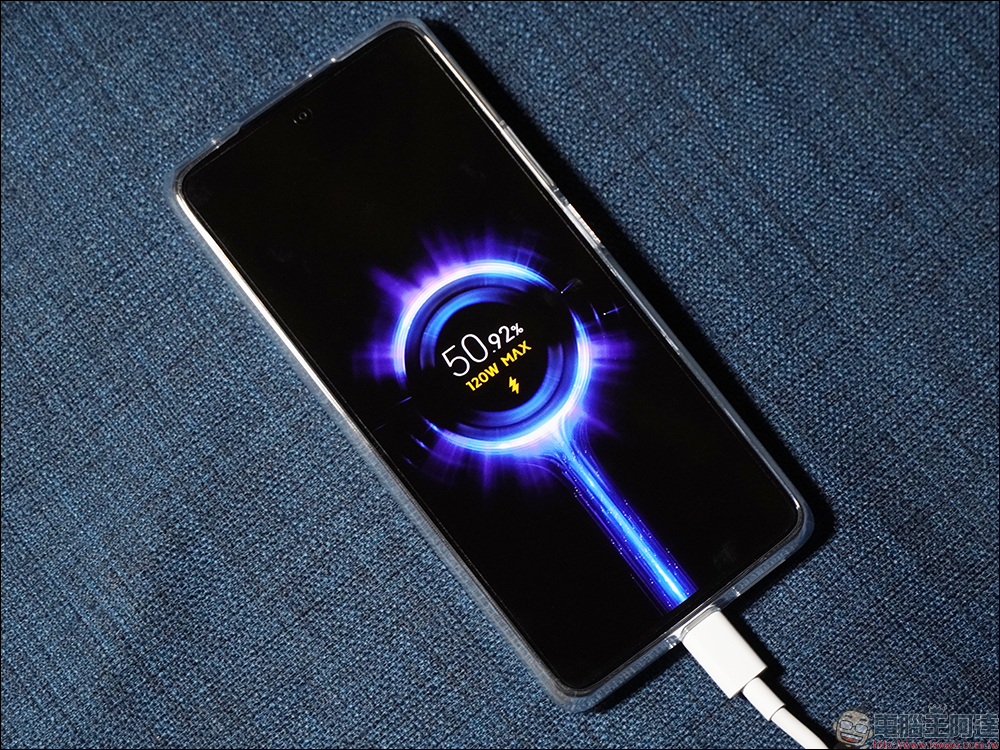
Is your fast charging slow? It may be caused by these reasons
Like all types of technology, fast charging is an evolving feature, which means it is closely tied to the hardware and software requirements it supports. There is a lot of marketing jargon surrounding fast charging these days, but essentially, fast chargers are able to deliver the right amount of power because of fast charging protocols such as USB PD, SUPERVOOC, and others. However, you may encounter that the fast charger is not fast at all, and in order to find the root cause, you must check different parts of the charging system in order to identify the problem and remedy it.
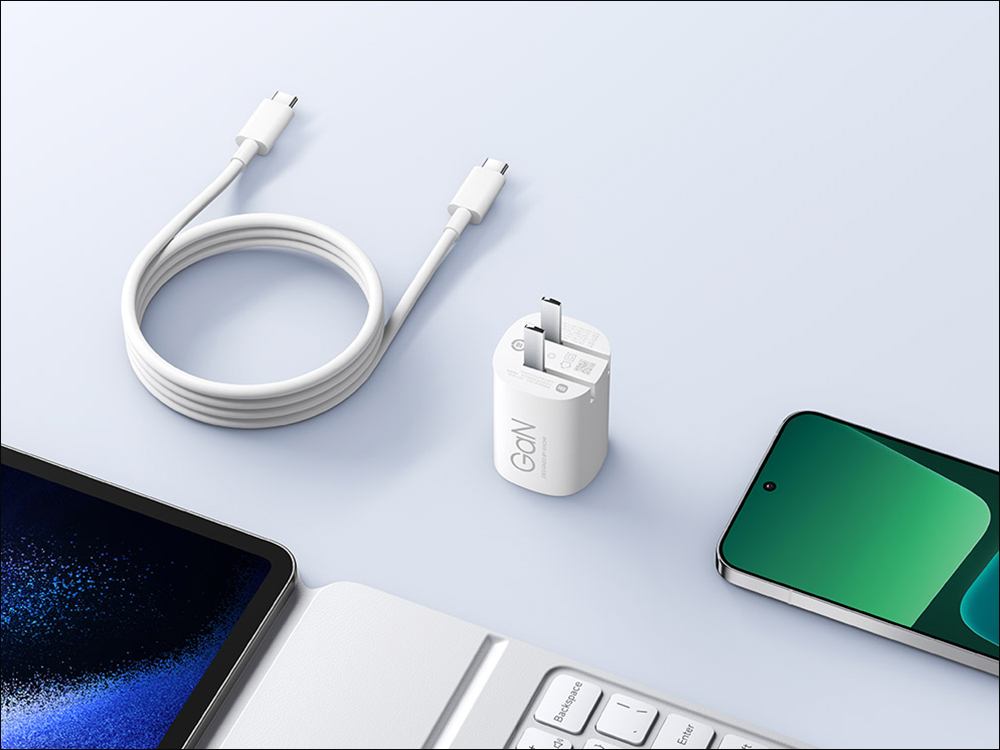
Software reasons for fast charging not working properly
First, you have to understand that not all devices can support fast charging, or at least not at the high speeds you expect. While many modern devices can support up to 240W via USB PD 3.1, there are still many chargers and devices that were built when fast charging standards were not that high. It’s also possible that the charging speed problem is just due to bad usage habits that consume power. In fact, your charger is working normally, but you are using power-hungry applications at high brightness, and the power consumption is faster than the charging speed. So before you think the worst, stop using your phone for a while while it’s charging.
Not all devices come with fast charging enabled by default, even if they are designed to withstand fast charging. Typically, if your device has fast charging enabled, the option can be found in the battery settings section of your device. In addition, there are now many built-in safety mechanisms, such as Battery Optimizer, which can slow down the charging speed of a device when it senses that the charge reaches a certain threshold. For example, Apple uses an optimized battery charging mechanism to adjust the charging speed when the iPhone reaches 80% power. Slow charging can actually be a feature rather than a bug.
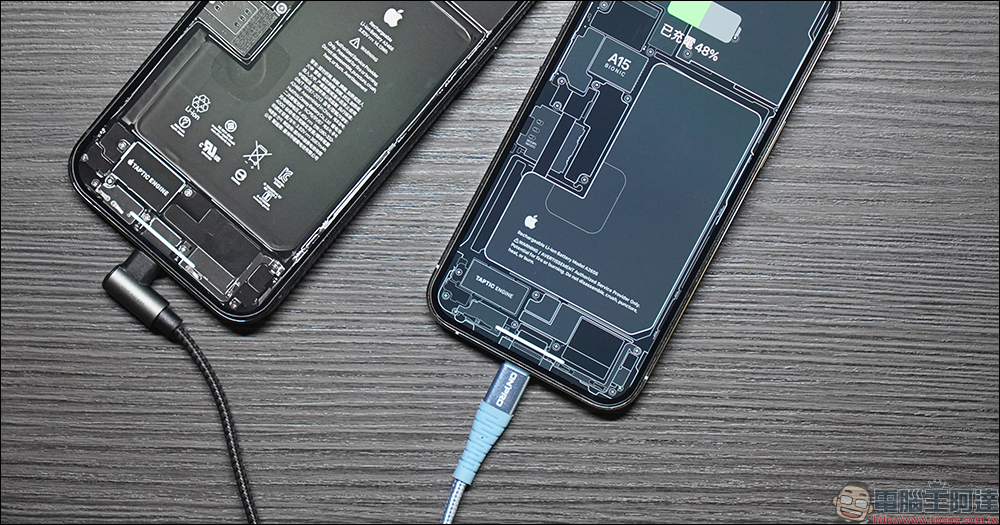
Hardware issues affecting fast charging
As with many types of technology, physical damage can affect fast charging functionality. For example, it can be caused by things like falling, exposure to bad elements, and unplugging the charger from the plug too quickly after use. If you suspect a hardware problem, you can check whether the charger is intact and whether there is corrosion damage, etc. These may be signs of replacing the charger. Additionally, fixing wire issues such as fraying, kinks, or even incompatibility can make a big difference. If you want to take advantage of a specific fast charging capability, it’s often recommended that you buy the same brand of original cable to ensure it’s optimized for the specific device and the charger itself. But with third-party charging system options, it’s important to ensure compatibility.
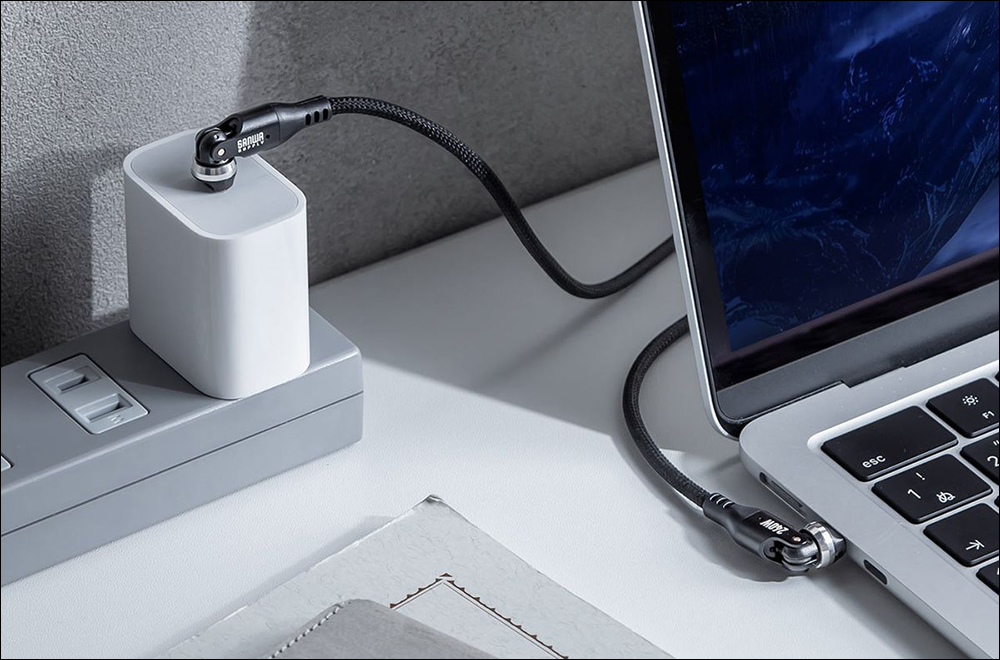
That being said, your device or charging system may be perfectly fine, so what exactly is the problem? power supply. In some cases this could be due to a poor quality extension cord or even an inefficient travel transformer. To test whether this is the problem, try plugging the transformer directly into a wall socket and see what happens.
Source: KOCPC Chinese