


HDMI It’s always been the standard way to handle high-data audio and video connections, and of course many computers still offer DisplayPort, which often has higher bandwidth, but HDMI is still the port you’re most likely to find on almost any modern TV or monitor. There is often a misunderstanding about HDMI, thinking that all HDMI ports and cables are the same. Of course, this is not correct.
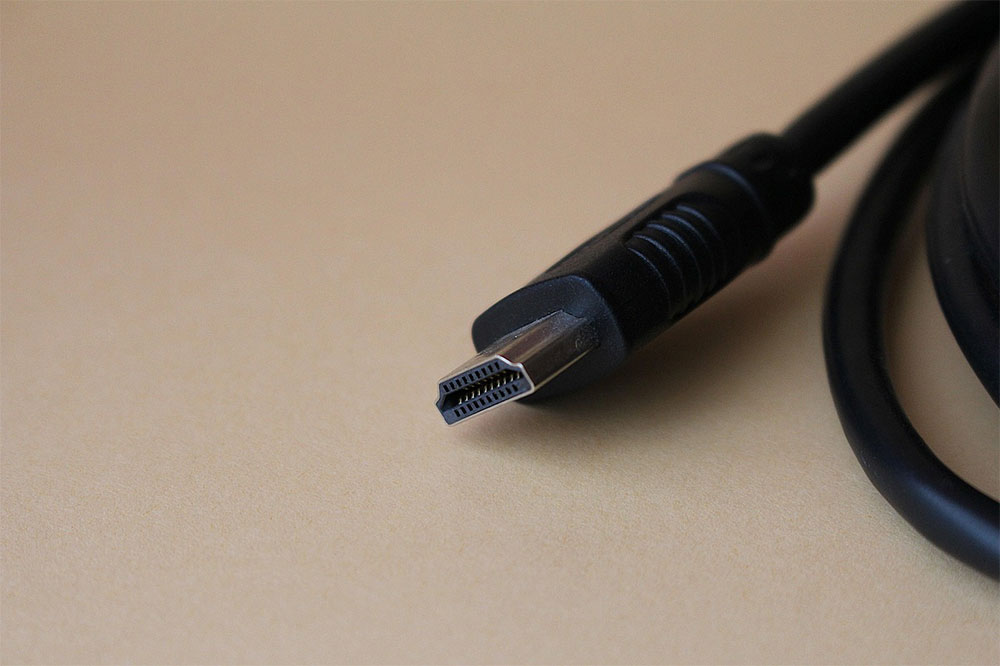
How to choose the right HDMI cable for your TV or monitor?
HDMI was first introduced over 20 years ago and has come a long way since then, with the technology evolving several times as the need for higher data streams has increased. Technically, most HDMI cables will work with almost any HDMI port, but older cables can become a bottleneck that limits the amount of data that can go in and out of your device and your monitor, and vice versa. This can result in audio and video quality that is lower than what your device is capable of producing with the correct cable. With this in mind, you may want to learn more about the different types of HDMI cables on the market and how to find the right one for your computer monitor or TV.
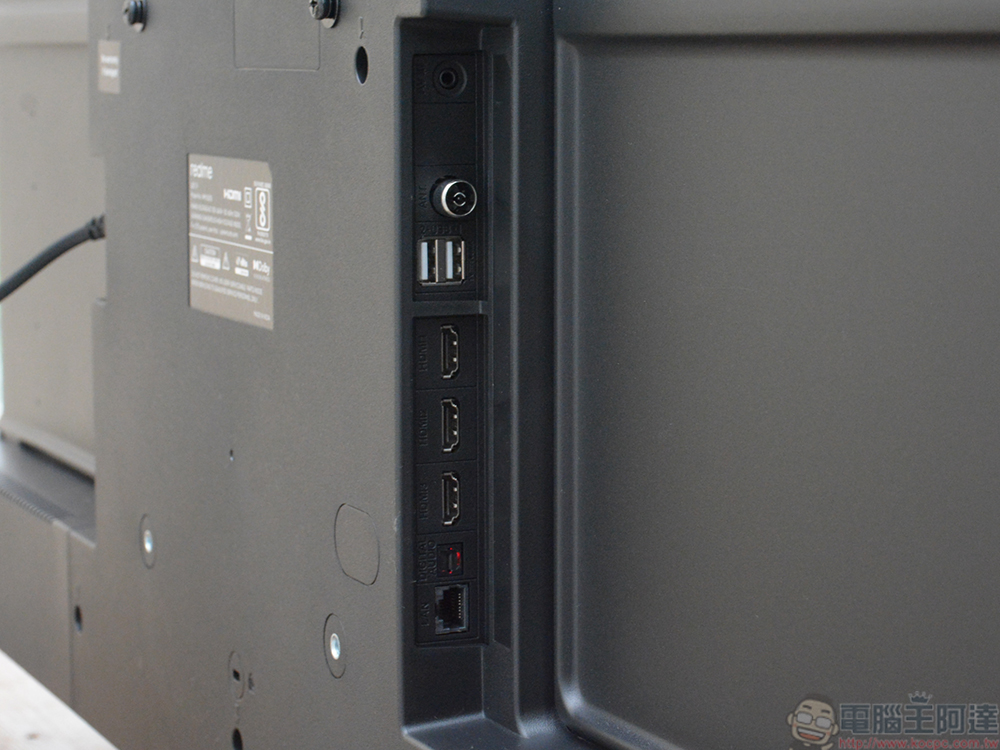
Learn about the different types of HDMI cables
There are currently 14 different types of standard HDMI cables: HDMI 1.0, 1.1, 1.2, 1.2a, 1.3, 1.3a, 1.4, 1.4a, 1.4b, 2.0, 2.0a, 2.0b, 2.1 and 2.1a. The latest HDMI 2.2 was first unveiled at CES 2025 and is scheduled to be officially launched later this year. This may seem a little overwhelming, but it’s actually pretty simple. Most major changes in data capacity occur between numbers and generations. HDMI 1.0-1.3 all have a transfer rate of 4.95 Gb/s, while 1.4 is 10.2 Gb/s, 2.0 is 18.0 Gb/s, and 2.1 is 48.0 Gb/s. Simply put, the higher the number, the faster the wire transfers.
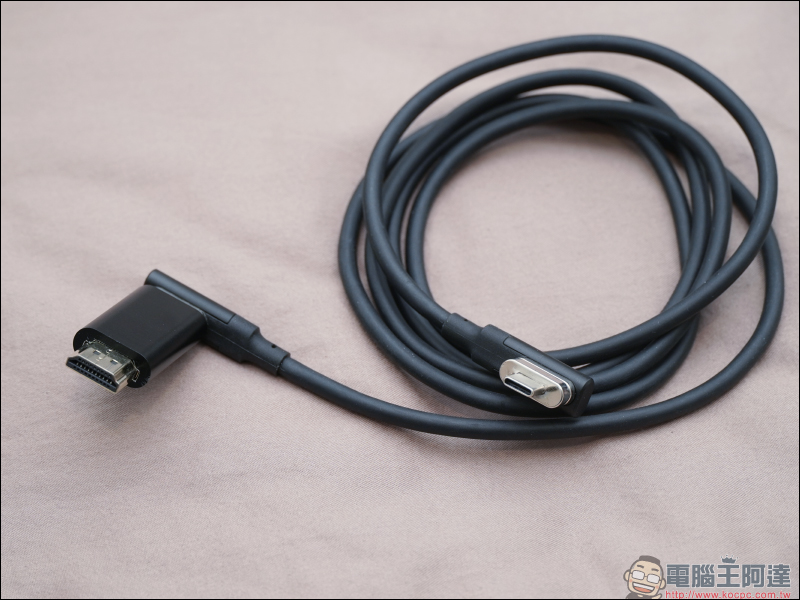
So why does speed matter? Differences in transfer speeds are generally intended to provide higher resolution images at higher frame rates, as well as different types of audio connections. HDMI 1.0 can only transmit a maximum resolution of 1080p at 60Hz and supports eight audio channels. 1.1 and 1.2 can reach 1440p, but are limited to 30Hz, which provides DVD-Audio and One-bit audio. 1.4 can use ARC, Dolby TrueHD and DTS-HD audio and process 4K images at 30Hz. The biggest leap forward is HDMI 2.0, which can handle 4K at 60Hz along with HE-AAC, DRA and 32 channels of audio, and is the first generation to offer HDR. However, 2.0 was replaced by HDMI 2.1, which offers 8K images at up to 60Hz with eARC audio and is the fastest standard currently available.
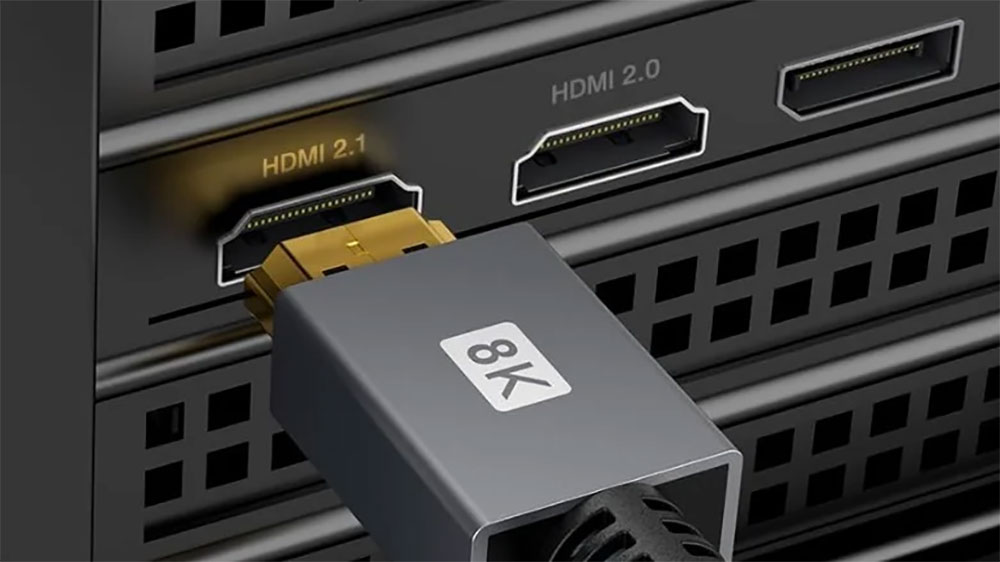
What do these letters mean?
You may see letter drop after some numbers to indicate additional updates to a specific generation of cable after the original release to add additional compatibility and functionality. These don’t fundamentally change the cables or the resolutions and frame rates they can deliver. Still, they do offer new features and quality-of-life updates not found in the original versions, which can be helpful if your monitor has the right technology to take advantage of them. For example, the only difference between HDMI 2.1 and 2.1a is that 2.1a introduces tone mapping based on the input source, increasing the spectrum between dark and light colors for the specific use of HDR.
If you already have the correct numbered generation cable and replace it with the latest alphabetical version, you’ll get viewing quality that’s not too different from what you’d expect. That said, it never hurts to go for the latest version when shopping for cables, as they tend to be similar in price and fully compatible with all hardware.
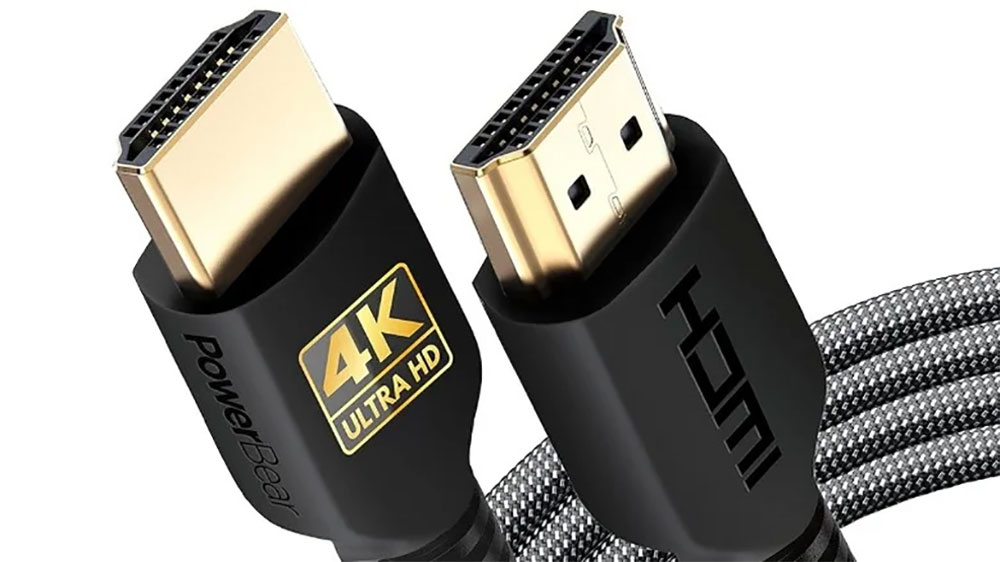
The fastest cable is usually the best choice for any TV or monitor
HDMI ports are generally designed to be backwards compatible, which means any newer, faster HDMI cable should work with any HDMI port you plug it into, since the data bottleneck comes from the port, not the cable. More importantly, the price difference between the various versions is usually not that big and they do the same thing, so with this in mind there’s usually not much reason to buy older cables. If you need to use the cable itself for higher-end equipment in the future, the cable itself will also be future-proofed to some extent.
For example, an older 1080P 60Hz TV receiving data from an HDMI 2.1 cable will still display a 1080p 60Hz image, while a 4K 60Hz TV will display 4K 60Hz. However, a 4K 60Hz TV receiving data from an HDMI 1.0 cable will technically still function, but it will only be able to display 1080p 60Hz imagery.
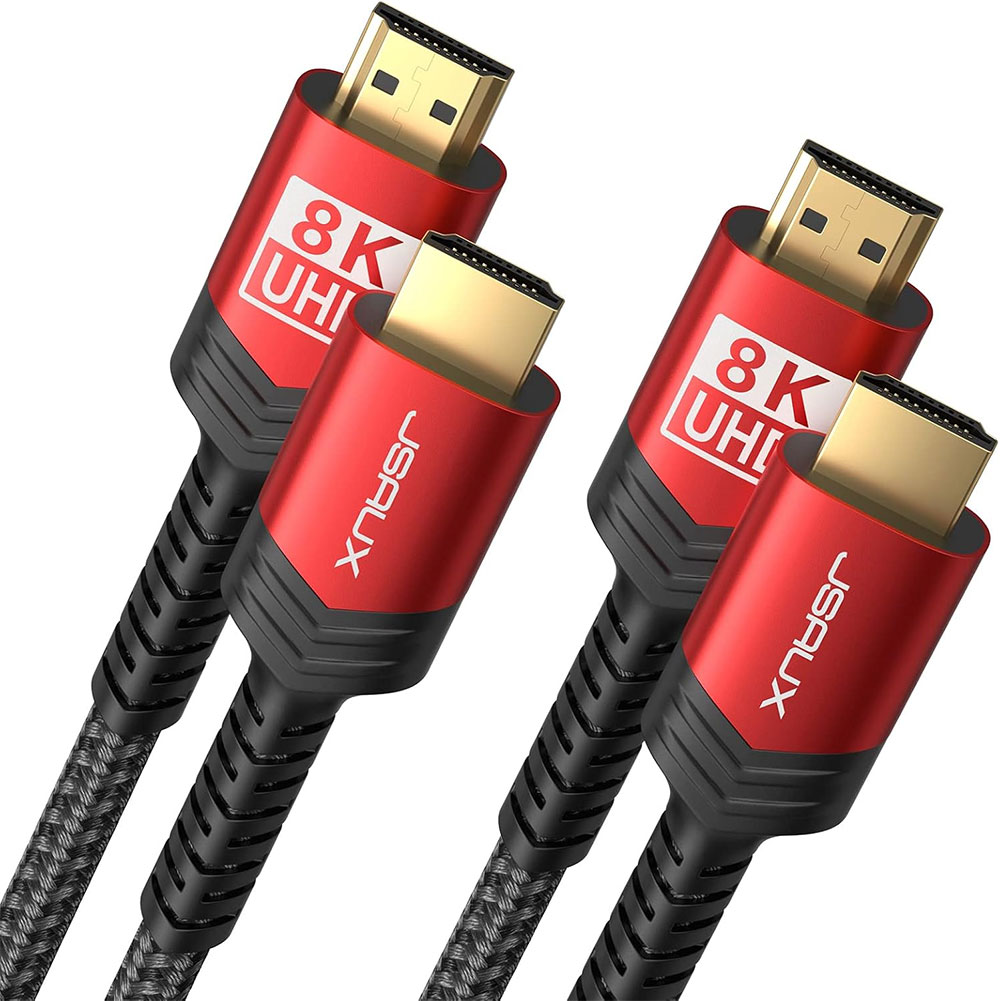
Mini vs micro HDMI
Most of what we’ve seen so far involves the standard HDMI format, which is most commonly used on TVs and computer monitors, but it’s not the only type of HDMI. There’s also Mini HDMI (also known as HDMI Type C) and micro HDMI (also known as HDMI Type D). Due to its small footprint, Mini HDMI is most commonly used on devices that don’t have much room for a larger port, such as DSLR cameras and tablets. The smaller micro HDMI is typically used in pocket-sized devices like smaller cameras and phones, with some rare exceptions.
Some portable monitors and micro LCD screens with slim profiles may be equipped with a Mini HDMI port to accommodate their smaller bezels. These cables have much simpler gauges and are fairly interchangeable as long as you have the right fitting on the other end to match whatever device is being connected.
Source: KOCPC Chinese