


modern iPhone Compared with the first product in 2007, it is already very advanced. However, most of the evolution of the iPhone is a gradual upgrade. Both software and hardware allow users to slowly evolve in the most painless way. The camera system on the iPhone has always been of a certain standard, and every year Apple continues to improve the hardware and adjust image processing to push the limits of smartphone optics. If you turn your iPhone over you might notice a different number of lenses (depending on the model), along with an LED flash and LiDAR sensor (Pro models). In addition, you may notice that there seems to be a small hole next to the camera lens module. It is not a manufacturing defect, so what is it?
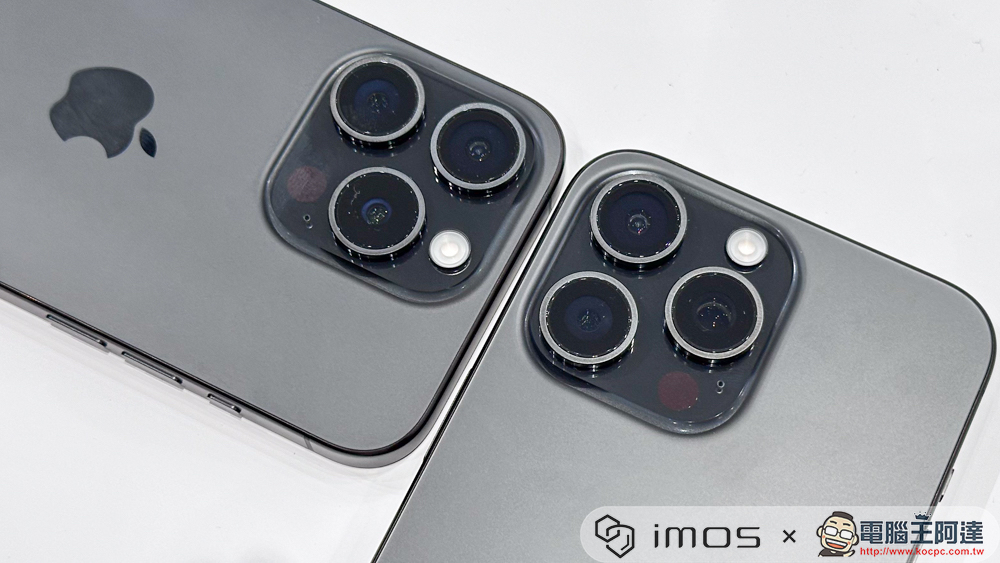
Why is there a small hole next to the iPhone camera lens? What is it used for?
In order to record audio, the phone needs to be equipped with a microphone, and almost every modern smartphone is equipped with more than one. Starting with the iPhone XS, every Apple flagship model has four microphones. There are two microphones next to the bottom speaker that are supposed to pick up calls, and there’s a microphone just above the front-facing lens. The small hole next to the iPhone camera lens is actually a radio microphone. The reason why it is located on the back of the phone is mainly to capture directional audio more effectively during video recording.
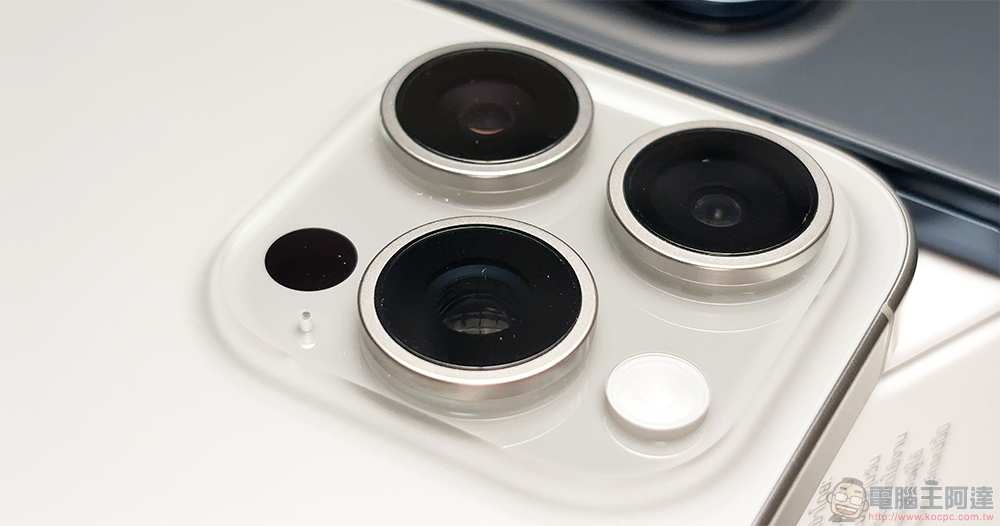
Apple has introduced a new “studio-quality microphone” system in the iPhone 16 series that allows you to record spatial audio, capturing sounds from multiple directions in a more immersive way. This microphone array also introduces the Audio Mix function, which allows users to modify multiple sound sources in the recording. Pair this with the already excellent noise suppression on the iPhone, and users no longer need to rely on external microphones to capture amateur video footage in most cases.
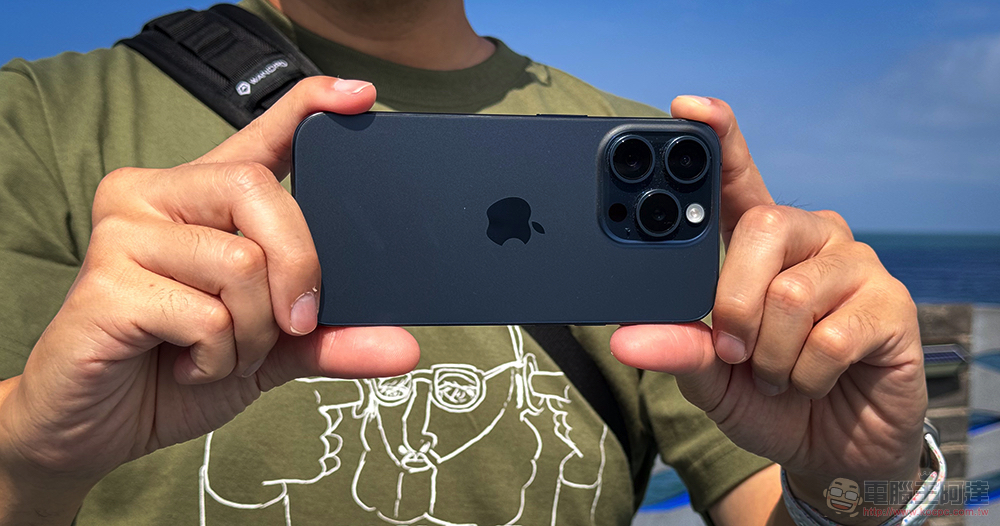
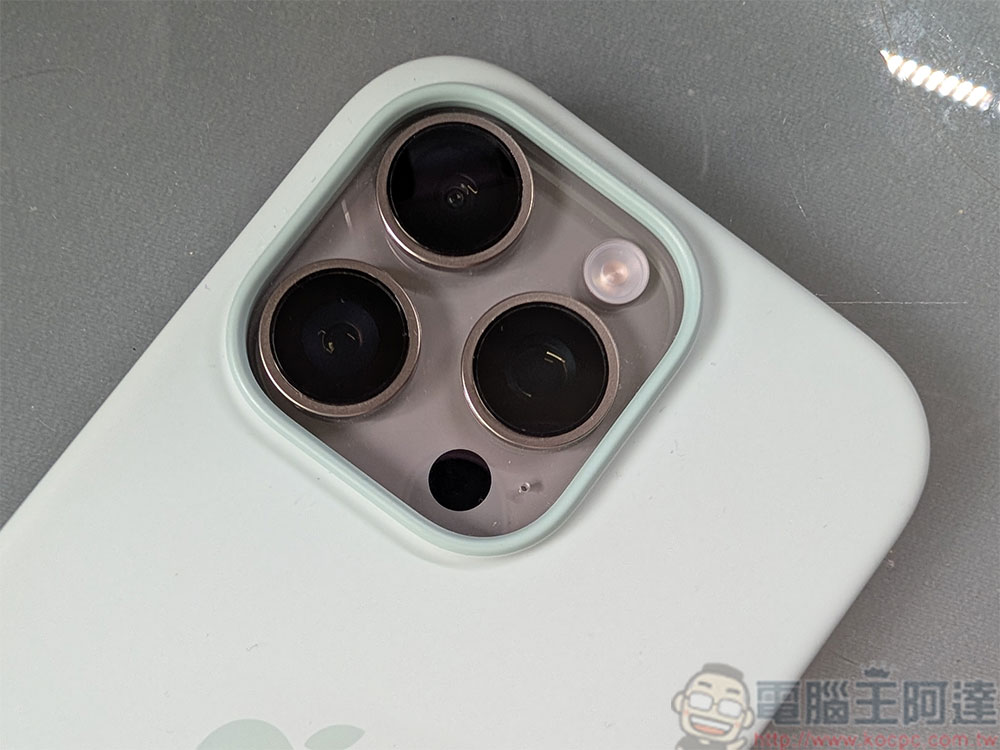
A set of four studio-quality microphones is ideal, but what’s the point if the audio quality of your calls or videos is poor? If you’re recording audio with your iPhone and the quality is poor, check to see if there’s any visible dust or debris stuck in or around any of the four microphone holes. If the screen protector you’re using doesn’t seem to line up perfectly, it may also be blocking the microphone located on top. The same goes for cases without proper openings on the bottom and back. Please remove the screen protector or case and clean the phone to see if it helps improve the recording quality.
Source: KOCPC Chinese