


owned by Google Snapseed It has been around for a long time, and although it is still a very suitable editor for beginners, it has not changed with the times, and it may even make people think that Google has prioritized other projects and phased it out. Although Snapseed’s existence is so small, Google suddenly launched an important update for it, making people surprised that it is still there.
Google rolls out a major update to Snapseed for iOS
According to foreign media Report by 9to5Google, Google for Snapseed for iOS But in a pretty big update, Snapseed 3.0 is now available on iPhone and iPad, and brings a overhauled UI that should make editing photos a lot easier.
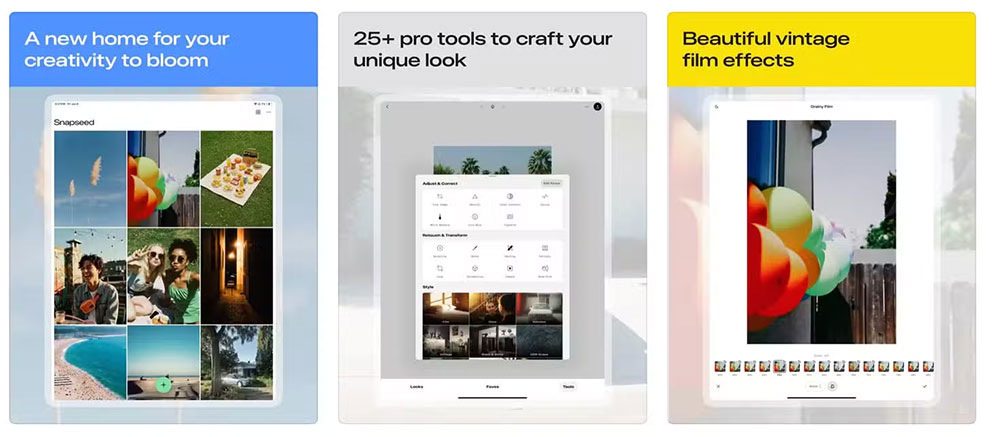
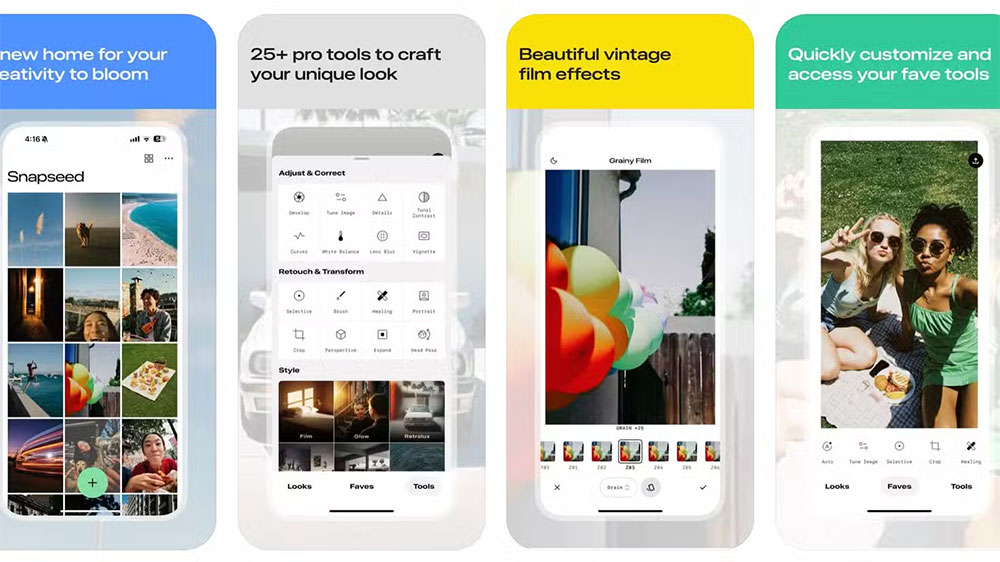
Compared with the previous menu system, the new look puts important options front and center, making the process of editing photos simpler. The system is now divided into three tabs, namely Look, Faves and Tools. In addition to more intuitive changes, some tool controls are also easier to access. The tools in the Tool section include:
- Adjustments and corrections
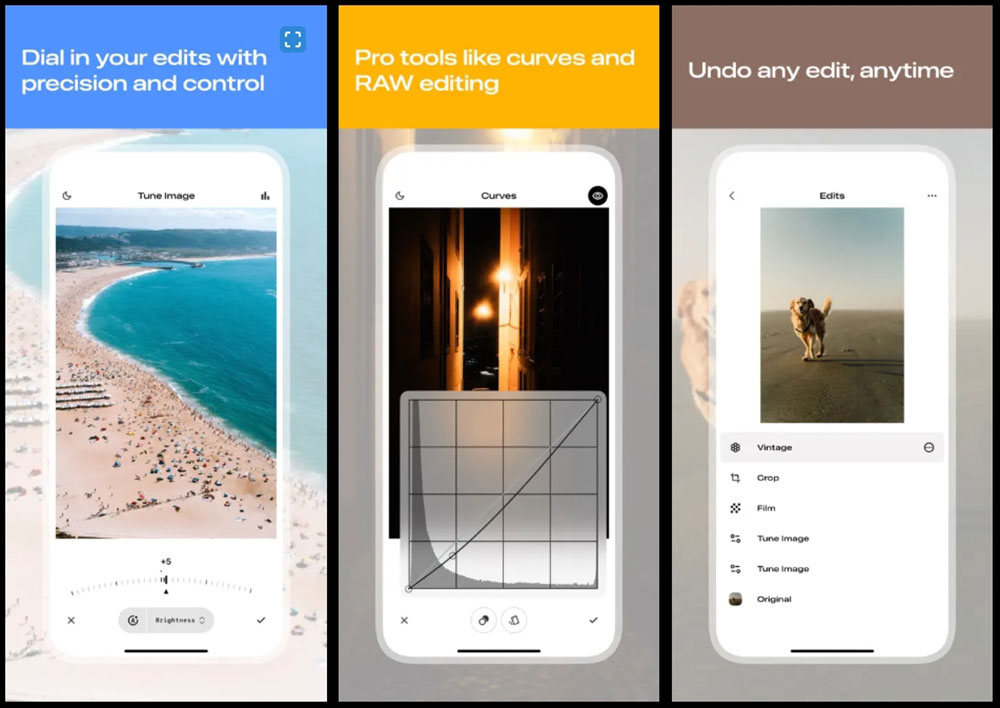
Adjustments, details, tones, curves, white balance, lens blur, illustrations. - Modify and transform
Select, Brush, Heal, Portrait, Crop, Perspective, Expand, Head Pose. - style
Various filters - material
double exposure, photo frame, text
While swiping left and right allows you to edit using various tools, 9to5Google emphasized that Google also said it has added the ability to swipe up and down to access options. Using the Favorites section, you can jump directly to the editing tools you use most often, which can greatly reduce your work time if you like to edit a lot of photos on your phone.
Of course, the big question here is whether this update will be coming to Android devices. Although this update is a big surprise, some people are not optimistic that Snapseed needs an update, considering that there are many other photo editing apps to choose from. Having said that, Snapseed still has some loyal fans and has been downloaded more than a million times, so there should still be many users who want to save trouble and don’t want to learn new things.
If you are interested in Snapseed, you can go to App Store Download and install. Although the Android version (Download and install) has not yet gained the same functionality, but it is still a useful and easy-to-use tool for beginners.
Source: KOCPC Chinese