


Want to edit and design photos anytime and anywhere on your mobile phone, but don’t like the features of photo editing apps? Now comes the good news! Adobe finally officially launches mobile version Photoshop Android App, not only iOS has been open for use for a long time, but now even Android Users can also join the ranks and experience it first. Photoshop The charm! Optimized for mobile devices Photoshop, not only allows you to easily crop pictures and modify defects, but also supports a powerful AI-generated coloring function. Just type a description text and let AI automatically help you fill in the picture, add objects, and remove the background. Even the handicapped can create professional-level works. Now in testing phase Android Users can experience it for free, so hurry up and give it a try!
Photoshop mobile version officially supports Android! During the test period, you can use various functions such as “generative coloring” for free
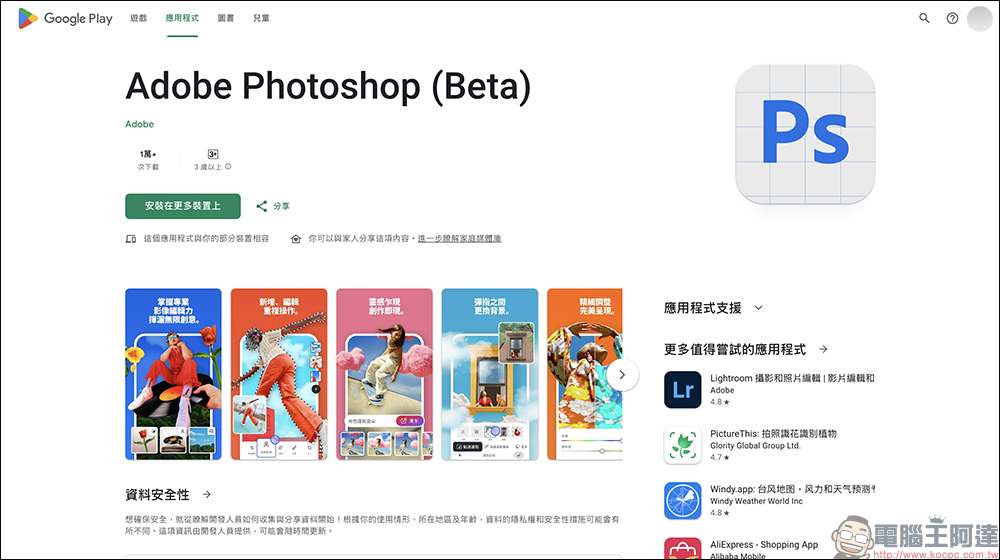
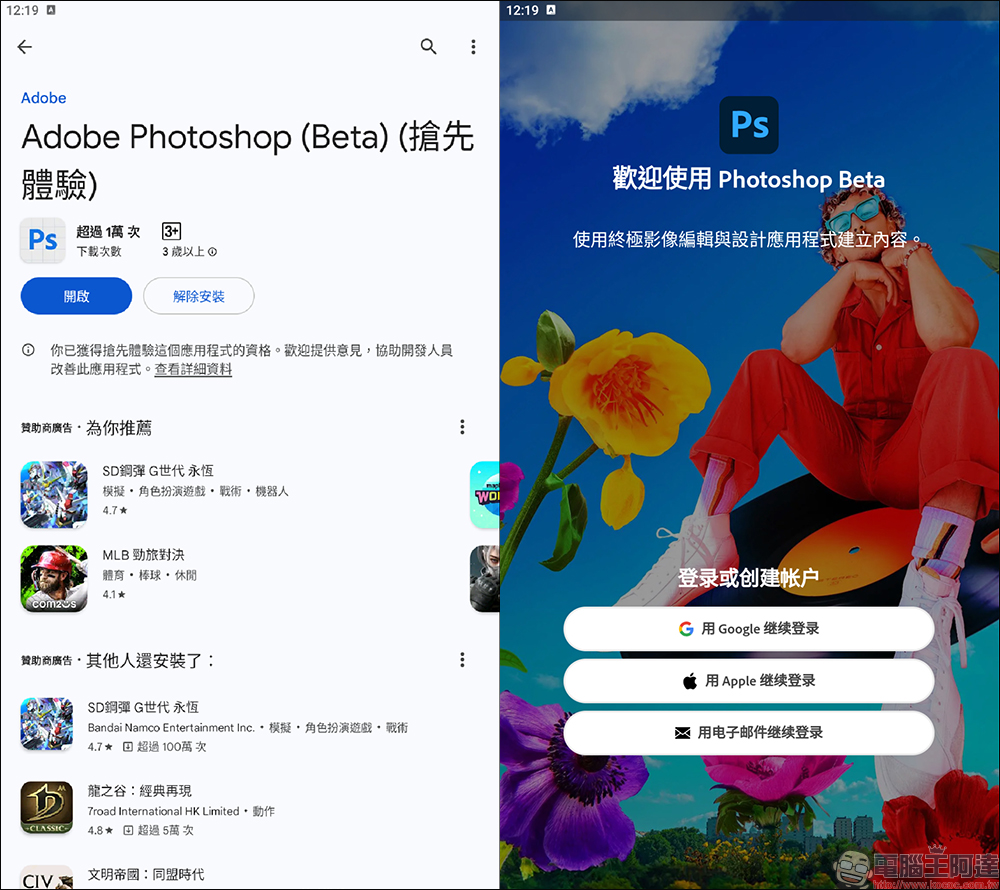
In March this year, Adobe finally released the long-awaited Photoshop mobile app! Initially, it will only be available on iOS, allowing iPhone users to enjoy the fun of editing pictures with Photoshop on their phones in advance. Good news came recently. Adobe officially announced that the Android version is also available on the Google Play Store. The key point is that it is now in the beta testing stage and you can download it for free and play!
Since the mobile phone screen is relatively small, the mobile version of Photoshop is specially designed to simplify the user experience. Basic functions such as cropping, rotating, color adjustment, adding filters, text overlay, and layer editing are all available, and the operating interface is more intuitive than the desktop version. Most photo editing needs can be completed with just a few clicks.
One of the most eye-catching features currently in beta testing is the “generative coloring” function. This feature is super futuristic. Just enter a text command (for example: “Add a boat to the beach”), and Photoshop will use AI to help you add a super-realistic image! The technology behind this is Adobe’s latest Firefly Image mockup, the overall detail processing and text understanding are much improved compared to previous generations. AI will be more obedient and understand what you are saying.
And this function is not just about adding things, it can also “magically” remove things from the original photo, or directly generate a new background. For example, the photo in the demonstration originally had a mobile watermark added, but now it can be easily removed if you want to edit it again. In other words, it doesn’t matter if you can’t draw or take good photos, let Photoshop’s AI take care of it for you!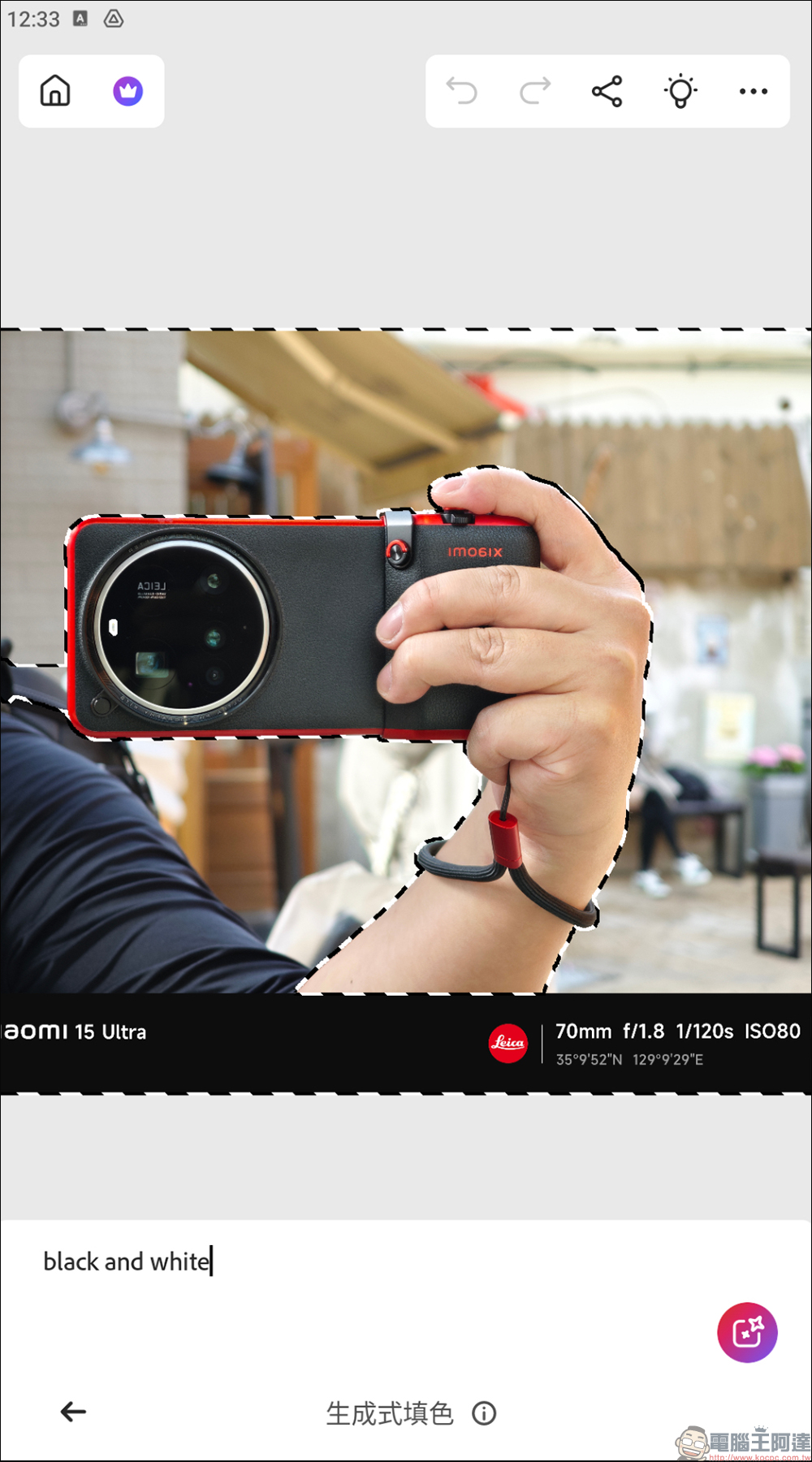
Effect reference of generative coloring:
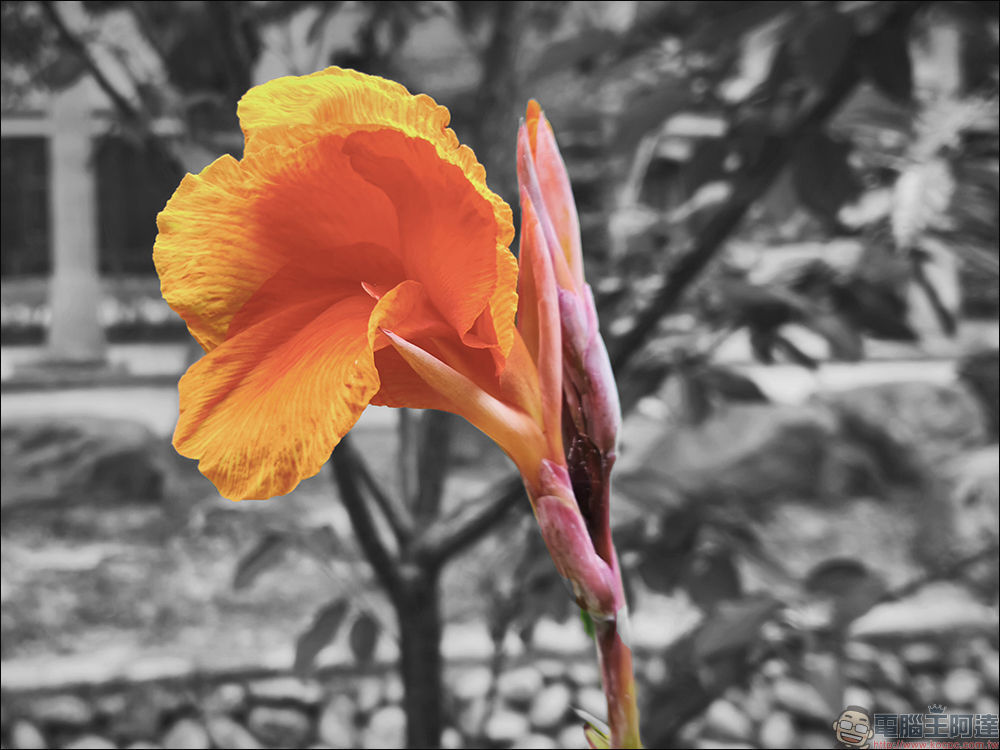
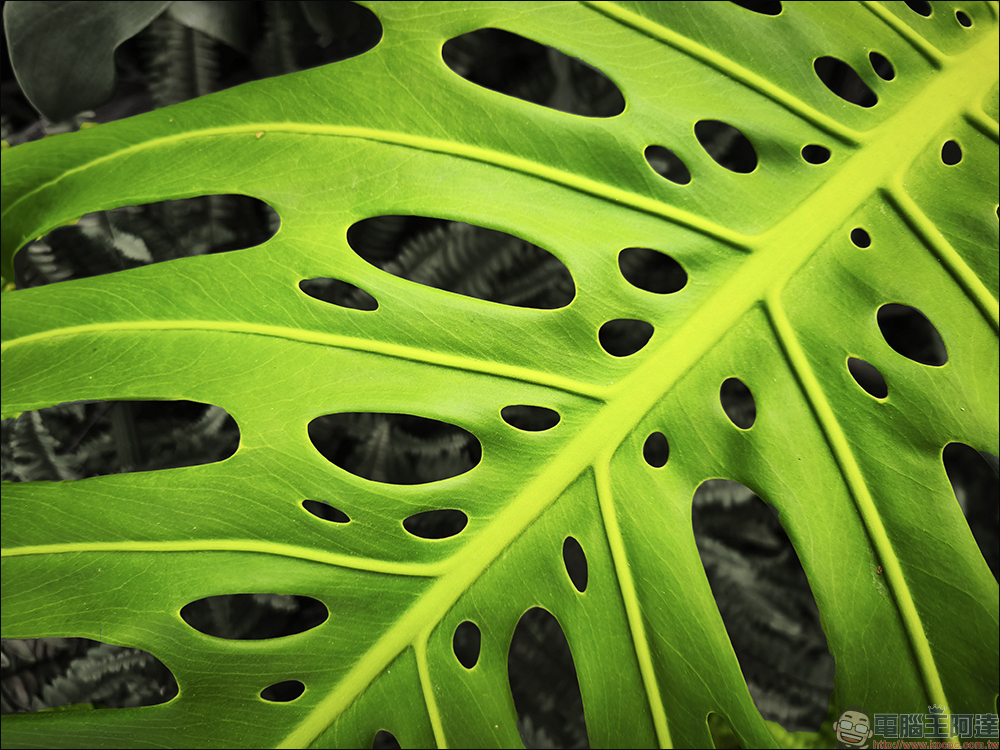
The key point is that it supports unlimited layers and high-resolution image editing, which is super practical for making posters, presentations, and social posts. For example, it is easy to select the leaves in the foreground and remove the color from the background.
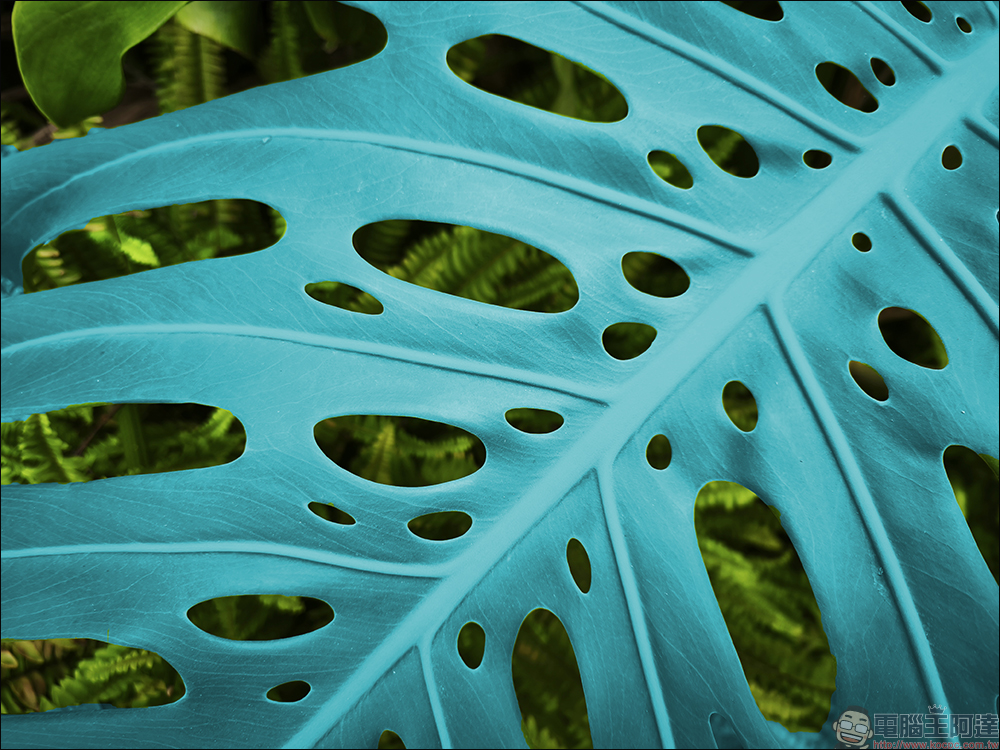
Of course, the mobile version of Photoshop can also easily complete basic operations such as changing different colors for a picture.
Although the mobile version of Photoshop lacks some advanced tools of the desktop version, its positioning is very clear, that is, to allow more people to quickly process images in their daily lives, whether you are:
- General users who want to edit their travel photos to make them more beautiful and upload them to IG
- Marketing editor who needs to catch up on social graphics
- Creators who often need to sketch
- Or a novice who simply wants to “play AI photo retouching”
Conclusion
Photoshop mobile version is not just a smaller version of Photoshop, it is more like an AI assistant, designer, and retoucher condensed into a portable app. From quickly editing, adding words, and removing backgrounds, now you can even achieve the dreamy operation of “using words to create pictures”. Who needs to sit in front of the computer to edit pictures?
At present, the iOS version has been officially put on the App Store, and the Android version has entered the beta testing stage and can be downloaded directly from the Google Play Store to play. It’s amazing to be able to enjoy some of the powerful features without having to subscribe to the full suite of Photoshop. Try it now to practice the “feel”. Later, if the official version requires payment to use more advanced features, it will be easier to evaluate whether you need to pay for a subscription. If you haven’t played it yet, I highly recommend giving it a try. Maybe you’ll become a patron after trying it!
Photoshop Android App (Google Play Store)
*Free for all users in the Beta phase
Further reading:
Source: KOCPC Chinese