


In life or work, you will often encounter situations where you need to transfer files across platforms. Apple Ecology is so simple, use Airdrop That’s fine, otherwise it will be more troublesome. We have introduced some useful tools before, such as:LocalSend、PairDrop、AndDrop Wait, I recently discovered a free tool called Blip, which should be the most useful and easy-to-operate tool currently.Cross-platformUnlimited transfer methods are not limited to being on the same network, but are also supported. It means that you can also use this tool to send large files to other people without going through the cloud.
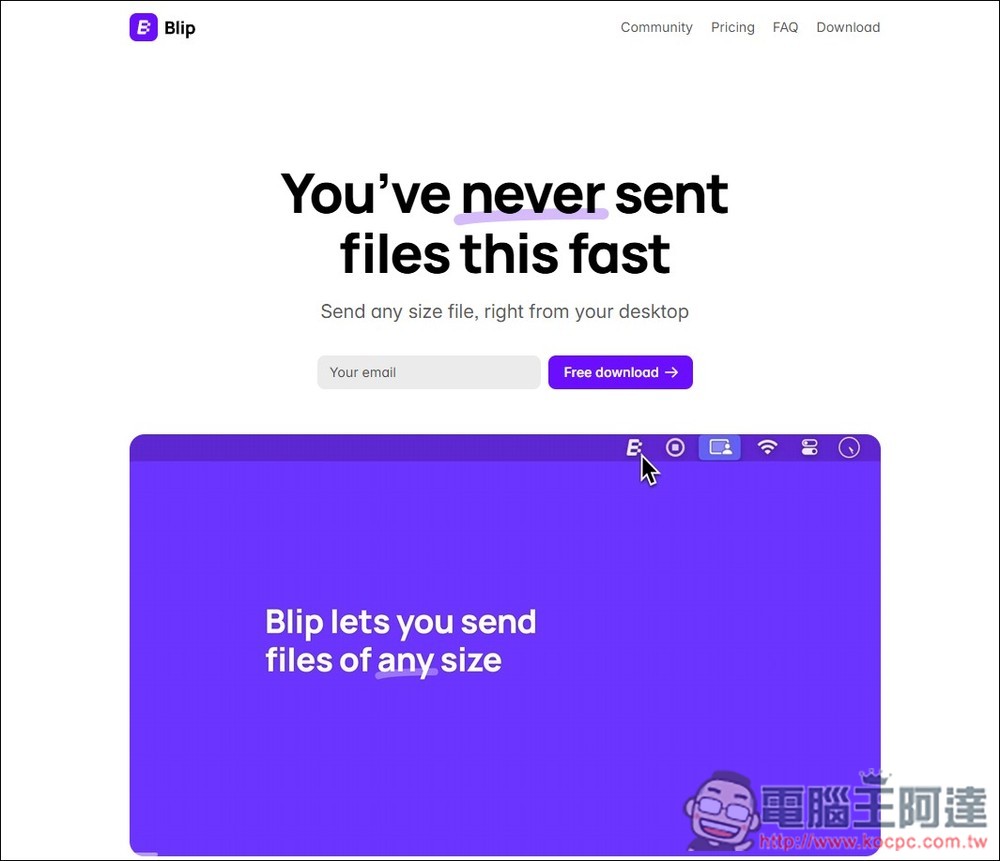
Introduction to Blip, the simplest free cross-platform wireless file transfer tool
Blip is a P2P peer-to-peer file transfer tool, so files are transferred directly from the current device to another without going through a third-party server. Not only is it safe, but the operation is also simple. After logging in to your account, you can select the recipient and start the transfer. In addition, files during transmission will be encrypted with TLS 1.3 to enhance data security.
Supports multiple platforms and can be used on Windows, Mac, Android, iPhone, and iPad. What’s even better is that Blip also has an automatic resume function. Even if the transmission is suddenly interrupted for some reason, it can automatically resume the transmission without having to start over.
Here I demonstrate the operation process of wireless transmission between Windows and iPhone.
After the Windows version is installed, you will be asked to log in via email when you open it. Enter your email address. You will be asked to receive a verification code, so do not enter it casually:
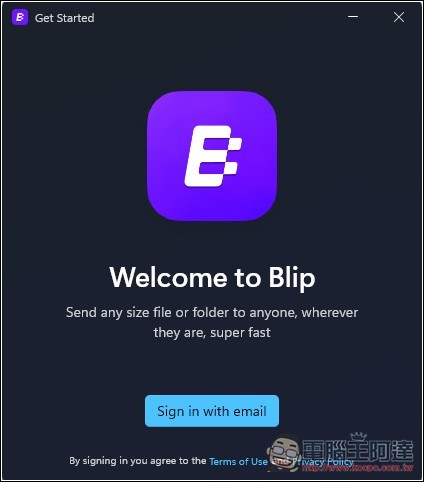
Fill in the verification code you received:

As for the name, you can choose whatever you want. Your account will be displayed with this name:

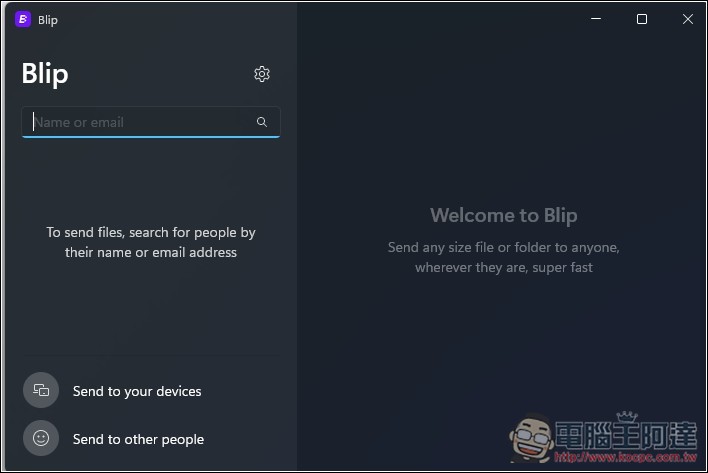
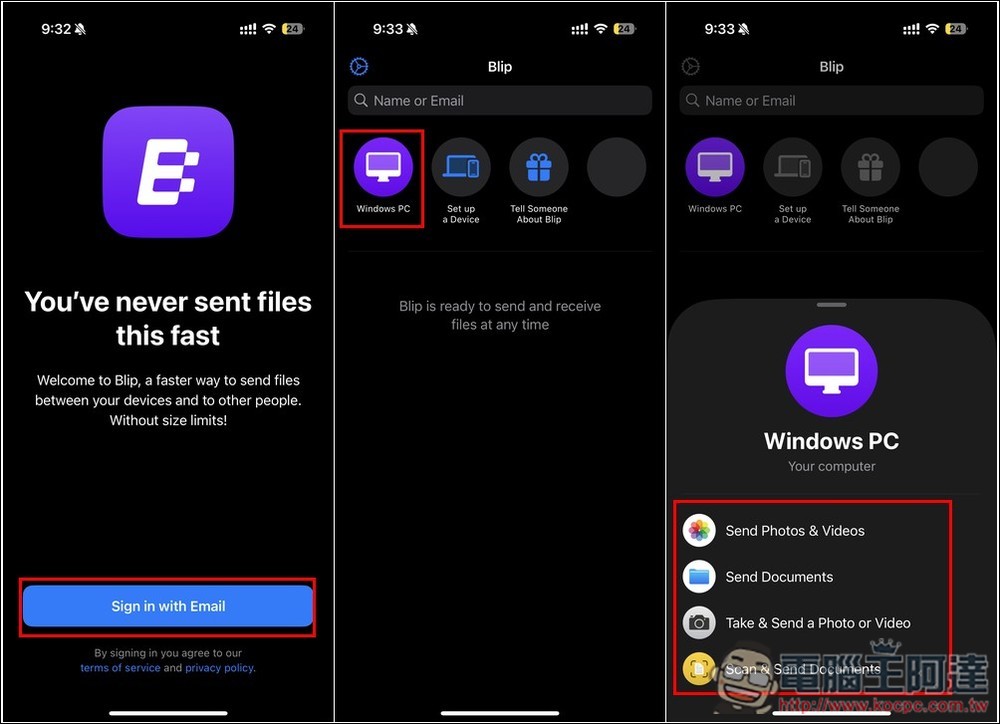
Then you can start the transfer. If you want to transfer it to someone else, enter their email address above. If you want to send it to your own device, click Send to your device below. And I want to transfer the screenshots from the iPhone to the computer, so I also have Blip’s iOS App installed on the iPhone:
After logging in with the same email address, the homepage will show the device I have logged in to, which is the Windows PC installed on it. After selecting, you can set whether to send photos and videos, files, or files such as photos or videos:
After selection, it will be automatically transferred without pressing any confirmation button. The Windows default storage location is the Downloads folder:
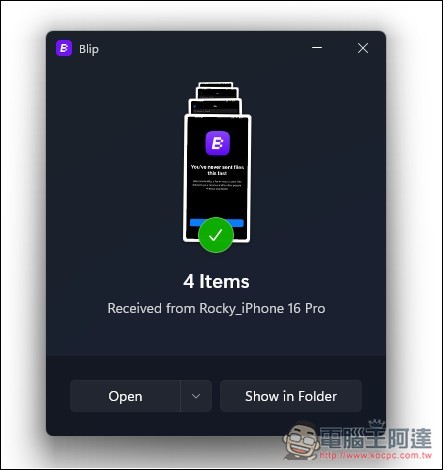
The operation on other platforms is the same. After installing Blip, log in to the same mailbox and you will be able to easily transfer files wirelessly across platforms in the future. I also tested different networks (the computer was connected to the wireless network at home, and the iPhone was connected to the 5G network), and it was successful. It can still be transferred and the speed is very fast.
Because it is P2P peer-to-peer, there are no restrictions on file size or quantity. You can upload as much as you want. The website also boasts that their transfer speed is very fast, so people who need to transfer large files can try it.
This tool is very suitable for transferring large files to other people. The only disadvantage is that both devices must be turned on until the file transfer is completed.
Source: KOCPC Chinese