


For content creators, they will definitely hope that their works can be protected, but the text cannot be watermarked like pictures. This article will recommend a useful free tool “Hidden Word” that uses Unicode The latest digital watermark technology can hide the secret information you want to hide, and it not only supports text, but also emoticons. No matter how much you fill in, it will not affect the original content. For creators, after hiding their name, if they see the same content elsewhere in the future, they can use it to prove that you are the original.
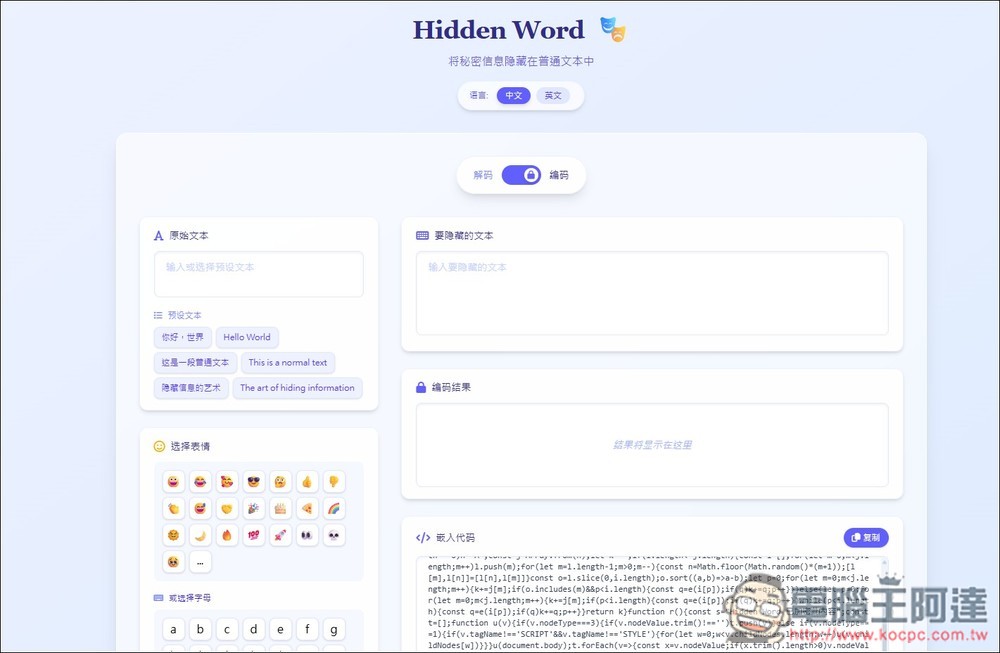
Hidden Word hides secret information in text without affecting the original content
Hidden Word uses digital watermarks to insert invisible Unicode characters into text content to mark the content. These marks can be used for copyright protection, source tracking and other purposes. And the method of use is very simple. Paste the text content you want to hide, enter the hidden information, and you will get the “embed code”.
Of course, for people with a technical background, these marks can still be easily detected and removed, but in most cases, few people will bother to check, so it is still somewhat helpful.
In addition to tracking your own works, if you have some text messages that you want to send to others without being discovered by others, you can also use this tool to do so. I tested sending LINE and hiding them, not just on web pages.
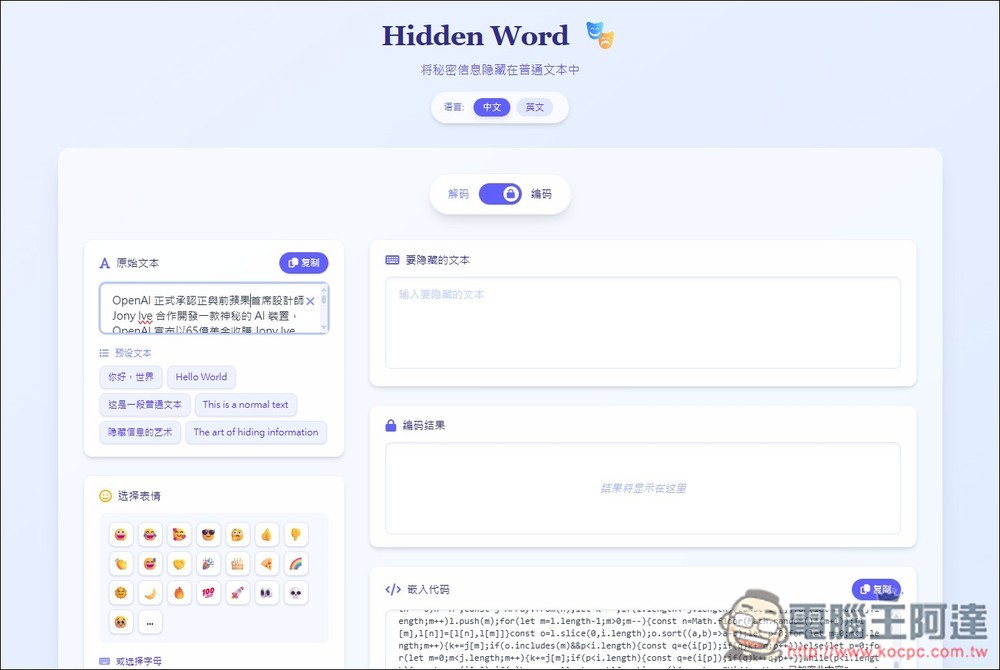
After clicking the link above to enter Hidden Word, the default is encoding mode. Paste your normal content in the “original text” on the left. An emoji keyboard is provided below for those who need it:
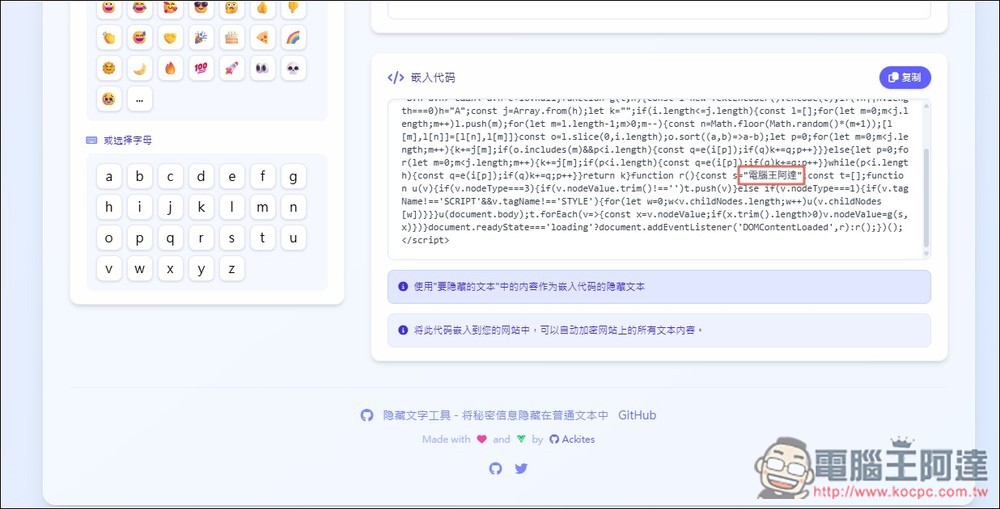
The next step is to enter the text you want to hide in the content into the “text to be hidden”, and then two results will appear below. Both of them have hidden the content I entered (Computer King Ada). It depends on which one you want to use. You only need pure text, copy the “encoding result”, and if you want to embed it, “use the embed code”:

You can see the hidden content in the code part:
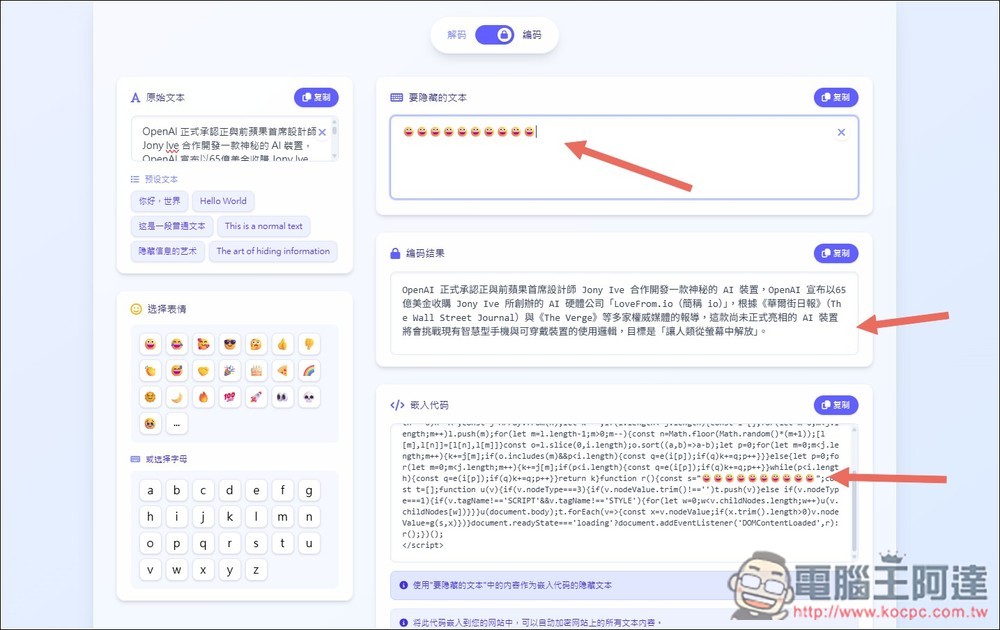
I also tested what would happen if all emoticons were added. As a result, no emoticons appeared in the encoded content:
At this time, you can post your content anywhere, including web pages, LINE and other platforms.
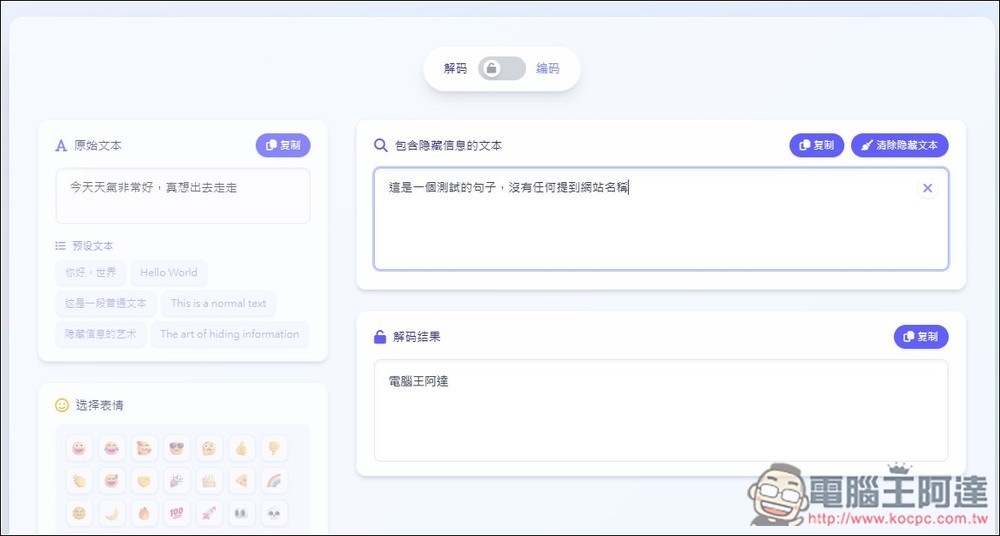
If you want to decrypt, change the mode above to “Decode”, then paste the content in “Text containing hidden information”, and the hidden content will be displayed below:
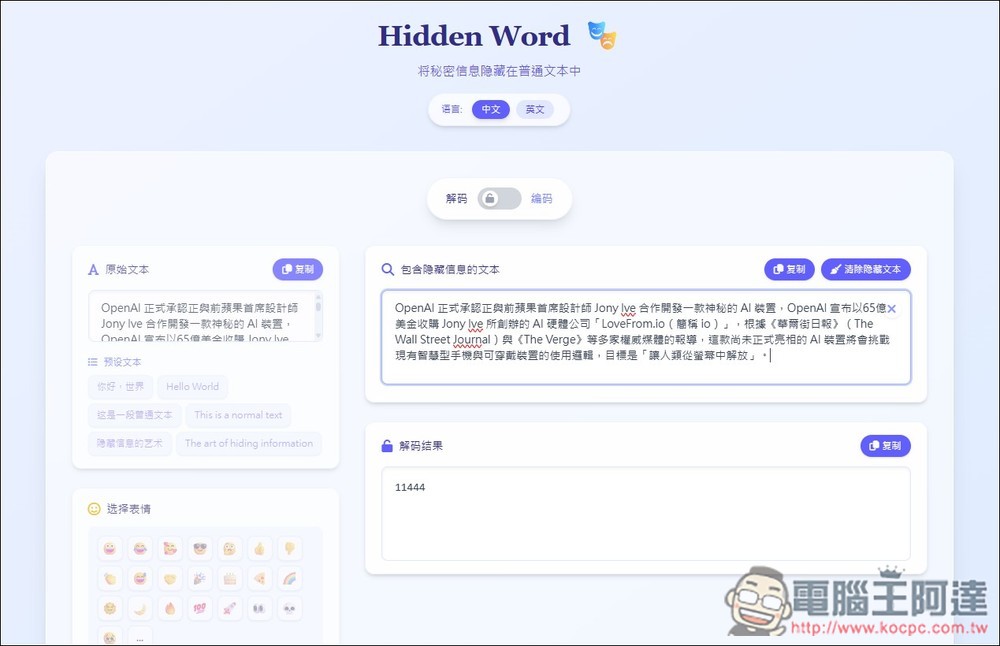
Those who want to give it a try can first copy the following two paragraphs of text to decode. The hidden information is “Computer King Ada”, but there is no mention of Computer King Ada in the entire text:
- This is a test sentence. There is no one who can refer it to the website.
- Today’s weather is very good, I really want to go out and go, go, go, go, go
But having said that, for text content creators, even if they find a website with stolen content, whether they can ask the website to be removed from the shelves is another troublesome issue.
Therefore, I think this tool is more suitable for situations where you want to send hidden messages to other people. Remember to test before using it to see if the information is hidden.
Source: KOCPC Chinese