


The “Wi-Fi Pineapple” sounds cute, but it’s not so popular in the security world. It’s a real threat to network security. Wi-Fi Pineapple tricks you into connecting to fake Wi-Fi networks to intercept incoming data and compromise your privacy, so how can you prevent and avoid being attacked by it?

What is “Wi-Fi Pineapple”? How can you protect yourself from it?
Wi-Fi Pineapple is a tool ostensibly used for Wi-Fi security testing, but it’s also used to perform real attacks on devices. Why is it called this name? Not literally a pineapple, of course, but the early devices got their name because the antennas protruded from various angles like pineapple leaves, making them look like pineapples. The Wi-Fi Pineapple is a specific device that can automate man-in-the-middle attacks, but these attacks can also be carried out using off-the-shelf hardware such as laptops.
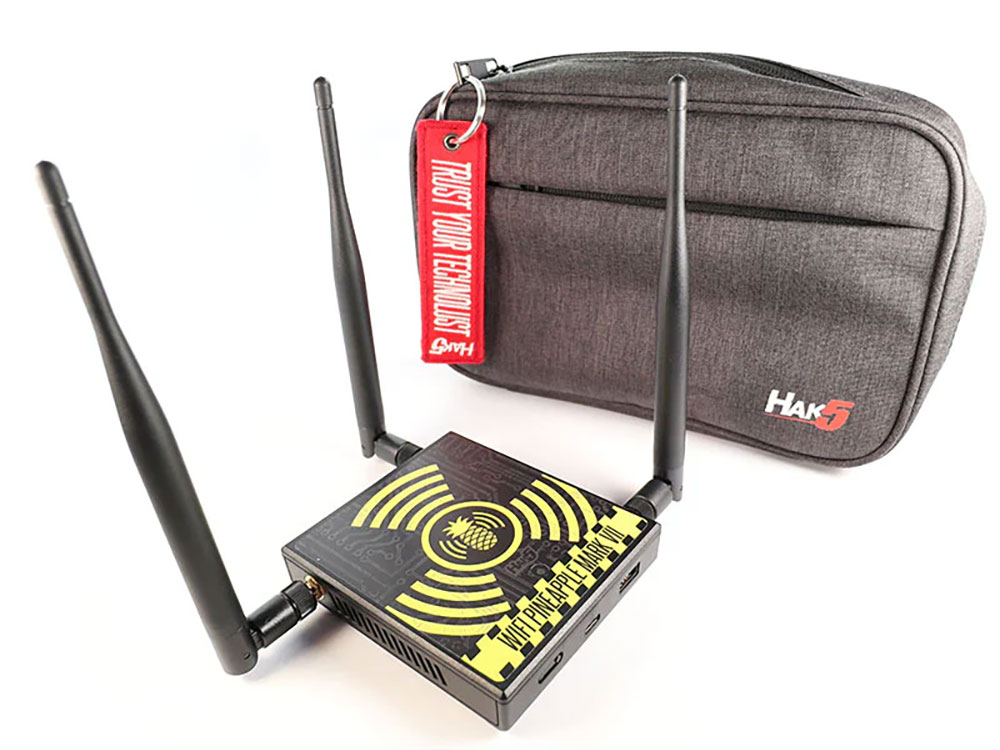
There are two main types of attacks that use Wi-Fi networks. One is to impersonate a known Wi-Fi network and trick your device into connecting, intercepting data from it and potentially providing remote access to the device. The other is to attack open networks, hoping that unsuspecting users in desperate need of the Internet will be able to connect, with the same results as the previous one. Typically, rogue Wi-Fi hotspots are set up in coffee shops, airports, and restaurants to try to get you to connect without natural behavior. Most of the time simply naming the network something reasonable-sounding, such as a restaurant name, is enough to fool people into thinking it’s a real, official network.

For individuals, the main threat to connecting to rogue Wi-Fi is the interception and logging of transmitted data. Emails, social network logins, and other sensitive information (including the websites you visit) can all be logged, even if the encryption is still potentially exploitable. Devices with improperly configured firewalls can also be accessed remotely through a compromised network, putting all data on the device at risk.
There is an additional threat to businesses. Wi-Fi Pineapples and other malicious devices can insert themselves into the network using an unattended Ethernet plug-in or by capturing legitimate Wi-Fi credentials and cracking them, allowing attackers unrestricted access to a company’s internal infrastructure.

The best way to protect yourself from a Wi-Fi Pineapple is to stay away. If you can, avoid public Wi-Fi and use a mobile hotspot instead. If you absolutely must use fed Wi-Fi, use a reputable VPN and set it up so that all network traffic must go through it. Alternatively, a travel router that allows you to share multiple devices or place multiple devices behind a VPN is also great for this purpose.
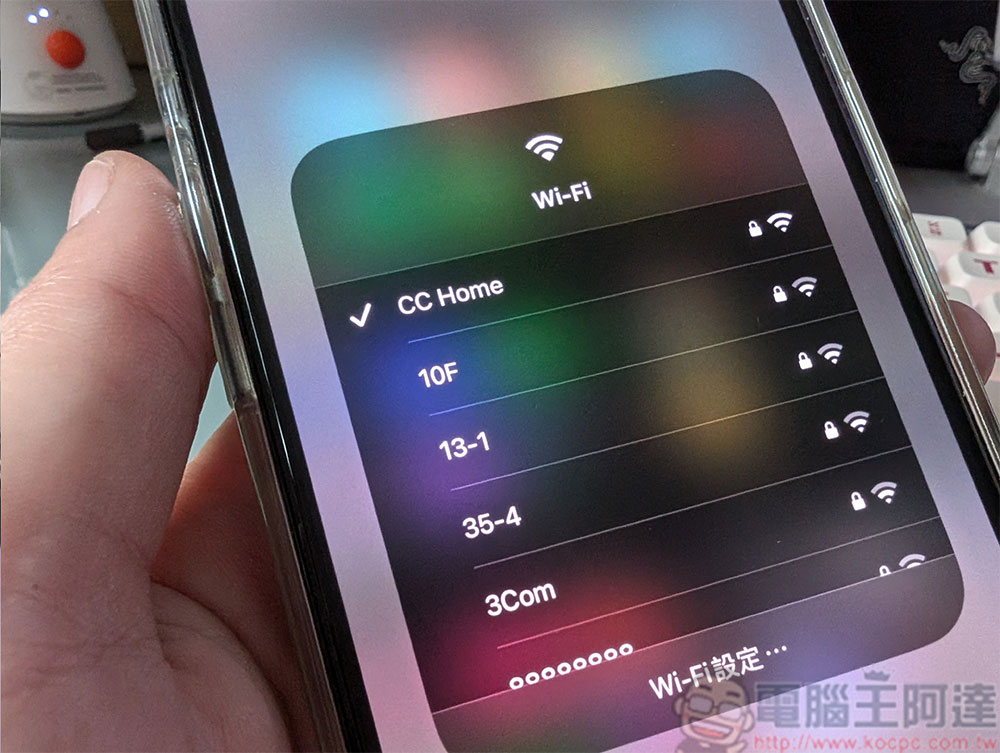
While actual Wi-Fi Pineapple devices can be difficult to detect, there are other steps you can take to protect yourself from fake hotspots and man-in-the-middle attacks. Before connecting to a network, check for duplicate or suspicious network names and avoid scanning QR codes to connect unless they are in a location unlikely to be tampered with. You can also disable auto-connection for public networks you previously joined so you don’t mistakenly reconnect to an imposter. At home, make sure to change the default Wi-Fi network and administrator passwords, and set up a guest network for guests who come to visit. Providing separate IoT networks for your smart devices also prevents them from becoming vectors for network intruders. If you notice similar network names popping up in your community, consider changing your network name to avoid accidentally connecting to someone else’s network.
Source: KOCPC Chinese