


Due to the importance of mobile phones in daily life, a lot of valuable data is stored in them. You need to back up your mobile phone from time to time to avoid losing all the contents if your phone is broken, lost or stolen. Whether you have the latest high-end flagship phone or an affordable entry-level model, the process of performing data backup is the same. However, there are still some easy mistakes that you should be careful about to avoid damaging and losing important files and regretting it later.
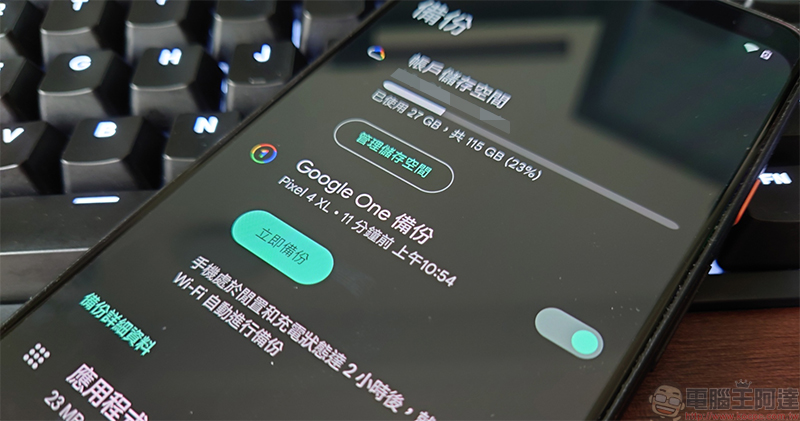
Mistakes you can make when backing up your Android phone or tablet
Do not organize files before backing up
Before backing up your files, you should take the time to organize them so that they can be easily found and restored if necessary. This is especially important for certain data, where not knowing the name of a video or file can make searching cumbersome. Before performing a backup, you can take a few minutes to group similar files, rename them for easier identification, and delete files and files that are no longer needed, so that you don’t have to randomly filter later or pay to back up data you don’t need.
Never check if backup can be restored
Do you think that once you have a backup, everything will be fine and you can restore it later? Everything goes wrong, and the same goes for backups. Backups can also have errors or glitches that prevent files from being restored when you need them most. Backups are meaningless if you can’t reliably restore your data. It can be frustrating when you need a critical file only to find that the recovery process will take hours to days, so test whether the file can be retrieved from time to time, and also consider how long it will take to recover the data.

Back up all data to the same location
The most common and easiest misunderstanding is to keep all data backups in the same place. You may think that you can restore it at any time, but what if the backup file is corrupted or deleted before that? If you back up your files to an external hard drive, you may lose all your content if the drive is lost or damaged. If you back up your files to the cloud, you may be in trouble if your service is interrupted or your account cannot be accessed. With this in mind, it’s a good idea to have several backups of your data in different locations.

Skip full backup when changing phones
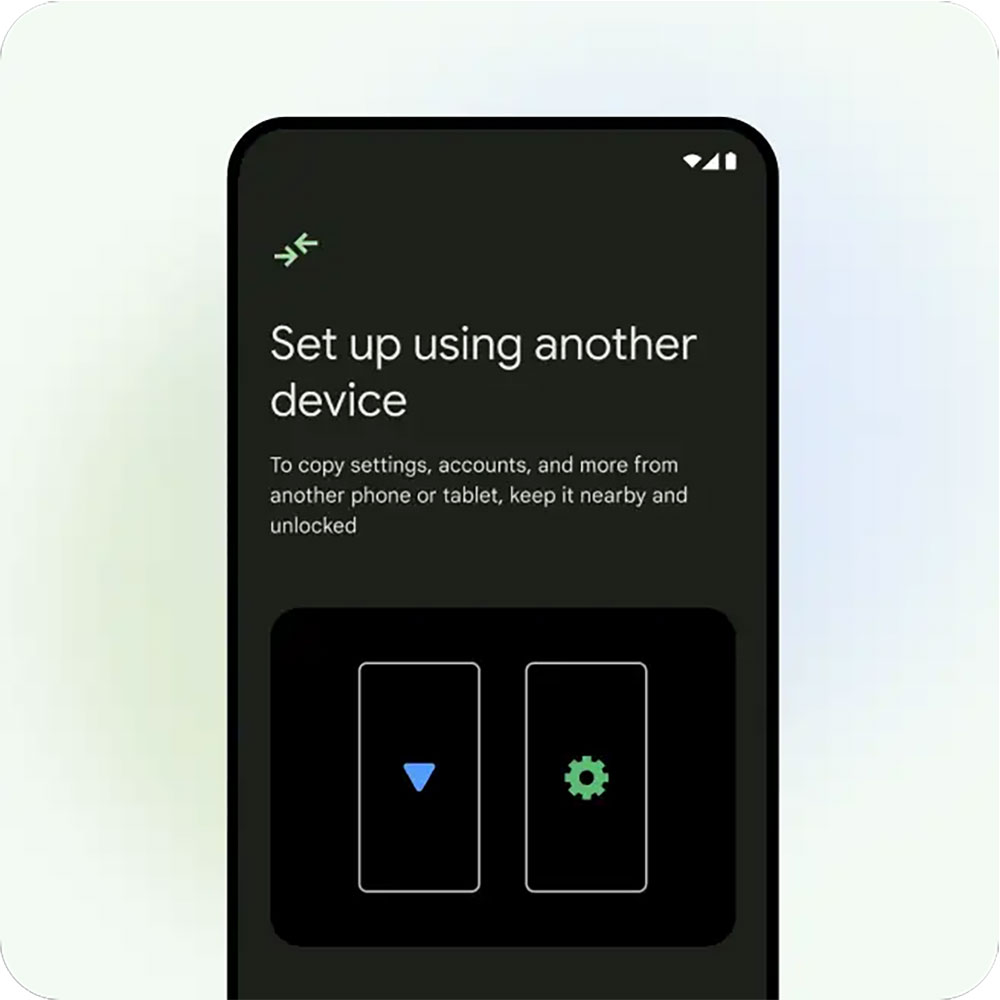
It’s nice to rely on cloud backup to handle everything when you switch to a new machine, but it’s often not enough. Cloud backup can transfer data for you, such as calendars and contacts, but the contents of 2FA applications typically don’t. Therefore, be sure to perform a complete backup before replacing your phone to minimize the risk of losing access to important information.
Backup is incomplete
Backing up only part of your data can give you a false sense of security, but it’s only when you restore your files that you realize how much data you’ve missed, which can be a problem when you use multiple apps for a single purpose or use multiple phones. Many people back up Google Messages but forget about other communication software, or only remember to back up their work phone but not their personal phone. Your backup should cover the data of all applications on all devices.

Disable automatic backup
Don’t trust your memory too much. If you don’t turn on automatic backup, you will end up losing money. Some apps including Whatsapp, Google Photos, and Chrome offer built-in options to sync and backup data to the cloud. Please regard automatic backup as the first line of defense to protect your data. As long as it has automatic backup function, turn it on, and other applications should be manually backed up regularly for recovery. This is the best combination.

Backups are not encrypted
Not all data backed up needs to be encrypted. There are many backup files, such as messaging apps or photos, that may seem innocuous, but some backups contain sensitive information. This type of data may be dangerous to you if it falls into the wrong hands. Please check the encryption type used by your backup service platform and confirm whether anyone besides you can decrypt it. The best option is to use a zero-knowledge encryption system platform, which means that only you hold the key to decrypt the file, and not even the service provider can access or view your file.

Each backup takes too long
Backing up after a long time is just as bad as not backing up at all, and there are data risks. If you only think about manually backing up once, it is easy to forget when you last backed up, what content was backed up, etc. In an ideal world, please back up at least once a week. You should also make a plan for manual backup. You should arrange what needs to be backed up and what does not.

Premature overwriting and deletion of old files
Backup itself is very important. Many people think that they only need to back up recent files, so they delete or overwrite old files without hesitation. You have to remember that old files are not overwritten during the backup process, which may cause problems if you want to restore a previous version of the file. To ensure safety, please keep old files until you are sure that they are no longer needed, or set a storage time. For example, files from one year ago can be deleted.

Backing up data on an Android phone is easy, you can use a first-party service like Google One to back up most of your data, or you can rely on third-party platforms if you don’t want to renew your Google One subscription. The key is to make sure your backups are complete, secure, and performed regularly. Taking these precautions will ensure you don’t end up scrambling when you need them most because of backup errors.
Source: KOCPC Chinese