


In the past, owning a home projector was once a luxury, but now there are more and more projector products at more affordable prices. With projectors becoming more accessible, it’s easier than ever to upgrade your home viewing experience. However, installing a projector is different from setting up a traditional TV, you have to consider image quality, sound and overall comfort, so for the best experience, we’ve put together 5 simple ways to enhance your home projector setup.
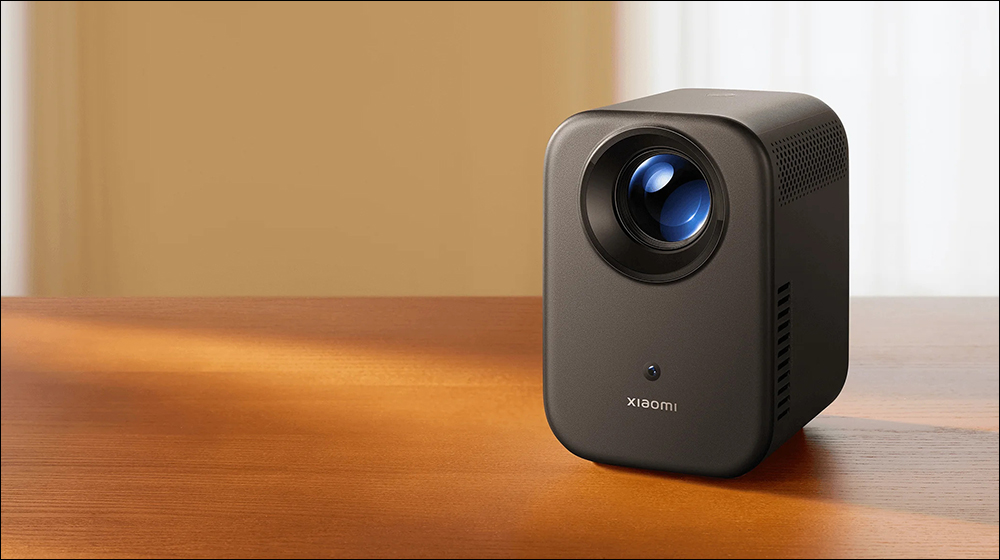
5 simple ways to improve your home projector setup
Optimize projector placement
After buying a projector and unboxing it, the first challenge is to decide where to place it. Usually you have two options: mounting it on the ceiling, or placing it on a table or shelf. Ceiling-mounting the projector saves space and provides excellent stability, prevents accidental movement that may require frequent refocusing, alignment, and keeps wires and equipment hidden, making for a cleaner overall configuration.
Placing the projector on a table or shelf provides greater flexibility, making it easier to adjust or move it as needed. If you choose this method, make sure the surface is stable and placed at the appropriate height to maintain a clear and fully aligned image.
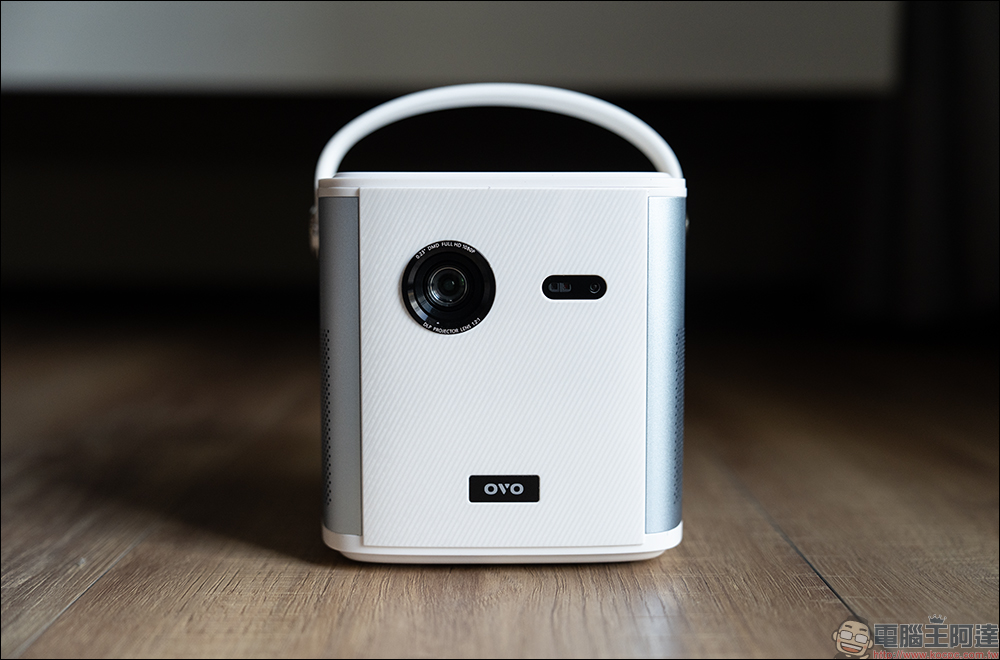
While a blank wall may seem convenient when choosing a location to project content, a projection-specific screen can provide better brightness, contrast, and overall image quality. When shopping, consider using ALR (Ambient Light Rejection) drapery for best results, which helps maintain clear visuals even in rooms with lots of natural light. If you prefer to project onto a wall, make sure it’s smooth, blemish-free, and coated with a projection-friendly paint.
Enhance images produced by projectors
One of the main reasons to buy a projector is its large screen size and image quality, so you must optimize and maintain this aspect for the best viewing experience. First manually calibrate the image settings. The factory defaults may not be suitable for every environment, so please adjust the brightness, contrast, color temperature and sharpness to suit your viewing space.
Most projectors have different color modes, such as “warm” which makes colors look more natural, and “cool” which makes whites look bluish. Be sure to choose the mode that best suits your viewing environment. If your room is still bright with the lights off, use blackout curtains to eliminate excess sunlight and improve contrast. However, if you don’t want to use blackout curtains, consider installing motorized blinds to create a dark environment.
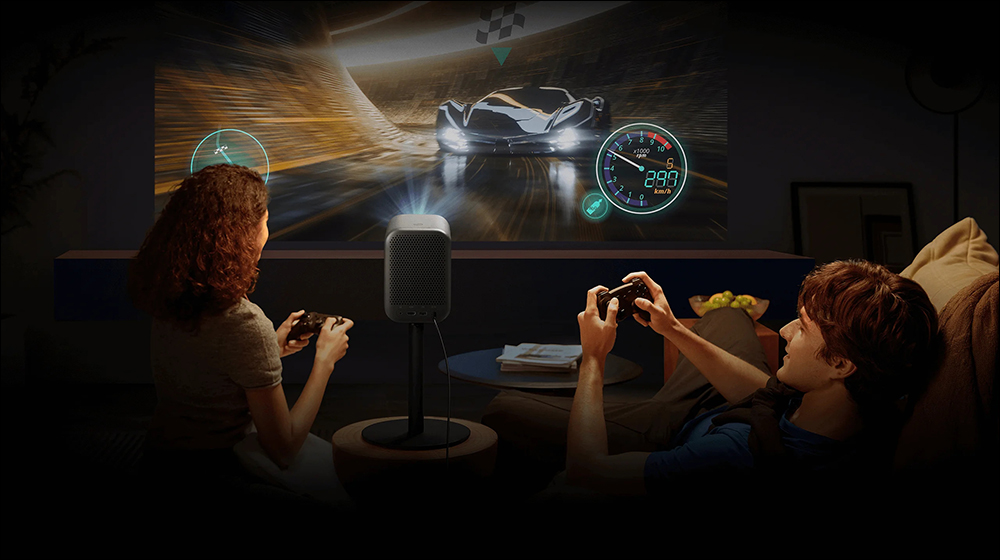
Also, avoid placing the projector in direct sunlight as it will reduce clarity and image quality. At the same time, it is equally important to maintain the projector. Please clean the lens regularly with a microfiber cloth to prevent dust accumulation and blurry images. The material you use when cleaning your screen is very important. Regular cloths, paper towels, or napkins may be too rough and may damage the lens and reduce resolution. Microfiber cloths can prevent scratches, effectively remove dust, and help maintain optimal image quality.
A suitable audio experience
When configuring a home projector, in addition to image quality, you should also pay attention to the audio aspect. Whether you use it to watch movies, TV, or play games, high-quality audio can improve the overall experience. Most projectors have built-in speakers, but they often lack depth and power. If you want to upgrade your audio experience, consider adding external speakers. A Sound Bar is a simple yet effective option, while a full surround sound system (such as 5.1, 7.1 or Dolby Atmos) offers a more immersive effect.
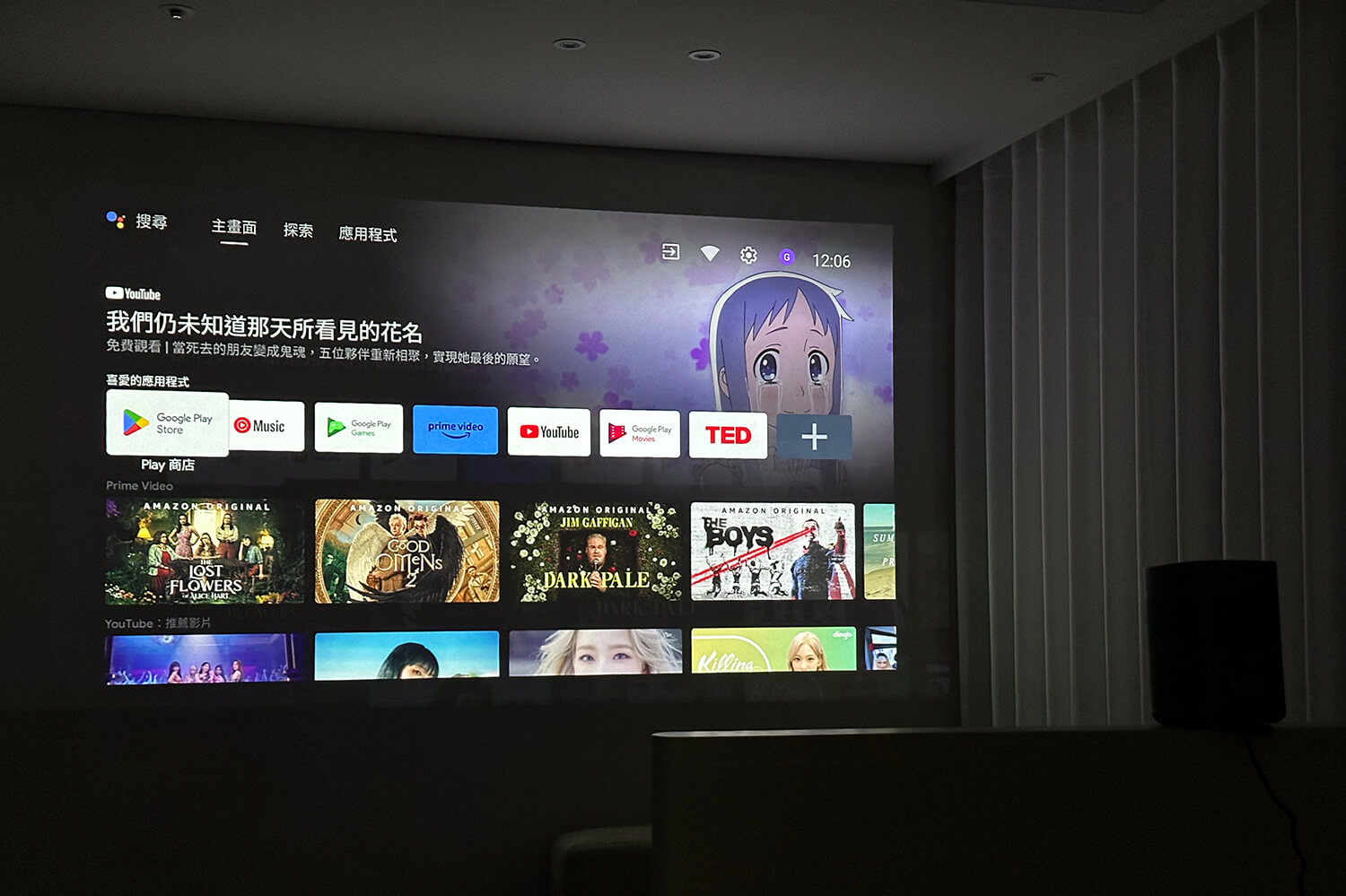
Once you’ve chosen the speakers you want to use, proper placement is key. To boost bass, place the front speakers at ear level when you sit and watch movies, and place the subwoofer near a wall or in a corner. Additionally, to further improve sound quality, use carpets, curtains, or acoustic panels to minimize echo and prevent audio distortion.
While wireless antenna placement is quite flexible with the projector, a wired connection is recommended for best sound quality and synchronization. HDMI ARC, optical audio, or an AV receiver will provide a stable connection and reduce latency, which can sometimes be an issue with Bluetooth speakers.
Reduce security risks by managing cables and power
Once you’ve configured your projector, imaging, and speakers, organizing cables is crucial to maintaining a clean and safe space. Using a wire management gadget can help keep cords tidy and prevent clutter. With proper organization, it improves aesthetics and reduces the risk of trips and falls that can damage your projector or other equipment. In addition, tripping is not only a hazard to the equipment, but may also result in incidental personal injury, as tripping over cords connected to the projector or other equipment can cause the equipment to fall and strike someone.
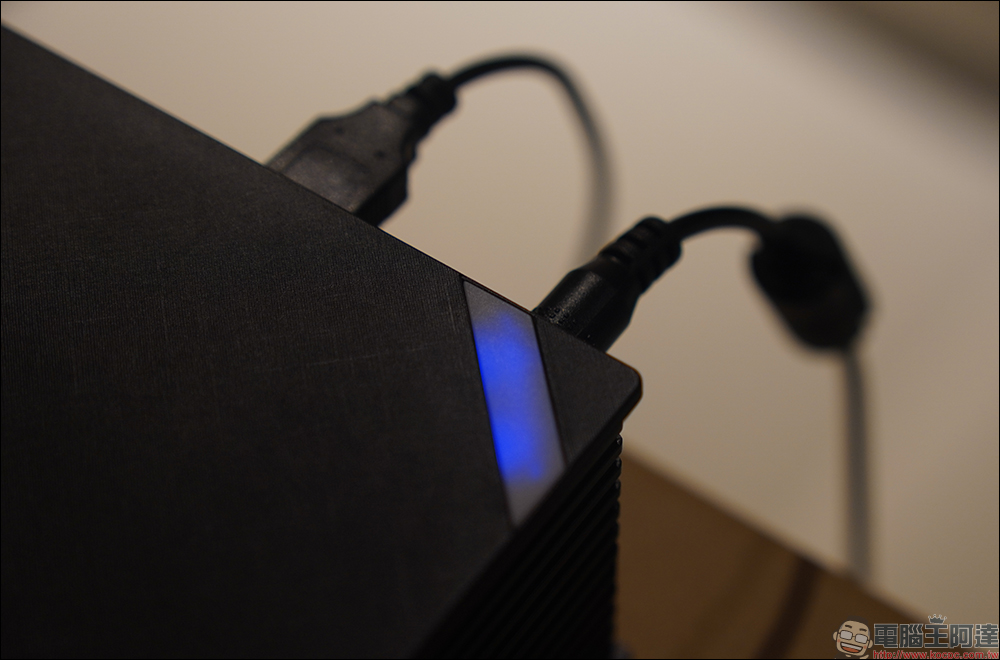
To prevent this, it’s important to keep your cords clean, organized, and secure. Using cable clips, holders or even wireless solutions can help create a safe environment and keep your projector block tidy and functional. In addition to wire management, current stabilizers are also accessories that can be considered to protect the projector from power fluctuations.
Maintain the life of your projector
Maintaining your home projector is just as important as setting it up. Regular maintenance ensures long life, optimal performance and a consistently high-quality viewing experience. To prevent dust accumulation, clean the projector regularly, especially the lens, vents, etc. Dust accumulation can reduce image clarity and hinder cooling efficiency, leading to overheating and performance issues.
If your projector uses a lamp, check its lifespan regularly and replace it before it goes dark. A weakened lamp forces the projector to work harder, increases heat output and shortens its lifespan. Placing the projector in a well-ventilated area will also help prevent overheating, which can damage internal components. In addition to physical maintenance, it is also important to keep your projector’s firmware updated. Updates often include bug fixes and performance improvements that enhance features. If you’re experiencing blurry images, overheating, or lagging audio, try troubleshooting by cleaning the lens, adjusting settings, or checking your cable connections before calling for service.
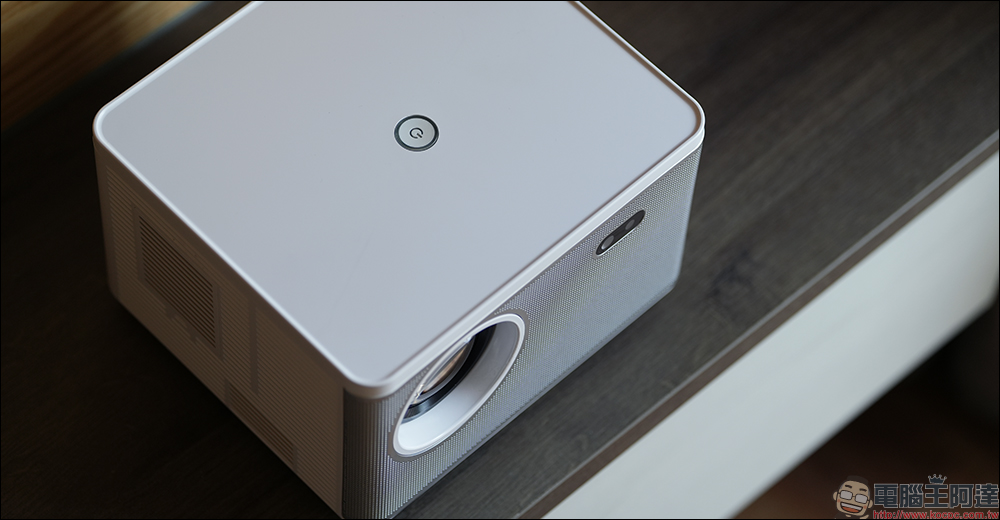
Projectors offer several advantages over traditional TVs, including larger screen sizes and a more immersive viewing experience. However, they also require careful setup and ongoing maintenance to function optimally, and despite these extra steps, it’s worth the extra effort if you want to have superior image quality, flexibility, and fun.
Source: KOCPC Chinese