


I would like to introduce to you a powerful YT video downloader, Video DownloadErm ver2.0. We have actually introduced the ver1.0 version before, and this version ver2.0 is a YT video download and audio and video conversion application developed in Python and equipped with a graphical interface. It can easily download a single video or an entire playlist, and provides a multi-functional audio and video conversion tool. It will have more functions than the previously introduced version. If users need to download lists and convert videos, ver2.0 will be more useful!

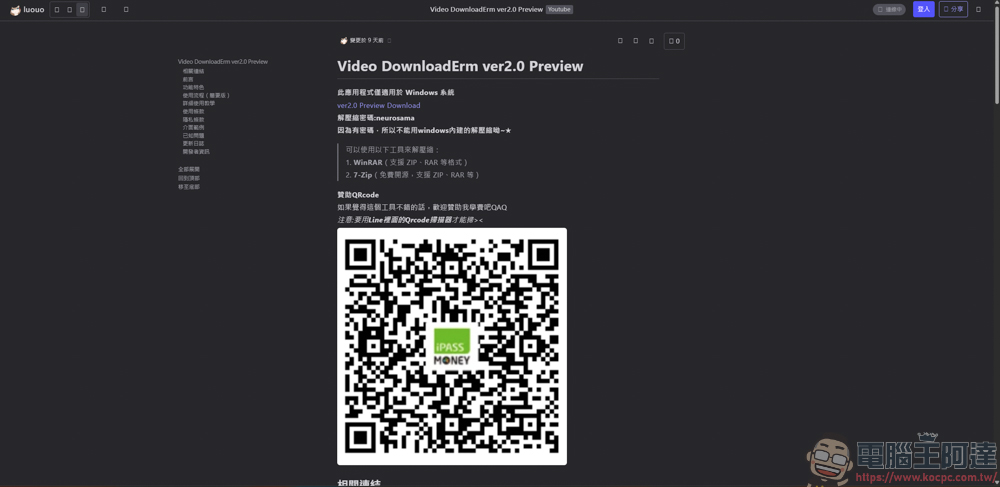
Video DownloadErm ver2.0 download
Readers who want to try it out can download it from the link above. The software is free. If you find it useful, you can consider sponsoring it!
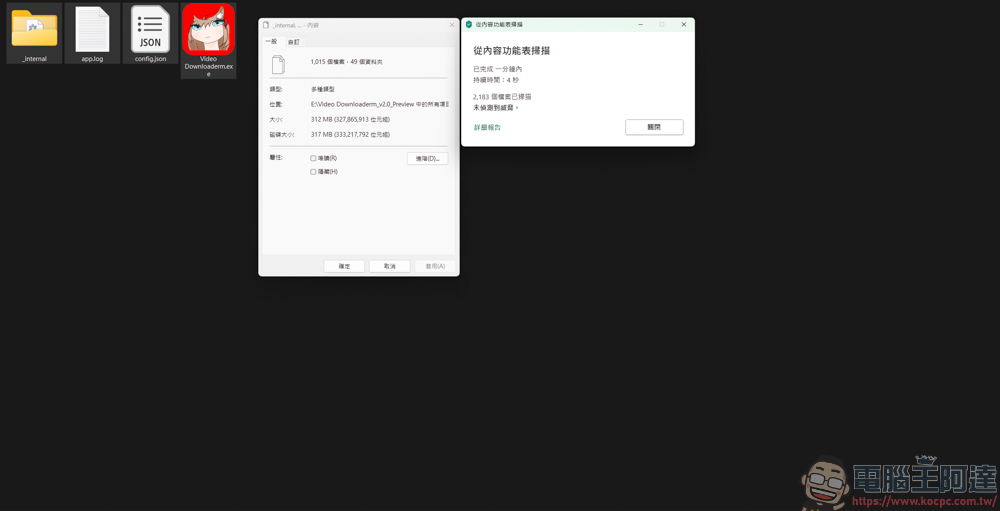
The decompressed file size is approximately 312MB, and no virus threats have been detected:
Video DownloadErm ver2.0 usage introduction
Double-click Video DownloadErm.exe to execute the program. The interface of Video DownloadErm is quite simple, with only three functions available: single video download/list download/video conversion:

Click Settings in the upper right corner to change the program background and resolution:
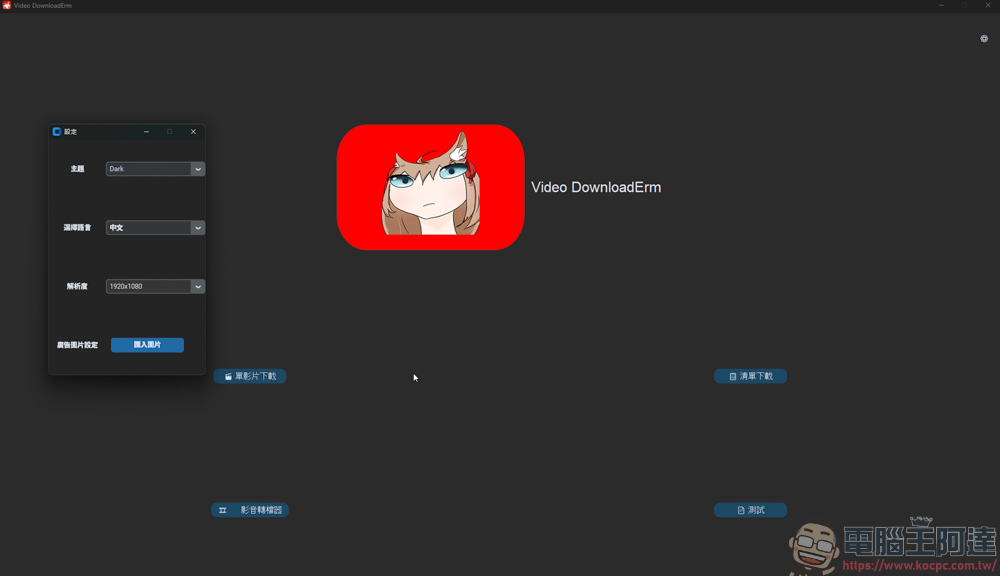
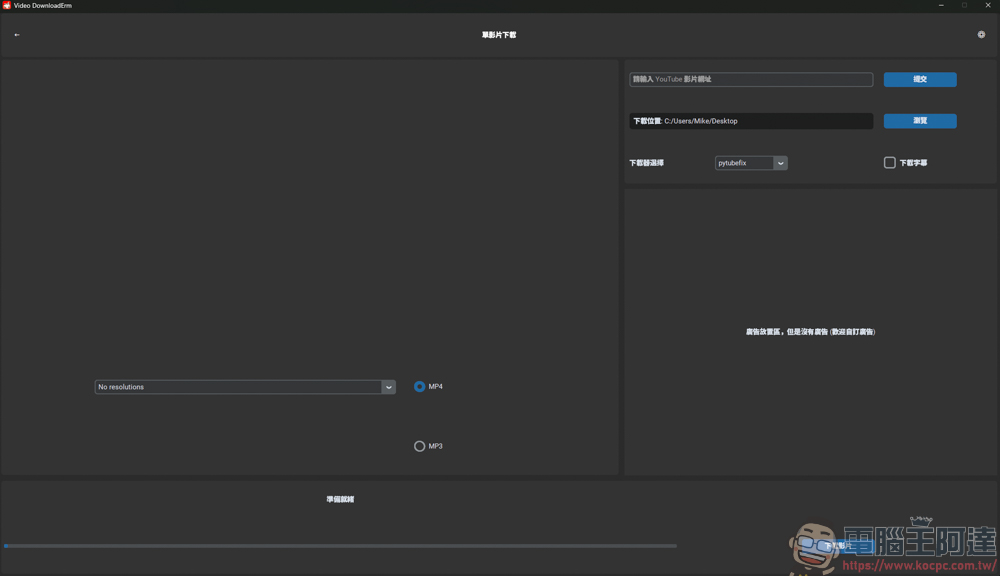
First, if you just want to download a single YT video, click Single Video Download:
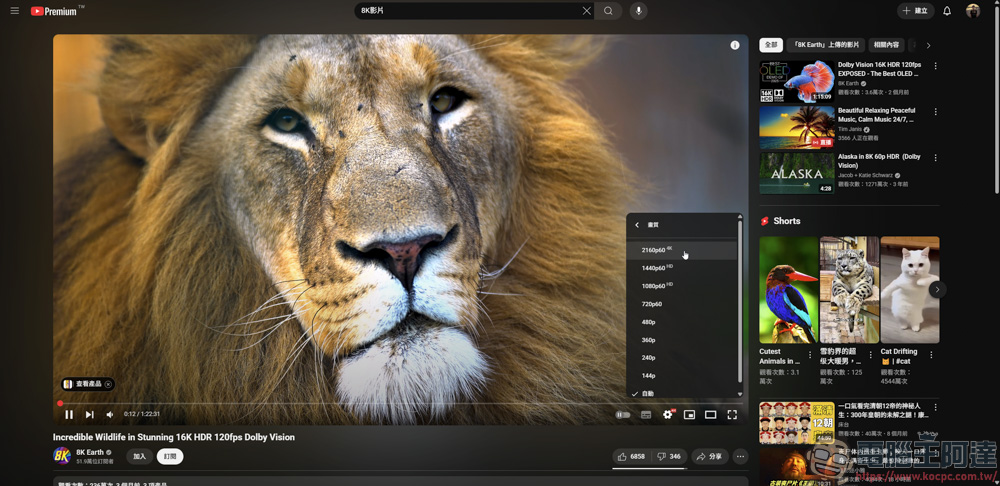
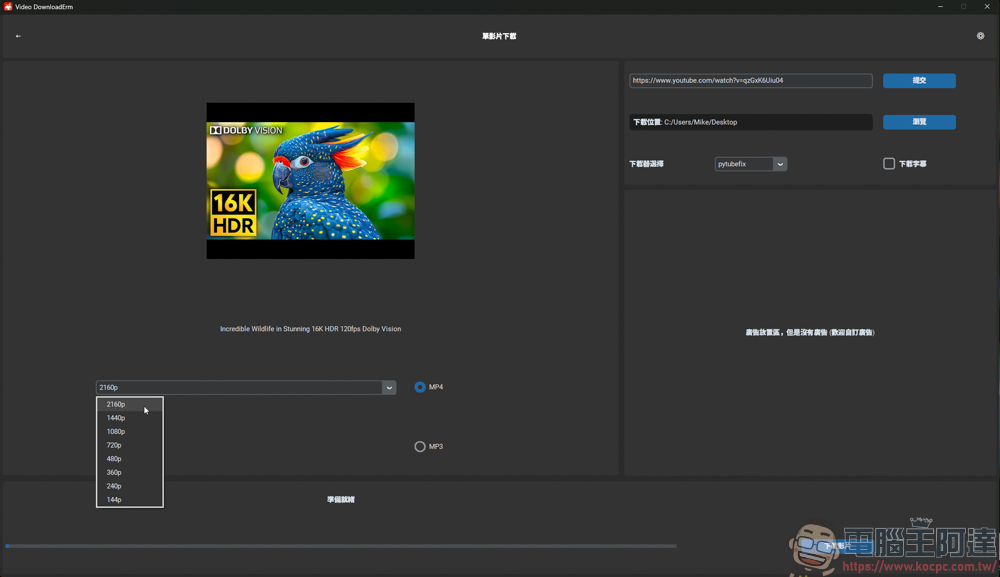
Since Video DownloadErm ver2.0 supports downloading up to 8K quality, if you see the 4320P option on the YT video resolution, it means that the video is 8K quality. However, because of the deadline, I will not download such a large video (time consuming):
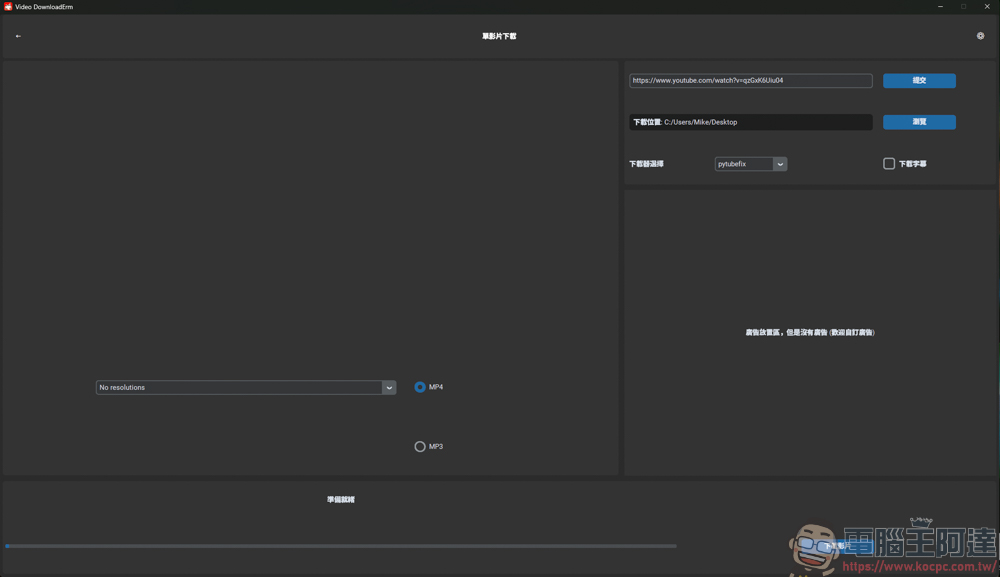
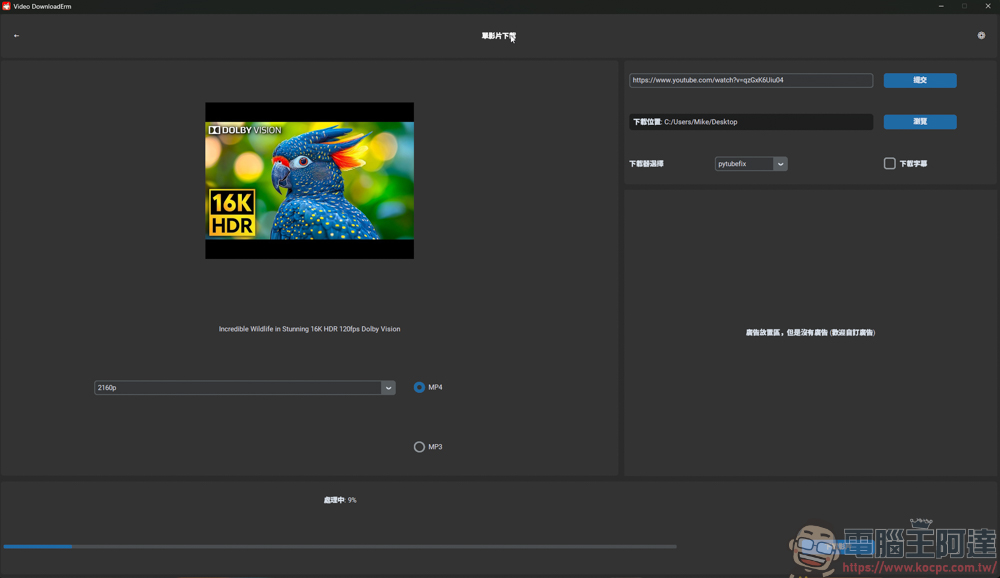
The method of use is also very simple. Paste the URL of the video into the input box on the upper right and select the location to download below:
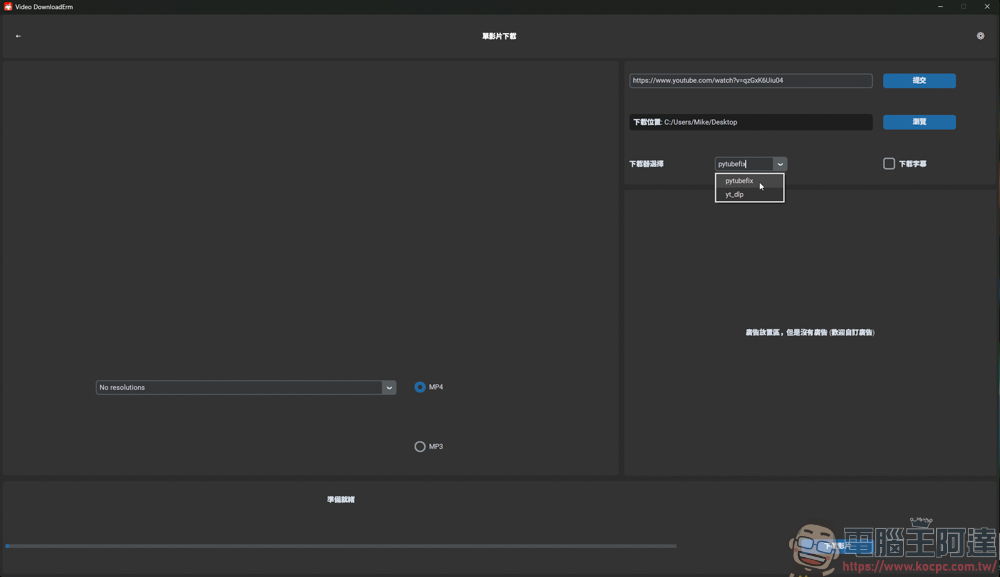
There are two options for downloading encoders:
After selecting, click Submit next to the URL in the upper right corner to grab the source of the video:
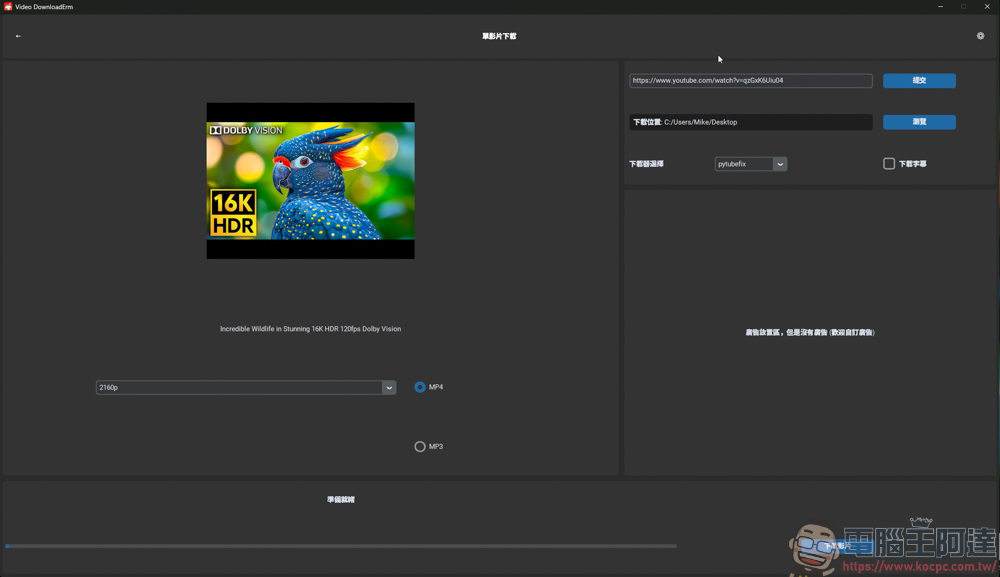
If the video supports up to 8K, the downloader can select the 4320P option. If you just want to grab MP3 and listen to it, you can also directly check the MP3 option to download:
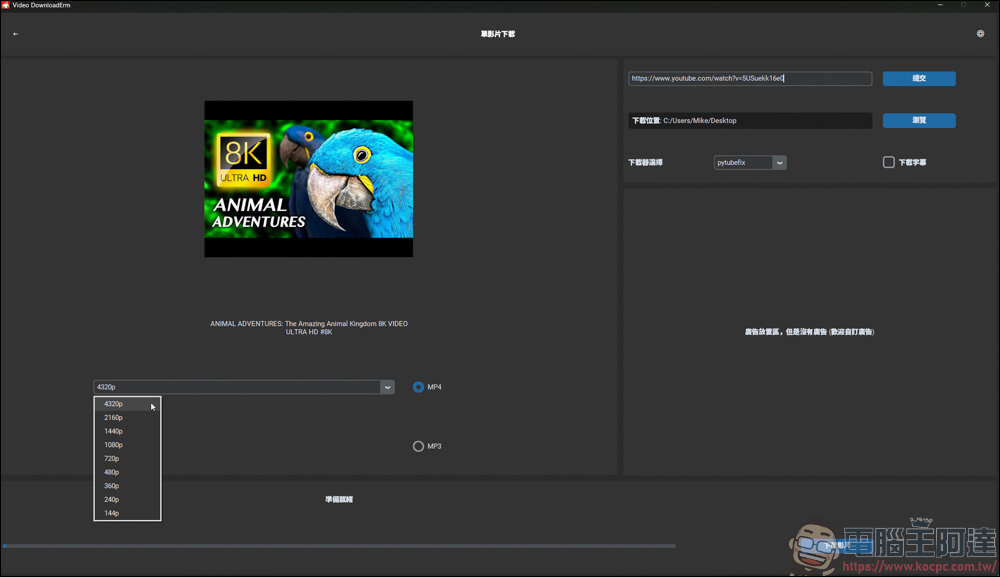
Tested with another 8K video, it is indeed possible to download the 4320P option:
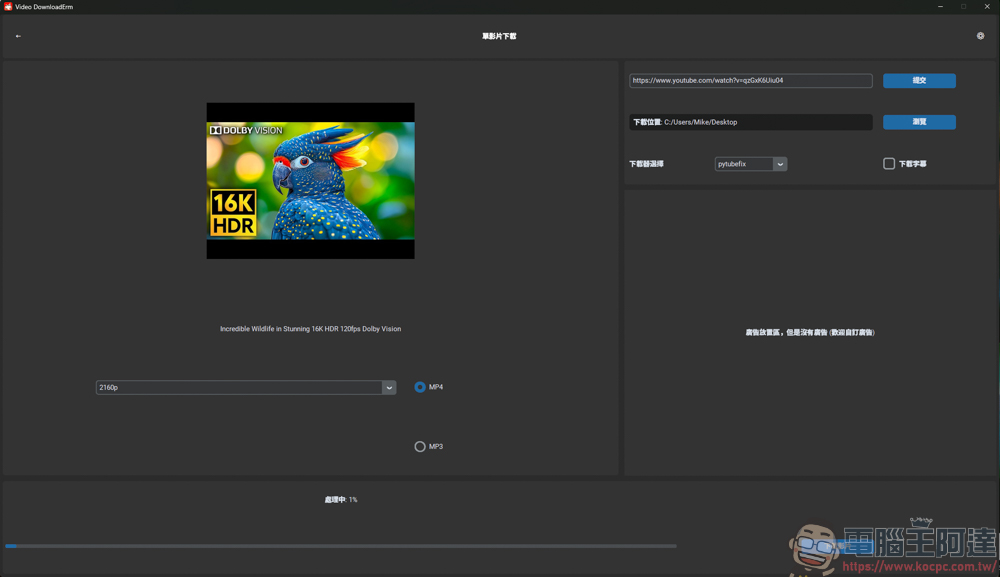
Finally, click Download Video in the lower right corner to automatically download. I would like to remind everyone that the file size of 8K videos is very large. If you want to download 8K videos and watch them, you need to wait for a long download time:
One advantage of Video DownloadErm ver2.0 is that it can download several videos at one time. Even if the single video in the previous step is still downloading, you can still choose other functions to download, such as this list download:
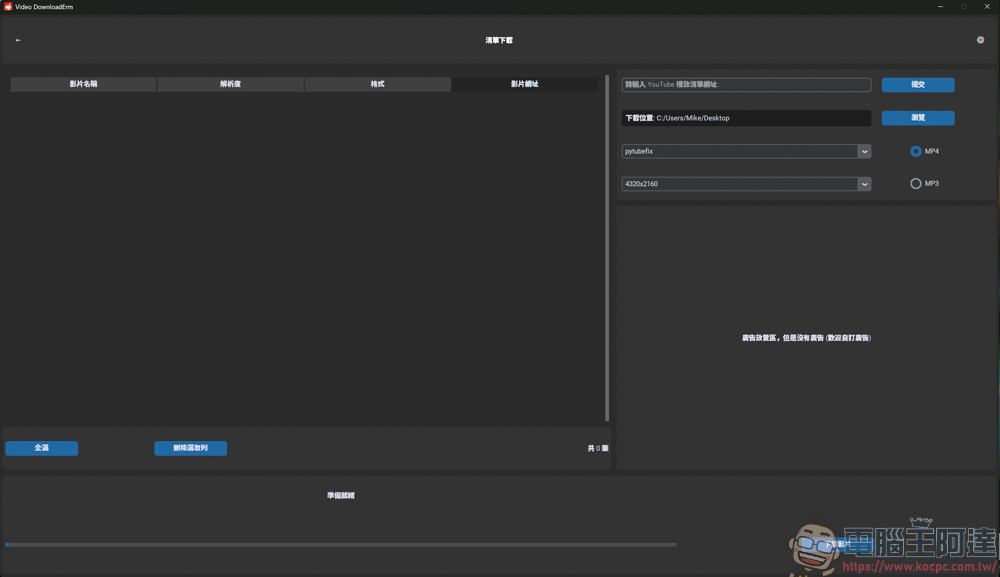
List download, as the name suggests, is to download the playlist of the YT platform. Here, just find a playlist of Computer King Ada and try it:

Just copy the URL of the list and paste it into the input box in the upper right corner and click submit, and all the videos of the list will be listed on the left:
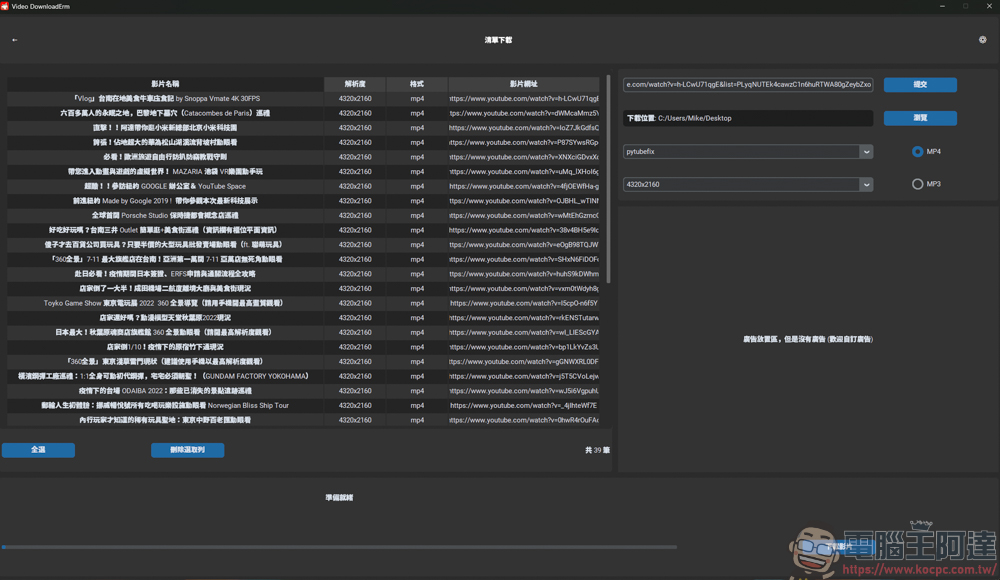
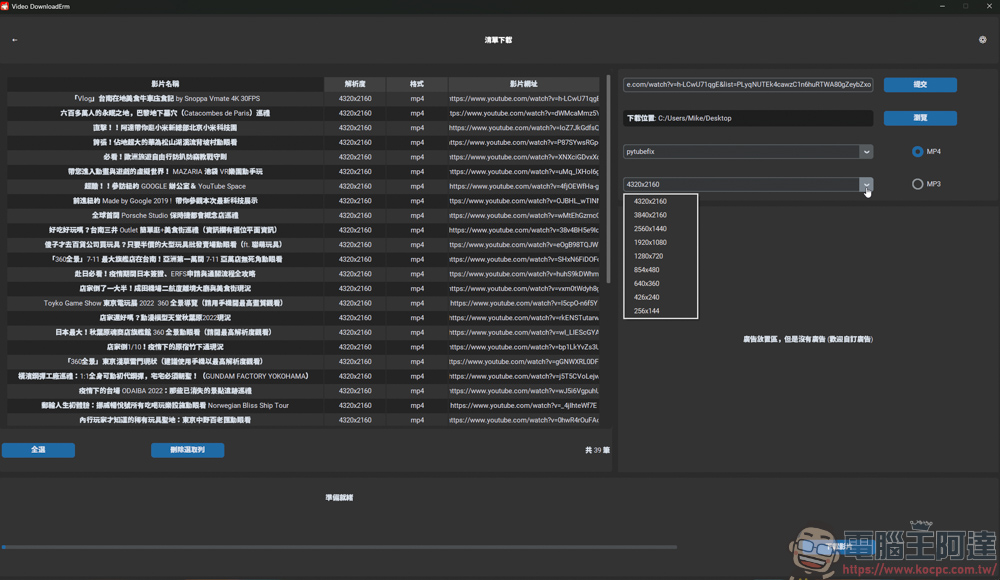
You can also choose the encoding and resolution:
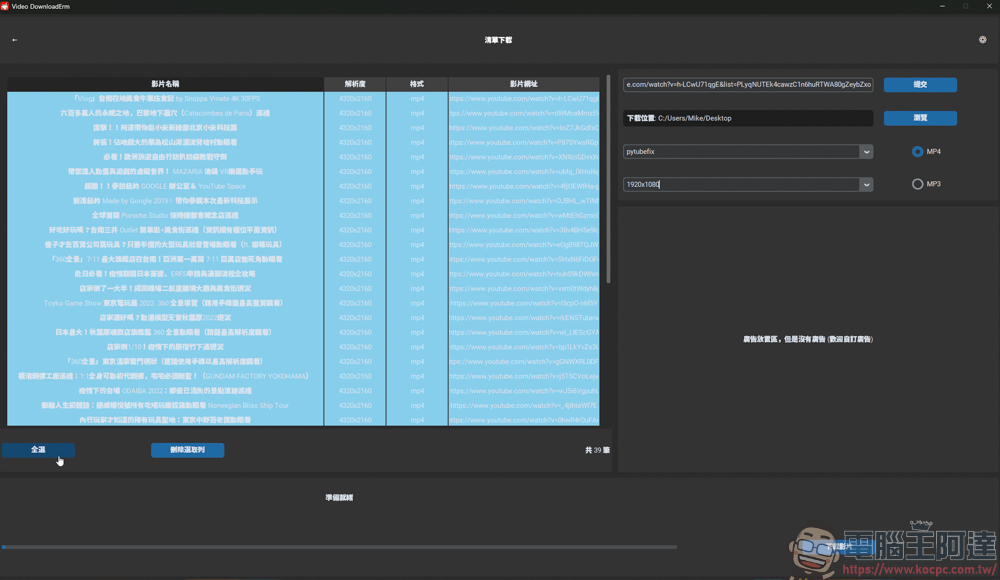
To be lazy, just click to select all and then download. If there are some videos that you don’t need to download, just manually click them one by one and then click download. It depends on how you use it:
While the two download functions are being executed, video encoding can also be performed, which is really powerful:
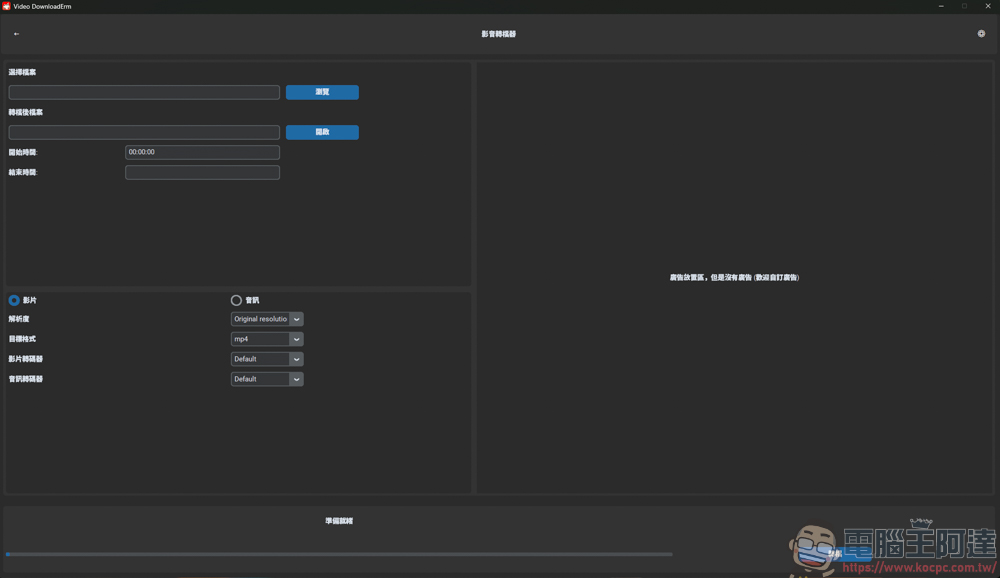
After selecting the video you want to convert, you can choose the resolution to output or convert the video at the original resolution:
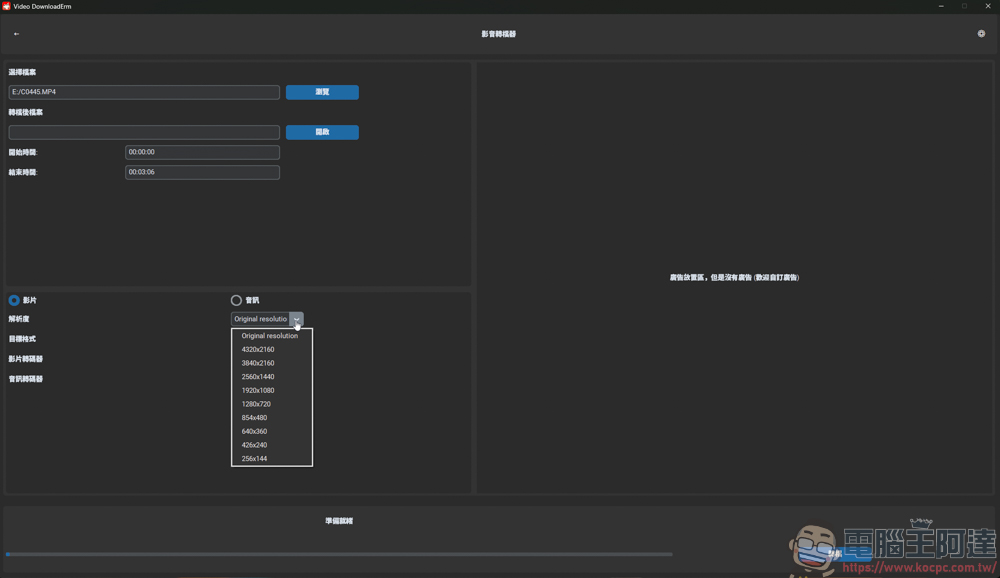
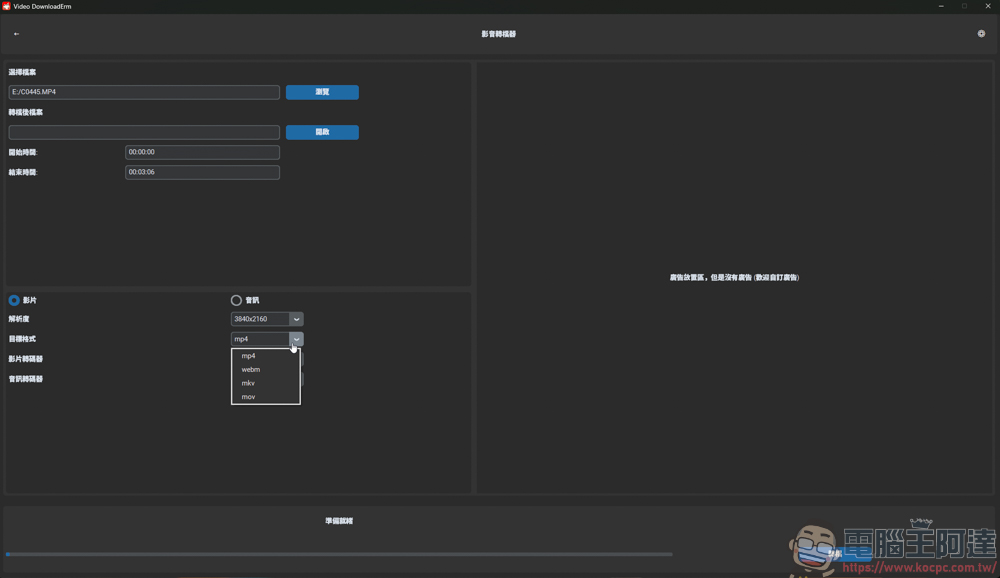
Format optional: MP4, WEBM, MKV, MOV
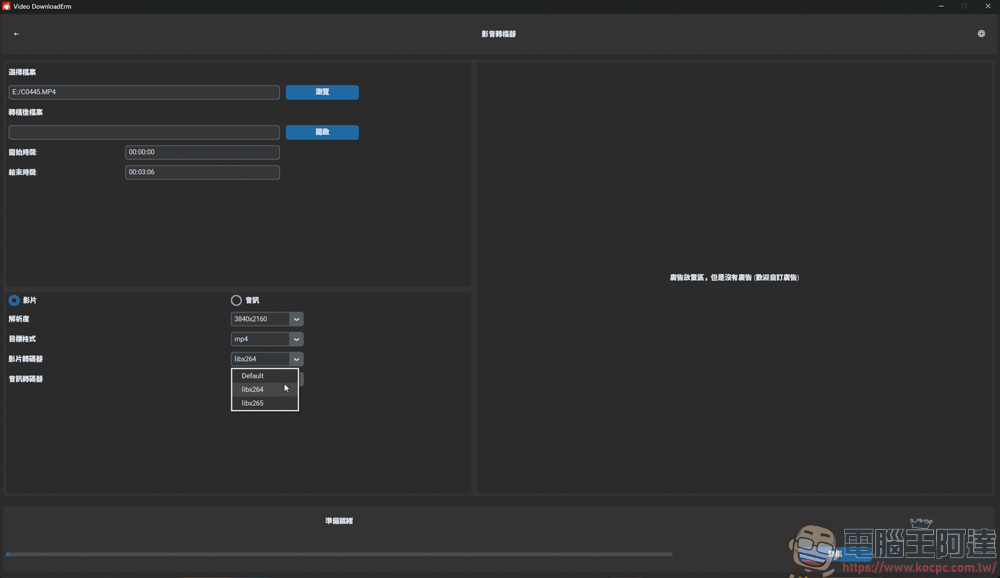
For encoding, you can choose H.264 or H.265:
Finally select audio encoding:
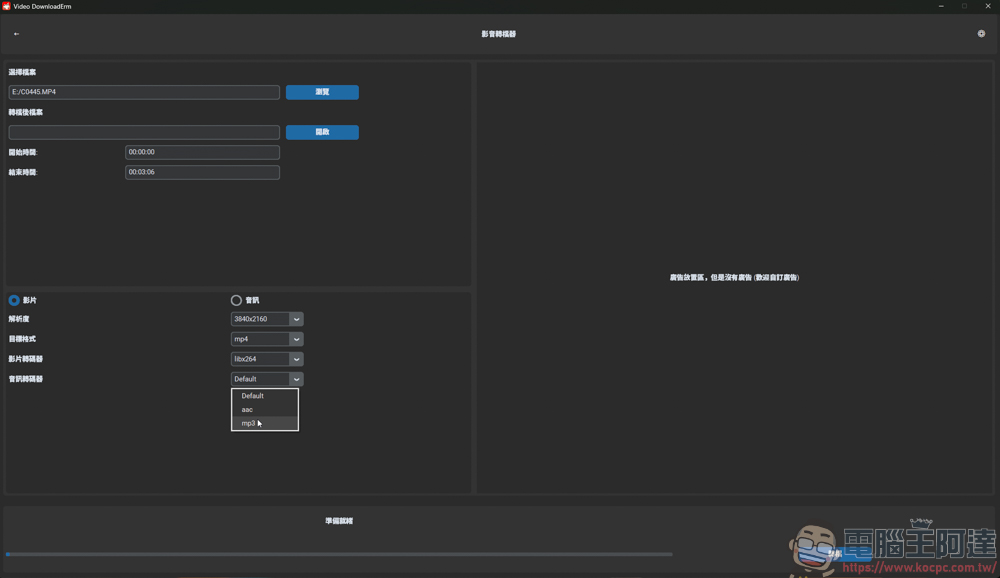
After selecting everything, click Convert on the lower right and it will automatically process the video for you:
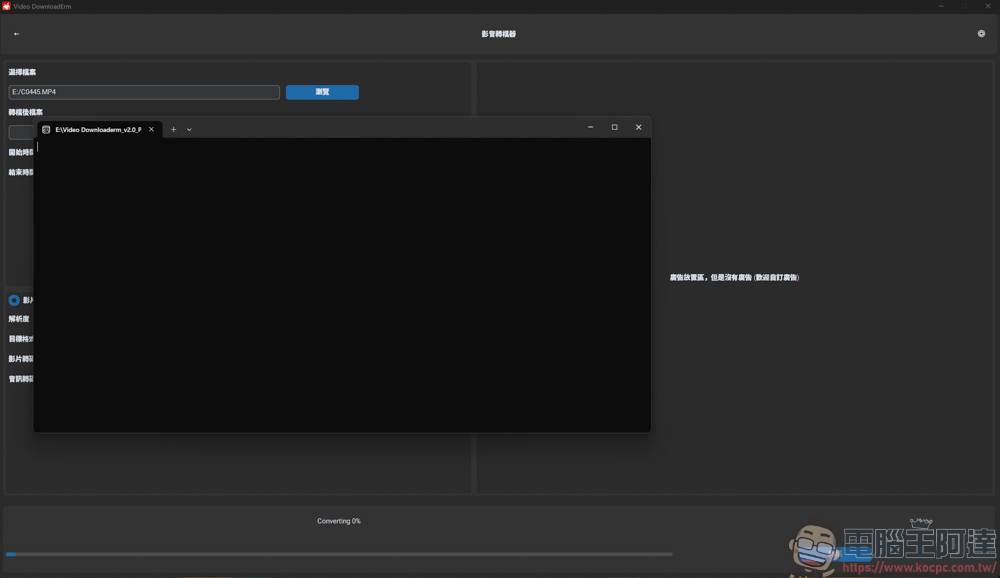
Let’s look at the results first. First, I downloaded a single video. As I just mentioned, I only downloaded 4K videos because of the deadline. The downloaded videos can be played normally and have audio:

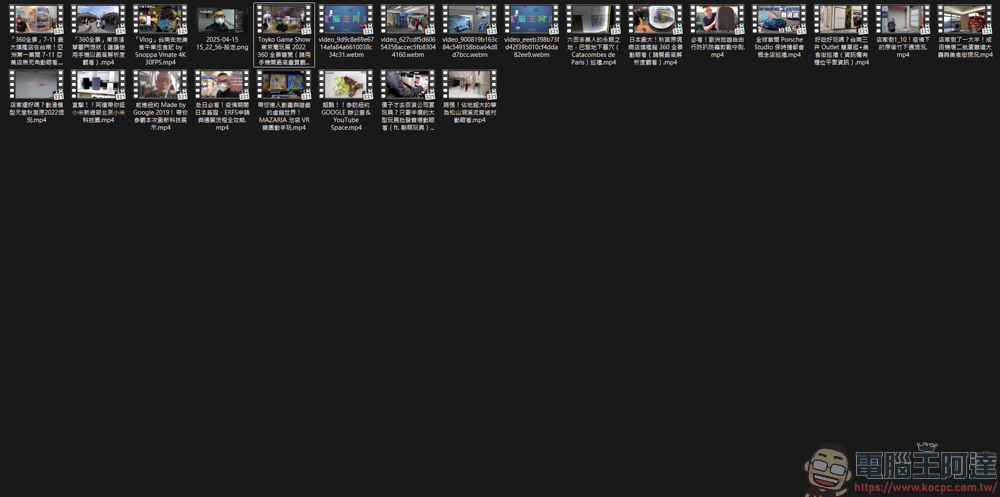
All videos downloaded in another list are also downloaded, which can save you the trouble of downloading one by one:
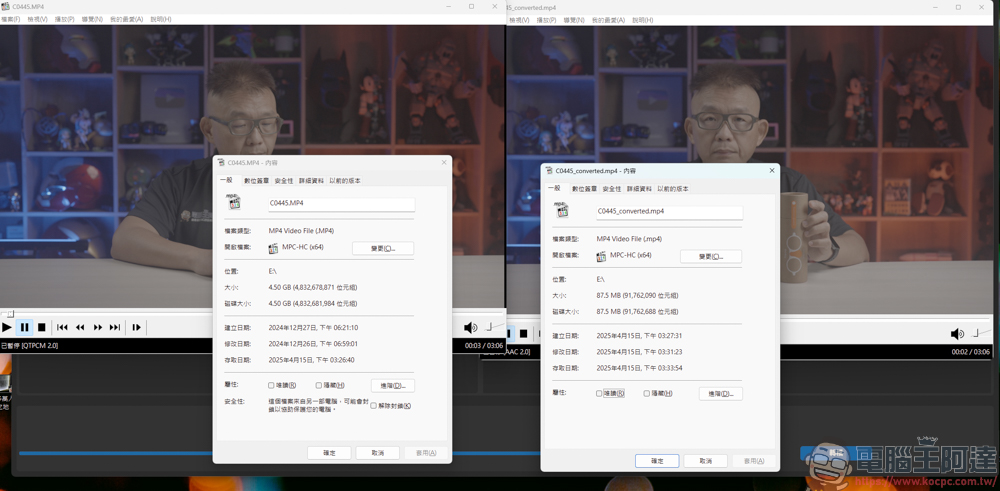
The last step is to convert the files. After the conversion, the files can indeed be played normally and the capacity becomes smaller. However, the converted video will lose details and quality, so you should pay special attention to this:
Did you notice one thing after the introduction? That is, Video DownloadErm ver2.0 does not have any ads at all. In addition to being free, the absence of ads really makes people recommend this video downloader. However, it is not omnipotent. For example, it can only download YT videos, and it only supports use on the Windows platform. But overall, Video DownloadErm ver2.0 is indeed easier to use than the ver1.0 version!
Source: KOCPC Chinese