


We previously reportedA large number of netizens abroad have complained about the instability of NVIDIA graphics card drivers., causing problems such as game crashes, but not everyone encounters it, and everyone uses different hardware, so it is difficult to find out the real cause.
For this reason, the well-known Gamers Nexus channel has recently spent a lot of time testing various hardware combinations to find out the phenomenon of NVIDIA graphics cards crashing when playing games. The results show that netizens are right. The stability of NVIDIA’s latest graphics card driver is very poor. At the same time, some temporary solutions have been found, some of which are quite simple. Players who have encountered it can try it.
Gamers Nexus also teased that NVIDIA is repeating the tragic situation when Intel released the Alchemist architecture graphics card.
Under certain circumstances, NVIDIA’s latest graphics card driver can cause game stability to become very poor
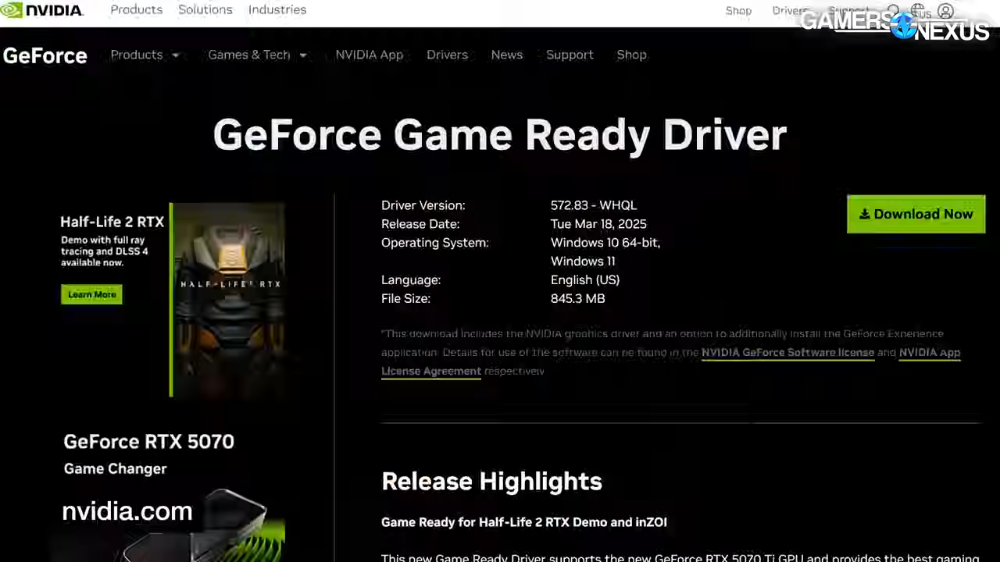
Gamers Nexus has confirmed that when the NVIDIA graphics card driver is upgraded to the latest version, which is version 572.83 released on March 18, game instability will occur, but restoring to the previous version (566.36) will be no problem.
In order to reproduce the unstable situation reported by netizens, Gamers Nexus changed various variables step by step during the game test until it was confirmed that it occurred, and then focused on changing settings such as G-Sync, frame generation, DLSS, etc., and even tried changing the screen slot of the graphics card to see what happened. Every game is like this.
The test platform used is: 9800X3D processor, RTX 4070 Super graphics card, ASUS ROGX70E Hero, dual screens (one Acer 4K 60Hz, one Alienware 1080p 360Hz), both connected using DisplayPort.
They found that four games could repeatedly reproduce the same crash situation.
In Star Wars: Desperados, a glitch occurs after selecting “Continue” from the splash screen:
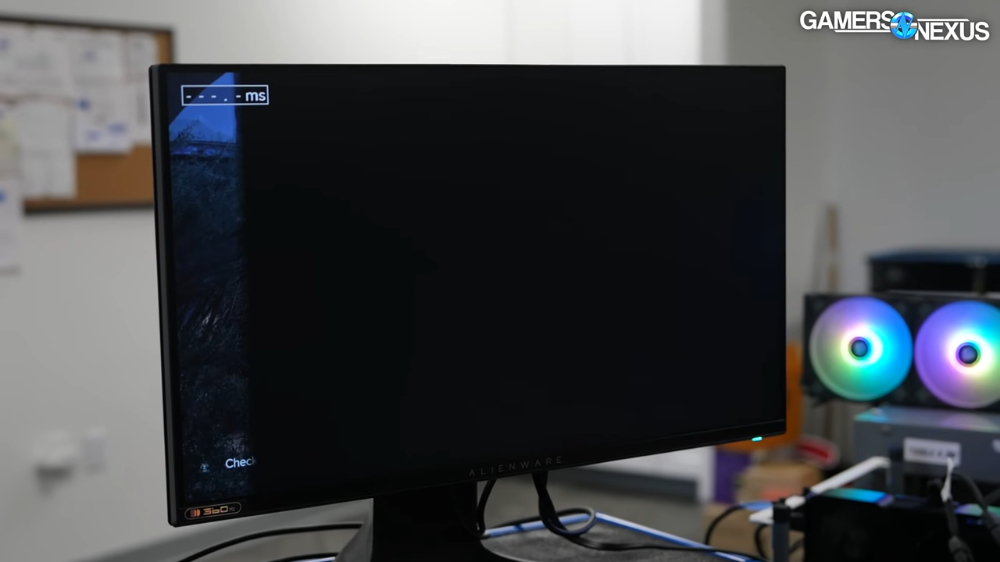
In “Marvel Contest”, whether you apply the frame generation function in the default menu or exit to the desktop after the game, a system restart will occur:
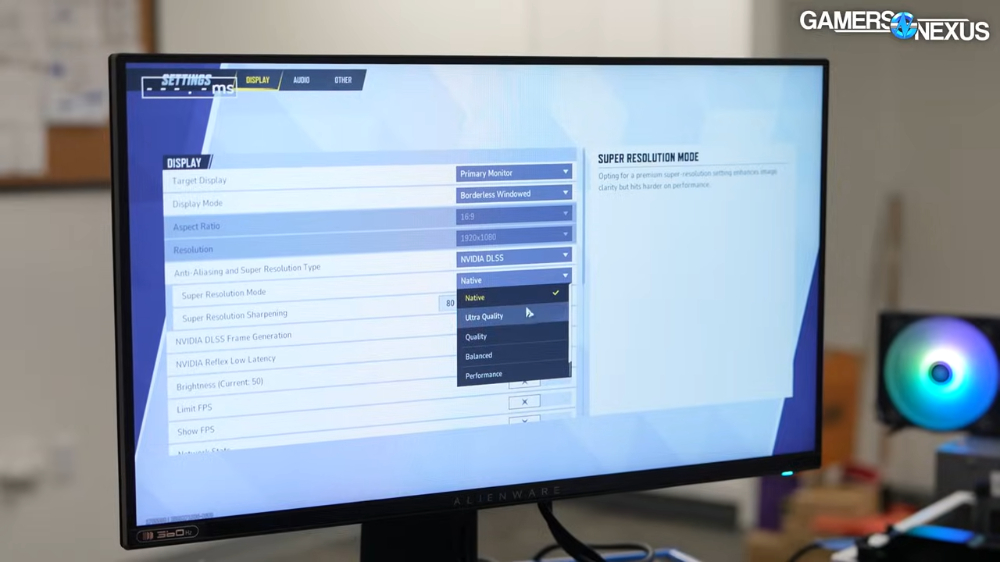
“Dian Yu Ren Ke 2077” automatically restarts when loading the game:
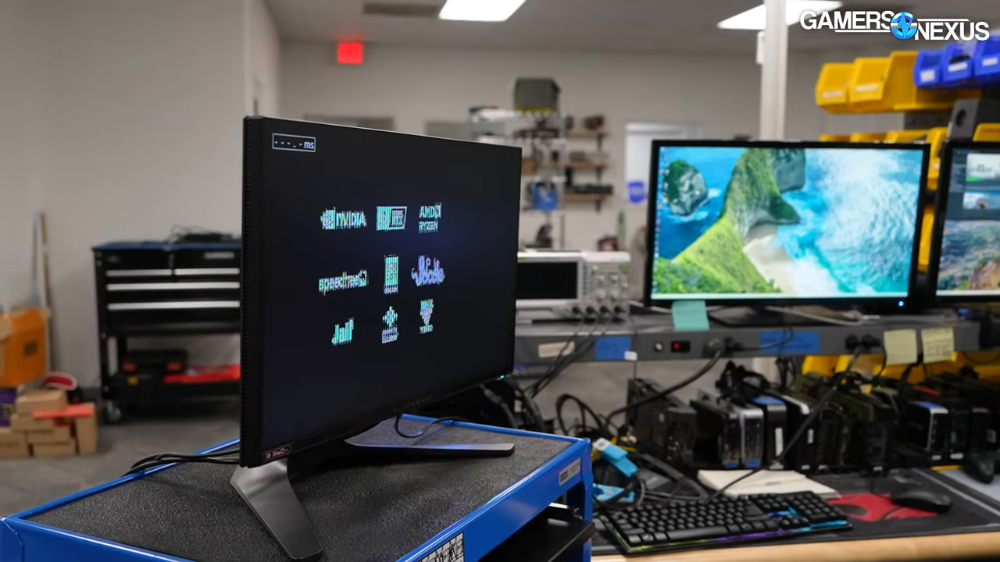
When running in-game benchmarks in “Tomb Raider: Shadow of the Tomb Raider”, the game will crash and a driver error screen will appear:
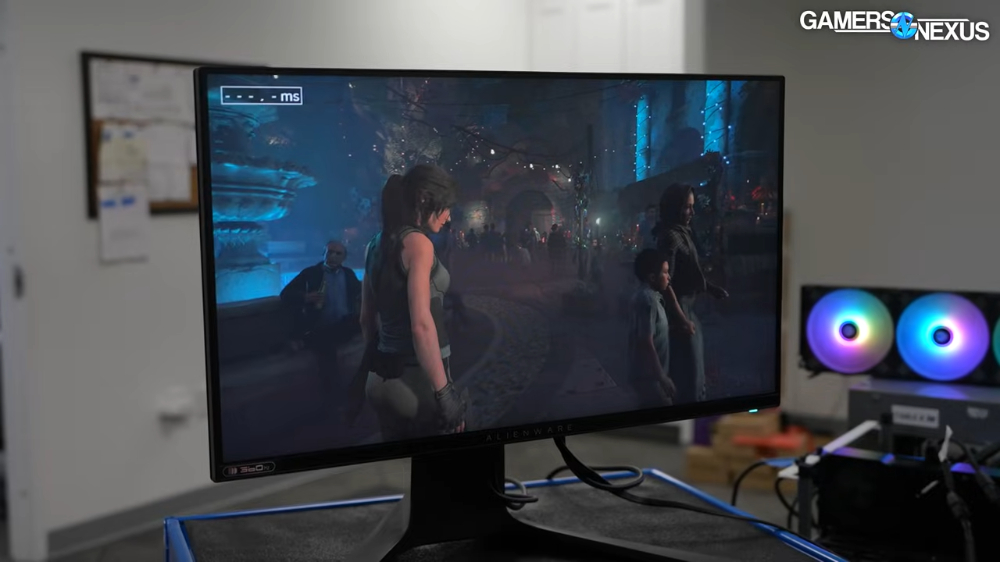
The above problems can be solved by restoring the NVIDIA driver to version 566.36, so it is definitely caused by the latest version 572.83.
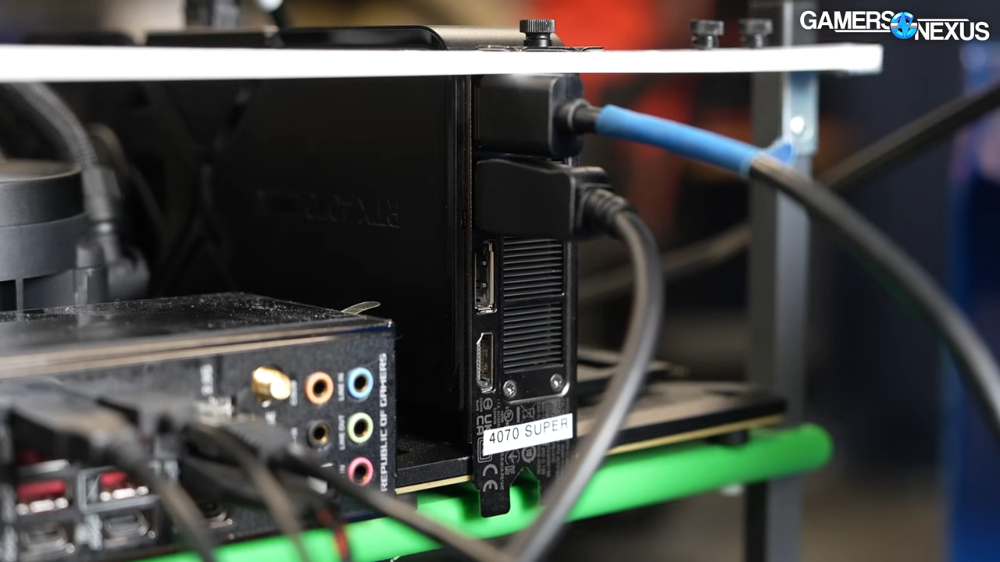
Another interesting discovery is that they tried dual screens and could solve the instability problem by changing the output order of the graphics card:
Three Ways to Temporarily Solve NVIDIA’s Latest Graphics Driver Stability
With testing complete, Gamers Nexus has discovered three ways to try to resolve the issue.
The first one is, if you are using dual screens, please adjust the output order on the graphics card, such as the screen originally plugged into DisplayPort 1, plug it into 2, plug it into 2 screens, plug it into 3, etc. This is the simplest method. It is also recommended to change the cable to HDMI, which may not work, but it is an attempt at troubleshooting.
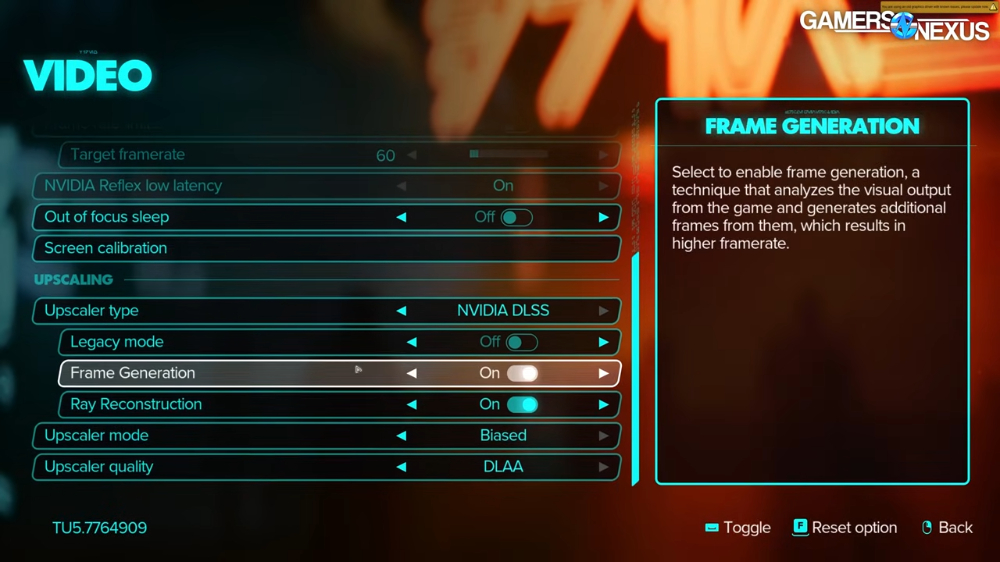
The second is that players who have no special need for G-Sync or frame generation functions are recommended to turn off these settings first and see how the situation goes:
The last option is, of course, to revert to a previous driver version, especially a specific driver version that you remember using before and that does not cause these problems. If not, then try going back to 566.36.
Gamers Nexus full video:
Source: KOCPC Chinese