


Although there are many free photo websites on the Internet, when you need to use it, you may not be able to find it on one website. In this case, you have to spend time looking for it on multiple websites. This article recommends a very easy-to-use O-Dan free tool. You can get the results of up to 35 well-known photo websites with one click. It can save a lot of time, and it can also be set for commercial use, so you are not afraid of finding something that cannot be used.
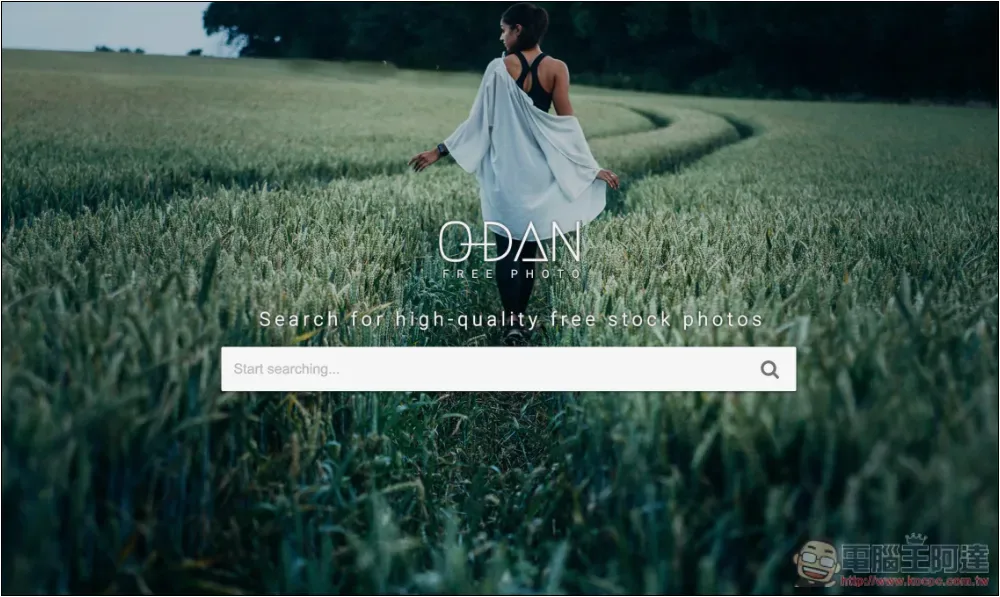
O-Dan obtains 35 free photo website search results with one click, which can be set for commercial use
O-Dan can think of it as a search engine for searching for picture materials. According to the website description, there are currently 35 of them, including some common ones, such as Unsplash, Pixabay, Pexels, etc.
Because it is a search engine, not the website itself, it provides the material. Therefore, if you want to use it for commercial purposes, it is recommended to confirm whether the authorization is really suitable for commercial use before downloading, especially for websites that you are not familiar with.
After clicking the link above to enter O-Dan, enter the image you are looking for in the search bar. You can enter Chinese and it will be automatically translated into English when searching. This feature is quite good. If you want commercial use, remember to check the Commercial use license only box below before searching. As for which 35 websites they are, the website developer did not specify:
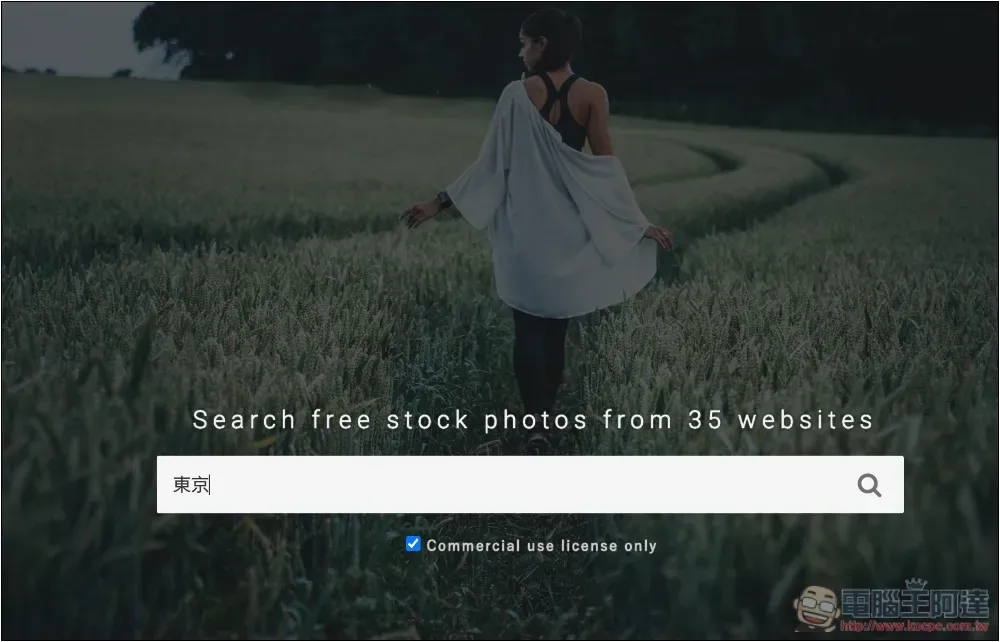
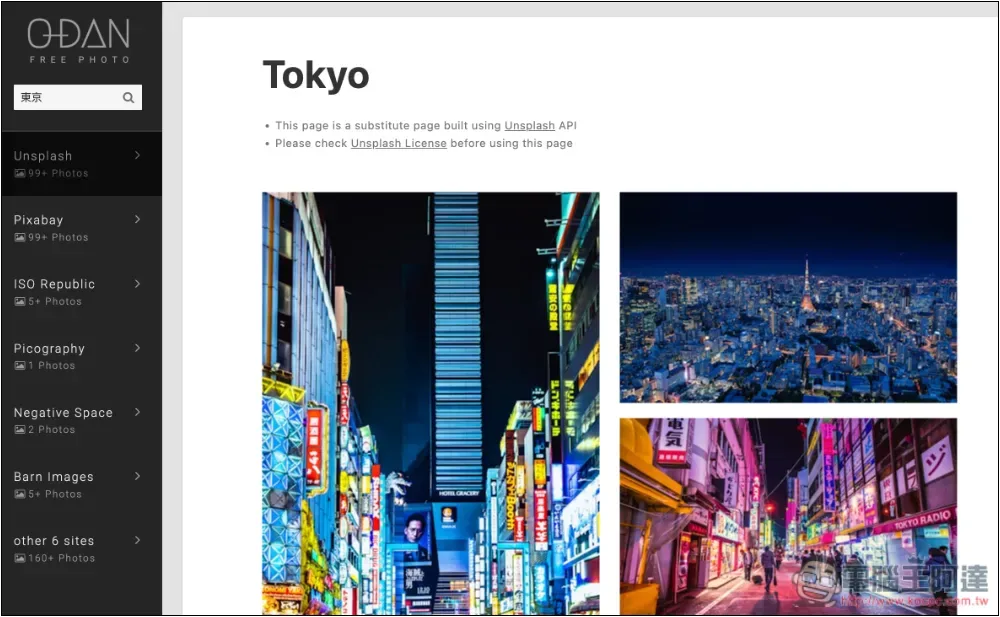
After pressing search, you will get the results in a few seconds. You can see that what I just entered is the Chinese “Tokyo”, which is automatically translated into Tokyo and the search results are displayed. The left side will list how many website results there are and the number of pictures found. I have a total of 12 websites, including Unsplash, Pixabay, ISO Republic, Picography, Negative Space, Barn Images and 6 others. When I tested, it seems that the result names of up to 6 websites are displayed on the left side every time, and the excess will be placed in other:
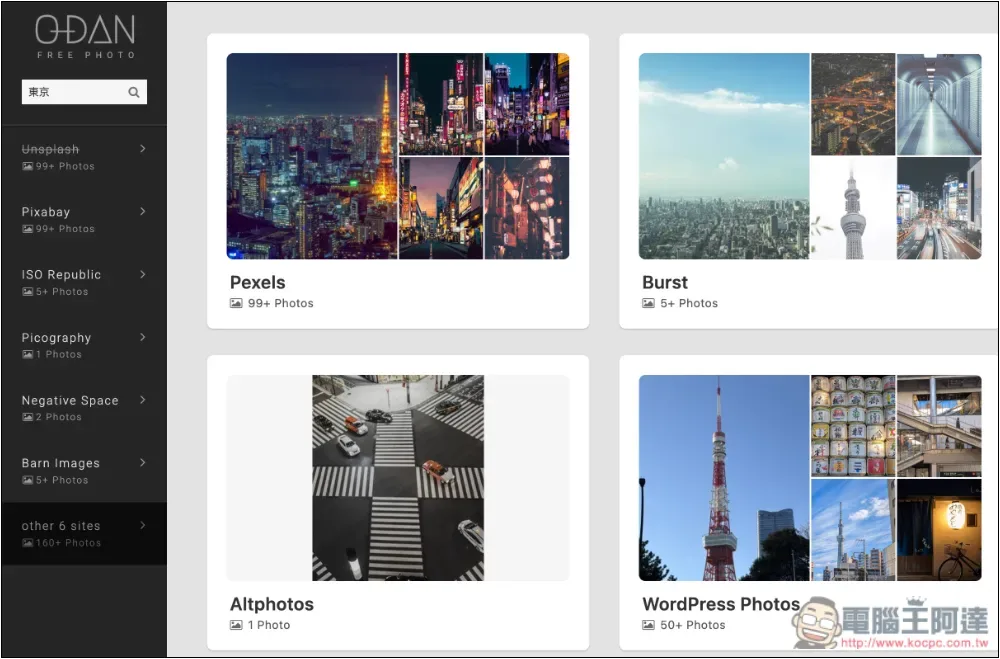
The other 6 are Pexels, Burst, Altphotos, WordPress Photos, Travel Coffee Book, Skitterphoto:
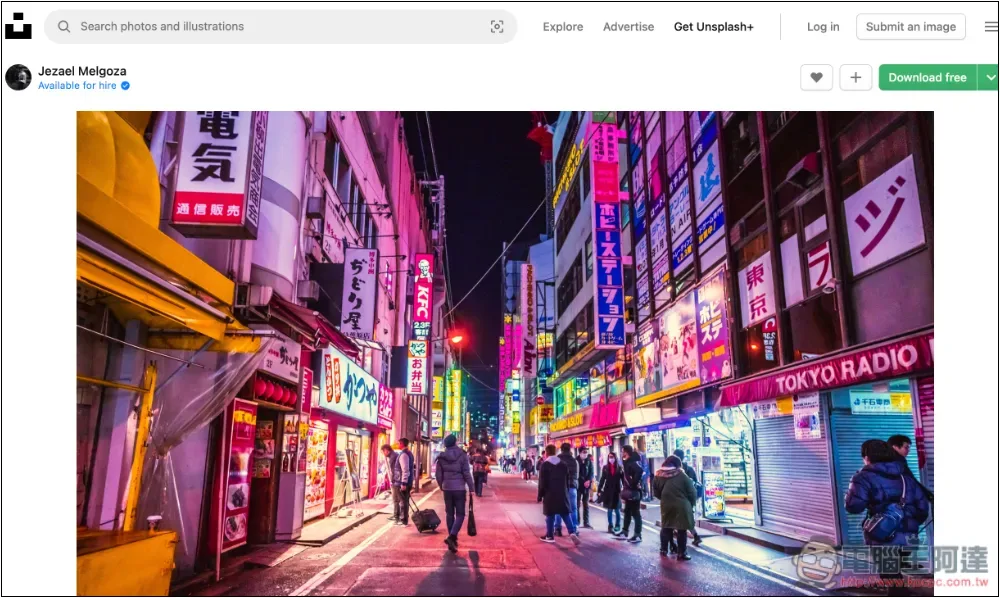
After finding the picture you are interested in, click it and the picture page of the gallery website will open. The representative says that the picture material is downloaded from the original website, which is very safe:
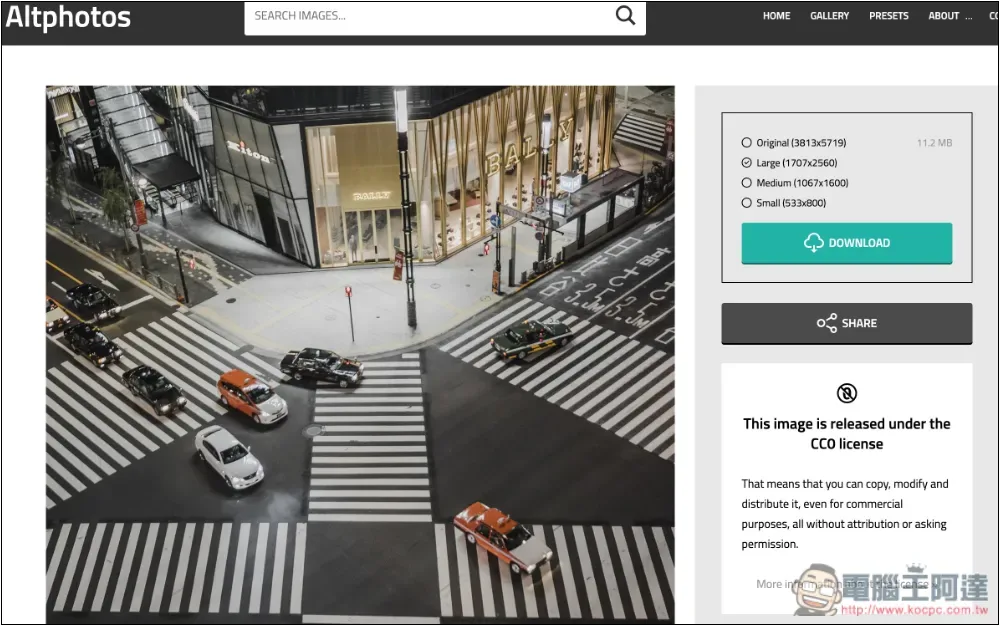
For unfamiliar photo websites, remember to check the authorization before downloading. I have never heard of this website like Altphotos before. There is a licensing statement on the right. This picture is CC0 licensed. The representative said that it can indeed be used for commercial purposes:
If you still can’t find satisfactory pictures using this search engine, and if you don’t insist on having real pictures, you can actually consider using AI to generate them. At this stage, ChatGPT GPT-4o has very strong picture generation capabilities and can generate super-realistic pictures.
We have introduced many free photo websites before, you can also look for them, such as PDIA、Vintage Stock Photos、Photosku、StockAI etc.
Source: KOCPC Chinese