


When browsing social platforms such as Facebook, TikTok, Instagram, or
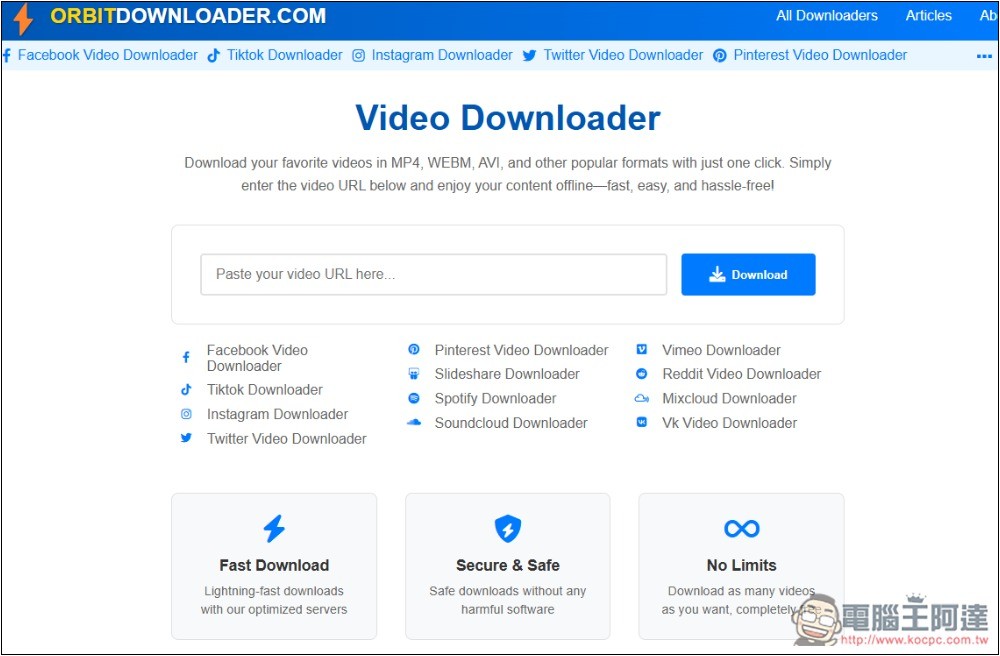
Orbitdownloader social video download free online tool introduction and operation tutorial
Orbitdownloader is a very simple-to-operate social video downloading tool. After pasting the URL, you can get the download point. Once the file is converted, you can download the video. Some websites also provide multiple resolution options.
Websites currently advertised as supported include: Facebook, TikTok, Instagram, X, Pinterest, Slideshare, Spotify, SoundCloud, Vimeo, Reddit, Mixcloud and Vk Video.
The strange thing is that YouTube is mentioned in the introduction, but my test failed. It may be that it worked before but has been removed now.
There are no restrictions on use and no need to register an account.
After entering Orbitdownloader, paste the URL of the video you want to download, and then click Download on the right:
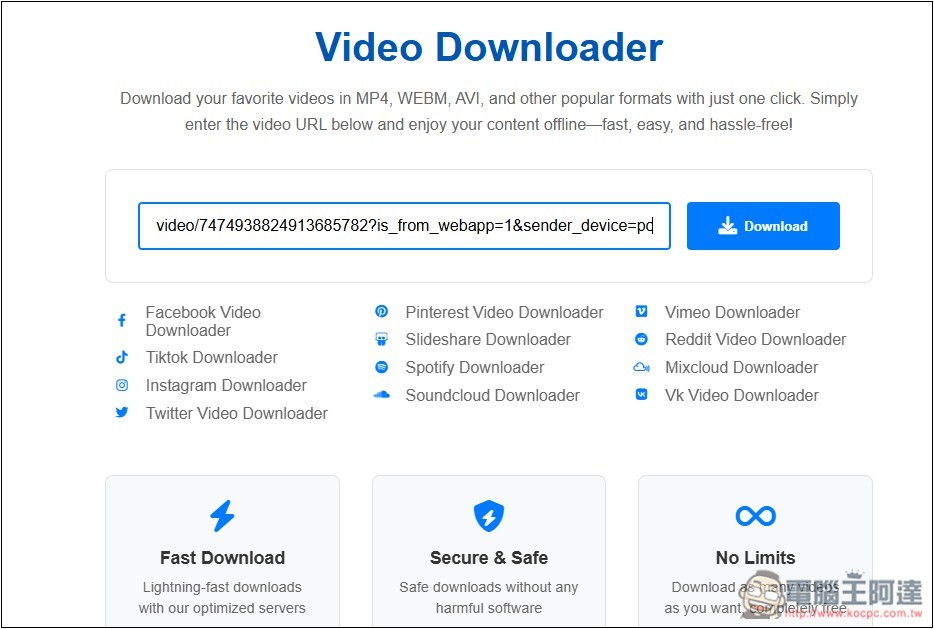
I tested downloading TikTok videos and the test was successful. There will be a thumbnail and title of the video for your reference:

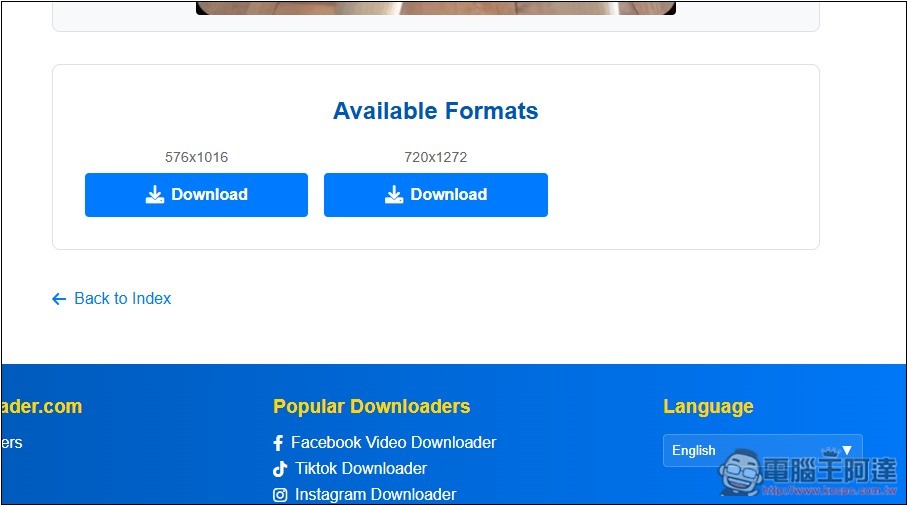
Scroll down to find the download point. TikTok has two resolution options. There is no way to choose the file format. They should all be .mp4. After pressing Download the process will start:
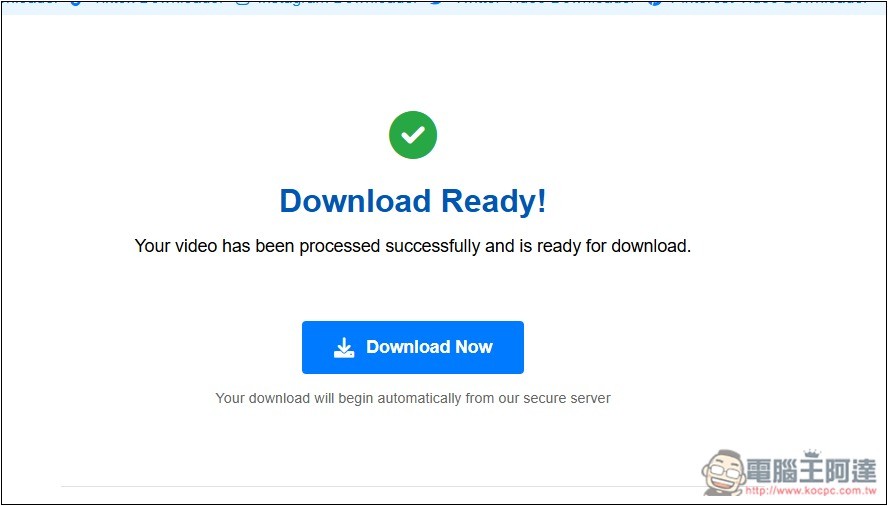
When Download Ready is displayed, the machine will automatically start downloading in seconds. If not, you can press Download Now below:
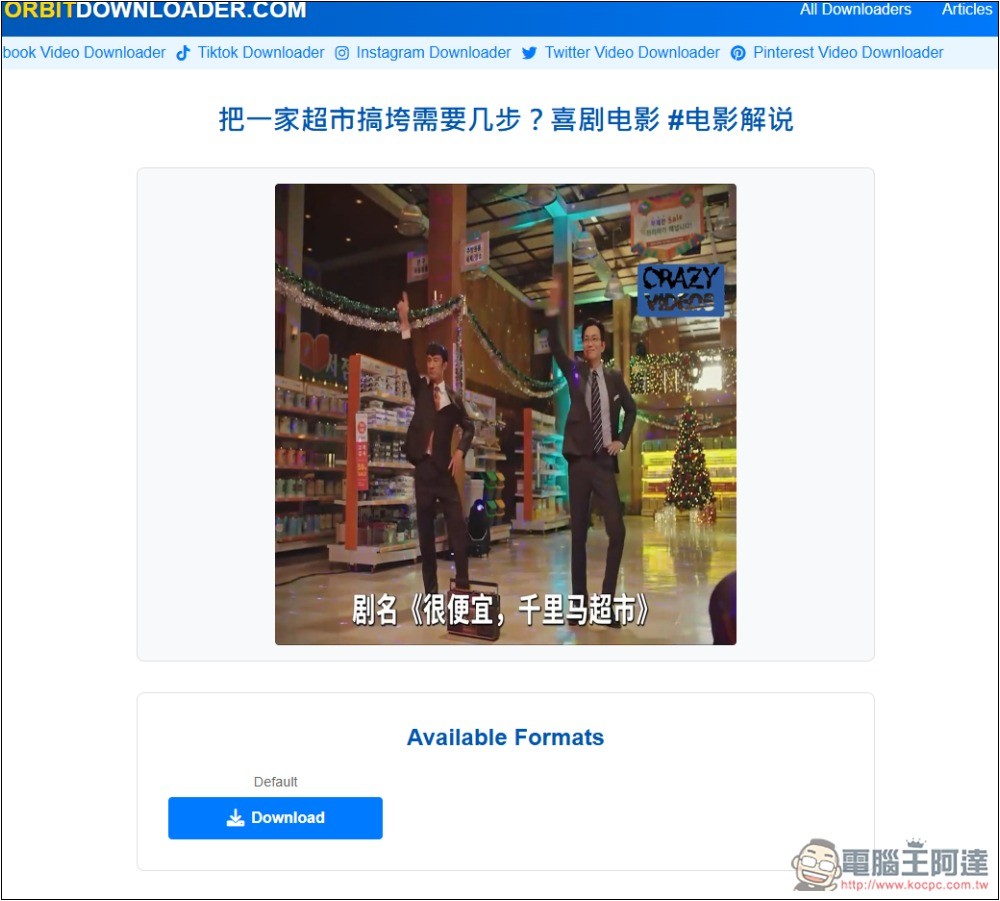
Next, I tested Facebook and it was successful, but there was only one resolution:
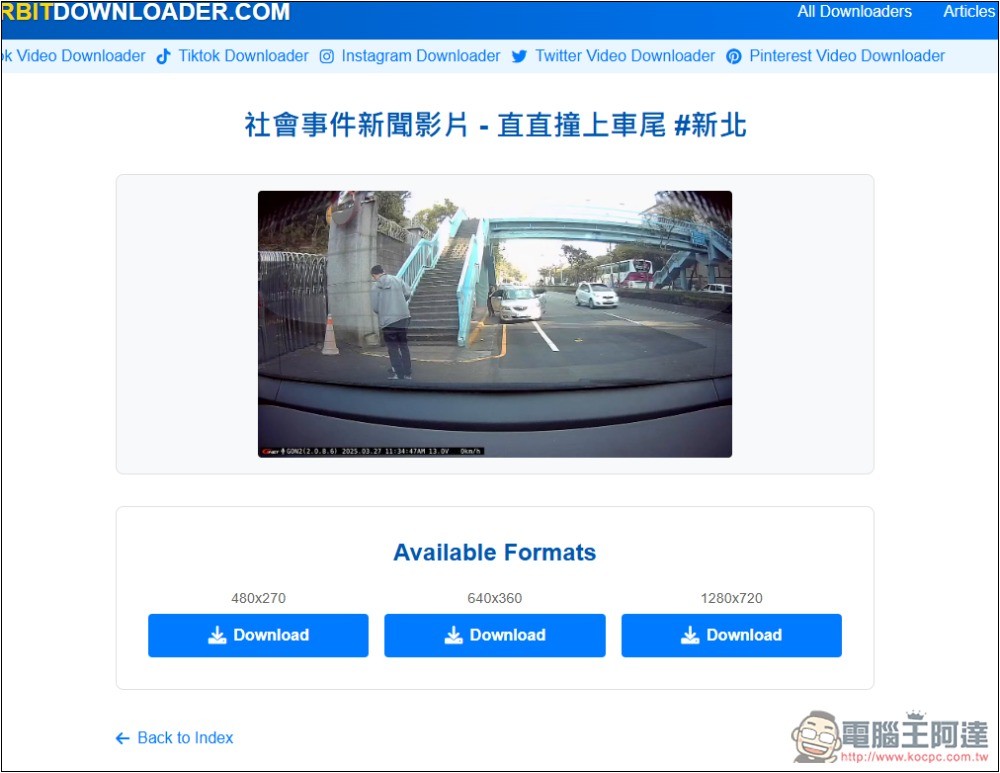
X (formerly Twitter) is also successful and offers three resolution options:
In addition, there is a language option (Language) at the bottom of the website. If you feel uncomfortable using it, Chinese is provided and you can switch to Chinese.
The only thing to note is that Orbitdownloader is a video download tool that has just been launched, so I don’t know whether it can be stable in the long term. It is recommended that you save a few more in case you need it.
Like what we introduced before “DataTool.vip 」、「SavePlays」、「download dog” and so on are also very useful, and they are also completely free.
When you find a new online video downloading tool, it is recommended to scan the file for viruses when downloading for the first time. This will be safer. Some malicious websites have been reported a while ago that will secretly put malicious viruses into downloaded video files. If you open them, your computer may be infected.
The safest way to download is to use a paid tool.4K Video Downloader This is the one I use most often, anyone in need can refer to it.
Source: KOCPC Chinese