


In the world of game design, font selection is not only an aesthetic issue, but also affects the overall user experience. For games with a nostalgic pixel style, a suitable bitmap font can greatly enhance the atmosphere of the game, and Silver is just such a high-quality font! The Silver bitmap font developed by Poppy Works not only supports multiple languages, but also complies with TRC technical specifications and Lotcheck review standards. It has built-in game controller button icons, so developers do not need to use additional images to display key prompts.
Even better, Silver is an open source font that anyone can download and use for free, both for personal and commercial use. This article will give you an in-depth understanding of Silver’s features and application range, and provide complete download and installation instructions so you can easily get started with this font!
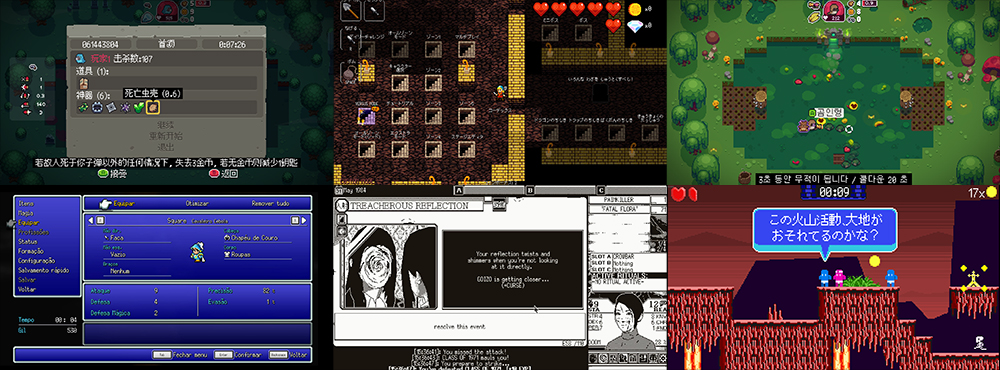
▲Picture source:Poppy Works
Free and easy to use! Silver multi-language bitmap font is available for download, suitable for games and UI design
If you prefer bitmap fonts like retro games, you can’t miss the “Silver” introduced today! Silver is not only a classic bitmap font, but also a font that supports multiple languages, covering English, Japanese, Korean and other multi-language characters, so developers no longer need to look for additional fonts to support different language families.
Many game developers often need to add additional images to display game controller button icons when designing UI, but Silver directly builds these icons in line with TRC and Lotcheck standards, ensuring that key prompts can be displayed smoothly on different platforms and improving game compatibility.
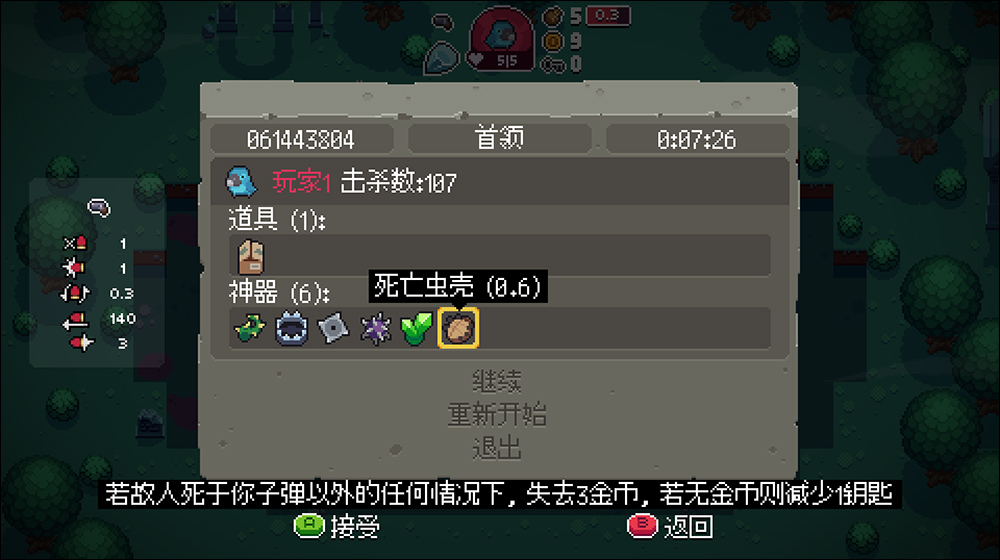
▲Picture source:Poppy Works
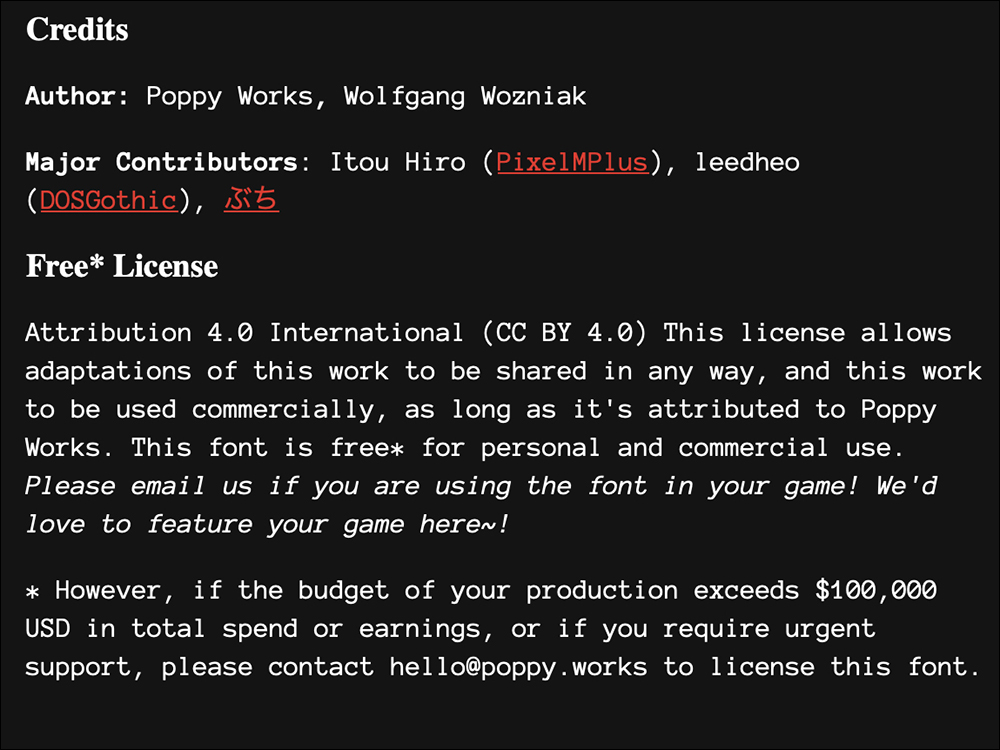
Silver is licensed under CC BY 4.0 (Creative Commons Attribution 4.0), which means that it can be used free of charge by individual developers or commercial projects, as long as the source is indicated in the game or project. However, I would like to remind everyoneIf your project development budget exceeds $100,000, you need to contact the development team to obtain additional authorization.!
Silver is mainly used in game development, but its bitmap style is also very suitable for UI design, such as retro-style websites, pixel art projects, e-books and in-game prompt text.
▲Picture source:Poppy Works
Silver bitmap font download and installation tutorial
If you are interested in Silver, let’s take a look at how to download and install this font.
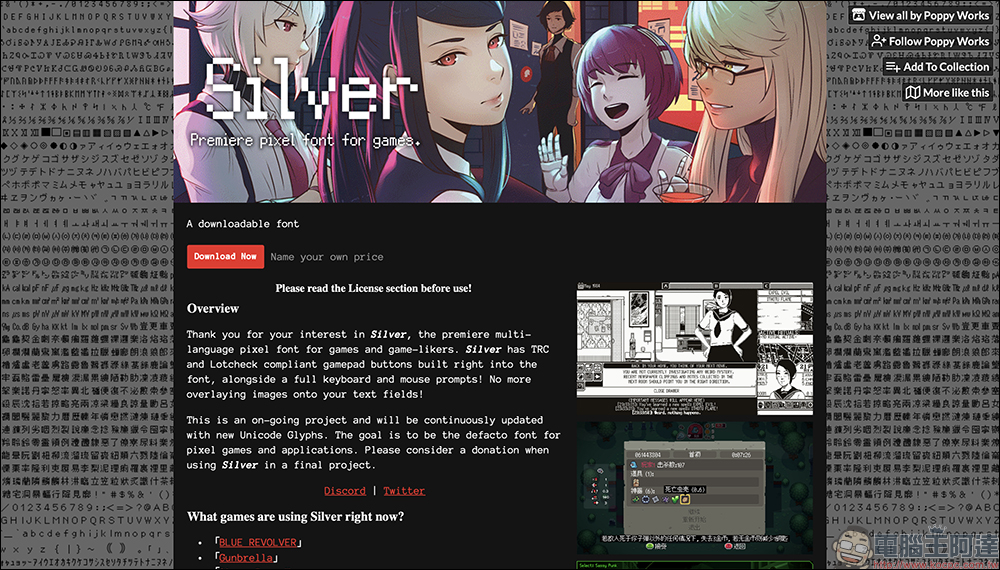
Step 1: Go to the official website to view font information
First, open Silver official website. On the official page, you can see an introduction to the Silver font, and also find some examples of games that have already applied the font, and many of them have even been put on Steam.
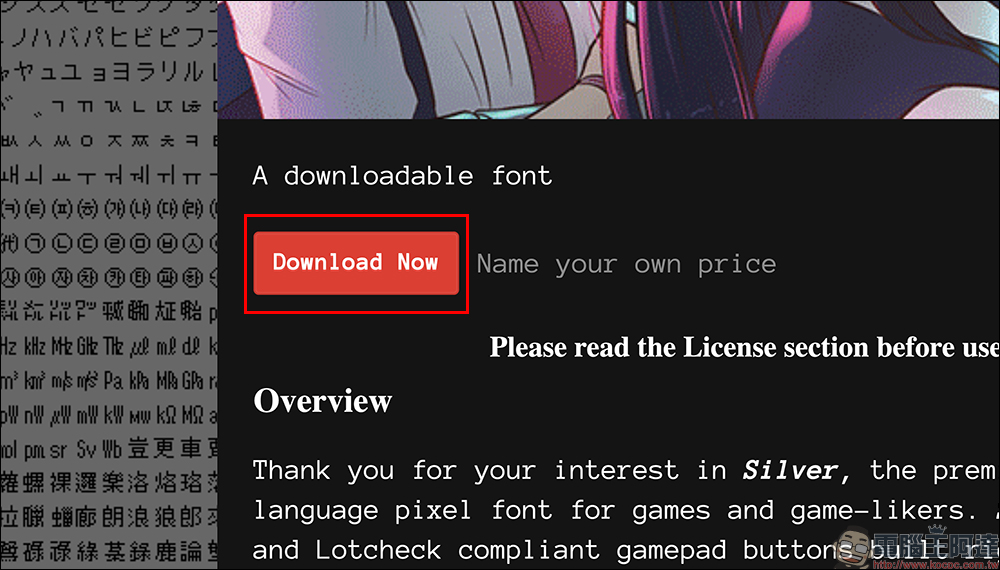
Step 2: Download the font file
On the official website, find the “Download Now” button and click it to enter the download page. The download method of this font is quite free. You can choose to pay any amount to support the developer, or you can directly click “No thanks, just take me to the downloads” to download it for free.
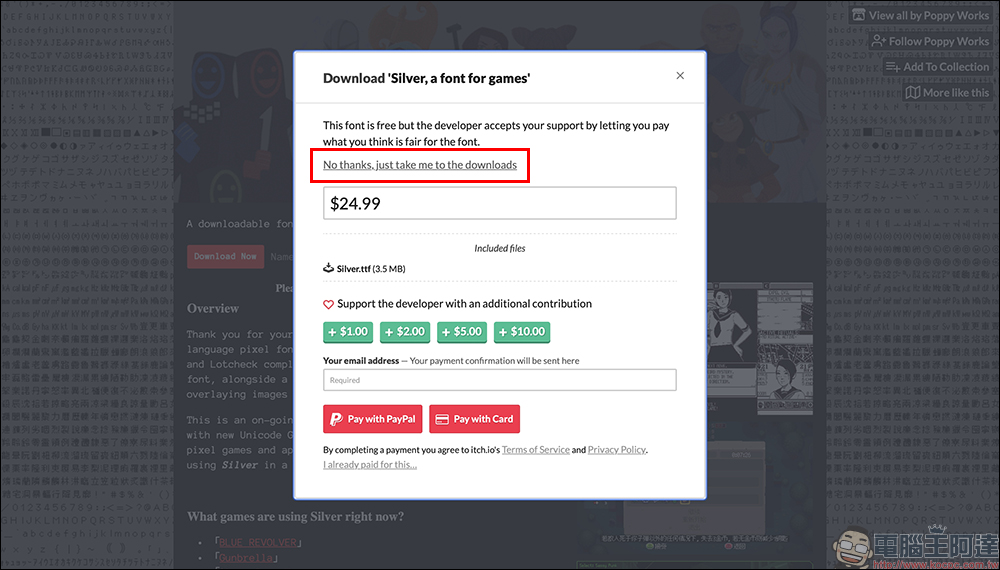
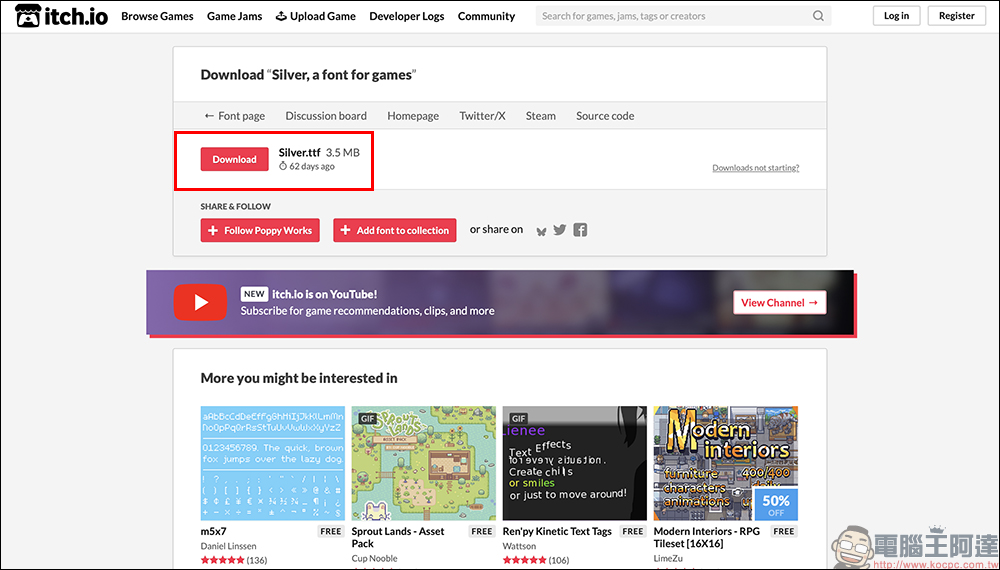
Step 3: Get the font file
The download page will lead to itch.io, where you can find the Silver.ttf file. The downloaded file size is about 3.5MB and will not take up much hard drive space.
Step 4: Install fonts
After the download is complete, directly click on the Silver.ttf file and select “Install”. The font will be added to your system and can be used by any software that supports custom fonts (such as Photoshop, Illustrator, Unity, and Unreal Engine).
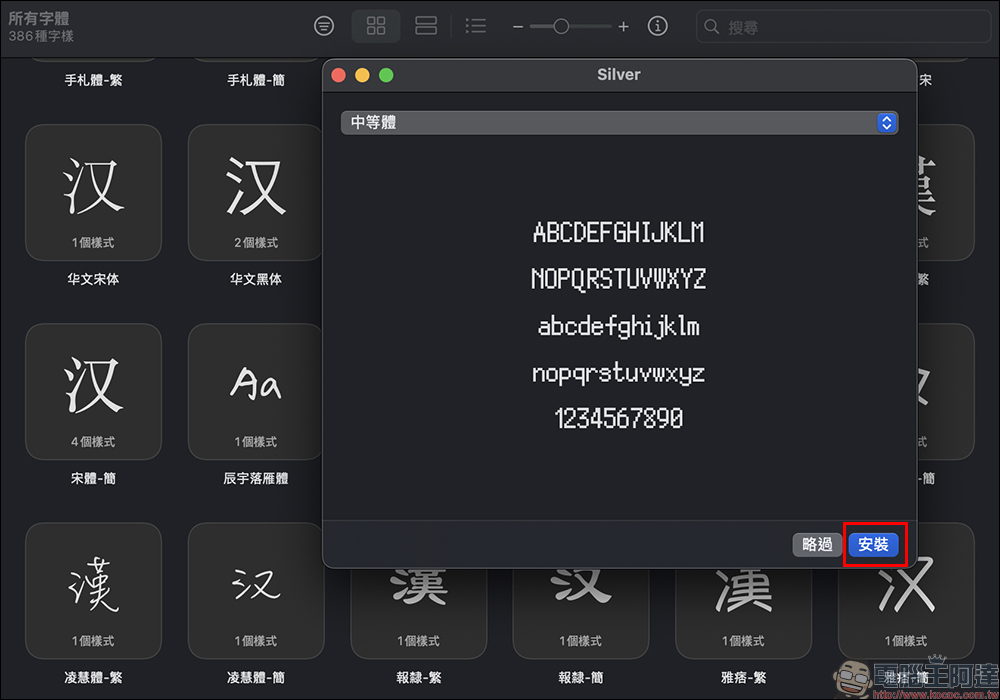
The following is the English digital effect of Silver bitmap font:
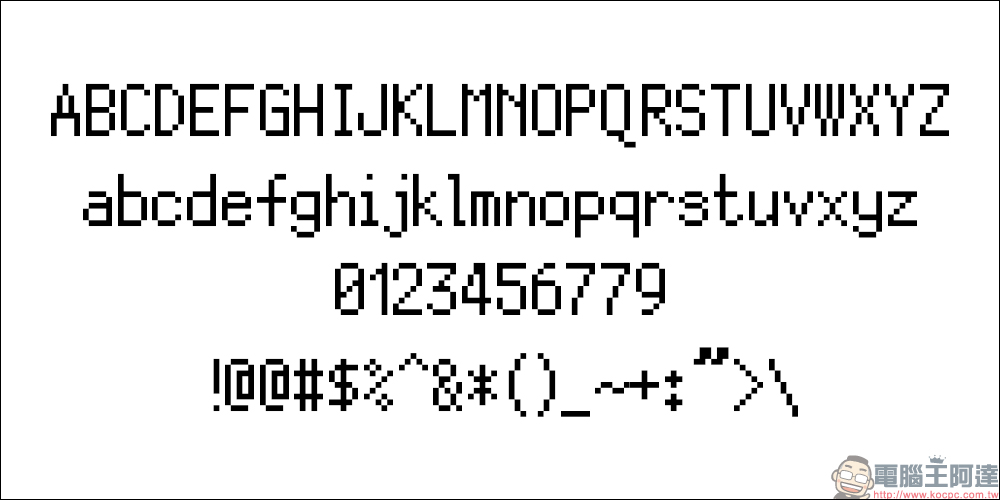
Silver bitmap font is not only free and open source, but also supports multiple languages and game controller button icons. It is an extremely attractive choice for game developers, designers, and pixel art creators. It only takes a few steps from download to installation, making it easy for anyone to use.
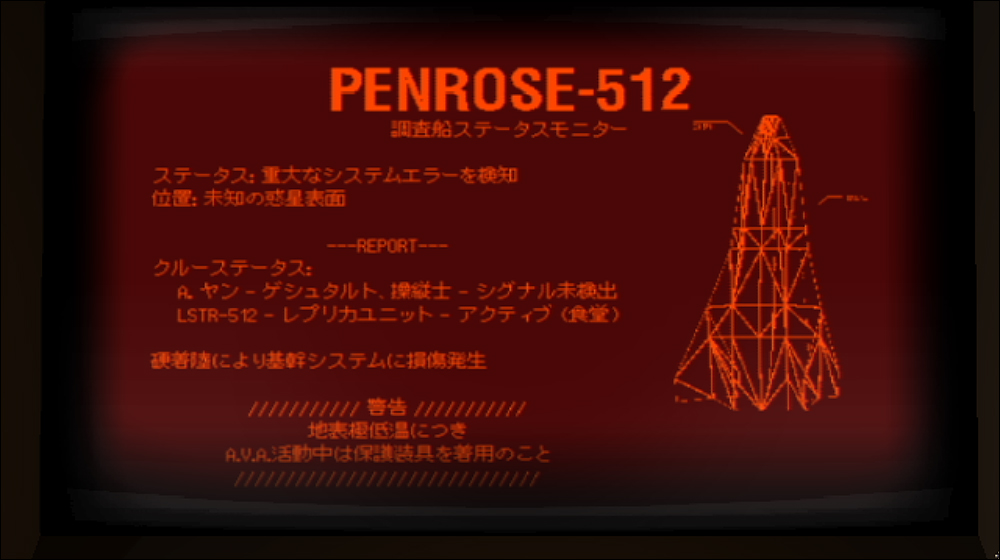
If you are preparing to develop a game or want to enhance the nostalgic style of your work, you might as well try Silver, it will definitely make your work more distinctive! The picture below uses Silver bitmap font:
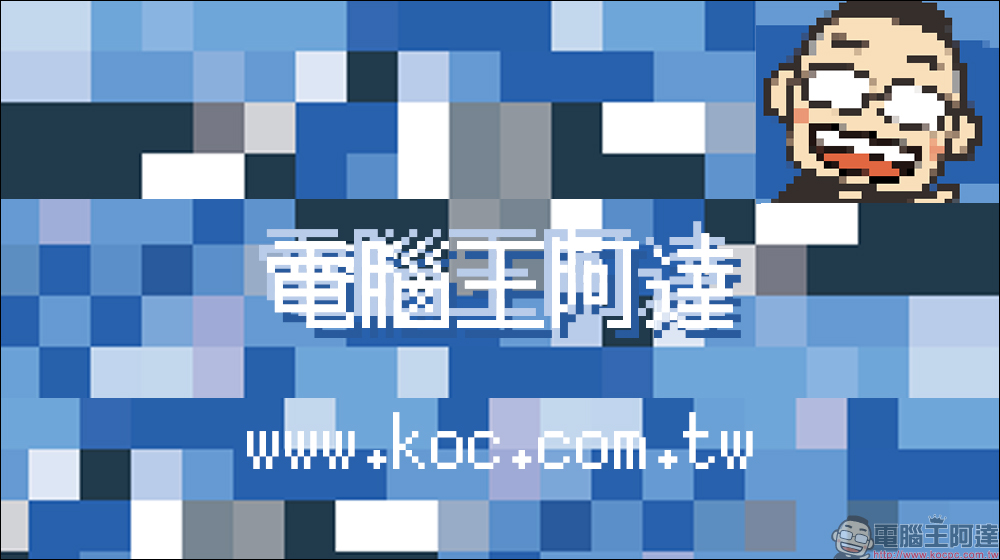
Silver bitmap font download
Source: KOCPC Chinese