


There are many YouTube download tools on the Internet, but the skipvids I will introduce in this article is very different. It is a free tool designed to replace YouTube. Simply put, you can watch and search YouTube videos on this website, and provides a subscription function to subscribe to channels you often follow. More importantly, it is very rich in features, including ad-free YouTube videos, background playback on mobile phones, download support, built-in AI summaries, and more.
For those who often watch YouTube but don’t have the budget to subscribe to YouTube Premium, I highly recommend giving it a try.
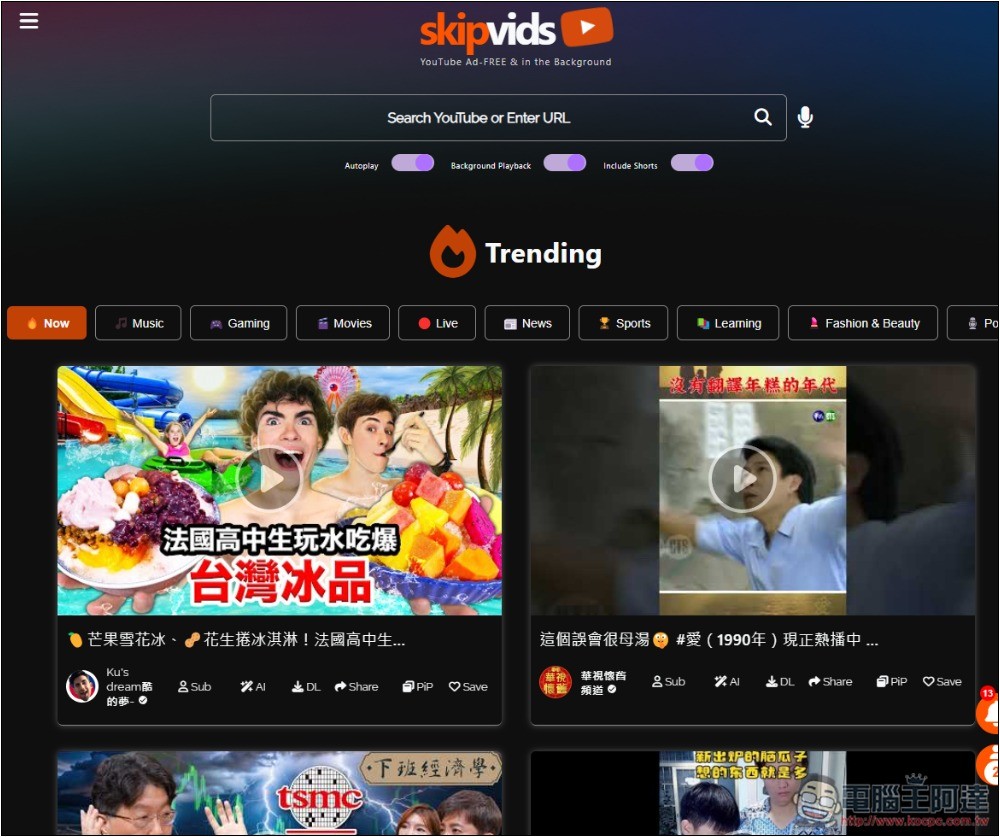
Skipvids operation tutorial and introduction
Skipvids is a website that can replace YouTube. It is completely ad-free. Not only is there no web page, but all YouTube videos are played without ads, allowing you to watch them ad-free without installing any third-party ADblock plug-ins.
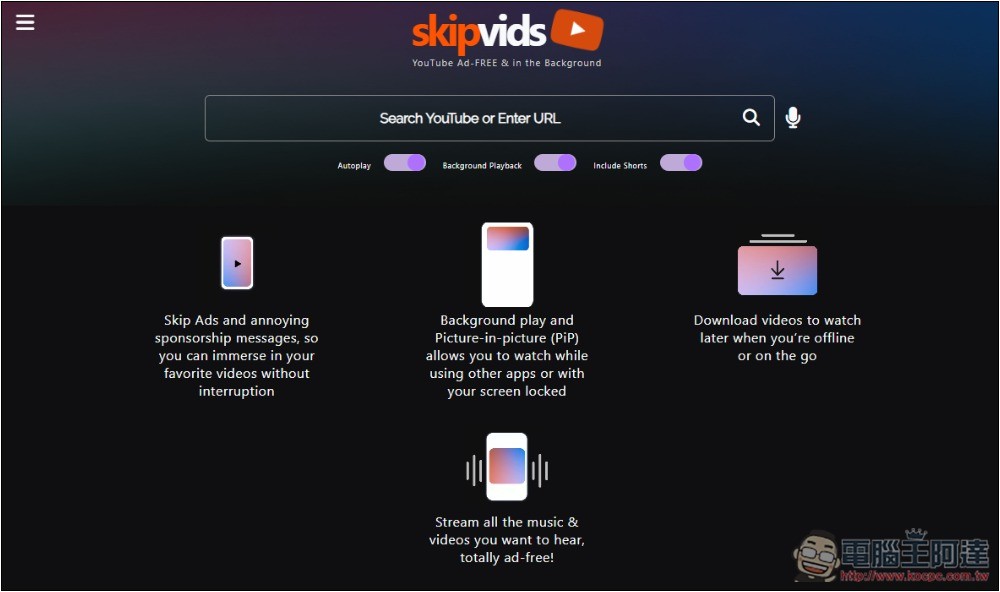
After entering Skipvids, there is a search field at the top. You can directly enter keywords to search for the YouTube videos you want to watch, or paste the video website you have copied to watch. The four small pictures below illustrate the features of this tool, including no ads, background and PIP playback, download support, etc.:
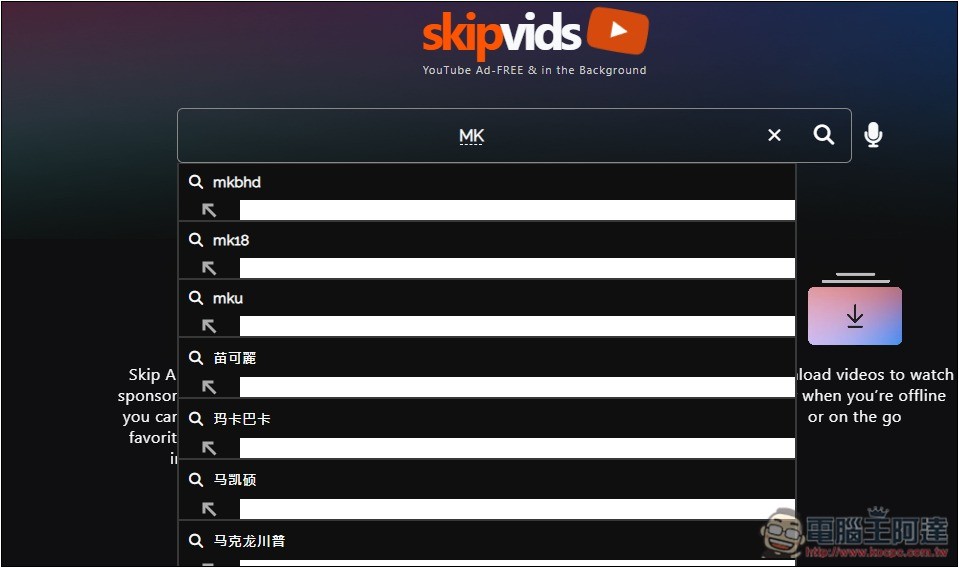
Suggestions will also appear after entering search terms:
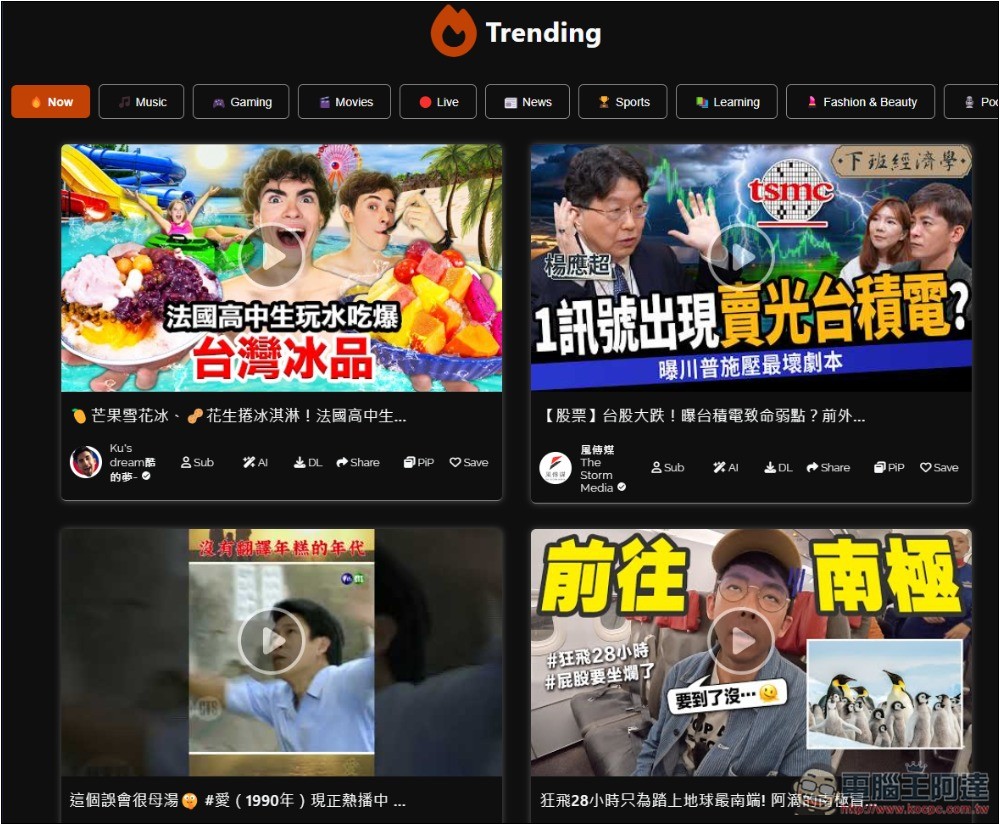
The Trending block at the bottom of the web page will display the currently popular YouTube videos. When you start subscribing to the YouTube channel, it will change to display videos from the subscribed channel:
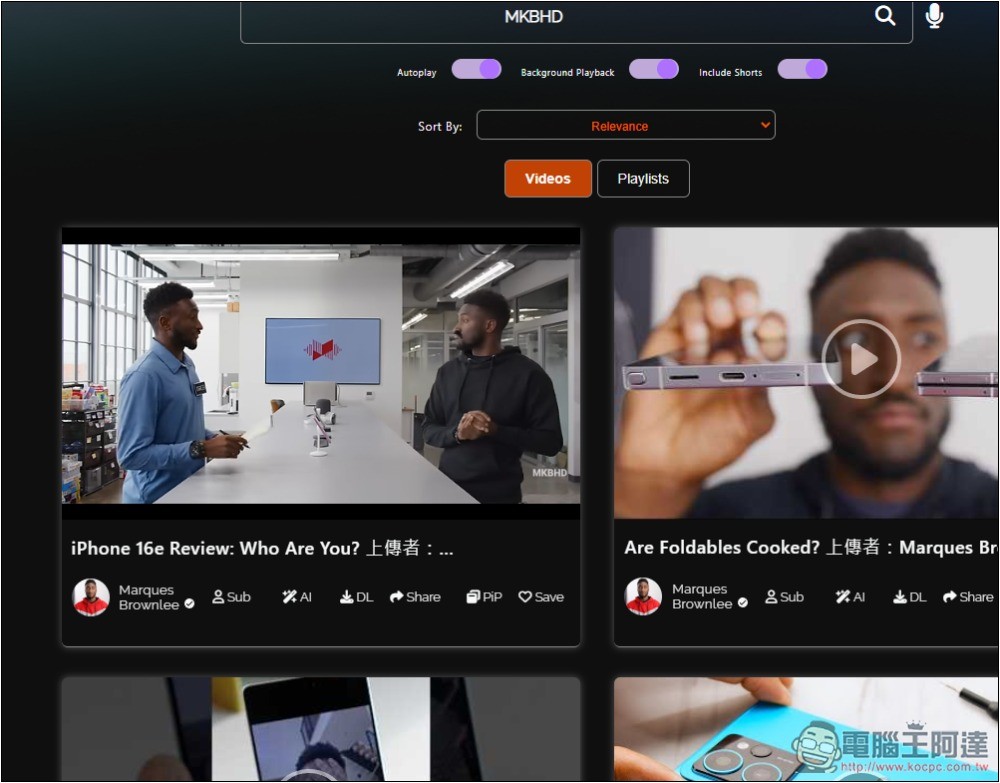
The search results will be sorted according to the upload date. When I search for MKBHD, all videos from the MKBHD channel will appear. You can also switch to a playlist above:
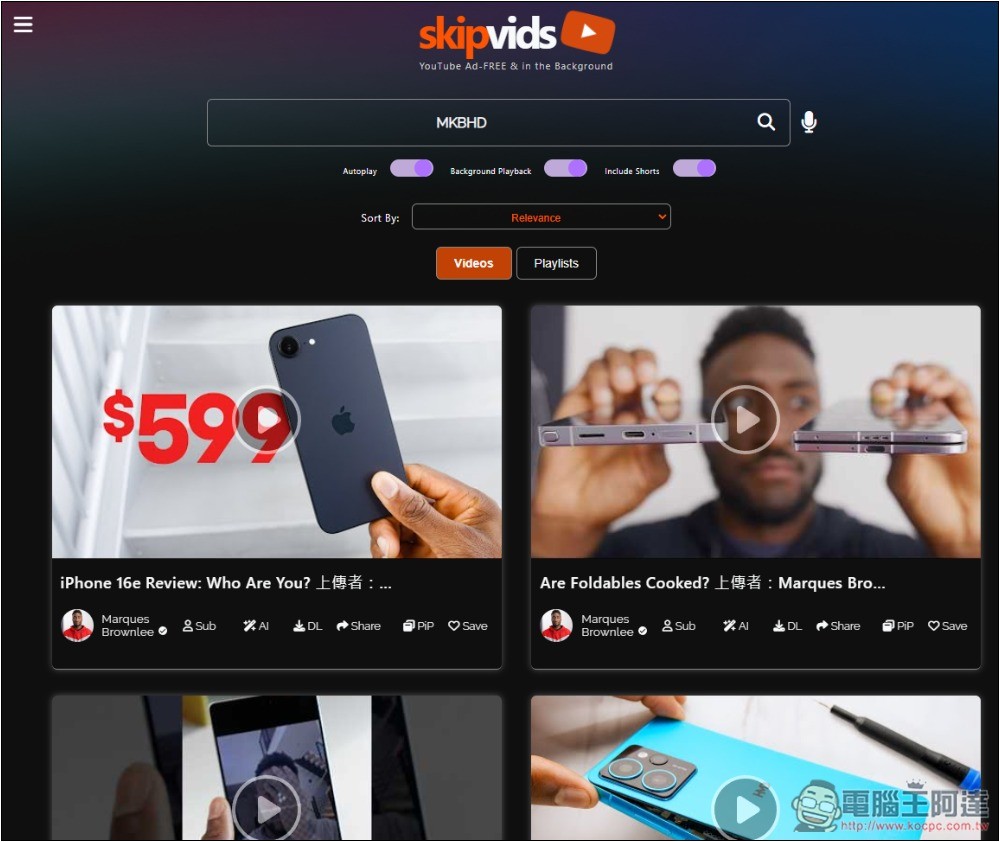
It can be noticed that there are 6 small icons below each video, from left to right, they are Subscription (Sub), AI Summary, Download (DL), Share (Share), PiP Play, and Save (Save).
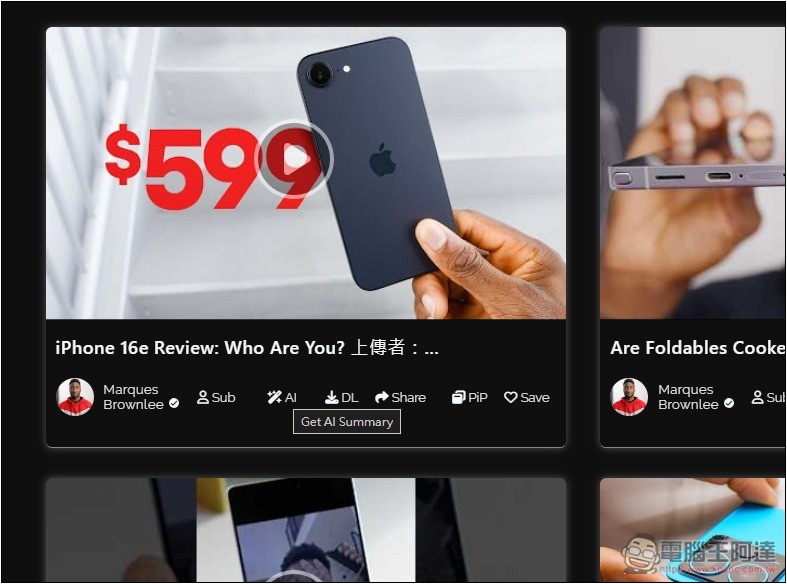
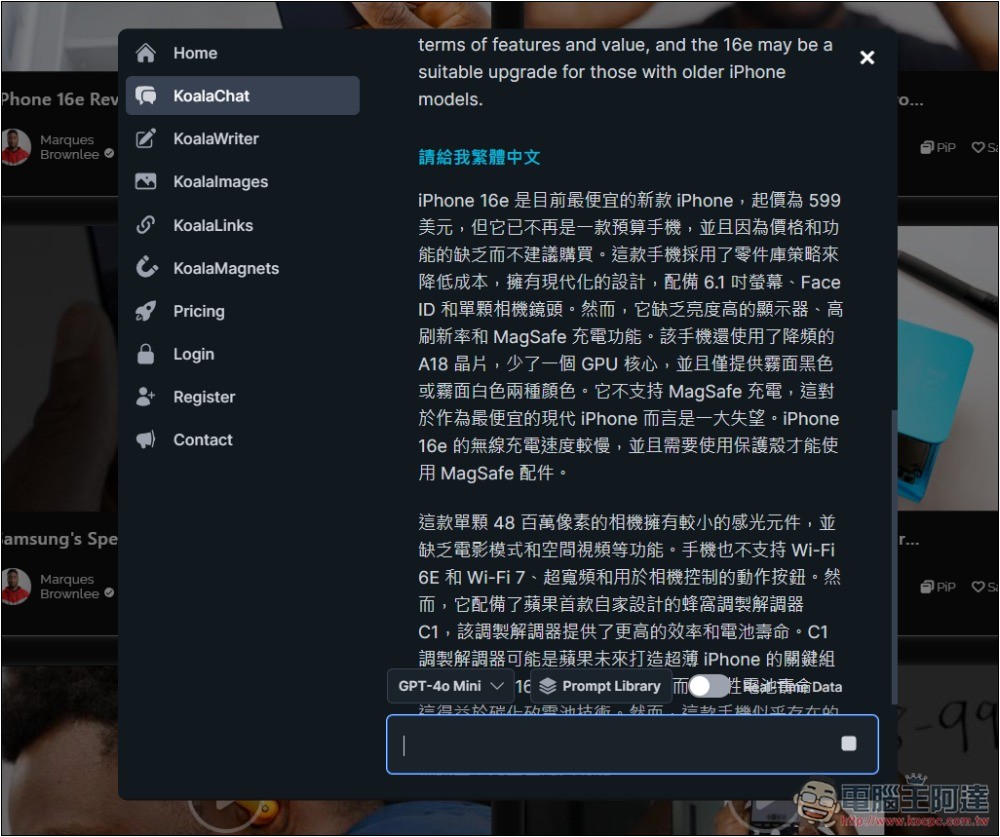
After pressing AI, a chat window will open, and then the AI summary of the video will be displayed, which will take a while. The default answer is an English summary. You can then send the command to translate into Traditional Chinese, and the AI will translate the content into Chinese. The AI model used appears to be GPT-4o-mini:
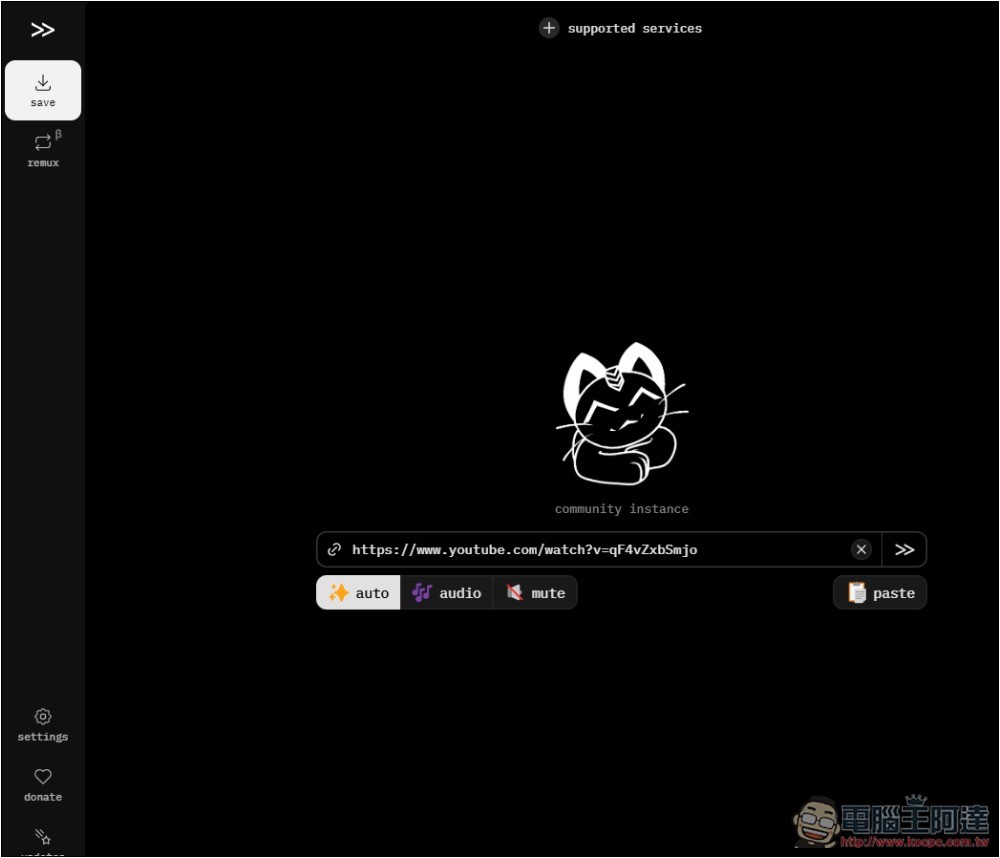
The download function is connected to what we introduced before Cobalt.tools, after pressing, it will automatically open and fill in the YouTube video blog. Press to confirm and the download will start. The default is the highest quality:
Videos can be played directly on this website without any ads during the process:
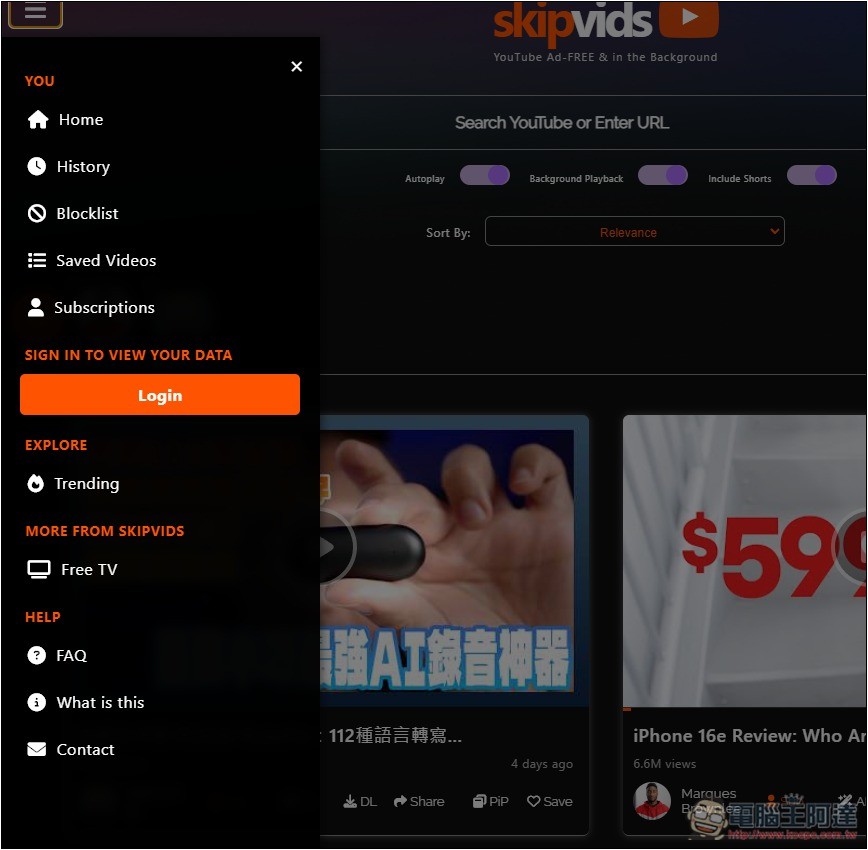
There is a function menu on the left, where you can find your saved videos, subscribed channels, and viewing history, etc. If you register an account, it seems that your data can be synchronized to the cloud so that you can use it directly on other devices:
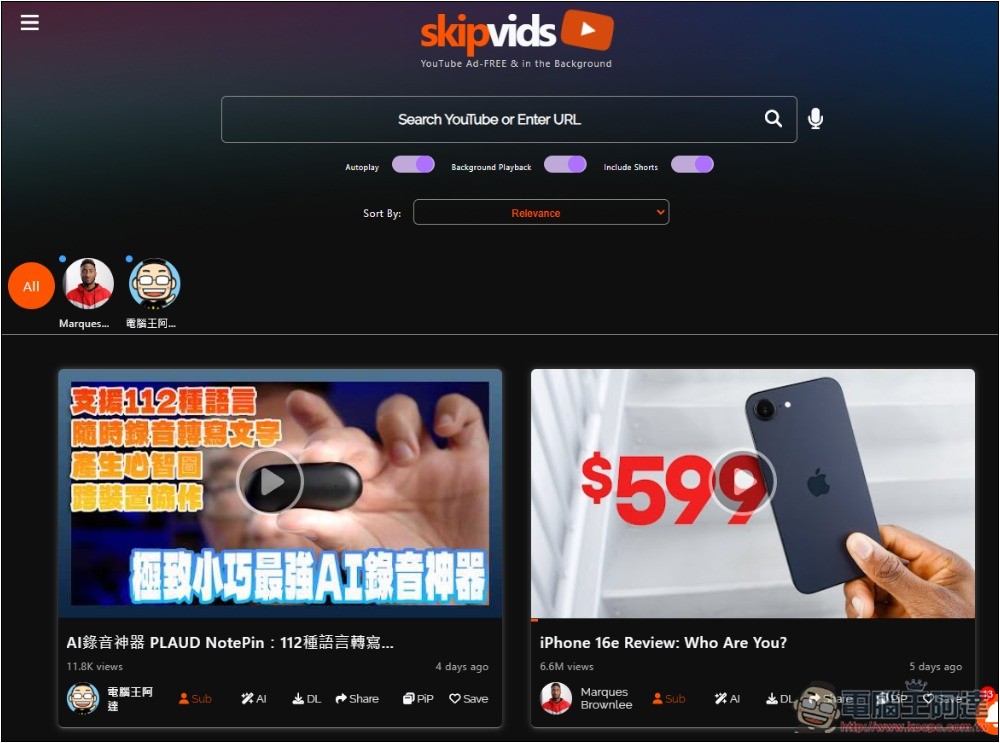
If you have subscribed to a channel, the channel icon will be displayed above the video on the homepage:
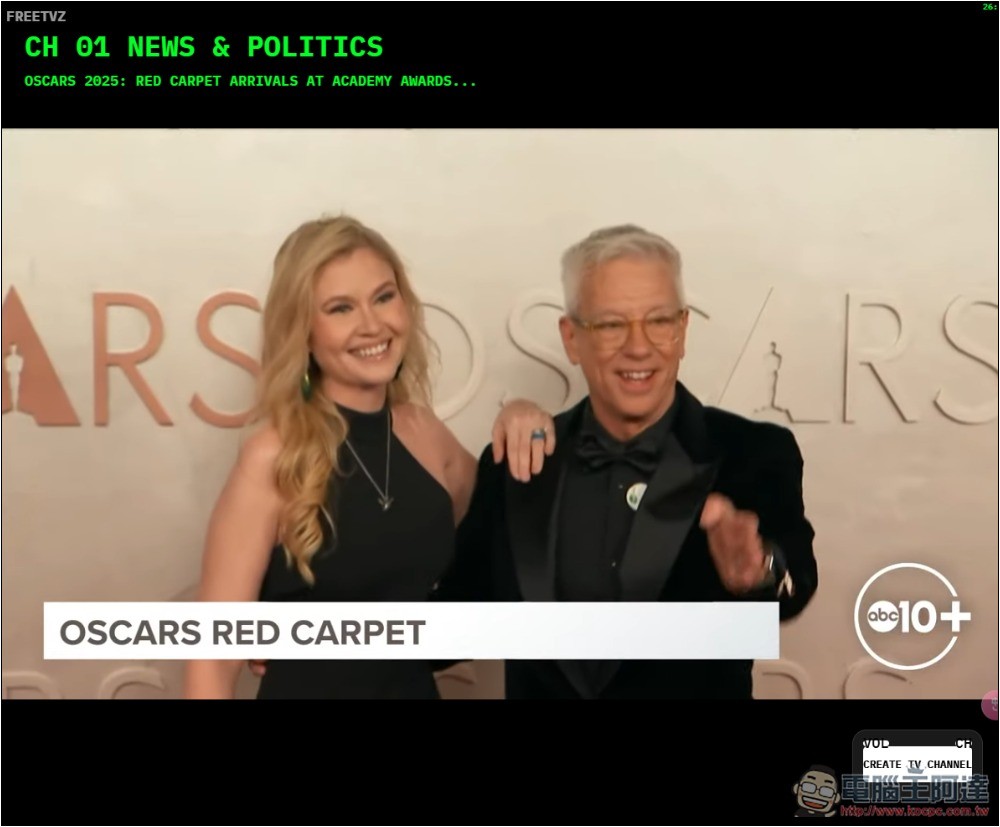
In particular, this website also provides a Free TV function, which currently plays abc10+ videos:
Mobile version of the page is also supported:
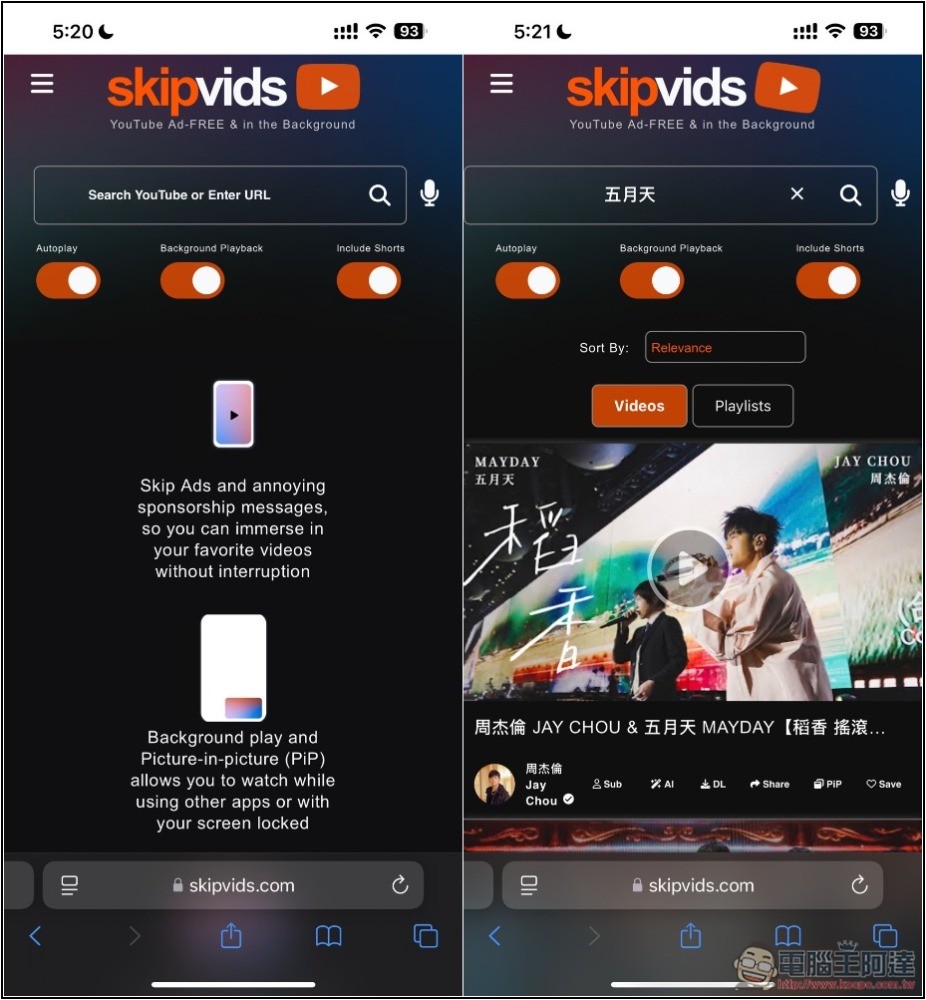
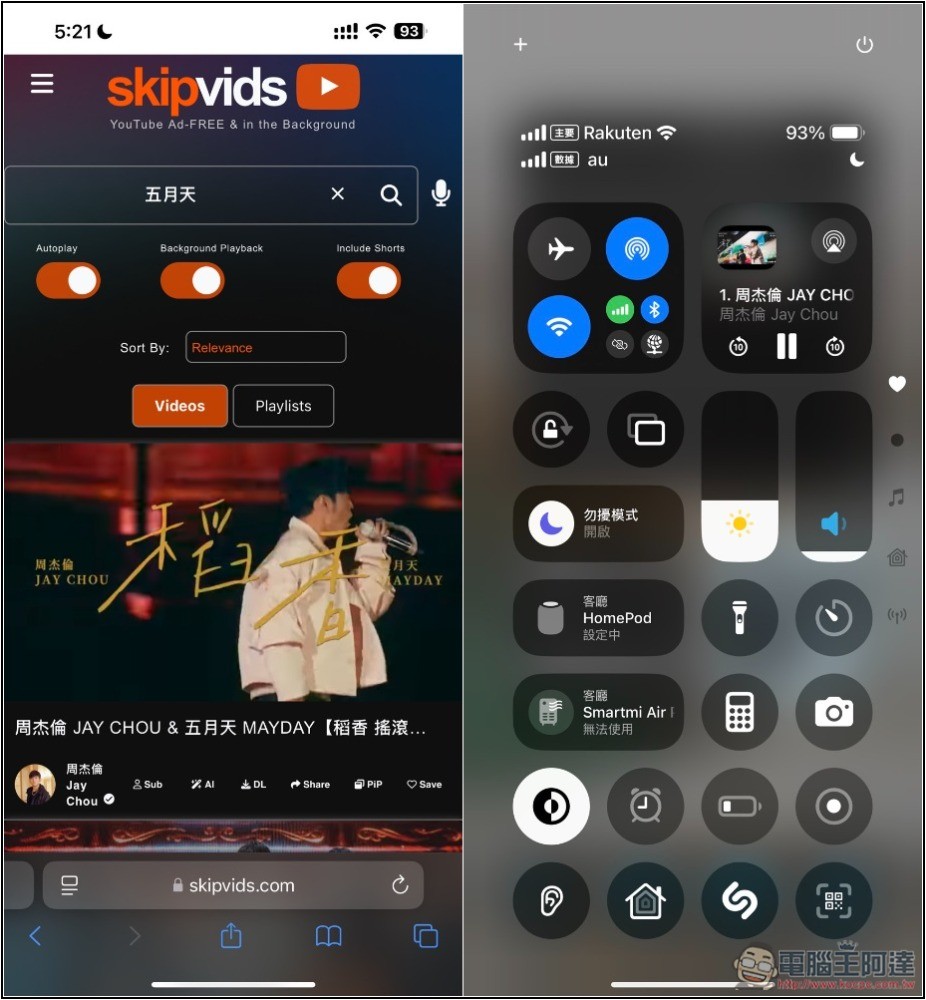
The actual test background playback is successful. People who want to listen to YouTube music in the background can easily do it with this tool, or through the method we taught beforeHow to play YouTube in the background of your mobile phone:
Source: KOCPC Chinese