


Whether it is for work or schoolwork, you may occasionally need to convert files into PDF format. If you do not have related software on your computer or mobile phone, PDF Kit is a free online tool that is a good choice. It is not only the common Word, TXT, and JPG, but also AZW3 for Kindle e-books. It supports up to 28 formats and provides functions such as merging, compression, and cropping.
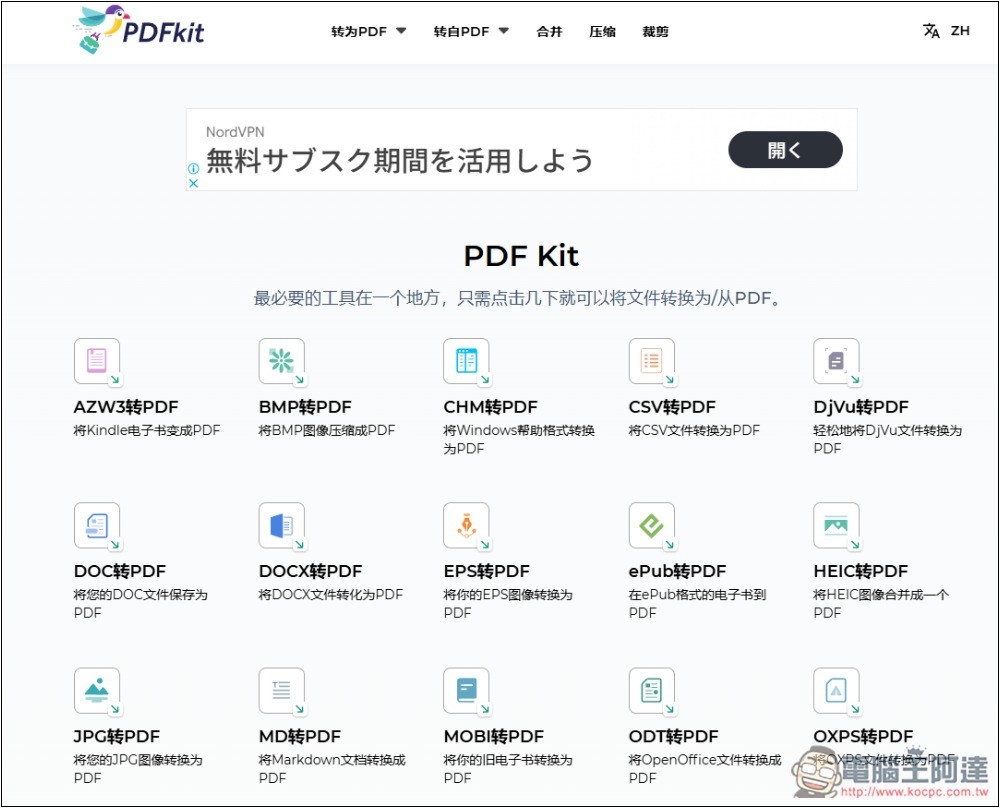
Introduction to PDF Kit
PDF Kit is a free online PDF conversion tool. There are some advertisements on the web page, but it does not affect the user experience. The conversion time is also quite fast, basically completing it in a few seconds, and it supports the processing of multiple files at the same time.
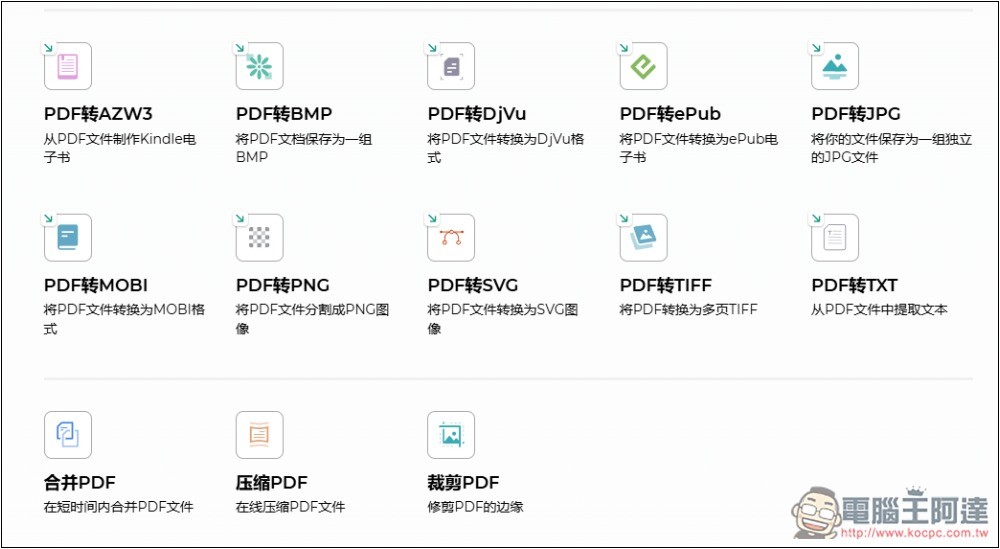
In addition to converting 28 file formats to PDF, it can also convert PDF to 10 other formats, including AZW3, BMP, DjVu, ePub, JPG, PNG, MOBI, SVG, TIFF and TXT.
According to the privacy policy, uploaded PDF files will only be saved on the server for up to 1 hour and then automatically deleted. All uploaded data will not be accessed or shared unless requested by law enforcement.
Although the security seems to be okay, after all, it has to be uploaded to their server. It is not recommended to use important files. It is safest to use local files.
PDF Kit operation tutorial
After entering the PDF Kit website, the main screen will list all supported format conversions and functions. They are in Chinese, so you don’t have to worry about not understanding them:
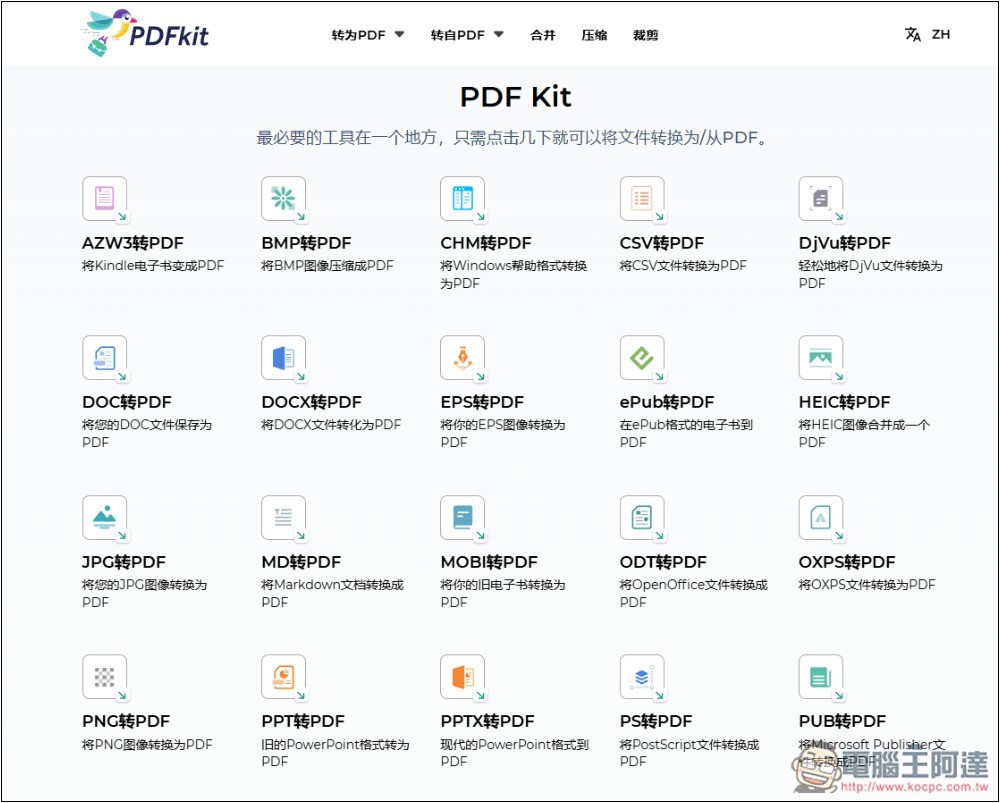
Scroll down to find more tools:
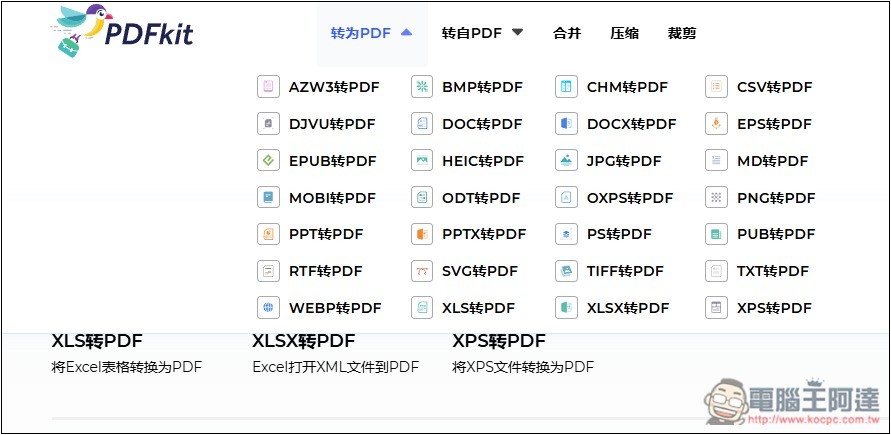
There is also a category menu. If you want to convert formats, I would recommend searching here to find it faster. A total of 28 formats are supported to convert to PDF, including: AZW3, DJVU, EPUB, MOBI, PPT, RTF, WEBP, BMP, DOC, HEIC, ODT, PPTX, SVG, XLSX, CSV, EPS, MD, PNG, PUB, TXT, and XPS:
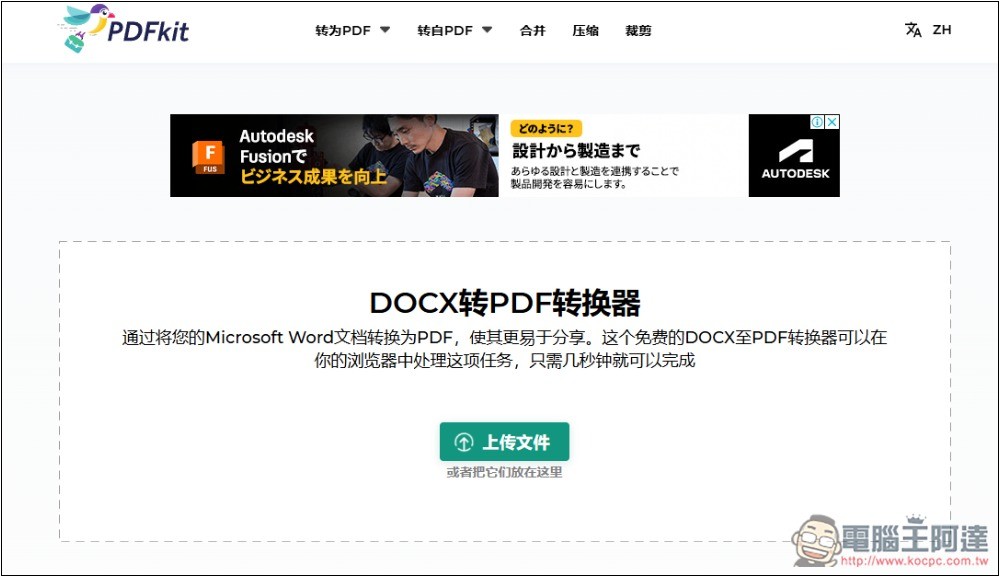
After entering the tool page, you can drag in the file you want to convert, or click to upload the file and select it manually:
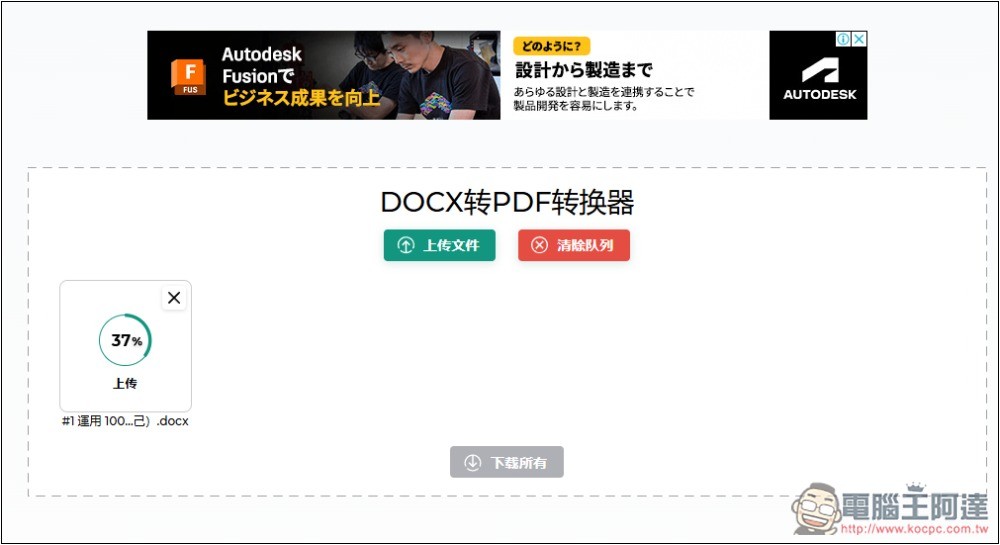
The upload speed is pretty fast:
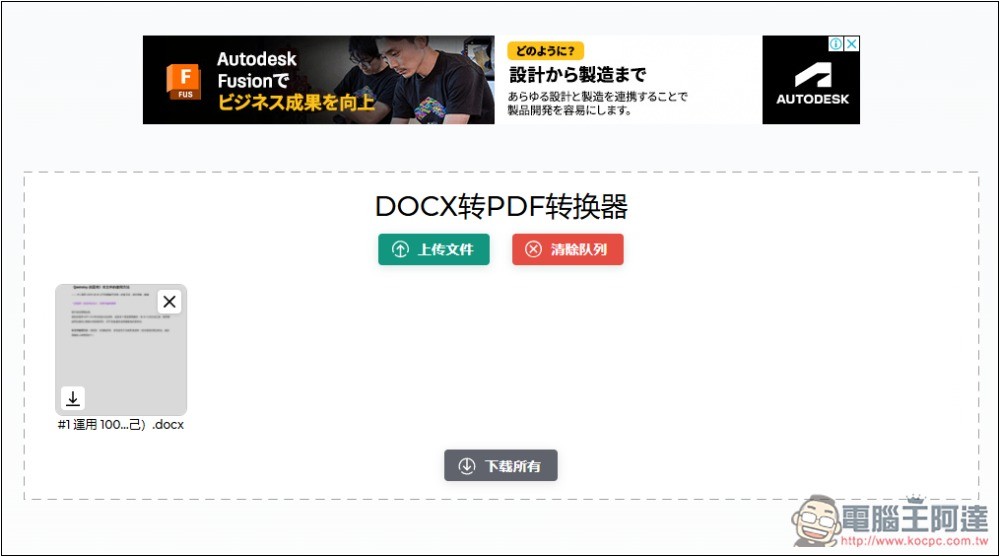
Wait a few seconds for the conversion to be completed, then click “Download All” to package the entire file into a ZIP file:
The actual test was successful, the layout in the file was not lost, and the conversion quality was quite good:
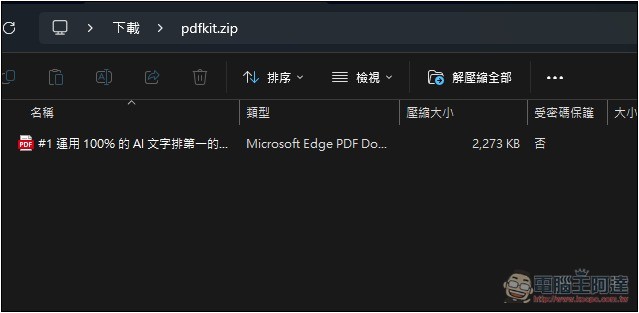
In addition, I also tested its PDF compressor function, throwing in the PDF file I just converted to see how much it can be compressed:
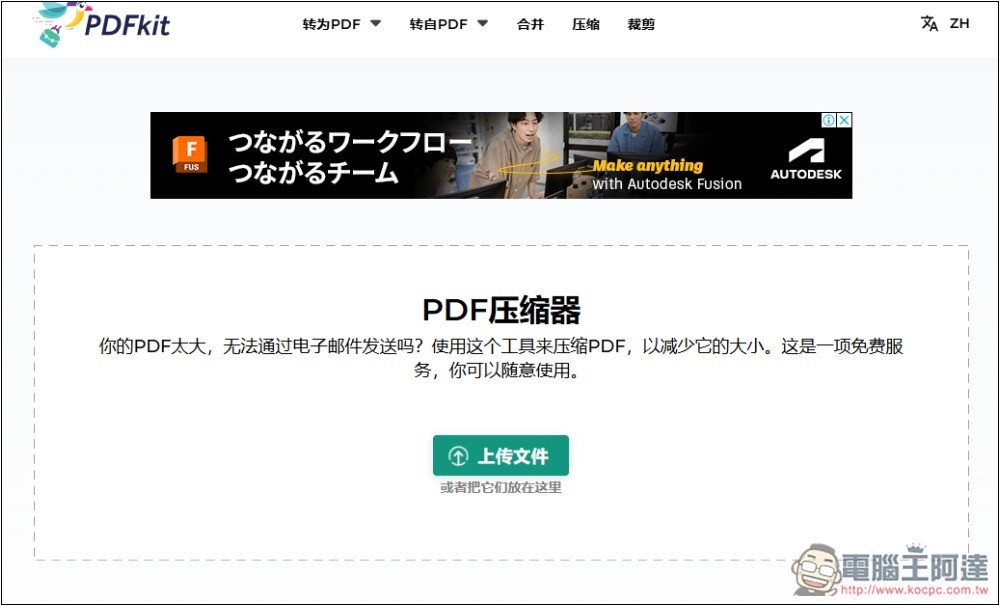
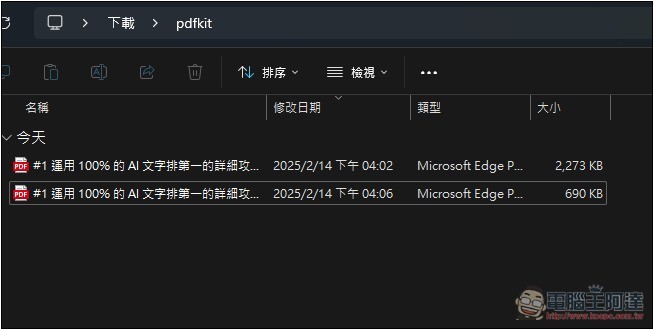
I originally thought that since the PDF file was converted from this tool, it should not be compressed too much. Unexpectedly, I was shocked. It was compressed by more than half, from 2273KB to 690 KB. I opened and checked that the image quality and clarity in the PDF have not deteriorated, and the text is also very clear, which shows that the compression effect is very good:
If you have a PDF file that is too large and want to make it smaller, it is highly recommended to use this compression function. However, as mentioned before, online tools are not recommended for important files.
As for converting from PDF to other files, the supported formats are: AZW3, JPG, TIFF, BMP, MOBI, TXT, DJVU, PNG, EPUB, and SVG.
Source: KOCPC Chinese