


Permissions in Android are at the core of managing how apps interact with your device and protecting your information and personal data. The most commonly heard permissions are location, push notifications, etc. In fact, there are many more permissions that are rarely discussed. Understanding the meaning of permissions can protect your privacy and help prevent applications from crossing boundaries.

What “permissions” are there on Android? What is their meaning?
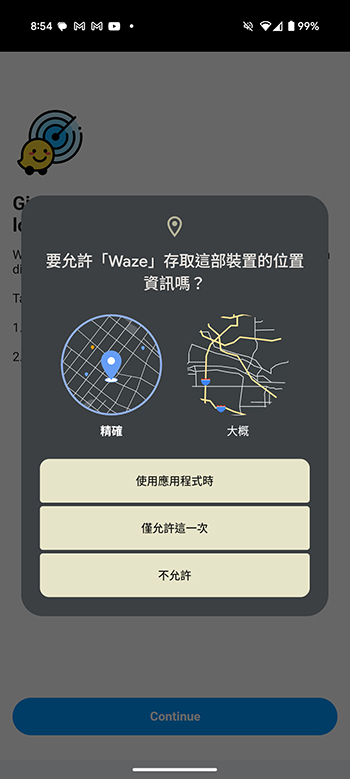
Android permissions allow apps to access certain features or data on your phone. For example, Google Maps may ask for location permissions; a photo editing app may ask for access to photo albums. These permissions were created to provide transparency into what data apps have access to so users can make informed decisions. Android permission requests usually appear with the following pop-up prompt:
What permissions are available on Android?
Permissions on Android are divided into several categories according to different functions. Next, let’s break them down and explain them in detail.
- body sensor
These sensors can obtain health information about the body, such as heart rate, blood oxygen, and step count. Fitness and health apps like Google Fit use these permissions to monitor your physical health and provide suggestions on how to stay healthy. This permission should only be allowed if the requesting party is trusted. - calendar
Calendar permissions allow an application to read, create, and modify events on the calendar. While this is helpful for things like scheduling, granting this permission to unknown apps may expose sensitive personal information. - Call history
Applications with this permission can view and change call history on the device. This is usually a permission required by calling apps, but for privacy reasons you should think carefully about whether the app is reliable before granting it. - camera
This permission allows the app to access your camera lens. Photography apps, QR code scanners, or social apps with video calling permissions also require this permission. However, some rogue apps may abuse this permission for unauthorized recording.

- contact person
Access your contacts allows the application to read, edit or sync your address book. Be cautious about granting this to applications that don’t require it, as it could be used for spam or phishing. - file
This permission allows the application to access or modify files stored on the device. While file managers or cloud services require this permission, it’s critical to review applications requesting this access to avoid exposing personal files. - healthy connection
This permission links the app into Google’s Health Connect, enabling data sharing between fitness apps. You should only grant this permission to apps you trust and have sensitive health information. - Location
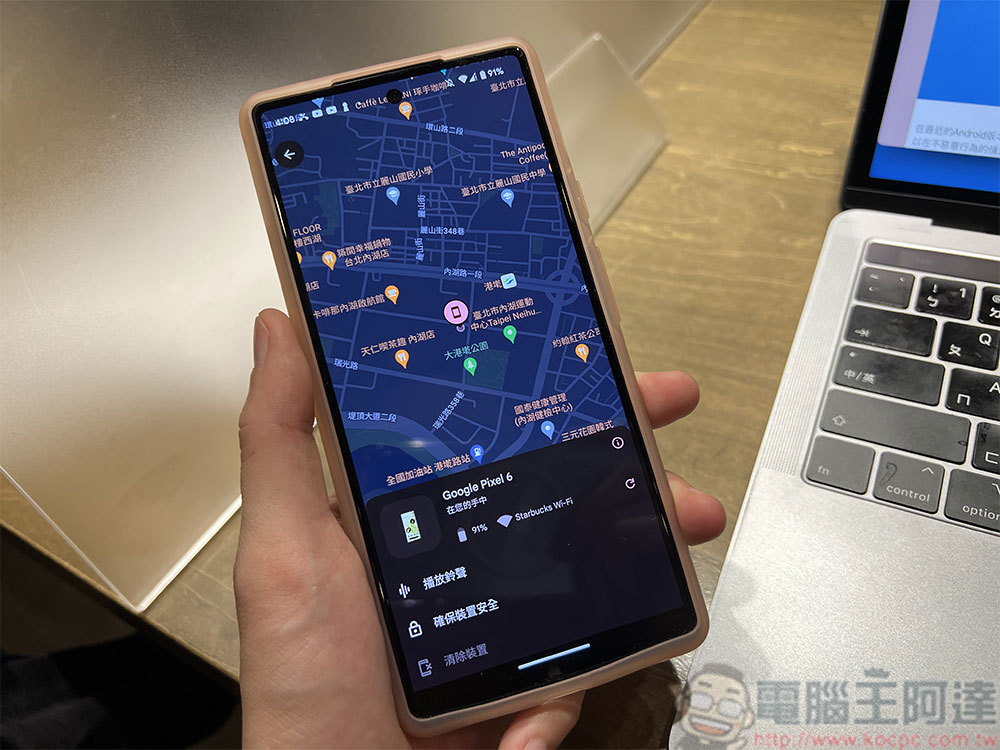
Applications may request precise or coarse location access. Navigation, ride-hailing, food delivery, and weather apps all rely on this to function, but unwanted access can invade your privacy.
- microphone
Applications that require voice input and interaction, such as voice assistants, recording applications, etc., require microphone access to function. However, malware may abuse this feature to eavesdrop. - nearby devices
This permission is used to connect to Bluetooth or other nearby devices. To prevent unnecessary pairing or data sharing, be especially careful when granting this permission to applications that don’t need it. - notify
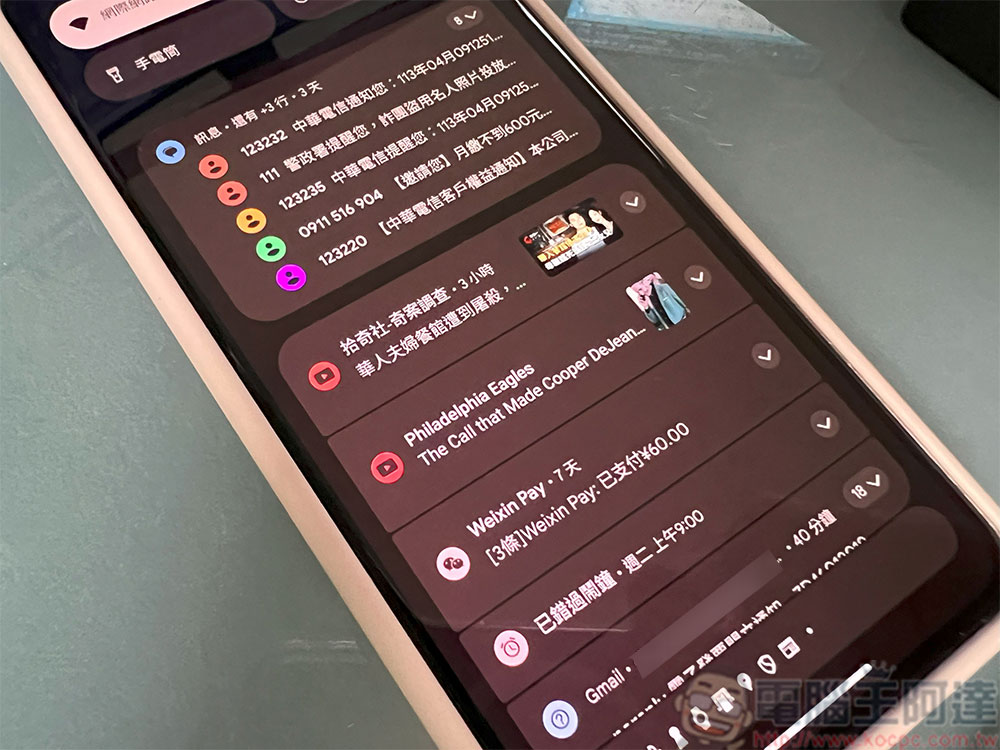
This permission allows the application to send push notifications. While helpful for reminders or alerts, some apps can abuse it to send spam.
- Telephone
Phone permissions enable the app to make or manage phone calls and even know your phone number. Do not grant this permission unless the app’s functionality is directly related to calling; suspicious apps can use this permission to make unauthorized calls. - Photos and videos
Applications use it to access or edit your media library. Please be selective in preventing apps from collecting or misusing your personal photos. - text message
This feature allows the application to read, send or delete text messages. While helpful for messaging apps or OTP autofills, misuse can lead to security vulnerabilities.
It is important to pay attention to your application permissions to protect personal privacy and security. Unnecessary permissions may lead to personal data being collected by malicious parties without consent. Reducing permissions also has practical benefits, such as extending battery life and improving device performance. Use Ziying app permissions to maintain control of your data while enabling the app to provide the functionality you want.
Source: KOCPC Chinese