


Anyone who is paying attention to the issue of “air pollution”, which is generally considered to be an invisible killer of health, will probably find that poor air quality is often accompanied by haze that looks like thick fog. Anyone who is looking at real-time numbers such as AQI will probably find that Taiwan’s air conditions suddenly get very bad from time to time. This time, the free widget app “Breathable” we are going to introduce is really the gadget of choice for this purpose. Continue reading The free air quality widget “Breathable” that is clear at a glance is universal across iOS / macOS / watchOS! (Usage experience teaching) Report content.
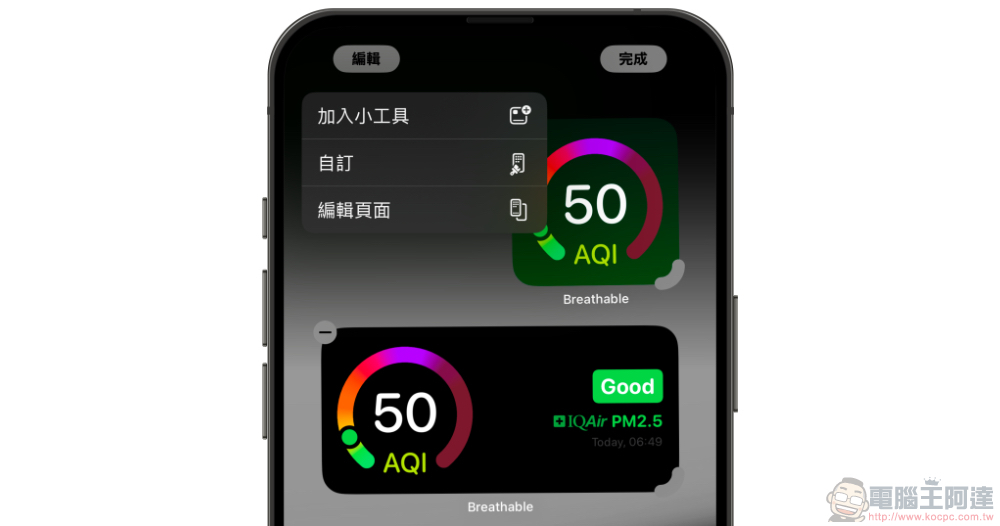
The free air quality widget “Breathable” that is clear at a glance is available across iOS / macOS / watchOS!
Anyone who is paying attention to the issue of “air pollution”, which is generally considered to be an invisible killer of health, will probably find that poor air quality is often accompanied by haze that looks like thick fog. Anyone who is looking at real-time numbers such as AQI will probably find that Taiwan’s air conditions suddenly get very bad from time to time.
At this point, if you didn’t notice, you might have forgotten to wear a mask, or even rushed out of the door to exercise and inhale the dirty air. In order to avoid such problems, a widget that can instantly and clearly remind you of air quality is very important – this time, the free widget app “Breathable” we are going to introduce is really the widget of choice for this purpose.
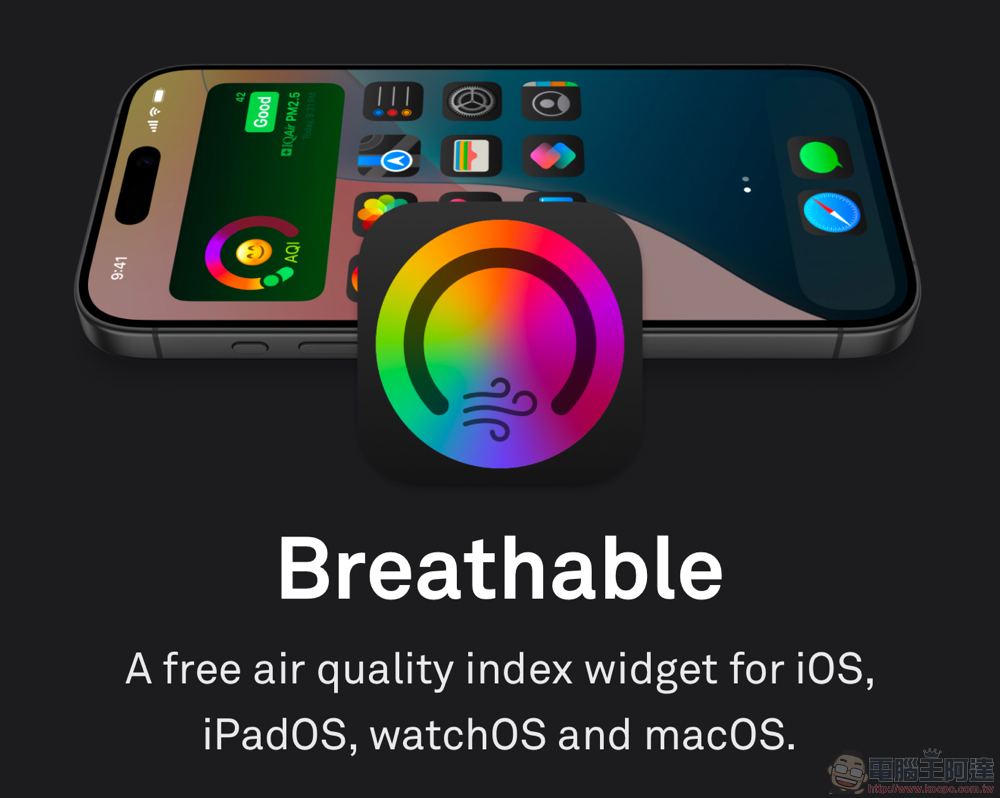
“Breathable”, as the name suggests, has the meaning of being breathable or breathable in this app. It can support the air quality display function of iOS / iPadOS / macOS, and even watchOS.
The download link and full name of the App Store:Breathable Air Quality Widget(👈 Click here to download).
“Breathable” tutorial
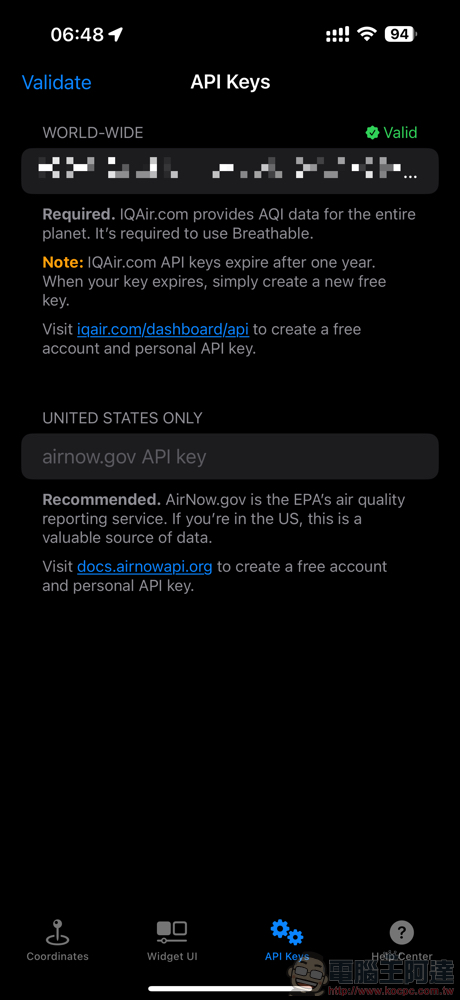
The most important thing for the App to work is to apply for the API Keys of IQAir.com (the free version needs to be updated once a year) – you can go to https://iqair.com/dashboard/api Apply for an account (supports Facebook, Google and Apple accounts, you can also apply simply by email).
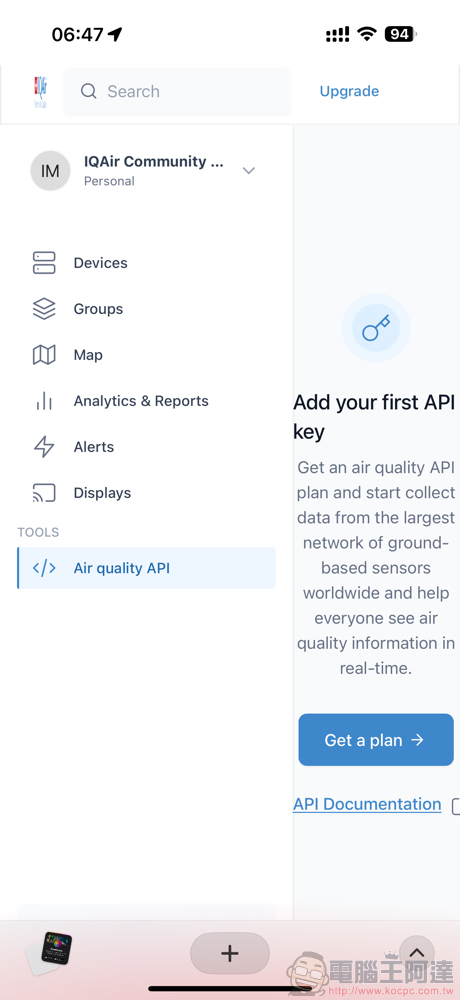
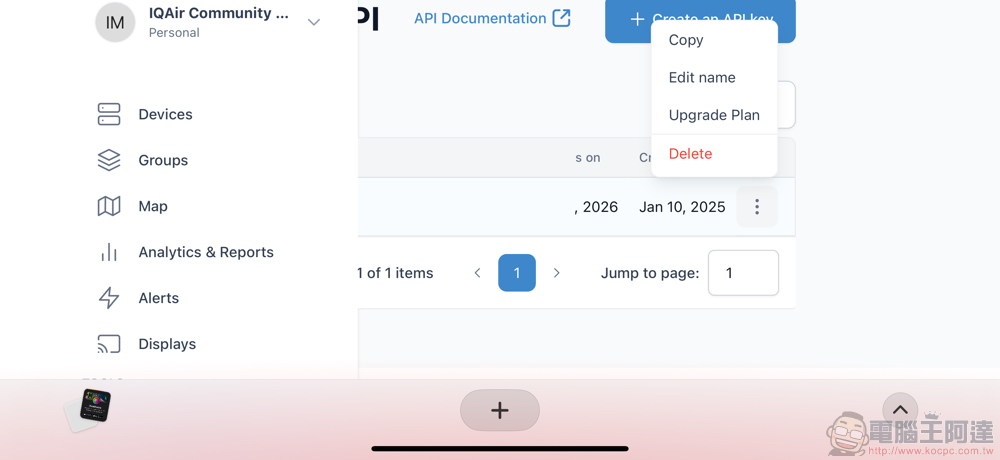
After logging in, you can go to the “Air quality API” on the sidebar and select “Get a plan” to select a free subscription to create an API Key – you can go to the “…” on the far right and select “Copy” API Key.
Then you can go to the API Keys field in “Breathable” and paste it in, and select “Validate” to authenticate and confirm. Then you can jump to the homepage of the App to allow positioning to obtain the AQI data at your location.
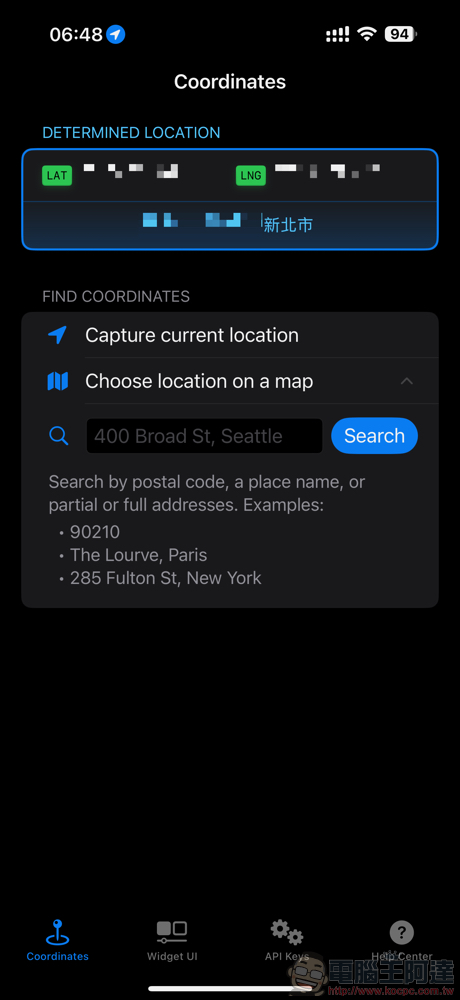
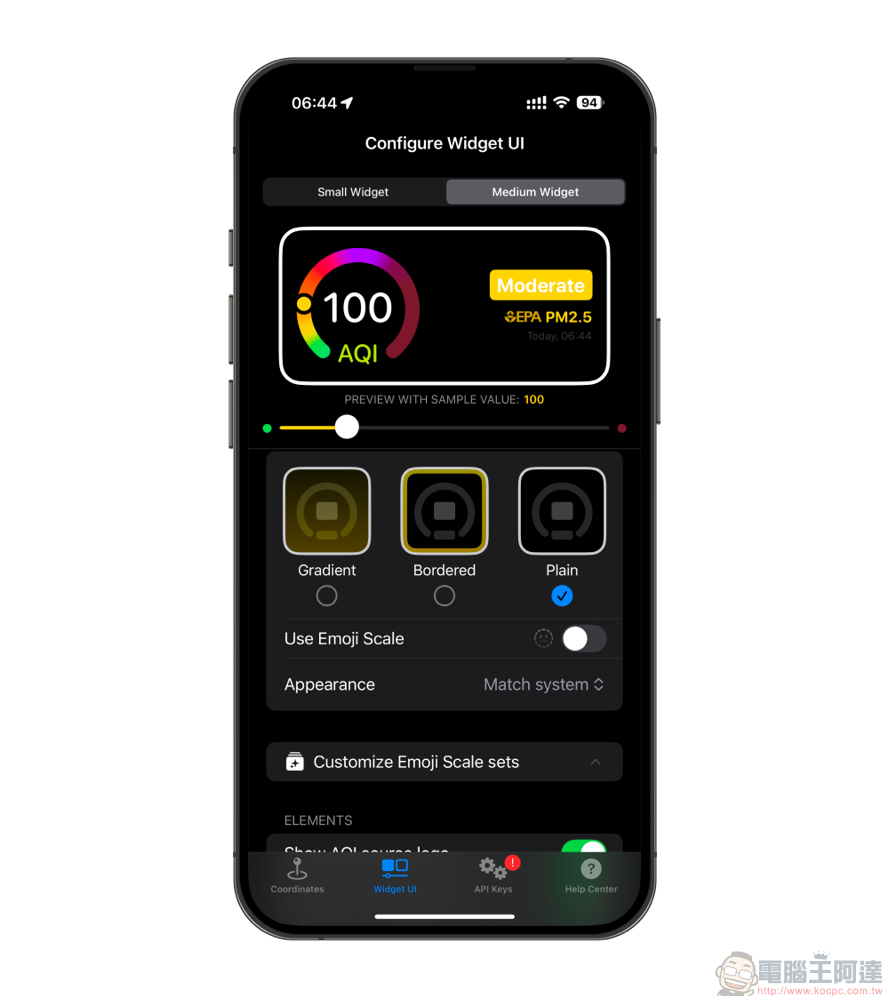
Then you can adjust the way you want the air quality to be displayed. I personally choose the simple and easy-to-understand “Use Emoji Scale”, which uses large emoticons with a “dashboard” to display the current weather conditions and “whether it is suitable to breathe.”
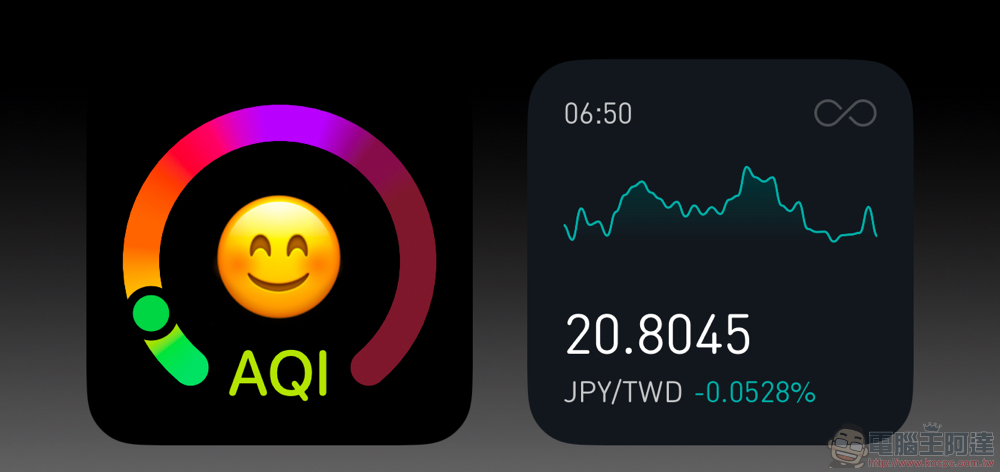
Then add it to your desktop or “minus 1 page” to quickly grasp the current air quality at any time!
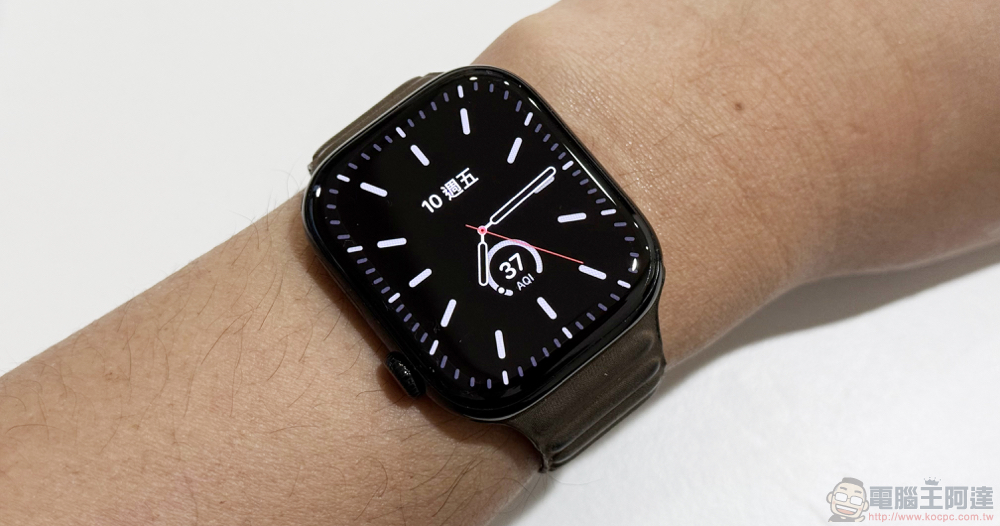
If you are using an Apple Watch, you can also install “Breathable” in the watch app.
Quote sources:Breathable|
Further reading:

Source: KOCPC Chinese