


Previously, we introduced one based on ‘Reverse Alpha Blending’ (反向 Alpha 混合).Gemini AI Image Watermark Removal」free tool, importPictureIt will automatically remove it without needing to do anything. Although it’s very useful, it has a major limitation: it only supports the original resolution. If the size has been reduced or enlarged… Gemini watermark“free tools” can be found under “Ada’s homemade tools” on our website, so you won’t need to bookmark another tool separately. Next time you need it, just visit our site and go to that tool.
Ada’s Gemini free watermark removal tool also features a Gemini mode based on reverse alpha blending, but adds an extra convenience: it can remove watermarks from Gemini images of almost any size, no longer limited to just the original resolution, making it more flexible to use. It also includes a built-in magic wand feature that lets you remove watermarks from other non-Gemini images.
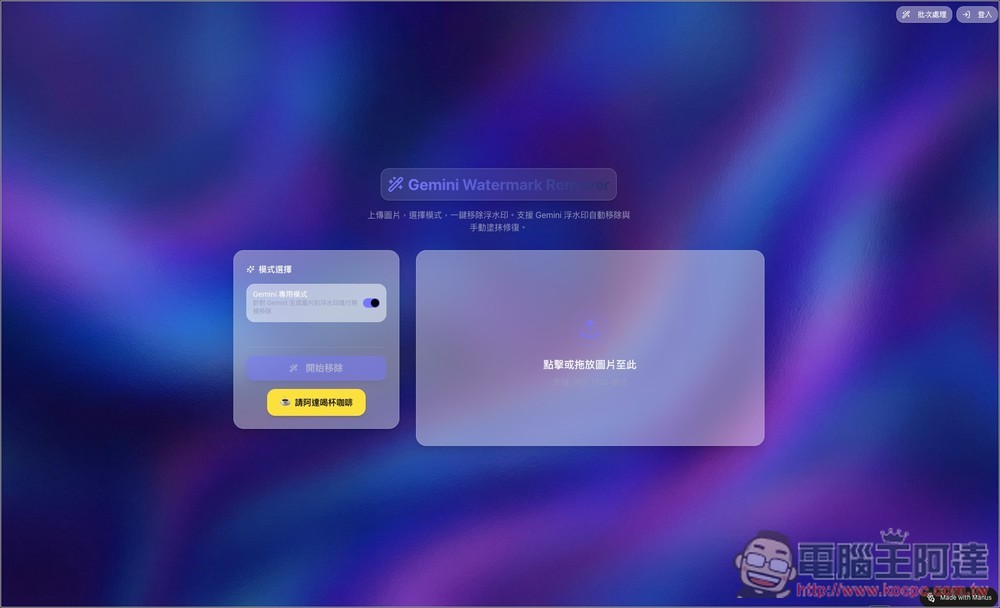
“Gemini Free Watermark Removal Tool” — featuring dedicated one-click removal for Gemini, magic wand mode, and batch processing support.
Ada’s “Gemini Watermark Remover” is an online tool focused on speed, low barriers to entry, and high success rates, primarily designed to tackle the common watermark issue found on images generated by Gemini AI. The workflow is quite intuitive: just upload your image, make sure Gemini mode is enabled, and hit start to remove it. It also supports batch processing, so you can handle multiple images at once with a single click — simple and fast.
Main features
- Gemini-Specific Mode: Lossless Removal of Gemini Watermarks
- One-click operation: automatic processing after image upload, no photo editing experience needed
- Supports multiple Gemini image sizes: most common sizes are fine, not limited to the original resolution.
- Built-in magic wand: Not limited to Gemini images, it can also be used to remove watermarks from other images.
- Drag-and-drop upload: supports dragging images directly for a fast process.
- Common format support: compatible with JPG and PNG images.
- Online use: no software installation required; processing can be completed directly in your browser.
Go to Gemini’s free watermark remover tool (Gemini Watermark Remover)
After clicking the link above to go to Gemini’s free watermark remover tool, click on the right to select the Gemini image you want to remove the watermark from, or just drag and drop it in:
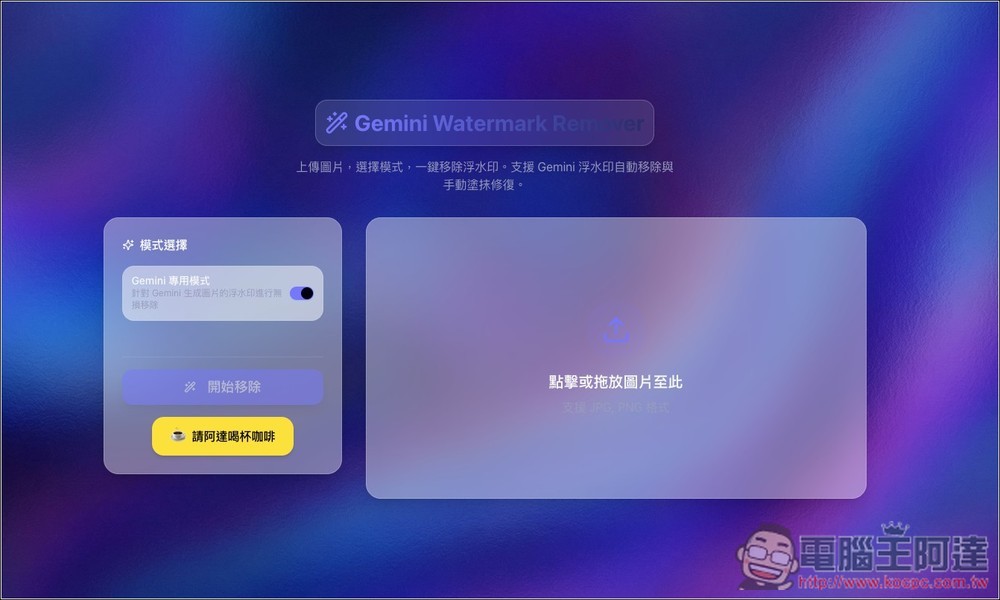
After selecting an image, a preview will appear. Make sure the “Gemini Dedicated Mode” feature on the left is enabled, then click “Start Removal” below to begin the removal process:

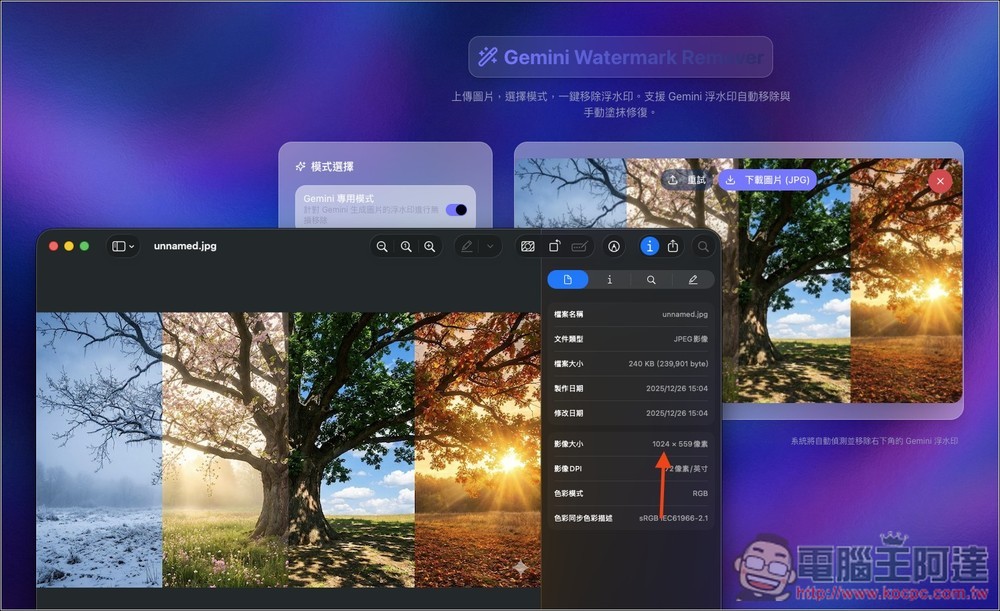
Then you’ll see the Gemini watermark disappear. Click “Download Image” above to download the image with the watermark removed:

Images generated by Gemini (Nano Banana Pro) are all high resolution, but if you right-click and save the image directly, it only saves a low-resolution 1024 version. Most Gemini watermark removal tools on the market that use “reverse Alpha blending” cannot remove watermarks from such low-resolution images. Ada’s tool, however, has no problem—it can remove even low-resolution Gemini watermarks.
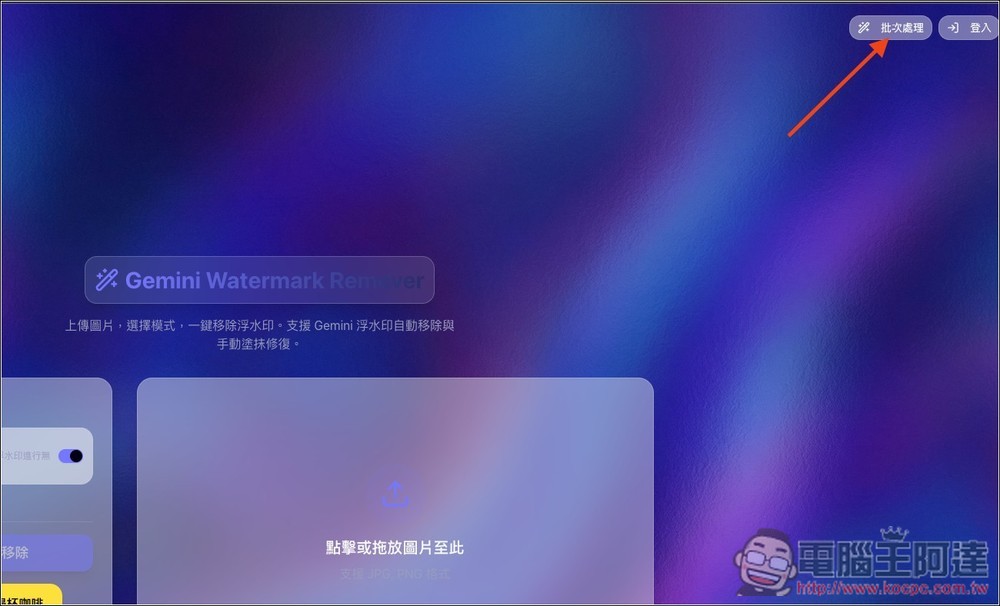
If you want to remove watermarks from multiple images at once, please click “Batch Processing” in the top right corner:
You’ll get to this screen, where you can select multiple images and process them at once:
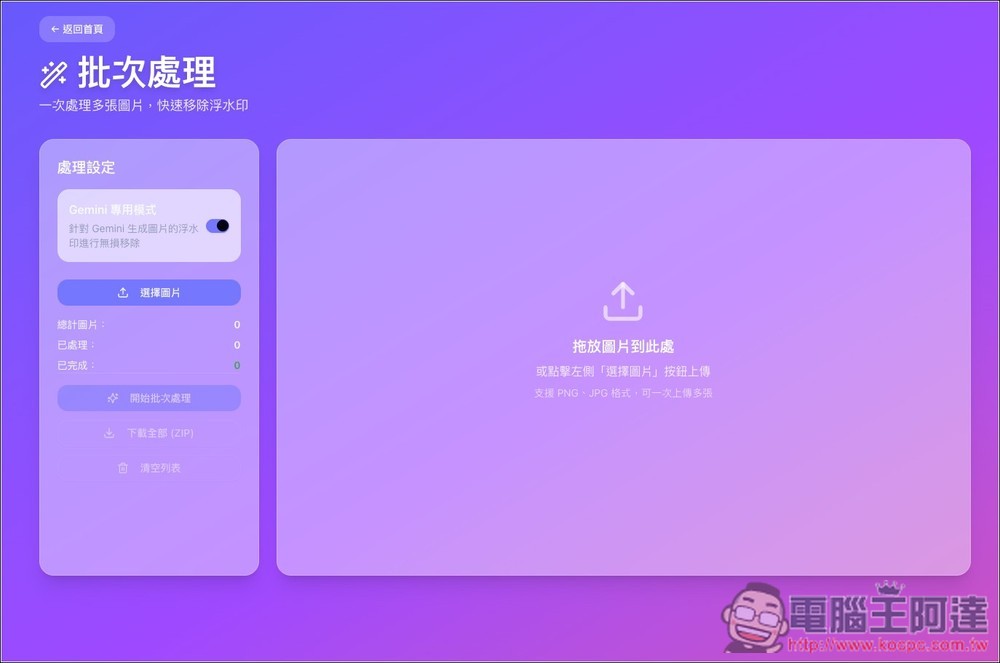
A preview will also be displayed; if everything looks good, click “Start batch processing”:

After completion, click “Download All” to package and download:
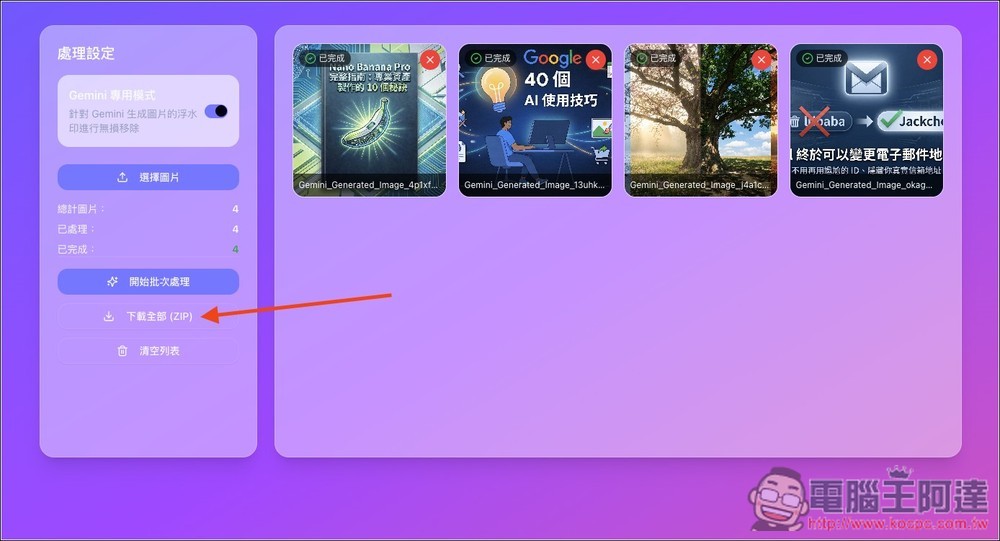
Turning off the Gemini-specific mode feature switches it to magic wand mode, which can adjust the tolerance to best suit your image:

Source: KOCPC Chinese