


If you look closely at the back or sides of laptops, desktops, and monitors, you’ll find multiple USB ports, but you probably won’t pay much attention to them other than using them. USB ports can be used to connect peripheral devices and transfer data, but you may not have a detailed understanding of the functions of each type of USB port or the differences between them.
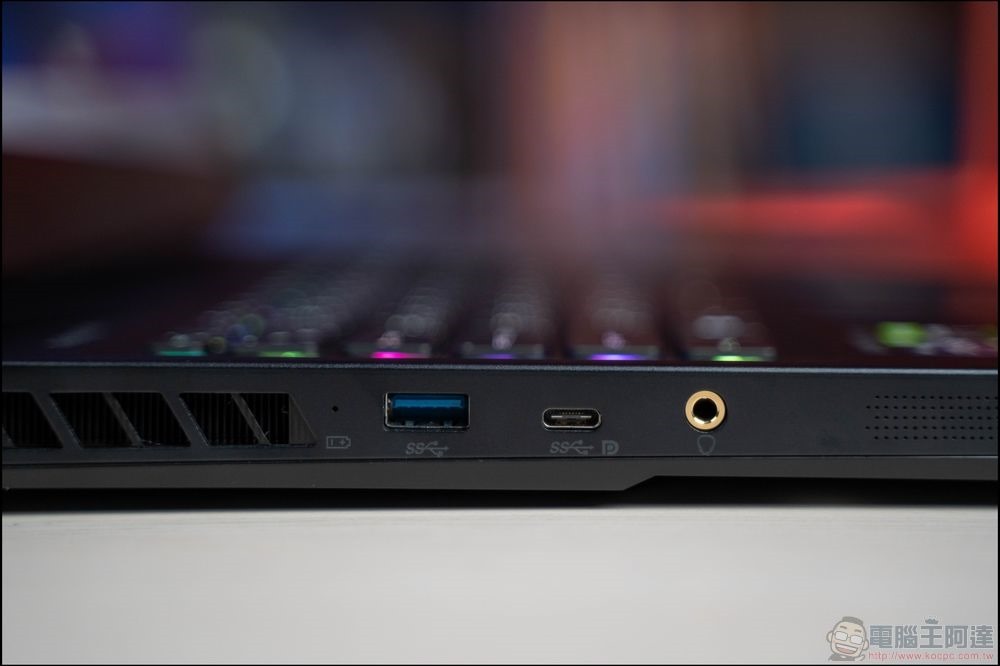
Why are some USB ports marked “SS”?
Unless USB Type A and USB Type C are completely different in appearance, at first glance, there doesn’t seem to be any obvious difference between all USB ports. If you look closely, you’ll notice that there are differences between seemingly similar ports. One of the most common USB port types is called “SS,” which stands for SuperSpeed. Depending on the device you are using, you may even see SS marked on the corresponding port on the device so you can definitely tell them apart.
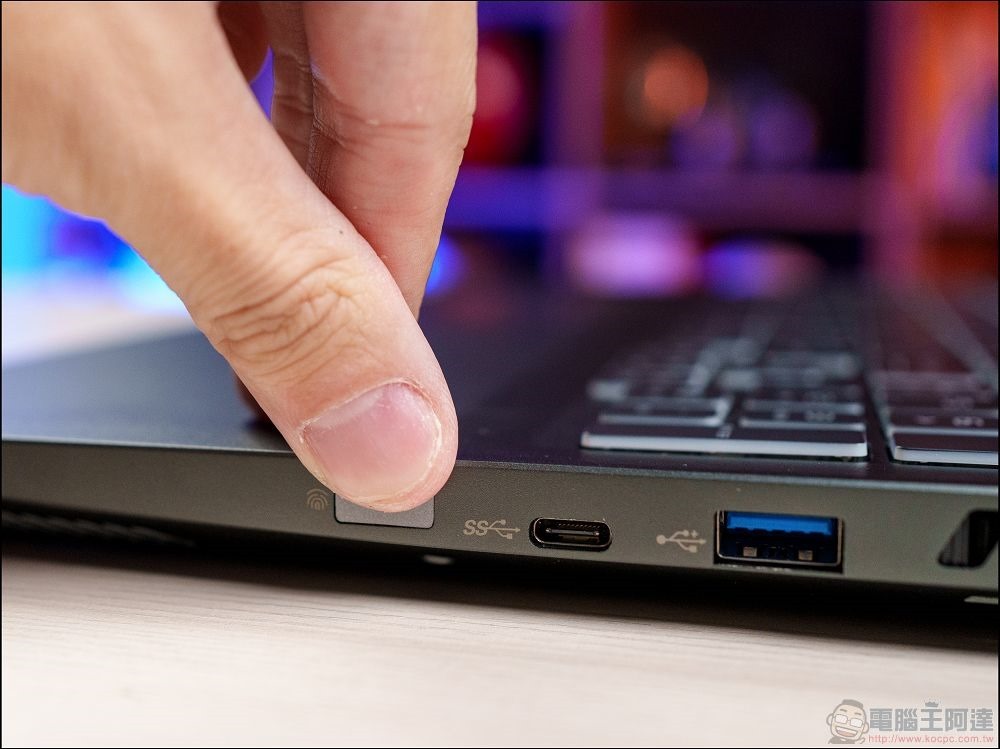
SS USB made its debut in 2008 and is known by another name: USB 3.0. USB 3.1 and USB 3.2 also fall under the scope of SuperSpeed. SS or SuperSpeed USB port is a USB standard that, as the name suggests, provides faster data transfer speeds than older USB ports. Before USB 3.0 became a mainstream standard, USB 2.0, which had a maximum transfer speed of only 480Mbps, was used by most devices. In comparison, USB 3.0 ports support transfer speeds of up to 5Gbps, which is 10 times faster than the original USB 2.0, while USB 3.1 and USB 3.2 are even faster, reaching up to 10Gbps and 20Gbps respectively.
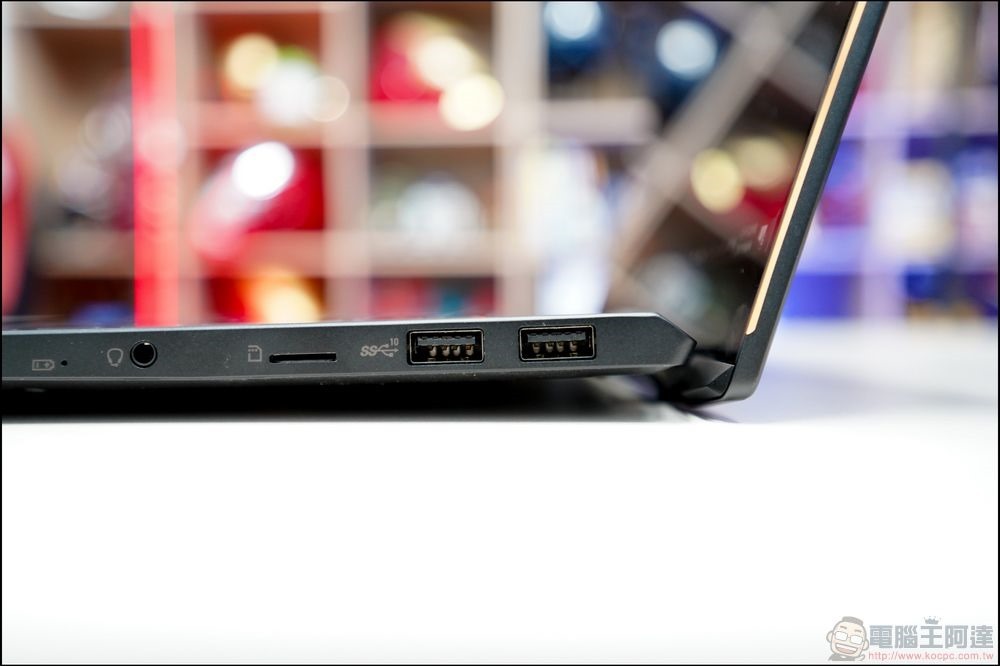
SS USB handles large file transfers, high-speed data synchronization, and provides faster transfer speeds than USB 2.0 for external hard drives, gaming accessories, high-definition webcams, and other devices that require wider bandwidth and faster transfers. If there is no text mark on USB Type A, you can quickly identify SS USB by the color of classic blue (USB 3.0) or cyan blue (USB 3.1 and 3.2), while black represents USB 2.0.
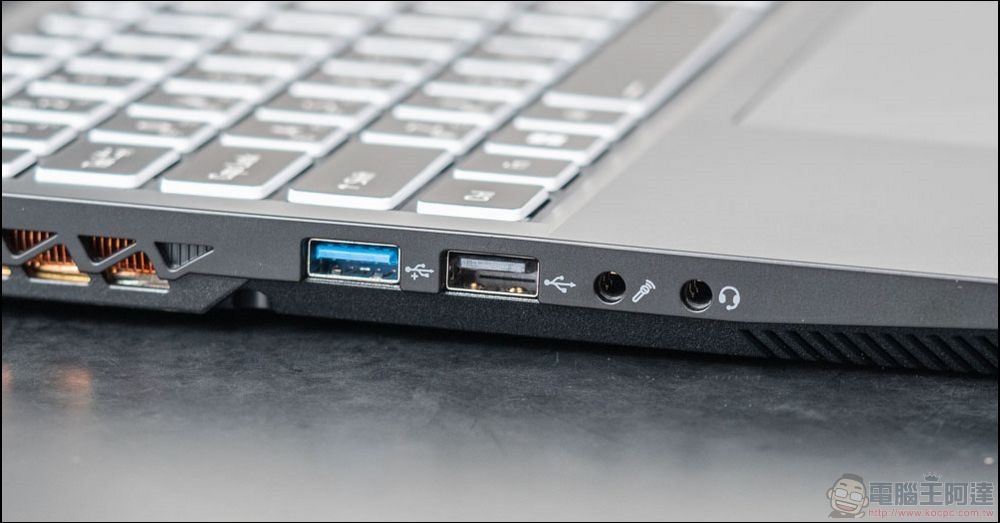
SS USB is backwards compatible with USB 2.0, but if you connect an older device to the newer port, the maximum transfer speed will simply revert to the maximum speed supported by the older standard.
Source: KOCPC Chinese