


Before that, if you insist on not turning on AOD (power saving or anti-branding?) users. If you want to unlock your Pixel phone, you will need to use the power button to unlock the fingerprint. But now it seems that Google wants to offer further options. Continue reading Pixel fingerprint recognition hidden upgrade is brewing: fingerprint unlocking can be done even when the screen is turned off.

Pixel fingerprint recognition hidden upgrade is brewing: fingerprint unlocking can be done even when the screen is turned off
I believe that many Pixel users will laugh when they see the title and say that they have not pressed the power button to light up the screen and unlock it for a long time.
Regarding this point, the author had similar doubts when I saw the news about the Android 16 DP2 developer preview update function. But think about it carefully, the reason why previous Pixel models can be unlocked when the screen is turned off. It’s because at that time the screen was basically still on AOD (it’s called “Always on” Display after all!), or you actually had auxiliary functions such as single-point wake-up and lifting to light up the screen.
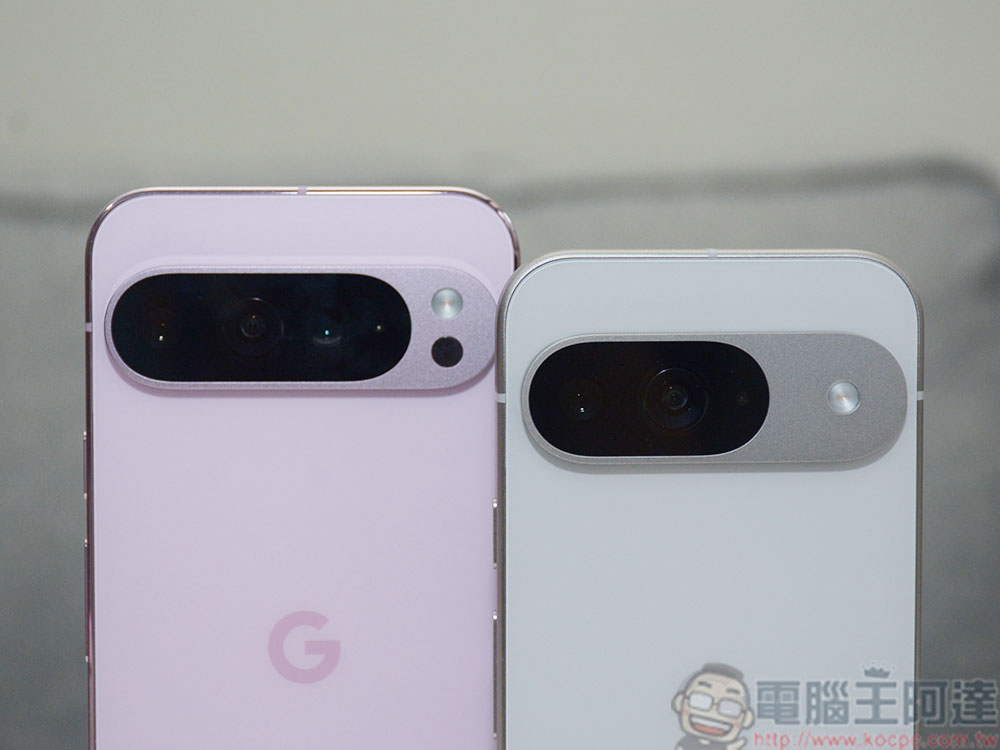
This time, foreign media Android Authority discovered the new feature “Screen-off Fingerprint Unlock” option. It will be found in “Settings > Security & privacy > Device unlock > Face & Fingerprint Unlock > Fingerprint Unlock” in the Android system.
Before that, if you insist on not turning on AOD (power saving or anti-branding?) users. If you want to unlock a Pixel phone, you will need to turn on the screen through the power button or other methods such as single-point wake-up, lift-to-light, etc. Then you can unlock the phone through the biometric mechanism of under-screen fingerprint unlocking.
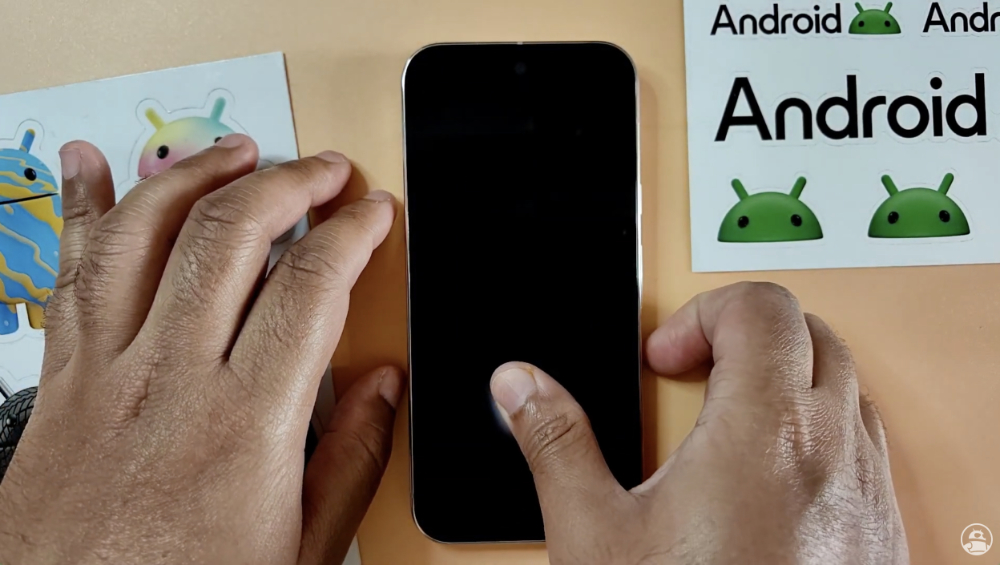
▲Image source: Android Authority
Now, turn off the fingerprint unlock option through the new screen. If you are a user who likes to have your Pixel phone turn off completely when the screen is turned off, and refuse to let it light up at any slightest disturbance (what a long description). You will be able to limit the phone to wait until you put your finger within the fingerprint recognition range before it lights up and unlocks.
According to reports, this feature is currently only available on the Pixel 9 series models – specifically the Pixel 9 / Pixel 9 Pro / Pixel 9 Pro XL.
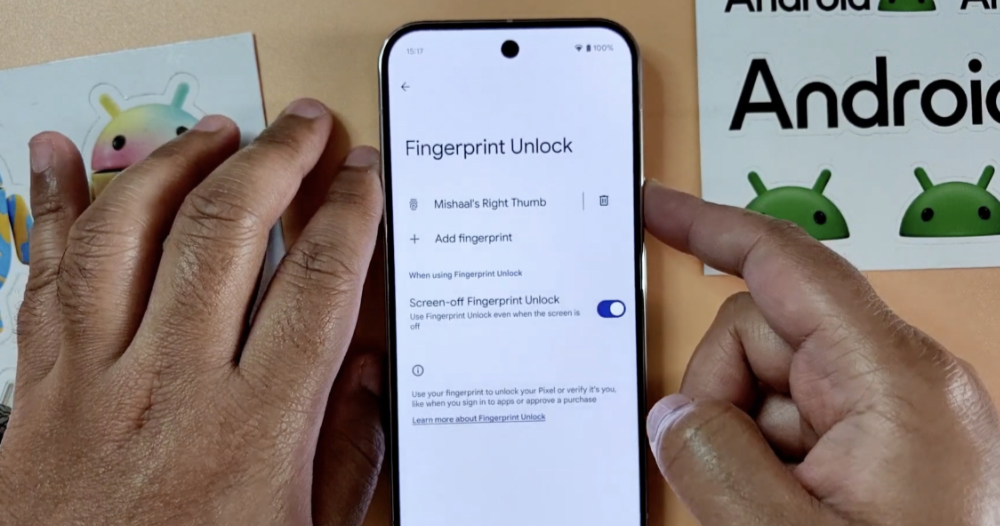
▲Image source: Android Authority
According to the trial video of Android Authority, this option can still accept the use of screen fingerprint recognition when the screen is completely turned off. It should start a function similar to single-point wake-up when your finger is placed in a specific screen range – after all, it seems to have an AOD-like display effect lighting up at the moment of unlocking.
As for how this function is different from using it when initiating single point wake-up? Personally, I would “guess” that the sensing range may be limited, or the screen will be turned off as soon as the fingerprint recognition time is missed. Otherwise, I really can’t imagine what kind of difference we can make. Unless there will be AOD display effects within the scope of simple fingerprint recognition in the future, it will make people feel that there is a big difference from the previous experience or setting functions.
In short, since this is a feature still under testing. At least we know Google may be actively working on improving biometrics in standby. Then wait until the official version to see if there will be different changes or support more models.
Quote sources:Android Authority|
Further reading:
Apple Vision Pro Taiwan Unboxing Experience Part Two: Immersion Mode ON, Focus Mode ON

Source: KOCPC Chinese