


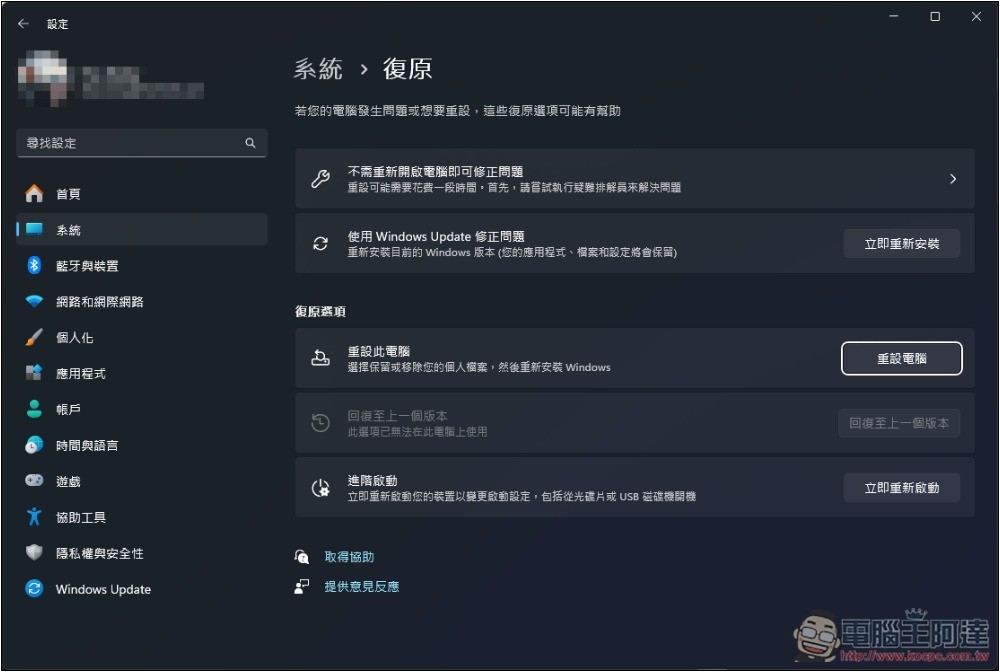
Computer reloading cures all diseases. I believe many people have heard this saying, but Windows 11 reinstallThere are a lot of things that need to be done before, and it is not an easy task for people who have a lot of important information. However, if your computer has already encountered these 8 problems, it is recommended to reinstall it, especially if it is poisoned, there is a high probability that you will not be able to repair it.
1. Performance drops significantly
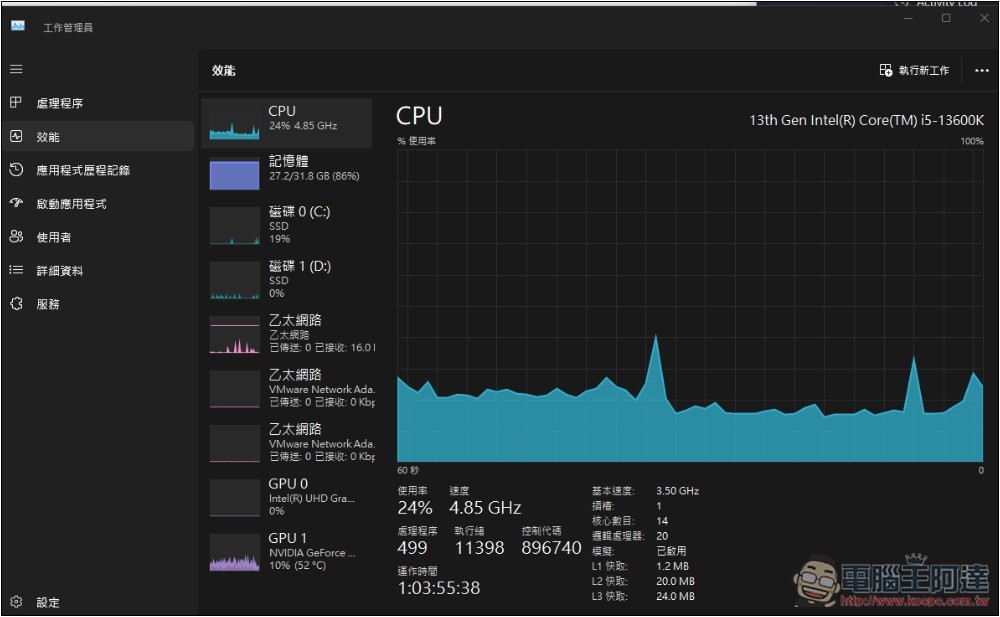
There are many reasons for performance degradation, but in most cases, it is caused by the Windows 11 system becoming more and more bloated due to long-term installation and downloading of various contents. You can first try to remove installed applications, delete junk files, restore settings, or even perform a complete virus scan.
But if you have tried everything and still can’t solve it, you will need to reinstall the operating system.
2. Frequent system errors
If the computer pops up error messages regularly, it means that the system is unstable. You can check Windows Records -> System in “Event Viewer” to see if there are any errors that occur frequently, or if different errors continue to occur. If so, you can try to reset the settings.
If this error has affected your use of the computer and cannot be solved by trying various methods, then it is time to consider reinstalling the computer.
3. Frequently crashes and freezes
Is your computer frequently showing blue screens recently, or is your application crashing and becoming unusable? Please reinstall the affected applications and drivers first, but if the problem persists after trying this, you may need to reinstall the operating system.
However, it should be noted that frequent crashes may also be caused by hardware errors, but refilling can be used as one of the troubleshooting methods. Therefore, if the situation is still the same after refilling, it can basically be determined that there is a problem with certain hardware.
4. System files are damaged
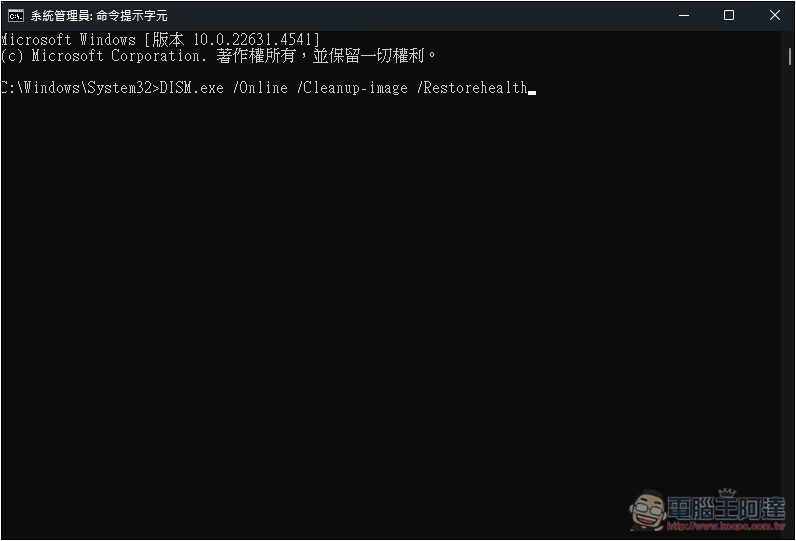
When a system file is damaged, you can first try to run the System File Checker tool (SFC.exe) or the Deployment Image Servicing and Management (DISM) tool. However, if the damaged file still cannot be repaired, refilling will be the best solution.
5. Infection with malicious viruses
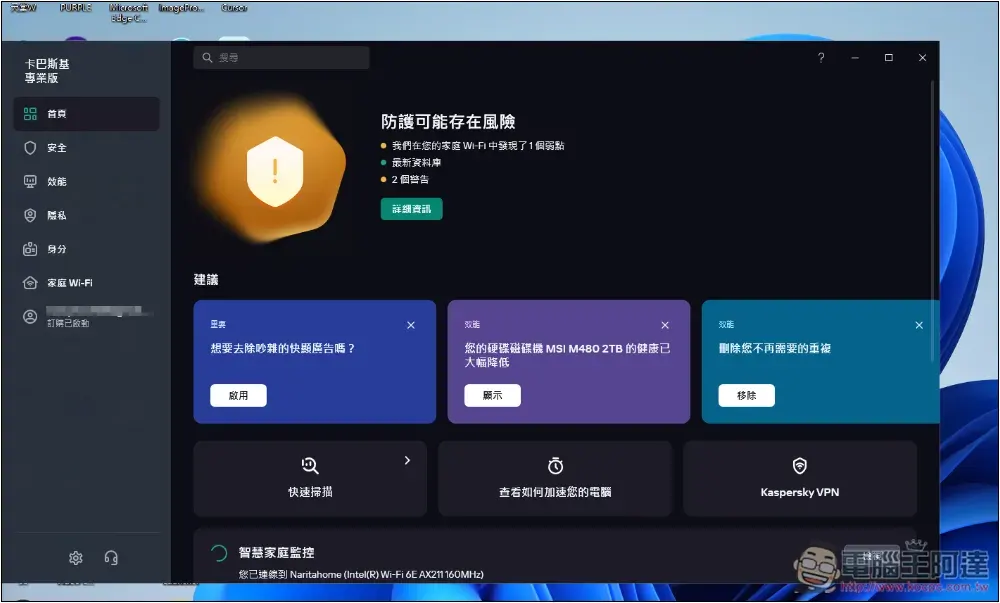
With the development of AI, there are now more and more computer viruses. Although Windows 11 has built-in Microsoft Defender anti-virus, or you have installed third-party anti-virus software, it may not be able to protect against the latest malicious viruses. And if you often download things on the Internet or click on random web pages, there is a chance that you will be infected.
When the infection is not severe, the anti-virus software may be able to remove the virus. But even if it is not serious, I would still recommend reinstalling Windows 11 as the safest way to truly and completely remove the malicious virus.
6. The system becomes unstable after major changes
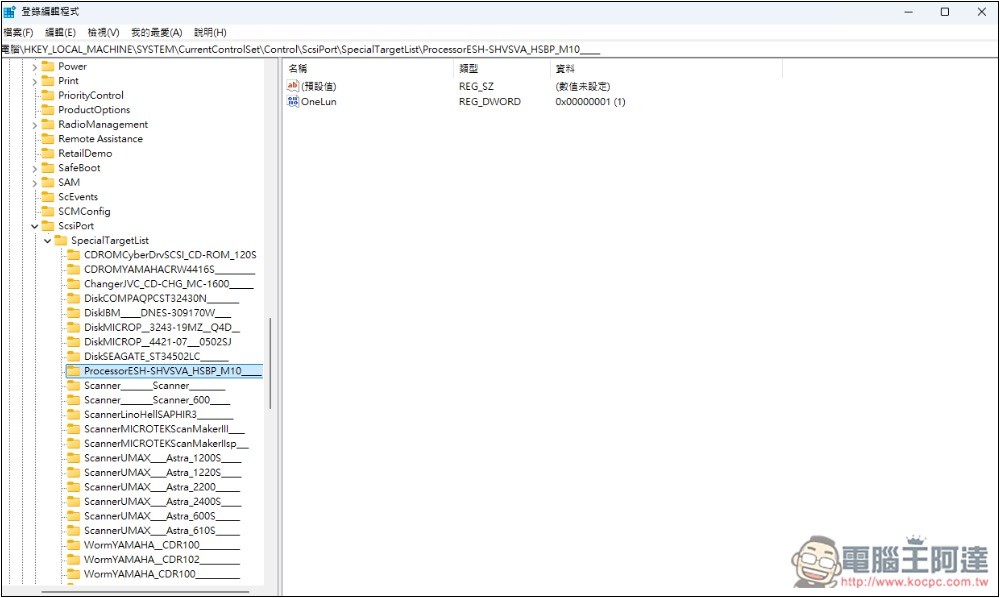
Due to certain usage requirements, you may suddenly install many applications or modify login file values. In most cases, the system should not become unstable, but if it does happen (especially if you change the login file), you may need to reload the computer to restore normalcy.
7. Tried various troubleshooting but failed to solve the problem
When your computer encounters certain problems and you have tried various troubleshooting methods, such as using built-in troubleshooting tools, reinstalling drivers, or even restoring through system restore points, but the problem still remains unresolved, a clean operating system will be the most effective solution.
8. Encountering startup problems
If a problem occurs during the startup process of the computer and it still cannot be improved after trying to disable applications or services, it is also recommended to reinstall the operating system to improve the startup speed.
Source: KOCPC Chinese