


Recently, foreign media discovered that in Microsoft’s latest guide page for “Installing Windows 11 on computers that do not meet the minimum system requirements,” we seem to see that Microsoft seems to have softened its attitude toward devices that were originally judged to be unsuitable for installing their latest desktop system. Continue reading A last resort for sluggish upgrade rates? Microsoft provides detailed guidance on installing Windows 11 on computers that do not meet the minimum requirements.
▲Image source: Windows Latest
Sluggish upgrade rate? Microsoft provides detailed guide to installing Windows 11 on computers that don’t meet minimum requirements
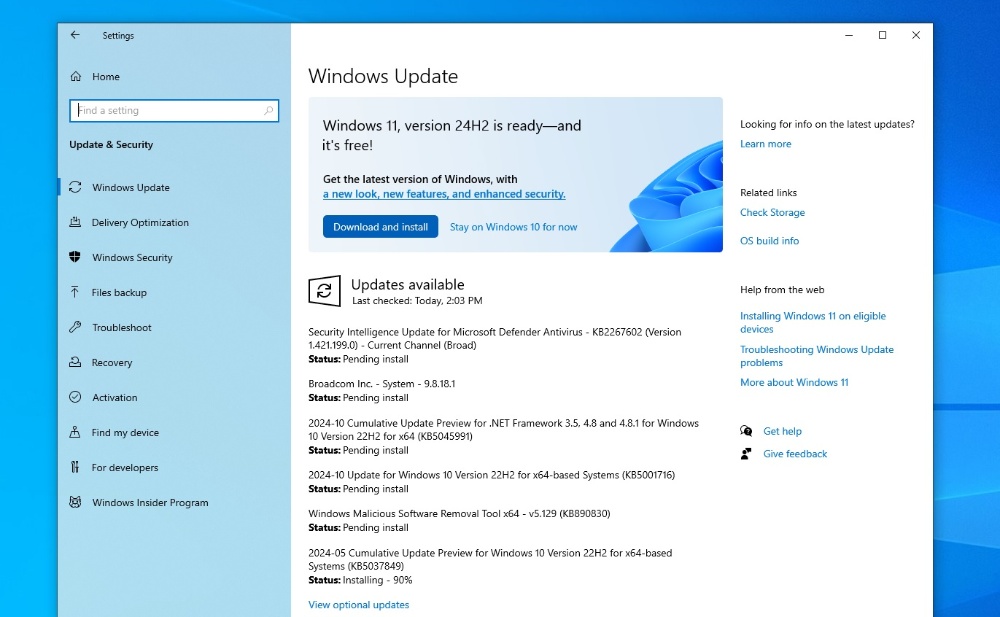
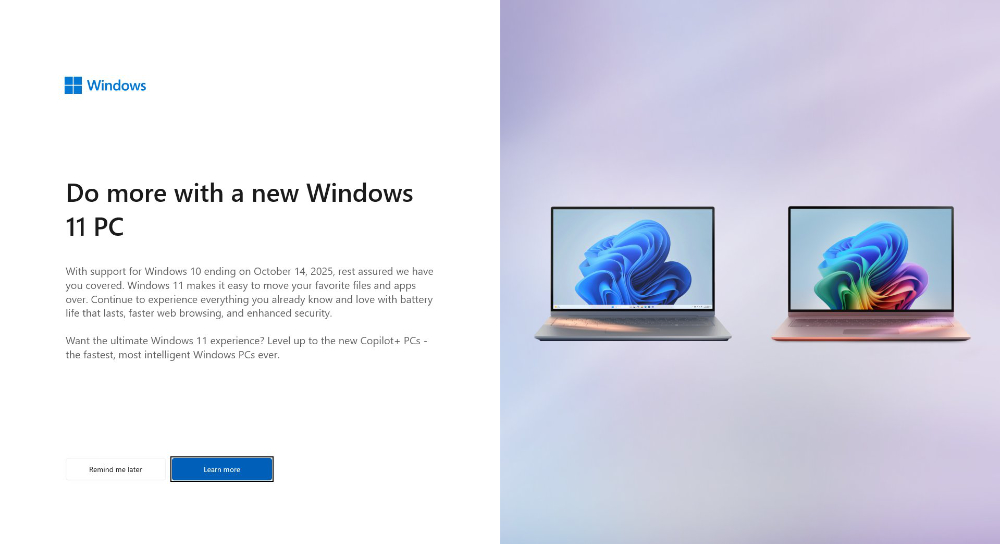
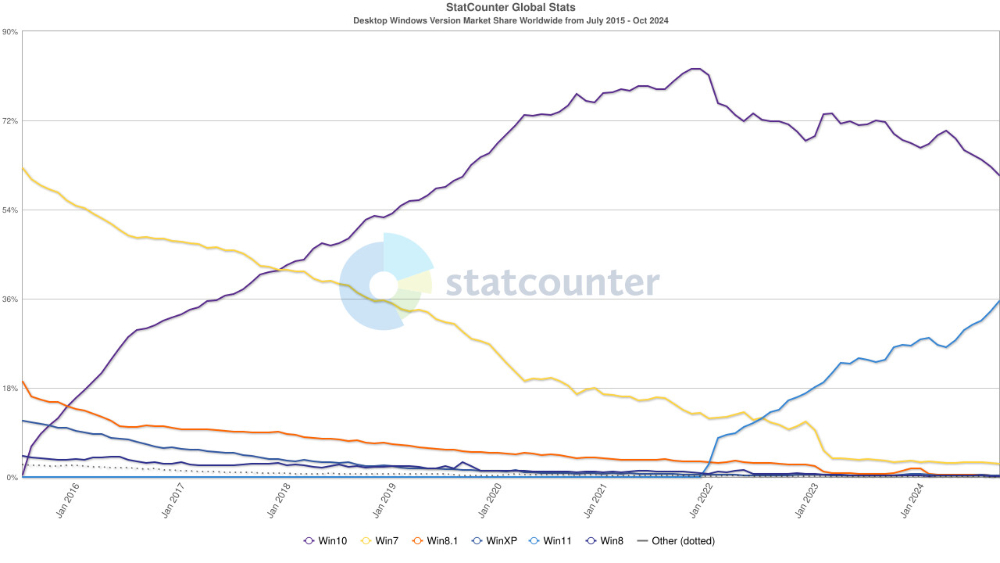
Although from the increased use of full-screen cover ads in Windows 10 user systems, we found that Microsoft really, really, hopes that everyone can switch to a new computer that is most compatible with the Windows 11 system, thereby saving the low system upgrade rate that does not look very good.
However, foreign media recently discovered that in Microsoft’s latest guide page for “Installing Windows 11 on computers that do not meet the minimum system requirements,” we seem to see that Microsoft seems to have softened its attitude towards devices that were originally judged to be unsuitable for installing their latest desktop system.
▲Image source: @femceIs (X, former Twitter)
It is different from the various persuasion that the full-screen advertisement constantly mentions that “Windows 10 is about to end regular maintenance support at EOL (but it is a little tricky to mention that you can actually get security updates for a fee to postpone the need to upgrade Windows 10).”
For users who still want to use a device that does not meet the officially recognized minimum system requirements, but still want to upgrade to Windows 11. Instead of a complete ban, Microsoft is now issuing a new instructions page.
On the one hand, we hope to fully explain the risks to users, and on the other hand, we want to guide everyone to know how to “restore” them back to the previous system. On the support page, Microsoft mentions the hardware that is determined to be unsupported after confirmation:
「此電腦不符合運行 Windows 11 的最低系統需求 – 這些需求有助於確保更可靠且品質更高的體驗。 不建議在此電腦上安裝 Windows 11,這可能會導致相容性問題。 如果您繼續安裝 Windows 11,您的電腦將不再受到支援,也無權接收更新。 製造商保固中未涵蓋因相容性不足而損害您的電腦。 選取 [接受],即表示您已閱讀並了解此聲明。」
▲Image source: statcounter
Regarding the above disclaimer for installing Windows 11 on a computer that does not meet the minimum system support, I personally think that after reading it, the part about breaking the warranty seems to be more threatening (but it is already a device that cannot even meet the minimum system requirements, so the probability of being out of warranty should be quite high?).
As for the update part, with so many good people on the Internet, there seems to be no need to worry (see more:For older computers that don’t support CPU, there are still ways to upgrade/install Windows 11 24H2) – But it should be “temporary” only. After all, a large number of devices that do not support SSE4.2 commands have been wiped out…
However, I believe that friends who want to continue using it like this probably want to be able to last until the next time they change computers and can directly upgrade to updated systems and hardware, so naturally they can last as long as they can. I wonder if you will want to try upgrading because of this official guide? After the official more complete explanation, it may be more or less helpful for the upgrade rate of Windows 11.
Quote sources:Microsoft|Via:Neowin|
Further reading:

Source: KOCPC Chinese