


During work or schoolwork, you may occasionally need to share notes and files. At this time, most people probably use cloud space, Google Docs, etc. This article recommends a good free sharing platform “Enclosed”. Its feature is that after the other party reads it, all the content will be immolated. This means that you don’t have to worry about forgetting or other people seeing it.
If you feel unsafe online, Enclosed is also an open source tool available in GitHub Share the source code or build it yourself.
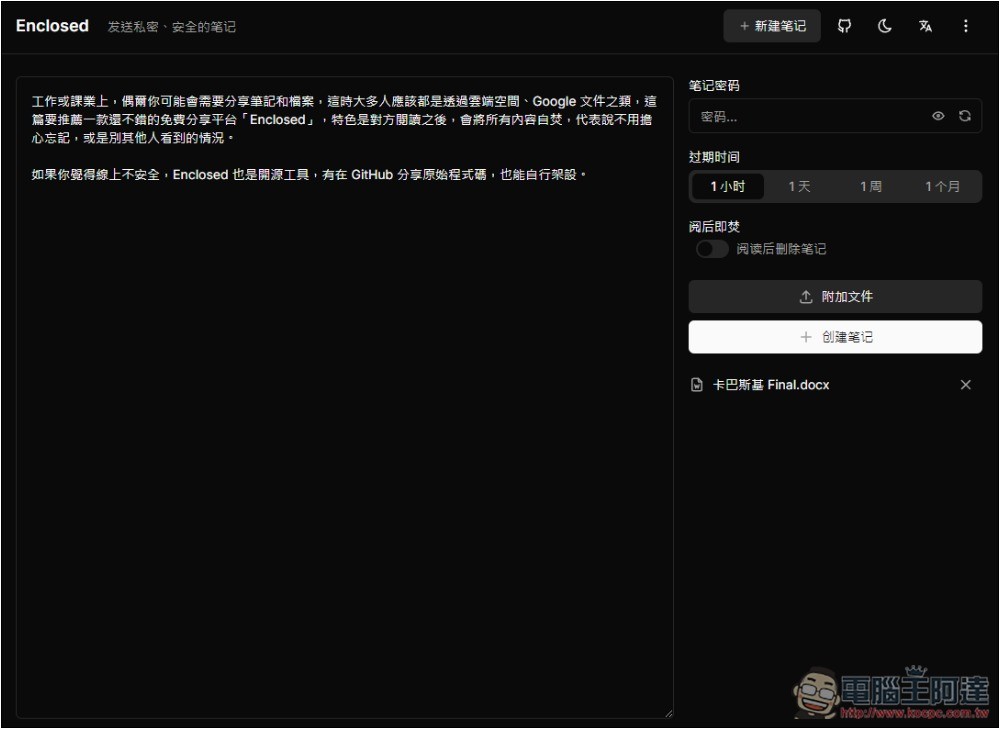
Enclosed is a free note and file sharing platform with self-immolation function
Enclosed is a high-security free sharing platform with end-to-end encryption. Notes are first encrypted on the user side and then uploaded to the server. It uses AES-GCM encryption technology and is derived from PBKDF2 to meet the 256-bit security standard.
It also has a built-in note encryption function. You can set whether to add a password to your notes. Even if there is no password, it still has the original encryption security.
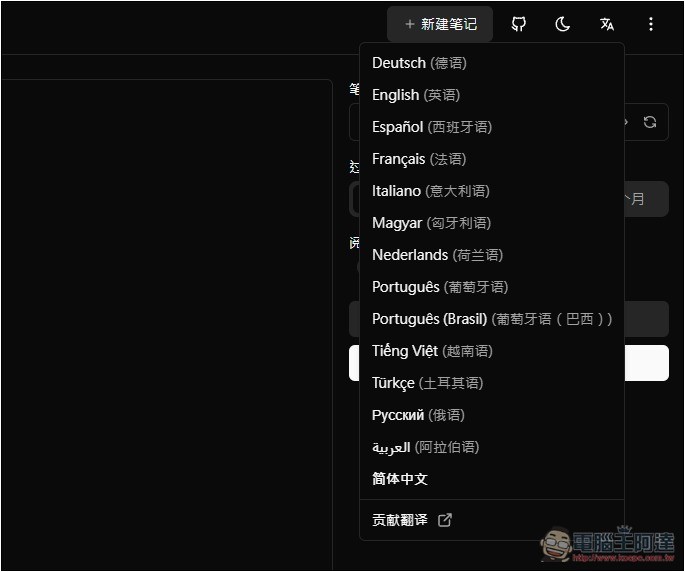
After clicking the link above to enter Enclosed, you can first check whether the interface is in Chinese. If not, open the text A icon on the upper right to switch to other languages. Currently, only Simplified Chinese is supported, as well as English, French, German, Portuguese, etc.:
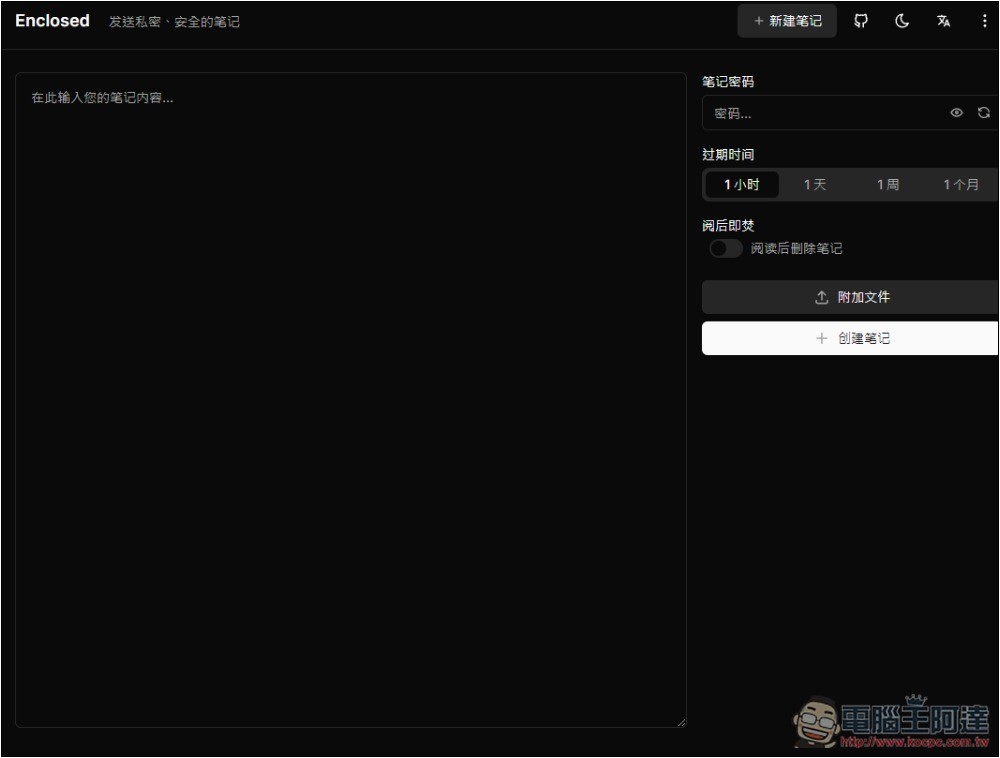
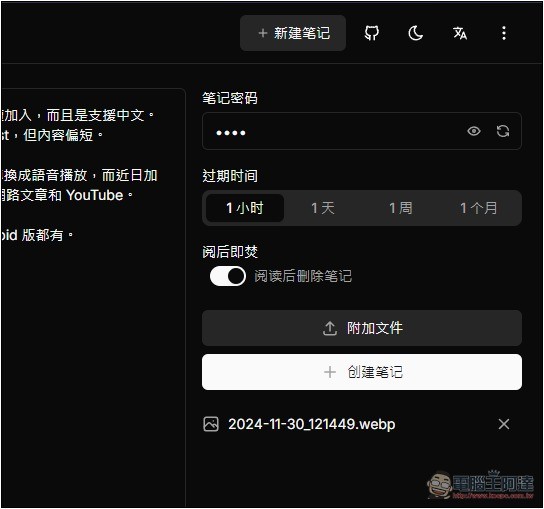
Then you can start using it. The operation interface is very simple. Just enter the note content you want to share on the left. I am not sure if there is a word limit, it seems there is not. On the right side, you can set the note password, expiration time, burn after reading, and attached files:
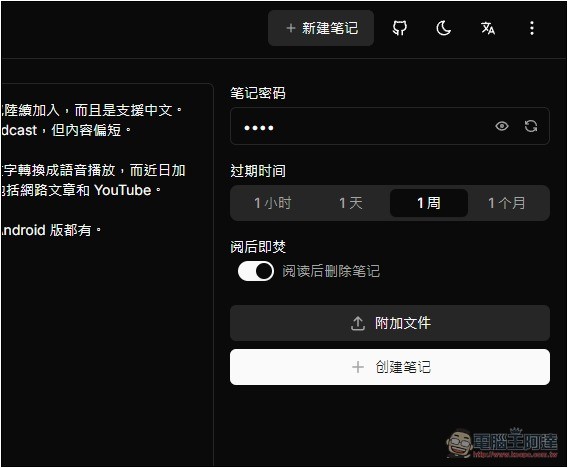
The expiration time is when the note expires. If it exceeds the expiration date, it will be deleted automatically. After the note is opened and burned after reading, it will be deleted after someone opens and reads the note, which means it can only be read once to ensure the highest security of the content:
I’m not sure what the maximum file size is. I tested that even files of more than 400 MB are no problem, and multiple files can be uploaded. When finished, click “Create Note”:
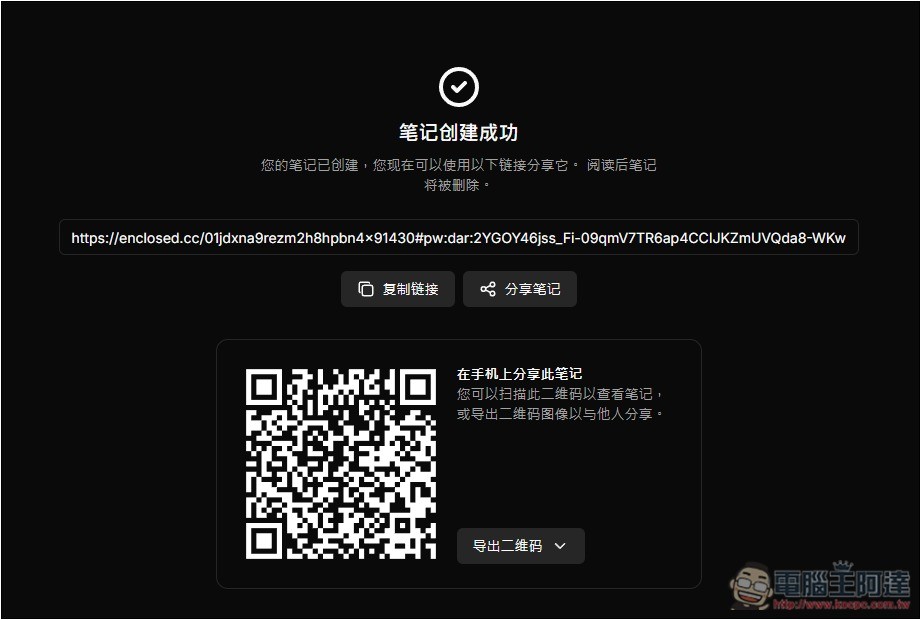
Wait a few seconds and you will get the exclusive sharing link and QRCode. Share this link with the other party:
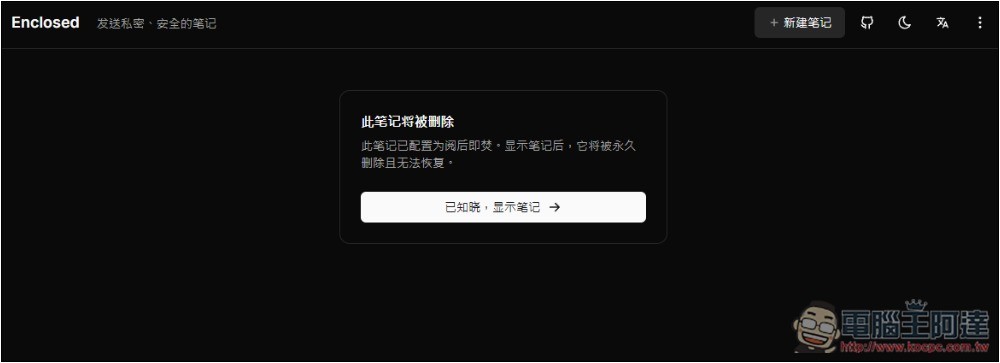
When the other party opens it, this prompt screen will pop up, “This note has been configured to be destroyed after reading. Once the note is displayed, it will be permanently deleted and cannot be recovered.” Click “Known, show note” to read it. However, if other people post the same link, they will not be able to find the note. Remember to tell the counterparty that the note window should be open. If you close it and reopen it, it will disappear:
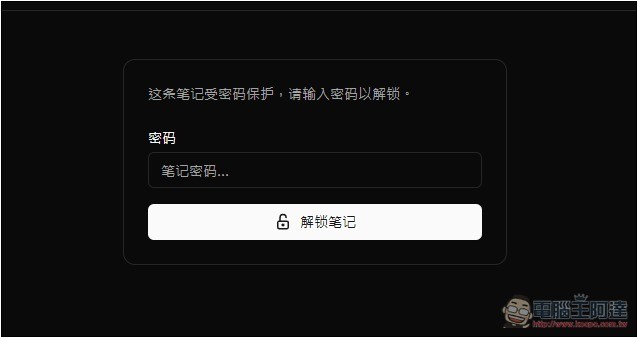
I have set a password for my notes, so I need to enter the password to unlock it before reading:
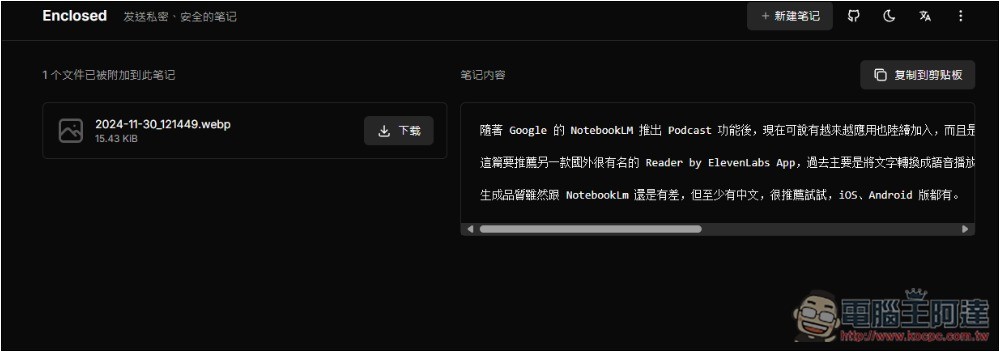
If the password is correct, the content of the notes and file attachments you shared will be displayed. Press the download button to download the file:
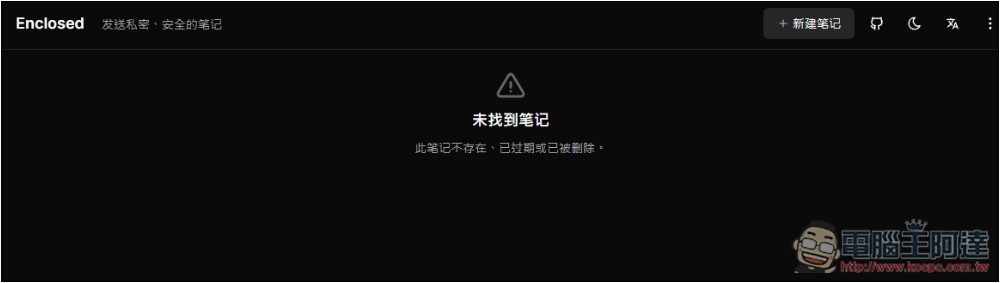
When other people try to open this link, it will show that the note was not found:
In addition, you can also notice that the notes provided by this website are valid for up to one month. The representative said that they will be deleted after one month anyway and cannot be saved permanently on this platform.
As for whether it is easy to build it locally? GitHub provides source code, so it needs to be installed through the code. With Docker, it may be a bit difficult for people who don’t know much about it.
Source: KOCPC Chinese