


The Mail app, which was not specially introduced at the iOS 18 press conference, is the original Mail App. In fact, there have been many improvements silently. With the release of the iOS 18.2 developer beta, some people have noticed various changes that make the Mail app better to use. Continue reading iOS 18.2 Apple Mail app interface has been overhauled, what new features it has added, read the text of the report here.
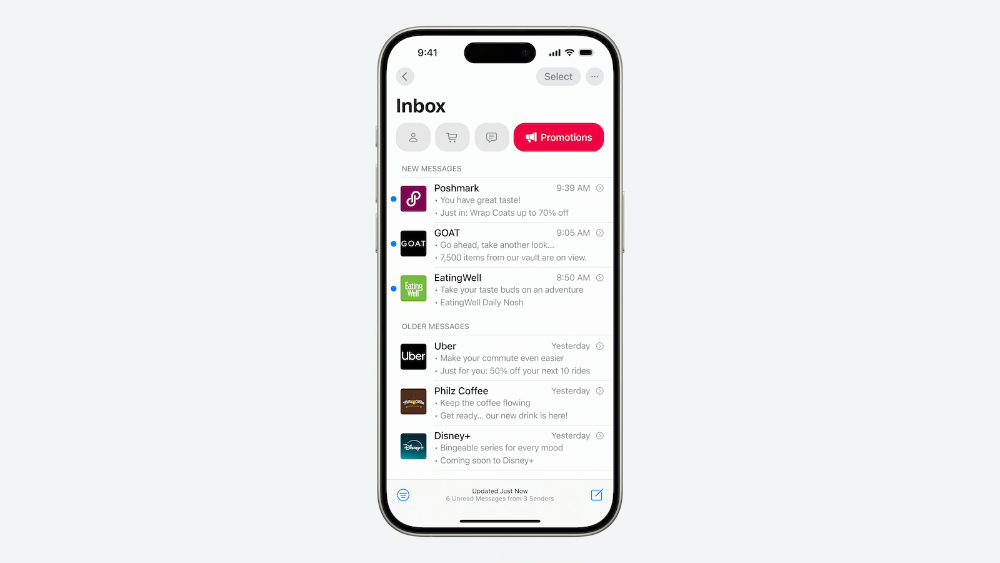
▲Image source: MacRumors
iOS 18.2 Apple Mail app interface has been overhauled, here are the new features
Even though iOS 18 has brought many changes to the system interface – for example, the home screen can not only freely place App shortcuts, but also directly change the color of the application icons; the control center has been changed to the point that people may even mess up their hands and feet just after the update (to be precise, “mess up the phone”).
However, immediately after the “0.1” update, it seems that the changes in iOS are almost all concentrated on the Apple Intelligence part that is only supported by A17 Pro / M1 chip models and above (eh, actually there are “Half-press shutter” support on iPhone 16La)?
Now, the Mail app that was not specially introduced at the iOS 18 conference is the original Mail App. In fact, Momo has made many improvements. With the release of the iOS 18.2 developer beta, some people have noticed various changes that make the Mail app better to use.
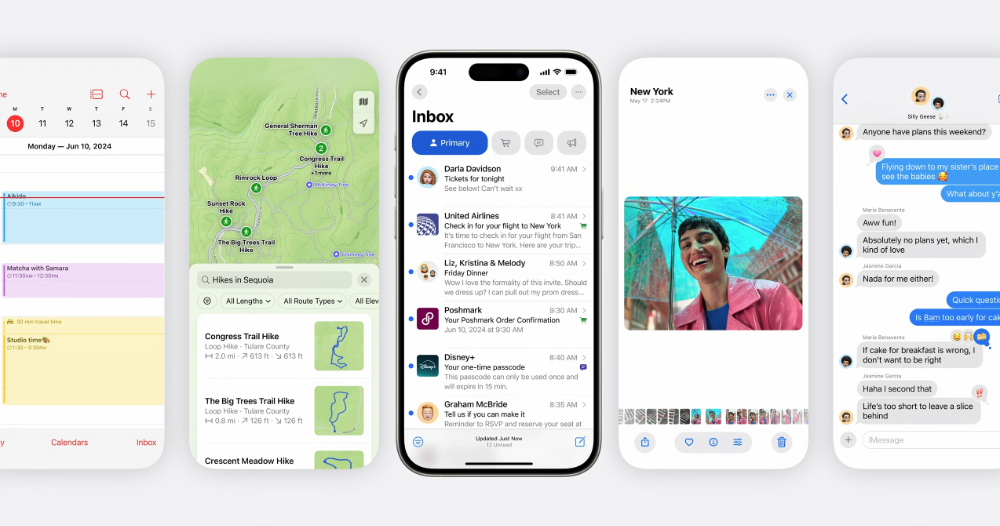
▲Image source: Apple
For the mailing list part of the Mail app, a more rounded button design has been introduced (this should be available on devices that can be upgraded to iOS 18.2).
The most obvious is the “Mail Categories” classification function that can actively classify emails through machine learning – it will classify emails that are judged to be biased toward real-person interactions and important ones into the Primary category.
Secondly, there is the Transactions transaction-related letter category with a shopping cart icon – letters that should be package or order tracking will be in it; letter notifications related to news subscriptions and social media will be classified in the update letter category of Updates; finally, promotion-related letters will be placed in the Promotions category with a loudspeaker icon.
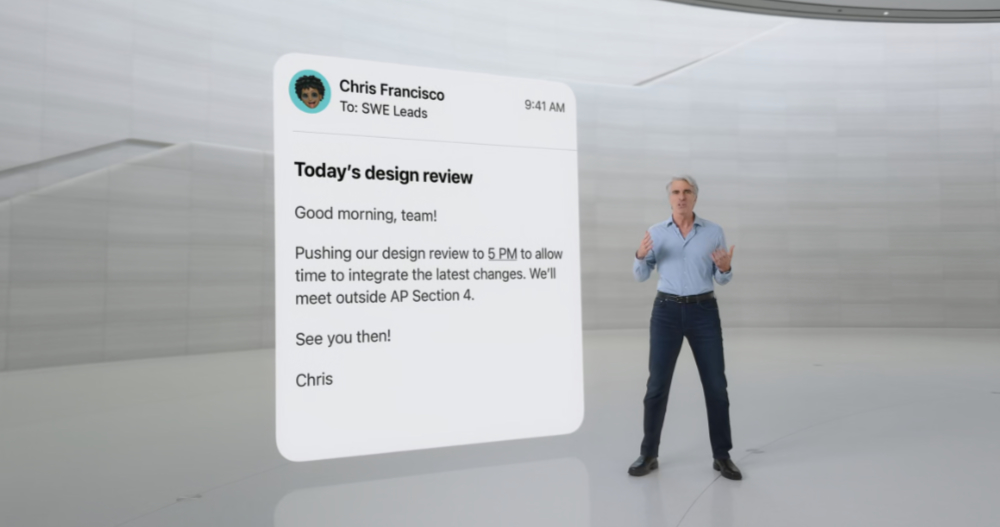
▲Image source: Apple
Interestingly, it is reported that if you manually change the category into which your mail is placed, it will also “train” the Mail app to understand how to classify it in the future.
Of course, if you feel that this machine learning function is not very good at learning (for example, many of the product press releases that the editor will receive may be directly thrown into promotion categories that are considered relatively unimportant or even spam XD). You can adjust back to the traditional email display mode through the “…” in the upper right corner.
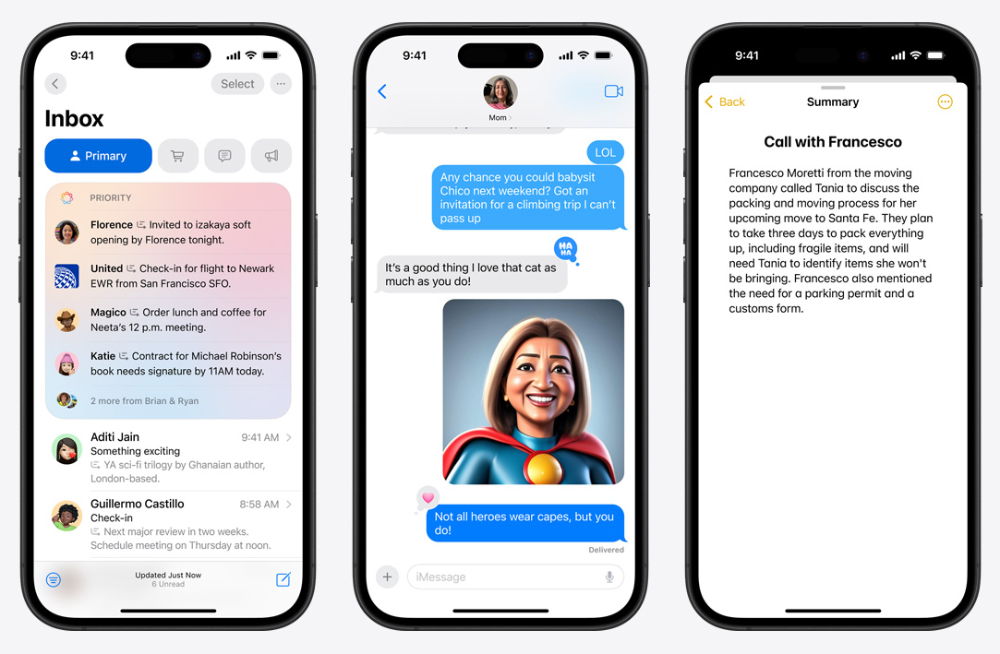
▲Image source: Apple
In addition, the Mail app in iOS 18.2 will also support organizing letters into a “Digest View” list that will be briefly summarized in a contact-like manner. Make it easier for you to keep track of correspondence with a certain person or company.
Finally, of course, there is the letter summary function powered by Apple Intelligence. It’s just that some of the functions in between will probably still need to wait until support for Traditional Chinese appears before they can fully function properly.
Quote sources:Mashable|
Further reading:
The Beauty of Efficiency, Interview with Apple iPhone 16 Series Product Design Original Factory
Source: KOCPC Chinese