


Google may be preparing to update the new generation of Android systems to keep up with other systems’ pursuit of minimalism. Continue reading Will Android 15 notification center support “minimalist mode”? Report text.
▲Image source: Android Authority
Will Android 15 notification center support “minimalist mode”?
For those who pursue minimalism or even simply prefer to see more tablecloth range. The lock screen of mobile devices is full of notifications, which often makes people a little suspicious. What is the point of finding a favorite wallpaper – unless you keep all the desktop app shortcuts of the mobile system clear.
Regarding this notification experience, basically everyone can’t escape it by turning on the screen. In the Android system, you can use Do Not Disturb or even more radically turn off the notification display on the lock screen (both can be found in “Settings > Lock Screen > Privacy Settings”).
▲Image source: Android Authority
This is compared to the option of collapsing notifications into numbers provided by iOS on the other side, or even the notification summary function brought by Apple Intelligence (although the latter’s evaluation currently seems to be average XD). But Android does lag a little behind in terms of notification display functions that respond to more diverse needs.
But now it seems that Google may be ready to keep up with the pursuit of minimalism in the new generation of Android system updates.
According to foreign media Android Authority, it is in the beta version of Android 15 QPR2 Beta 1. They not only dug up the minimalist lock screen function that the code mentions “Lock screen minimalism”. We even found a way to activate this feature directly (so powerful!).
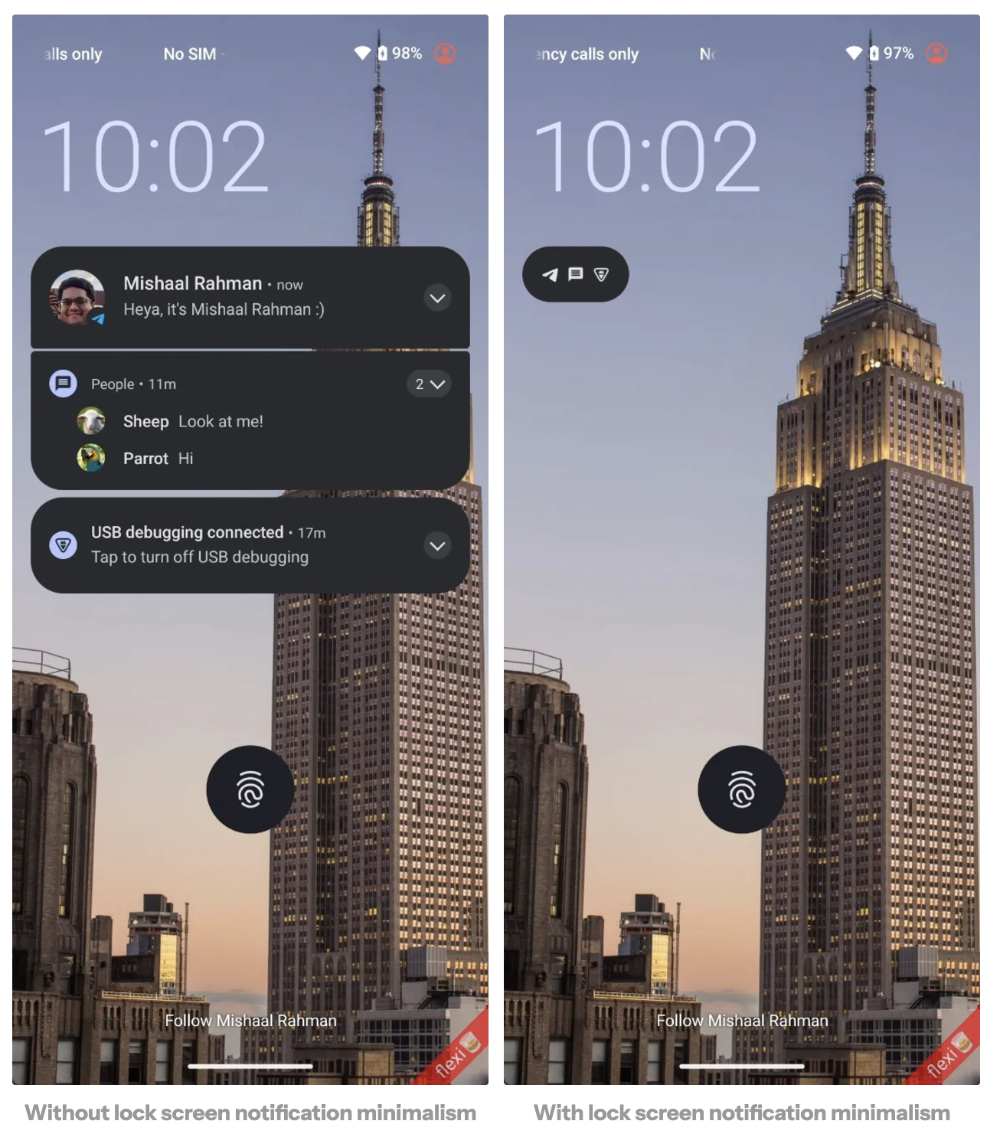
▲Picture: The difference before and after turning on “Minimalist Mode” (Source: Android Authority)
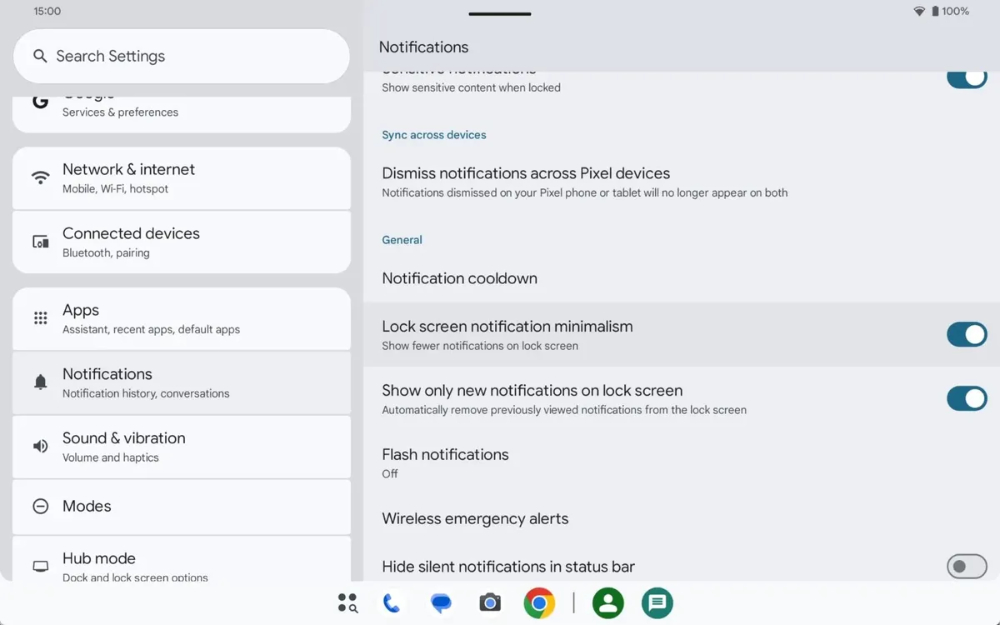
Share on Android Authority. This Lock screen notification minimalism feature will be found directly in the “Notifications” option of Android settings. “Show fewer notifications on lock screen” in the code can also be seen in the setting description. This represents the completeness of this feature, which may be higher than some leaks that only reveal the code.
▲Image source: Android Authority
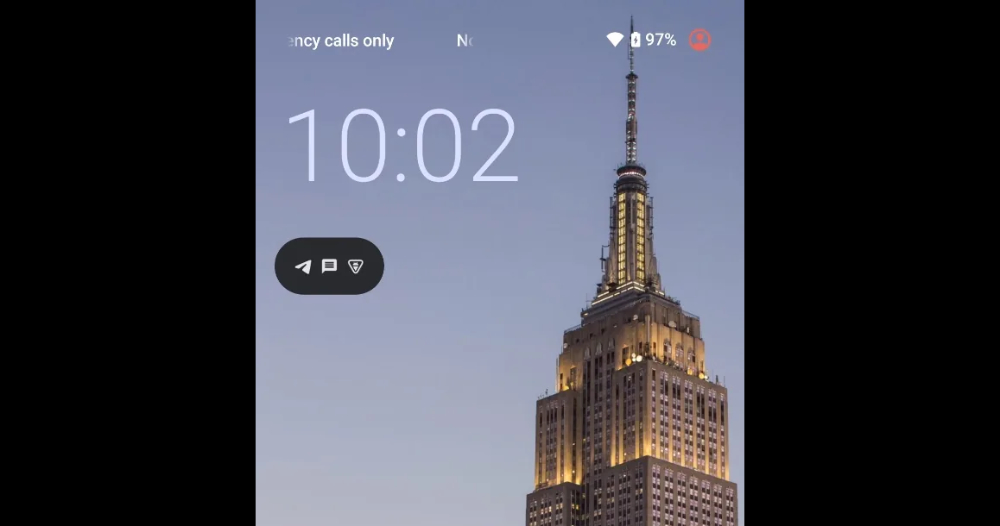
According to foreign media’s actual testing, it seems that the current operation logic of this minimalist notification mode is similar to the drawer-style storage method in which notifications are simply displayed as icons in the status bar at the top when using the Android system – except that on the lock screen, these contents that simplify notifications into app icons will be displayed under the lock screen time, turning into a presentation similar to a floating notification island.
But it has to be said that this way of folding notifications does greatly free up the display space of the lock screen background image that was originally covered by large notification windows. Achieving a more minimalist display effect.
▲Image source: 9to5Google
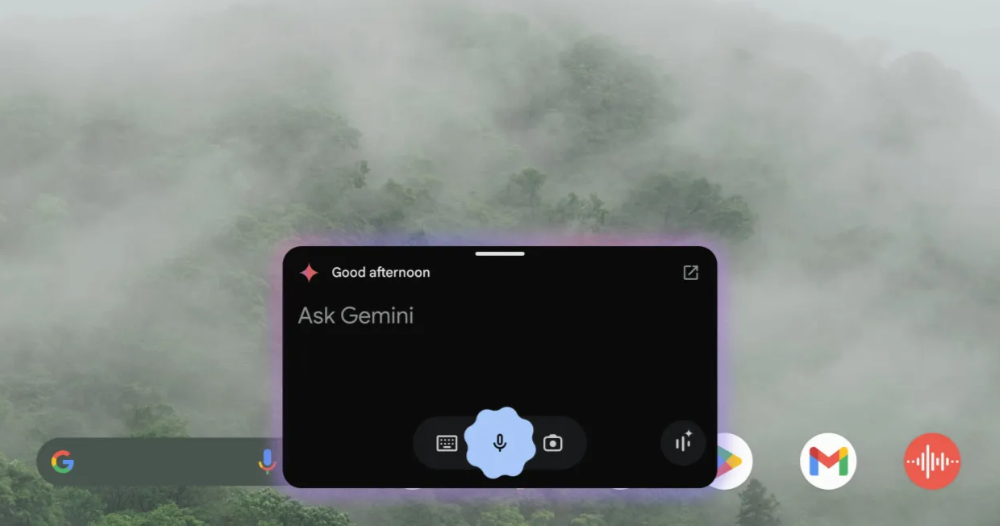
That is to say, foreign media said that the “show fewer notifications” function does not seem to be effective yet. However, I always feel that this part may be related to the “lock_screen_notif_minimalism_summary” that appears in the program code – maybe it will summarize the notification through Gemini AI?
In this way, although it is not sure whether this function will actually become a formal function. But if the AI function is really going to be added, I always feel that there is a chance to drag it to Android 16 and make it one of the main features?
Quote sources:Android Authority|
Further reading:
The Beauty of Efficiency, Interview with Apple iPhone 16 Series Product Design Original Factory
Source: KOCPC Chinese