


There are many photo editing apps for iPhone. Is there any one that can provide rich blur functions? Today we introduce a “Blurr” app specially built for photo editing. It can not only easily handle natural background blur effects, but also cover faces, license plates, and other applications that require improved privacy in public places. In addition, Blurr App uses powerful AI to handle comic effects, motion blur and various effects, and the quality of the finished products is very good! Come and take a look at the templates with various effects!
Blurr super powerful blur effect professional version APP|face and license plate masking, background blur, comic effect, motion blur and other rich effects
There are many useful apps in the App Store recently, such as the “Blurr: Motion Blur Effect Pro” app I will introduce today. It supports a wide range of filters and simple, yet powerful and easy-to-use tools, allowing both novices and professional videographers to unleash their creativity.
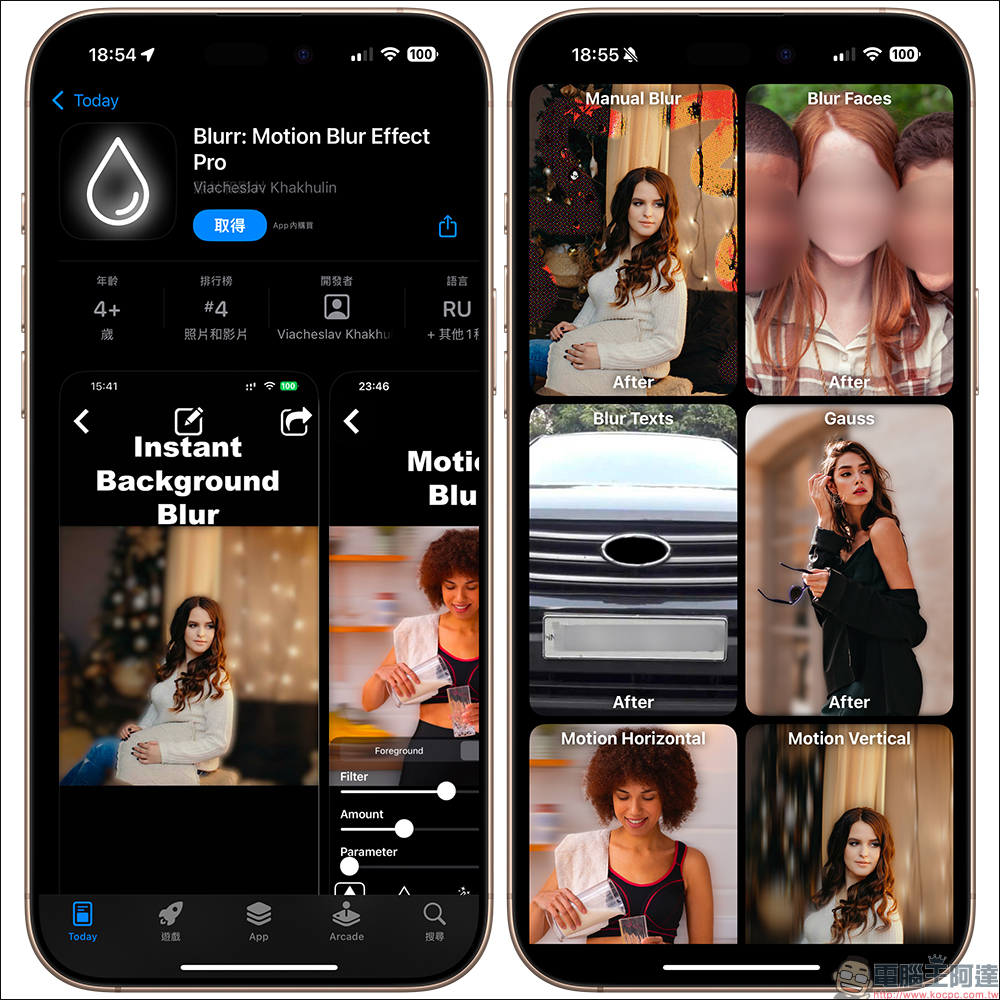
Blurr App has built-in rich blur effects. The following are the effect names in Chinese and English:
- Manual Blue (manual blur)
- Blur Faces
- Blur Texts
- Gauss (Gaussian blur)
- Motion Horizontal (horizontal motion blur)
- Motion Vertical (vertical motion blur)
- Box (square blur)
- Disc (disc blur)
- Hologram Foreground (hologram foreground blur)
- Hologram Background (hologram background blur)
- Water (blurred water waves)
- Glass (glass blur)
- Drops (water drop blur)
- Zoom (zoom blur)
- Pixelate (pixelated blur)
- X-Ray (X-ray effect)
- Crystallize (crystallization effect)
- Comic Effect
- Comic Effect Edge
- Comic Effect All
- Edge (edge effect)
- Edge Zoom (edge zoom blur)
- Edge Comic Effect
- Edge All (edge all effects)
- Morphology Gradient (morphology gradient blur)
- Morphology Min
- Morphology Max
- Bloom (glow effect)
- Mono (monochrome blur)
- Fade
- Instant (instant blur)
- Process
- Noir (black and white effect)
- Chrome (metallic effect)
- Tonal (tonal effect)
- Transfer
- Color Invert (color inversion effect)
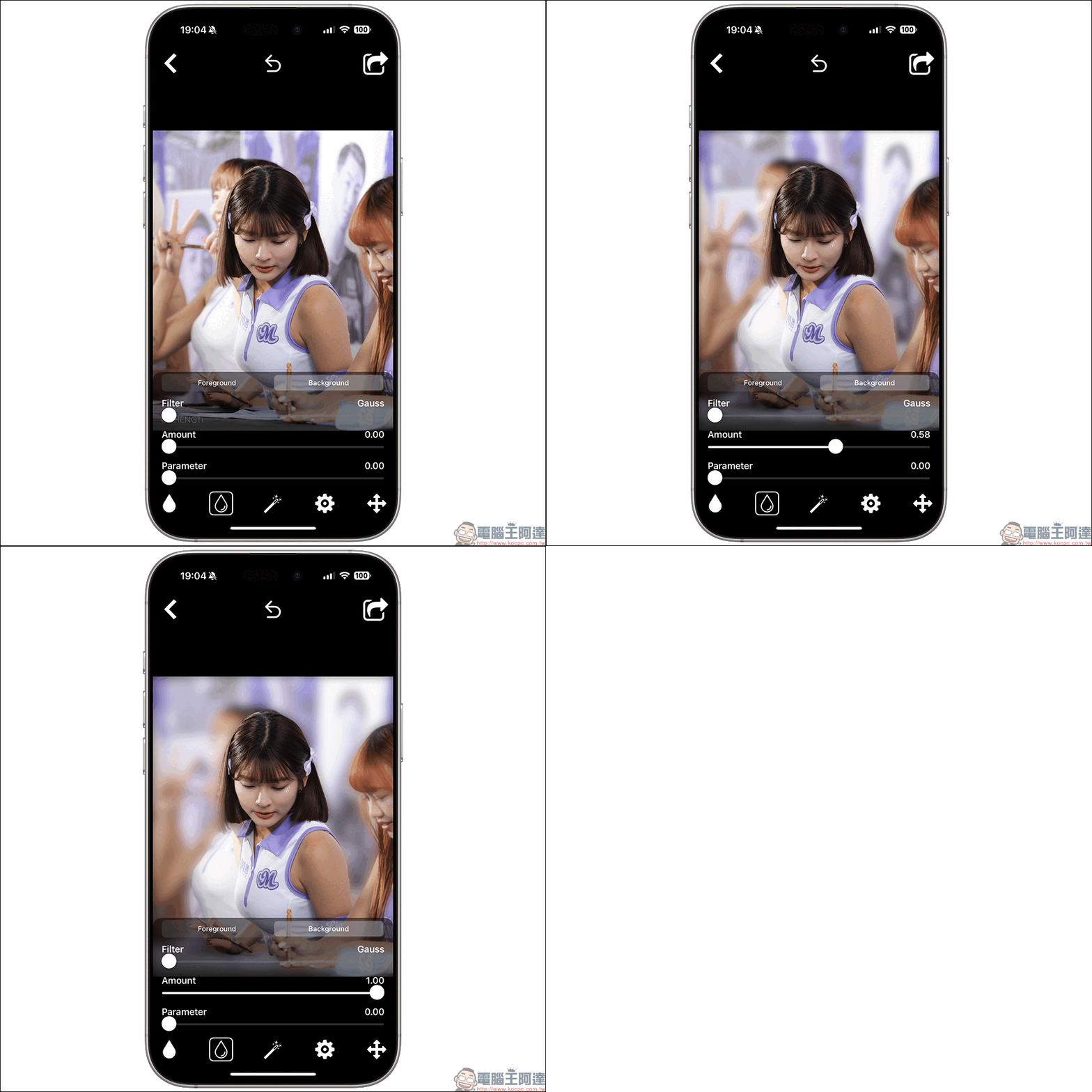
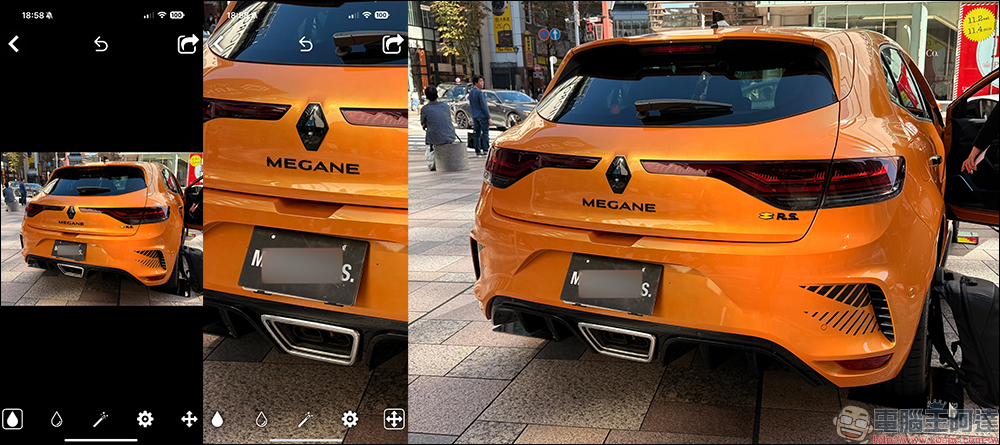
First select the blur effect you want to try and select the image, then enter the editing page! On the editing page, users can customize the background and foreground effects separately. Taking Gaussian blur as an example, users can adjust the intensity of the effect and edit the selection range through the two water drop buttons in the lower left corner.
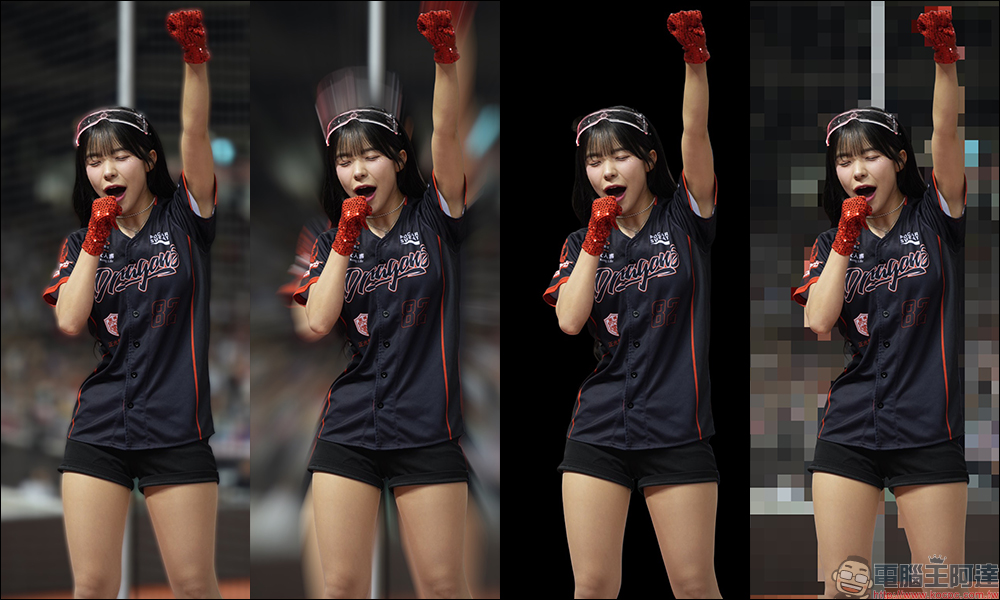
In addition, you can directly switch between different blur effects in the “Filter” on the editing page, so even if you initially select Gaussian blur, you can still directly replace other effects on the editing page without exiting the editing page and selecting again. Here are some examples for reference:
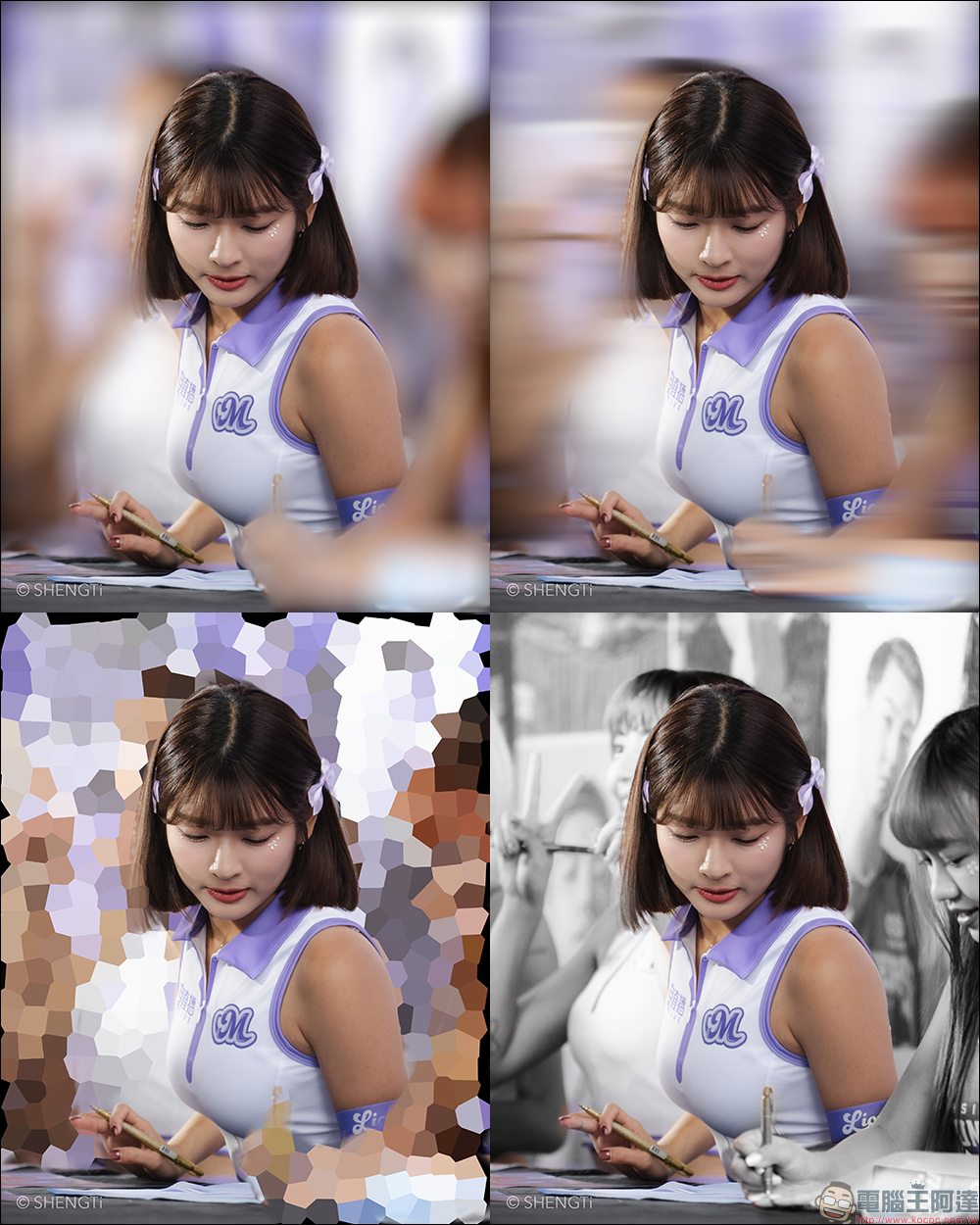
Depending on the selection and strength of the blur effect, you can adjust the final product to your own needs. You can also use Blurr to produce mosaic blurs of different sizes, or even remove photos with a completely black background.
However, in daily street photography, there is always the opportunity to cover the license plate of the car. At this time, you can use Blurr’s built-in “text blur” to achieve the license plate blur effect. In this mode, users can still manually adjust the blur range.
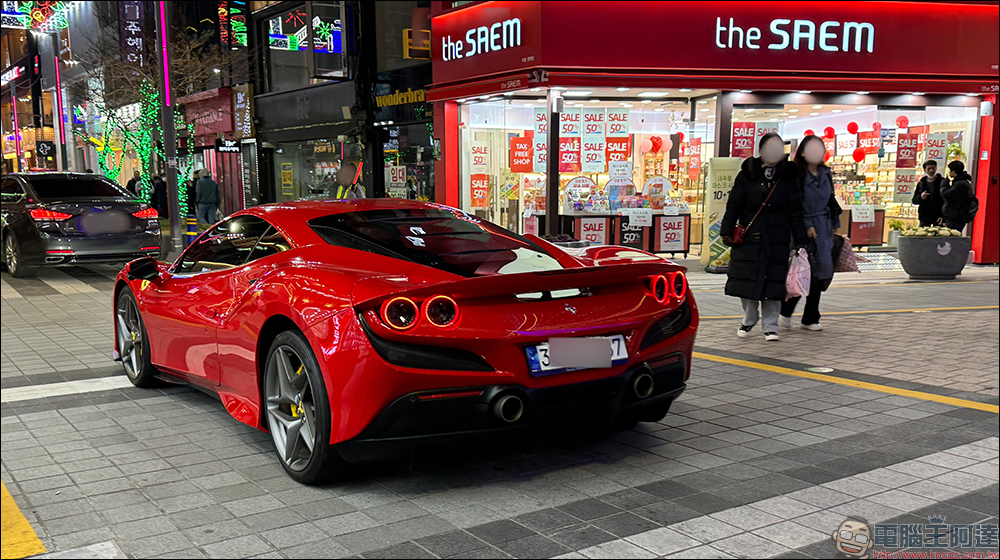
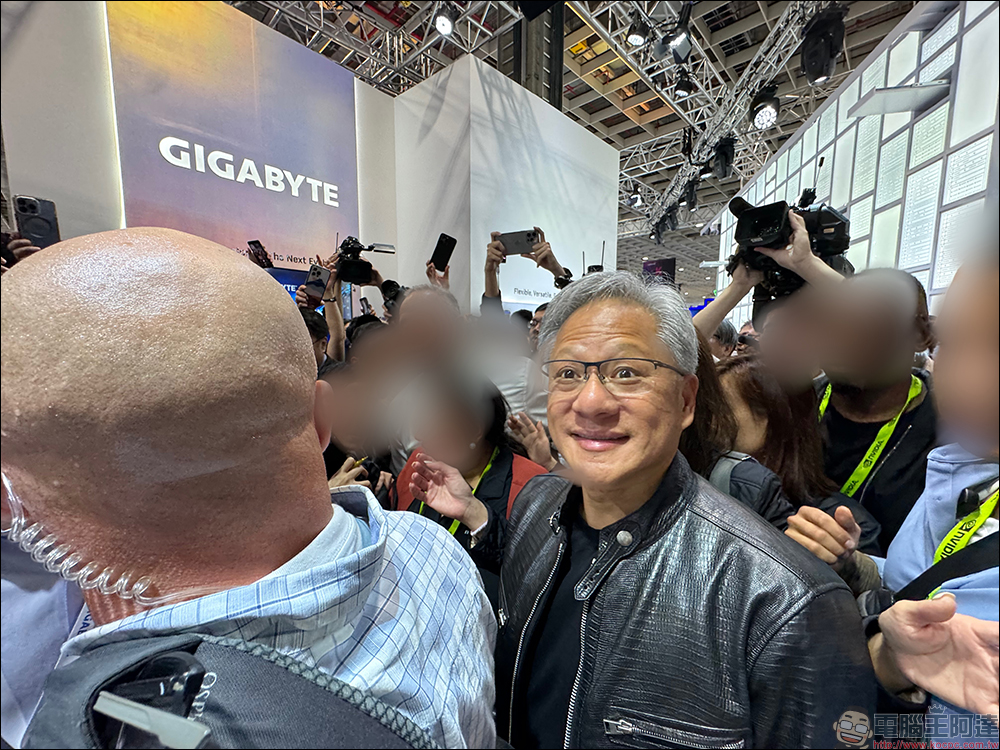
Sometimes, in addition to the license plate that needs to be blurred, if there are passers-by in the shot for street photography, you can manually edit to help blur their faces.
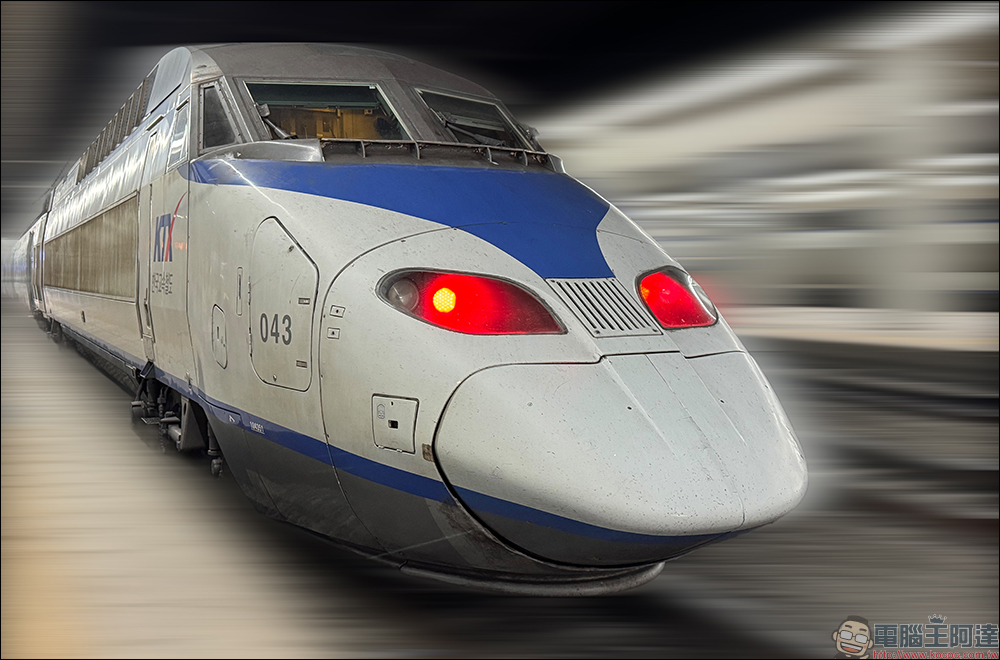
In addition, Blurr can also be creative and edit more interesting photos. For example, high-speed trains can use motion blur to make a stationary train look like it is traveling at high speed.
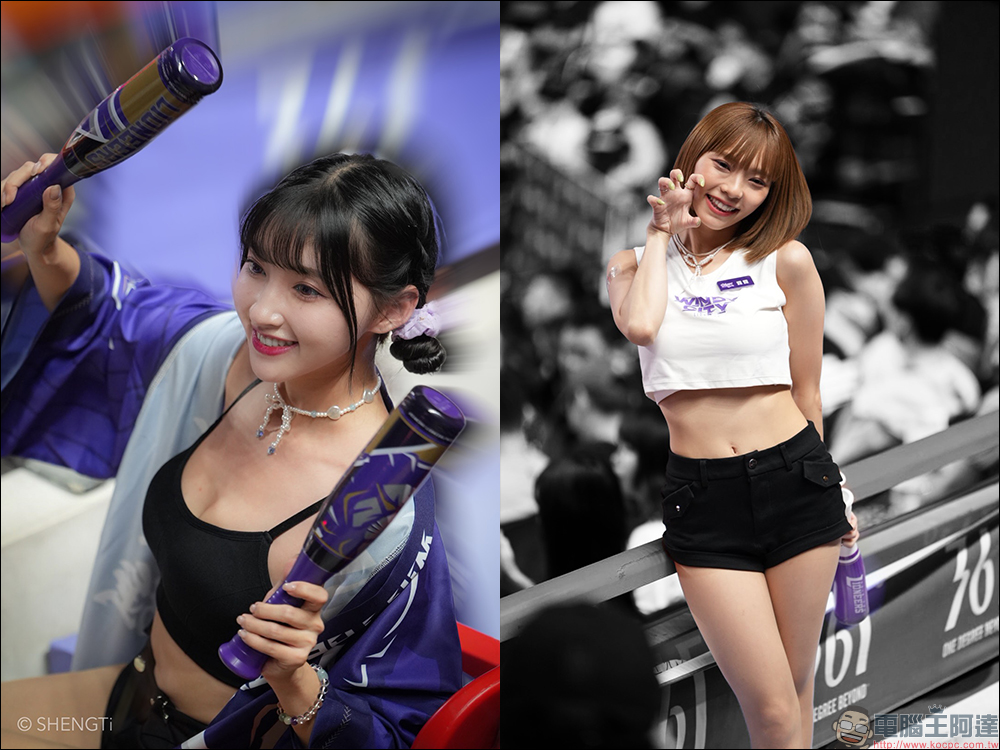
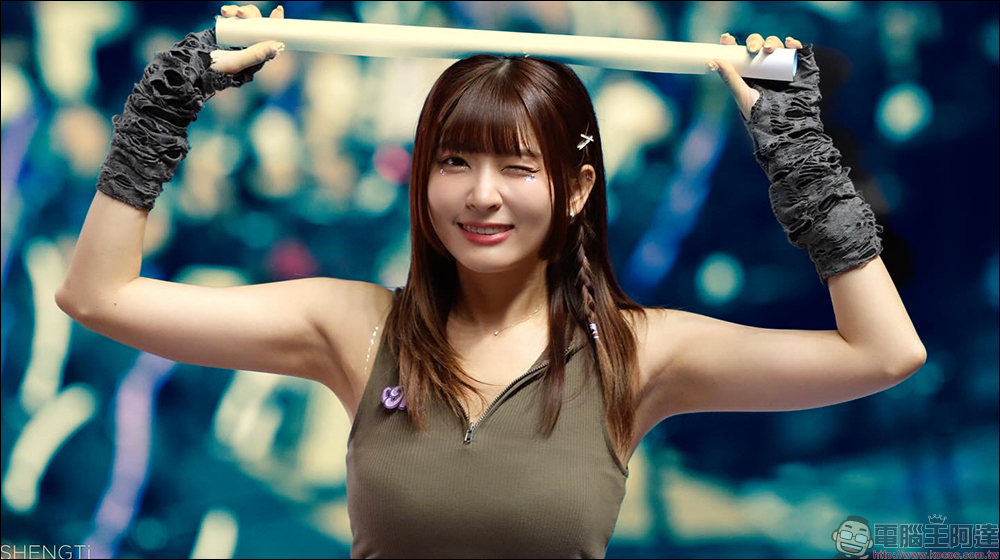
You can also make good use of the Blurr App to try to create more styles when shooting portraits. Background color extraction is also very easy in this app, because the powerful AI can accurately identify the portrait subject in the preset. Afterwards, you only need to slightly adjust the selection range to output high-quality photos.
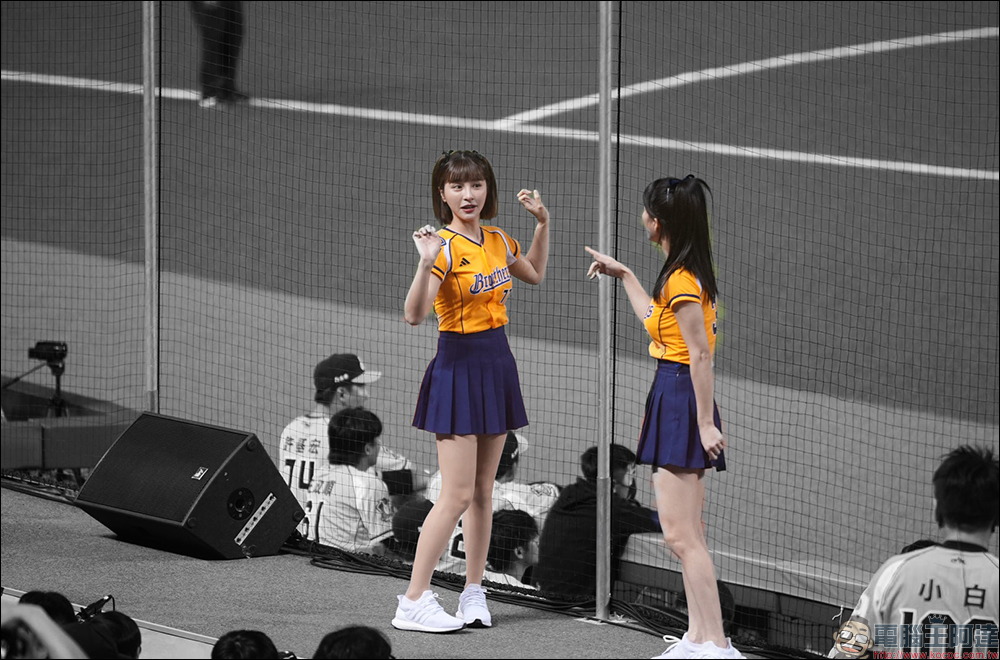
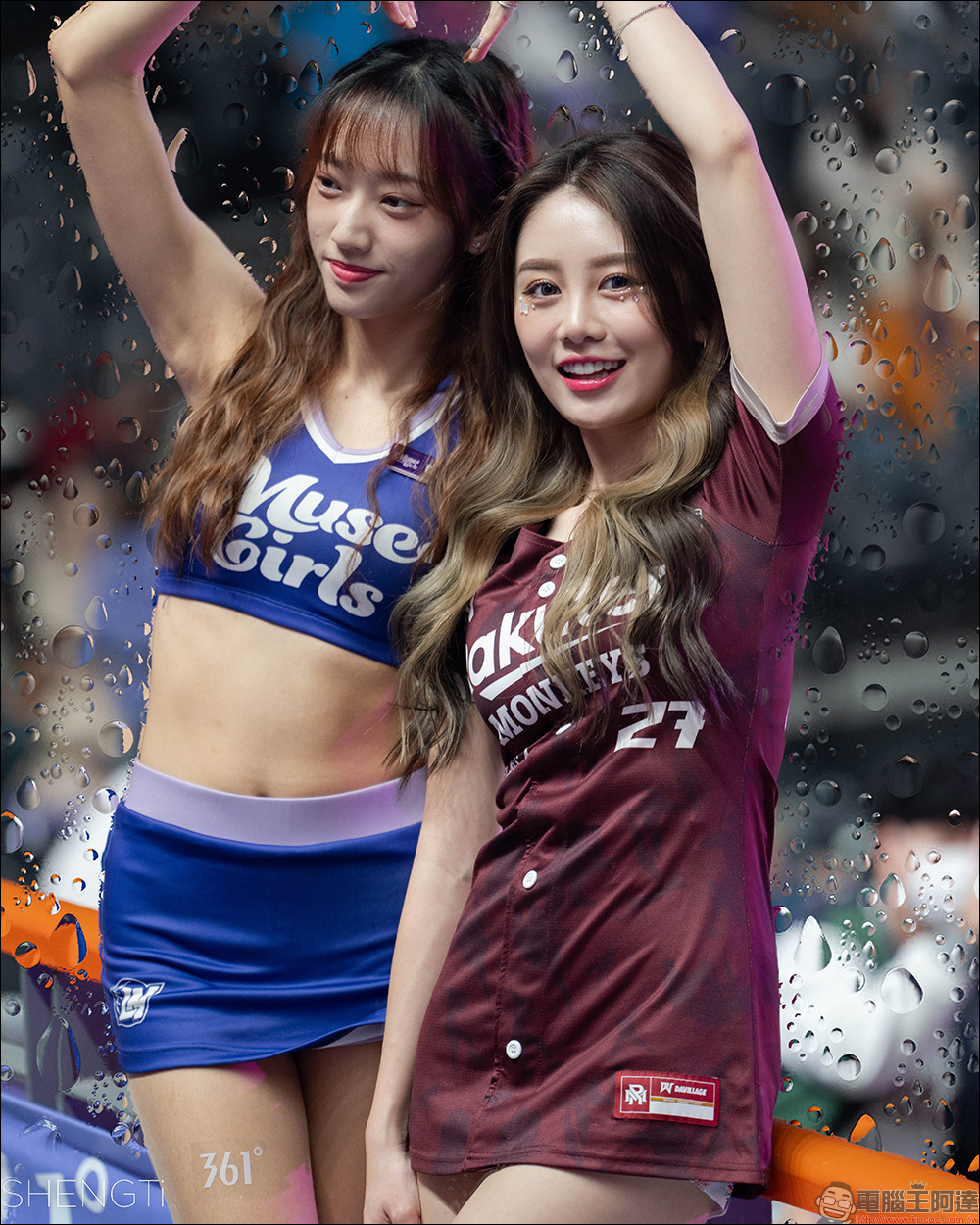
In addition to various blur effects, Blurr’s built-in water drop blur, glass blur, and water wave blur are also effects worth playing with.
Of course, there is also the comic effect that cannot be missed, which can make portrait photos more interesting.
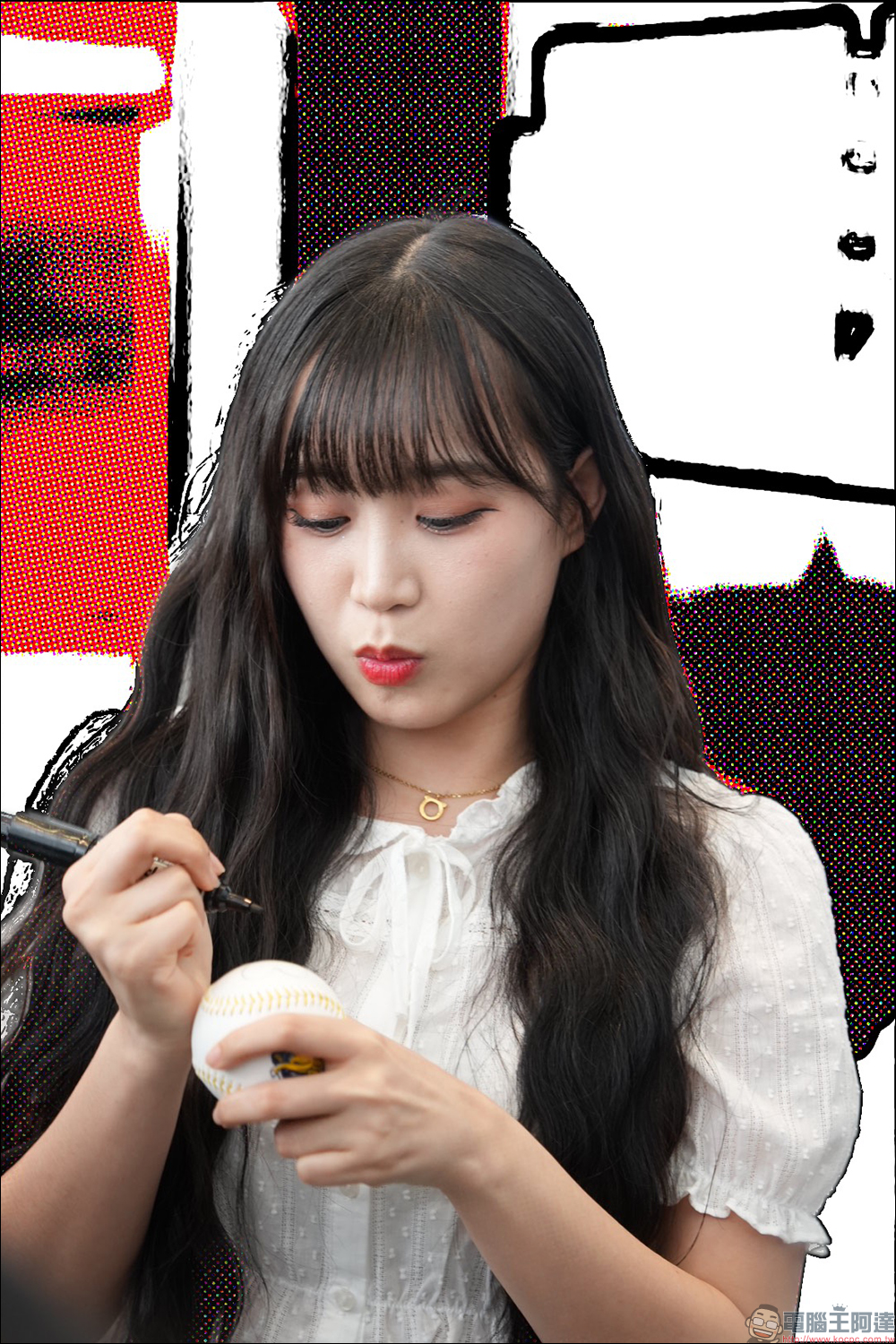
If the original bokeh processing of the photo is satisfactory, you can still use the Blurr App to adjust different background tones, which may produce unexpected results.
Blurr: Motion Blur Effect Pro App Download (App Store)
Further reading:
iPhone anti-theft mode is on! Learn these 2 tricks and you will no longer be afraid of losing your phone and not being able to find it again.
Source: KOCPC Chinese