


Starting from Google’s latest Android 16 system, you will no longer have to endure the idea of quickly sharing your favorite music or even watching multimedia together. You can share audio to multiple Bluetooth audio devices in a similar way to a mobile hotspot (actually Bluetooth) through official support for “Auracast”. Continue reading Android 16 brings Bluetooth audio broadcast sharing function, which models are restricted? How to use this to read the text of the report.
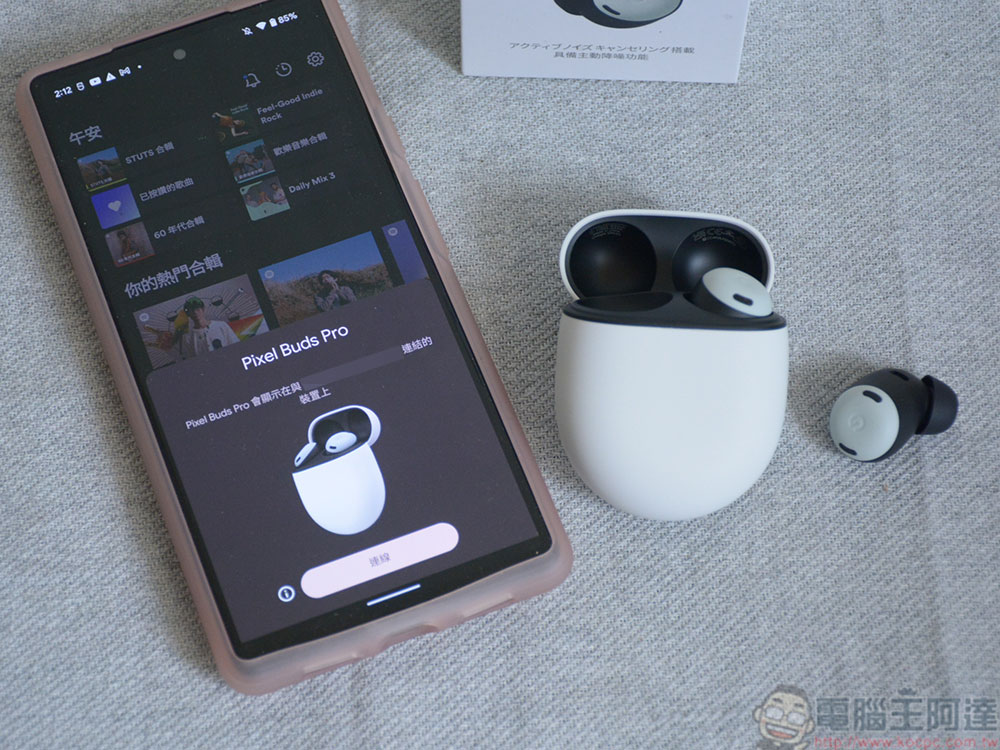
Android 16 brings Bluetooth audio broadcast sharing function, which models are restricted? How to use this article
After hearing the music they love, I believe many people will have the urge to share it directly by broadcasting it to friends around them – but I believe that our readers will not actually do this kind of behavior that may affect the public (right!).
Now it seems that starting from Google’s latest Android 16 system, you will no longer have to endure the idea of quickly sharing your favorite music or even watching multimedia together. Through the official support for “Auracast”, you can share audio to multiple Bluetooth audio devices in a similar way to a mobile hotspot (actually Bluetooth)!
▲Image source: Android Authority
In the middle of this year, there were rumors that Google planned to advance the audio sharing function common in general mobile systems from “Shuanglele” Bluetooth headset pairing audio sharing to the “Zhonglele” state that can be shared with multiple users.
In the Android 16 beta version that has recently been pushed to developers, it was discovered that the built-in “Audio Sharing” function has become very similar to the mobile network hotspot sharing interface – it is not surprising that you can specify the Bluetooth name of your phone, and you can also set a password.
Foreign media Android Authority also confirmed that the Auracast audio broadcast function that was previously reported to be equipped with the Android system is already functioning normally.
How to use Android 16 Bluetooth audio broadcast sharing
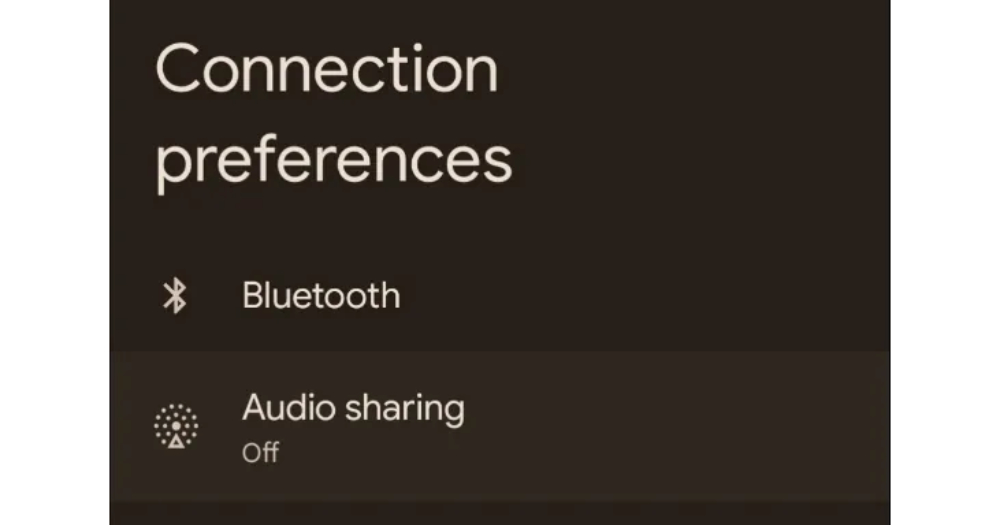
Interestingly, this feature is not placed in settings such as music. According to foreign media information, the Audio Sharing audio sharing function will be found in the setting item under Bluetooth in the connection settings.
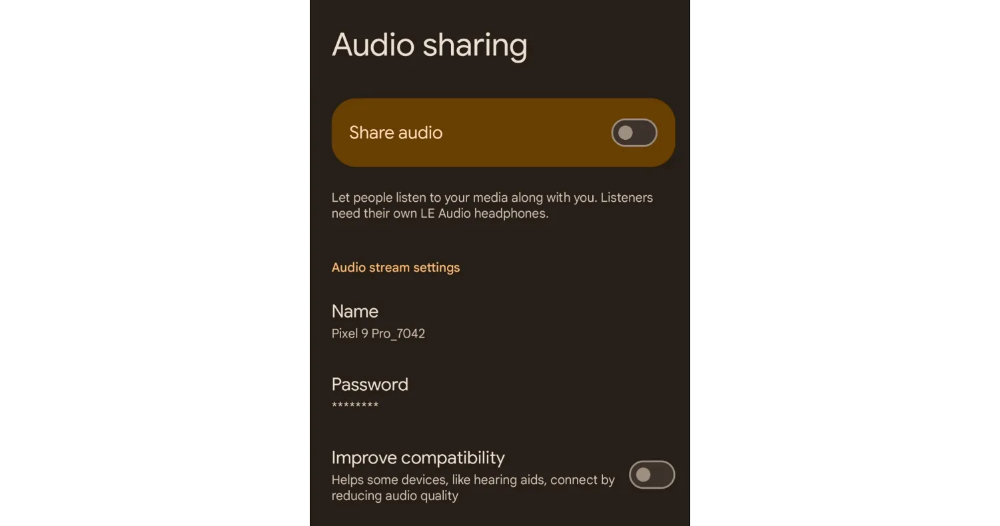
After clicking in, you will be able to choose whether to turn on the sharing function (in fact, I think it is more like a Bluetooth audio broadcast or hotspot function). In addition to switches, hotspot names and password settings that can be customized or even canceled.
You can also choose to use the “Improve Compatibility” option to further increase support for other audio devices, including hearing aids – the price seems to be that the sound quality may be reduced as a result (I wonder if it will consume more power?).
▲Image source: Android Authority
According to tests by foreign media, this feature that can share audio to multiple devices through Auracast technology will require models of the Pixel 8 and Pixel 9 series or above to be used (at least it is known that Pixel 7 does not seem to be able to – eh, Pixel 8A does not seem to be able to do it).
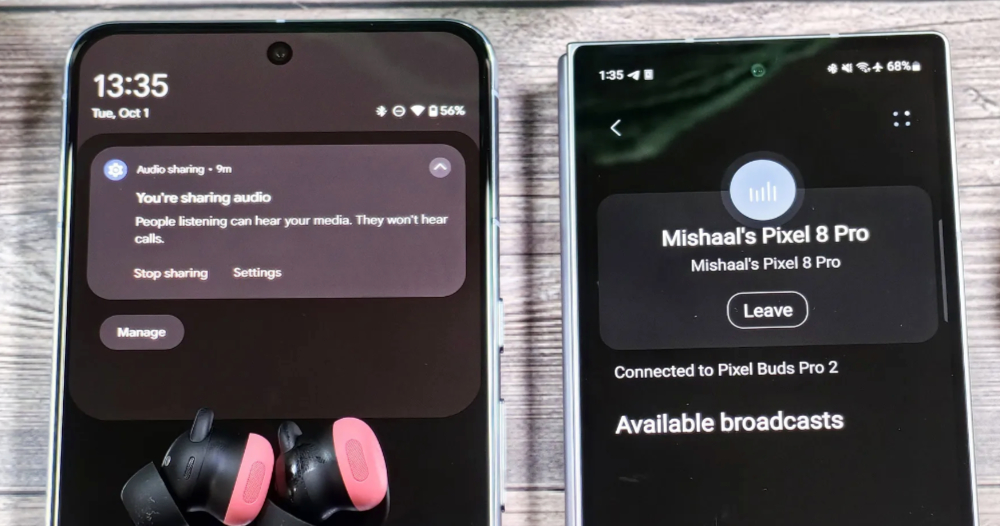
If you want to use this feature, you should at least support Bluetooth LE Audio specifications; foreign media also list devices that are currently fully supported including Bluetooth headsets such as Pixel Buds Pro 2 and Galaxy Buds Pro 3. You can listen to the media audio on the Audio Sharing-enabled device without pairing it with the mobile device through traditional Bluetooth – it is emphasized that it does not include audio content such as calls.
▲Image source: Android Authority
It is currently estimated that this feature will be provided in subsequent updates to Android 16 – that is to say, since the feature has been discovered since Android 15, I wonder if there is a chance that it can be updated to support subsequent Android 15 systems in the future? In short, you can look forward to how Google will push this awesome feature.
Quote sources:Android Authority|
Further reading:
Source: KOCPC Chinese