


Our phones carry photos, videos, messages, bank details and basically our entire lives. But if you’re not careful, this convenience also comes with a risk: malware. Just like computers, our Android phones are also susceptible to it. These fake, cunning programs can consume abnormal data in the background, steal personal data, spam your home screen with ads, and even hijack your device. Wondering if your Android phone is infected? We’ve listed suspicious symptoms to enable you to take necessary steps and protect your valuable data.
6 symptoms to tell if your Android phone has malware
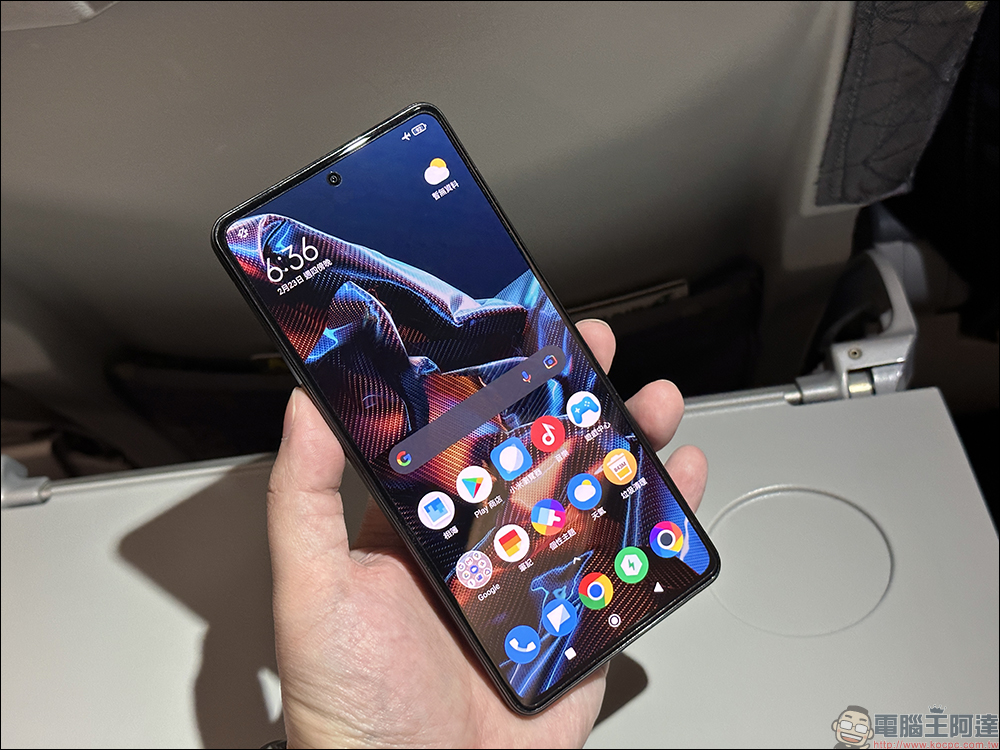
1. Annoying ads and strange apps suddenly appear
Adware is the most common type of malware. Imagine you are browsing your favorite photos and Instagram, streaming YouTube videos, and suddenly an intrusive ad pops up, completely interrupting your usage. These ads can be frustrating and raise red flags for malware on your Android phone. Clicking on suspicious links or visiting unfamiliar websites can also trigger a never-ending stream of annoying ads. These sites may be able to inject adware or other malware onto your phone without your knowledge, so if you encounter any of these, you’ll need to investigate further.
Now, imagine unlocking your Android phone only to find apps you’ve never seen before. Scary, right? This is a major red flag and a sure sign that your Android device is infected with malware. When you visit suspicious websites or click on suspicious links, you may accidentally download additional apps. Some apps are bundled with other software, including potentially unwanted apps or even malware. Chillingly, some advanced malware can gain administrator access to your device, allowing it to install other malicious apps without your consent.
2. Unexpected device high temperature and battery consumption
It is normal for an Android phone to heat up when recording videos or playing games for a long time. Problems arise when it gets too hot while sitting idle in your pocket or on a table. This may also be a sign of malware. Such fake programs and files often run in the background, consuming unusually high amounts of CPU power and electricity. This continued activity generates excessive heat, causing the device to heat up abnormally. Certain types of malware perform resource-intensive tasks, such as mining cryptocurrency and sending spam, essentially pushing the phone’s hardware to its limits and causing high temperatures.
While heavy use such as video recording, GPS navigation, long gaming sessions, and background downloads will definitely drain your battery, a sudden and unexplained decrease in battery life can be a telltale sign of malware. You can check your phone’s battery usage statistics to see which apps are consuming the most power, and uninstall unfamiliar apps from your list.
3. Main performance issues
We expect a smooth and responsive experience from powerful Android phones, but when your device suddenly starts acting up, it can be very frustrating. These performance issues indicate a problem, and malware may be the culprit.
Malware often consumes large amounts of processing power and RAM, causing slowdowns, lag, and a sluggish everyday experience. Certain types of malware are capable of disrupting basic system functionality, which leads us to this conclusion.

4. Broken lines and unstable connections
We rely on our phones for smooth communication, so it can be very annoying when calls keep dropping or internet connections drop out for no apparent reason. Sometimes this can be caused by a server-side outage from your local carrier, but if you notice that these issues follow a pattern, it could be due to malware manipulating your phone’s network settings.
Malware operations in the background may exhaust network resources, reducing the available bandwidth for network calls, which may cause audio delays, lags, and disconnections.
3. Data consumption surges
Has your mobile phone data consumption suddenly spiked? While streaming 4K videos, downloading games, and large files certainly use data, unexplained spikes in data usage can be a red flag for malware activity.
Certain types of malware can turn your phone into a spam bot, sending mass emails or messages without your knowledge. These spam campaigns consume a lot of data. As explained before, some malware can use mobile phone resources for cryptocurrency mining, consuming large amounts of data.
6. Unexplained charges appear on your phone bill
While billing errors can occur, unexplained charges can also be a sign of malware on the device. Some malware may subscribe you to premium services without your knowledge. They will send regular messages which will immediately increase your monthly bill. You need to be aware of recurring charges for services you didn’t specifically subscribe to.

By identifying the warning signs discussed above (slow performance, problematic apps, unexpected charges, ad banners), you can take quick action to protect your device and personal data.
Source: KOCPC Chinese