


The iMac is Apple’s flagship home computer, and it packs everything you need in a colorful package, but it’s not the best choice for everyone, especially with the future of the Mac Mini so compelling. If you are planning to buy one recently but don’t know which one to choose, you must read this article to the end.
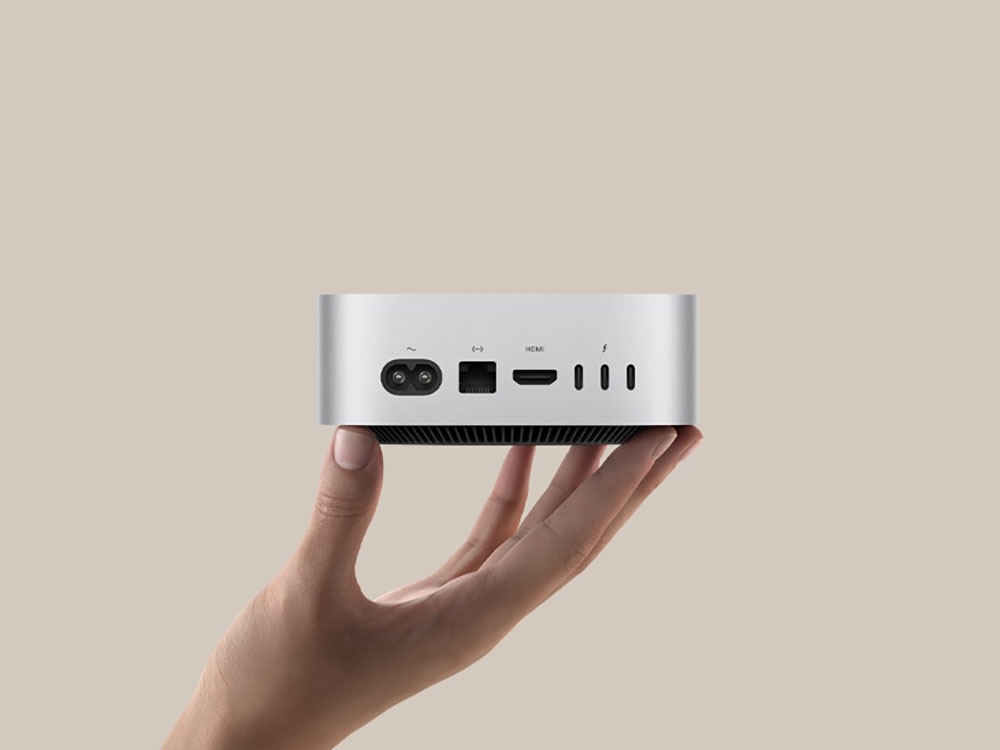
Why should power users buy a Mac Mini instead of an iMac?
Mac Mini is Apple’s most valuable computer
Perhaps the best reason to consider a Mac Mini over an iMac is price. The Mac Mini starts at NT$19,900, which is half the price of an iMac with the same specifications (starting at NT$44,900). Of course, there are some caveats to this. The iMac comes with everything you need, including a monitor and peripherals, whereas the Mac mini is just a computer, and what you get when you buy it is the main computer and a power cord and nothing else. Whether or not the iMac has that much added value is a hotly debated topic, and the answer will vary depending on who you ask.
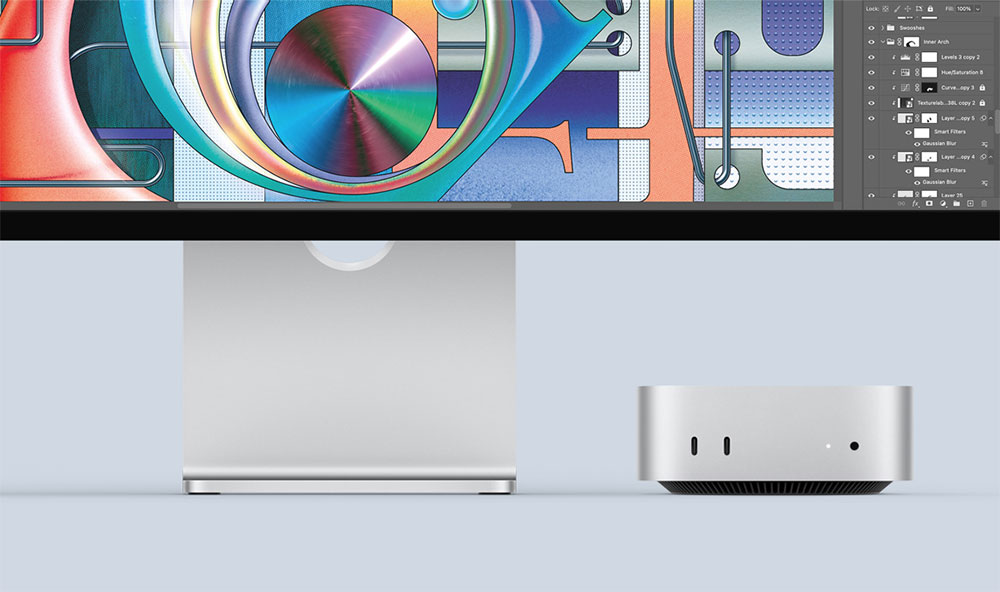
This means the Mac Mini is great for anyone who has everything they need to get started, and is perfect for those who want to try switching to macOS without buying a pricey AIO. If you expand your search to the second-hand market, you have more options. Apple’s M4 Mac Mini offers best-in-class CP value, but if you’re willing to buy an older machine, you can opt for the M2 or M1 Mac Mini and save hundreds of dollars. You get all the benefits of Apple silicon, such as power and thermal efficiency, compatibility with the latest versions of macOS, and even access to Apple Intelligence with M1 or later.
Provides higher performance if needed
The 2024 iMacs feature M4 processors, with higher-end versions offering up to 10 CPU and GPU cores. While that’s good enough for the average user, the Mac Mini can improve with its M4 Pro option (but it’s undoubtedly more expensive).
As with the M4 Pro, the Mac Mini offers 12 CPU cores and 16 GPU cores, or you can upgrade at checkout to get more 14 CPU cores and 20 GPU cores. These higher-spec M4 Pro models also come with 24GB of RAM by default, up from 16GB in the base M4. Not to mention the M4 Pro Mac Mini’s other big upgrade over the iMac: Thunderbolt 5.
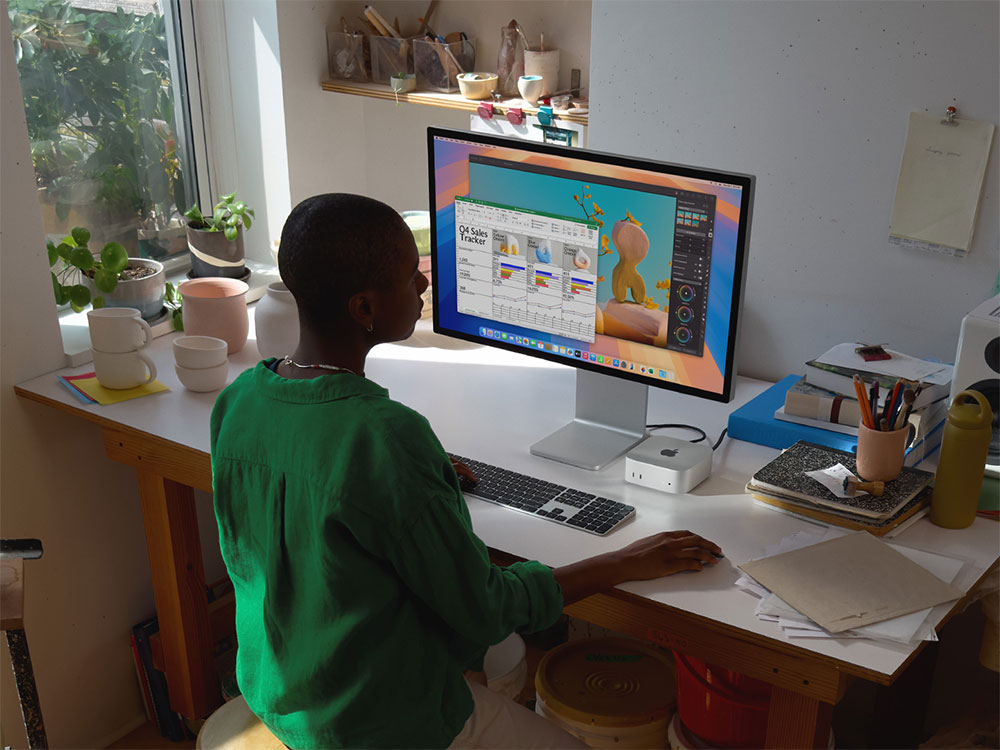
In addition, the Mac Mini also has room for more storage and RAM upgrades. You can choose to upgrade your Mac Mini to up to 8TB of capacity (iMac caps at 2TB) and 64GB of RAM (iMac caps at 32GB). These upgrades are perfect if you think you need more performance for heavier tasks like video editing, 3D rendering or data analysis, or running AI models locally. If you have the budget, more storage is always a nice touch, although still competitive with the entire lineup.
The enhanced Mac Mini offers better performance than the iMac while avoiding the costs associated with choosing a Mac Studio or MacBook Pro, and best of all, the form factor remains small even if you max everything out.
Flexible Mac settings
The Mac Mini offers tremendous flexibility compared to the iMac or MacBook series. For some, the lack of a display or Apple peripherals may be seen as a drawback, but for others, it’s an opportunity to save money or expand their personal space. Best of all, it’s perfect for people who want to use their new computer with their original monitor or keyboard and mouse. Unfortunately, Apple doesn’t make a budget-friendly monitor for the Mac Mini, and if you want an Apple monitor, your best bet is the Apple Studio Display.
The good news is that your old monitor should work just fine with the Mac Mini, whether you’re using HDMI 2.1 output, DisplayPort over USB-C, or Thunderbolt. Note that macOS is designed for a Retina pixel density of 218PPI or higher, so display scaling may negatively impact displays that don’t meet this target.
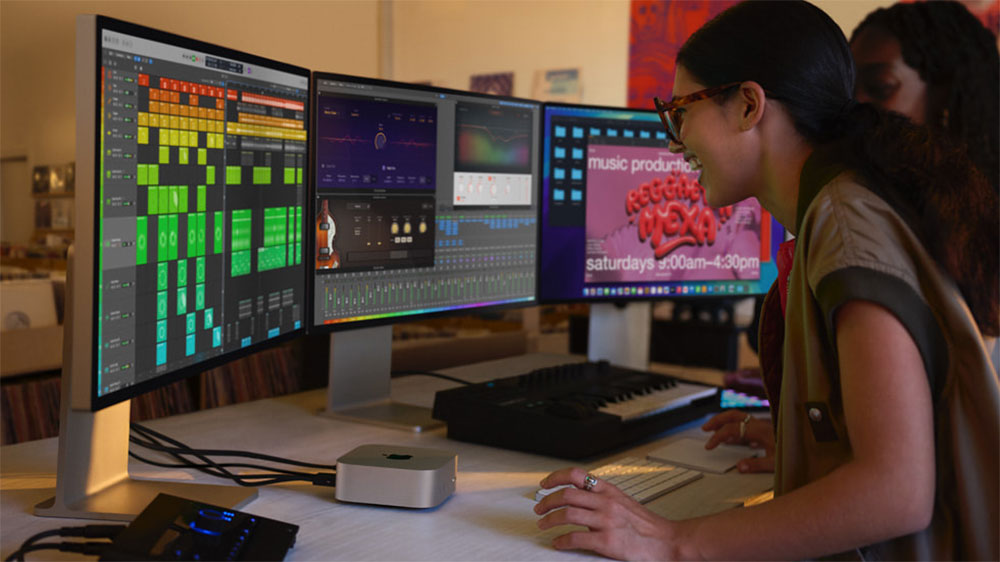
You also need a mouse and keyboard. You can buy products from other brands that are more suitable for you. For example, the promotional materials for Apple M4 Mac Mini include some photos of the product with a mechanical keyboard, which is very telling. There are a number of enthusiast-grade keyboards designed to appeal to Mac users, such as the NuPhy Air 75v2 and LoFree Flow, which are great antidotes to the art of keyboarding if you’re looking for something with a little more feel.
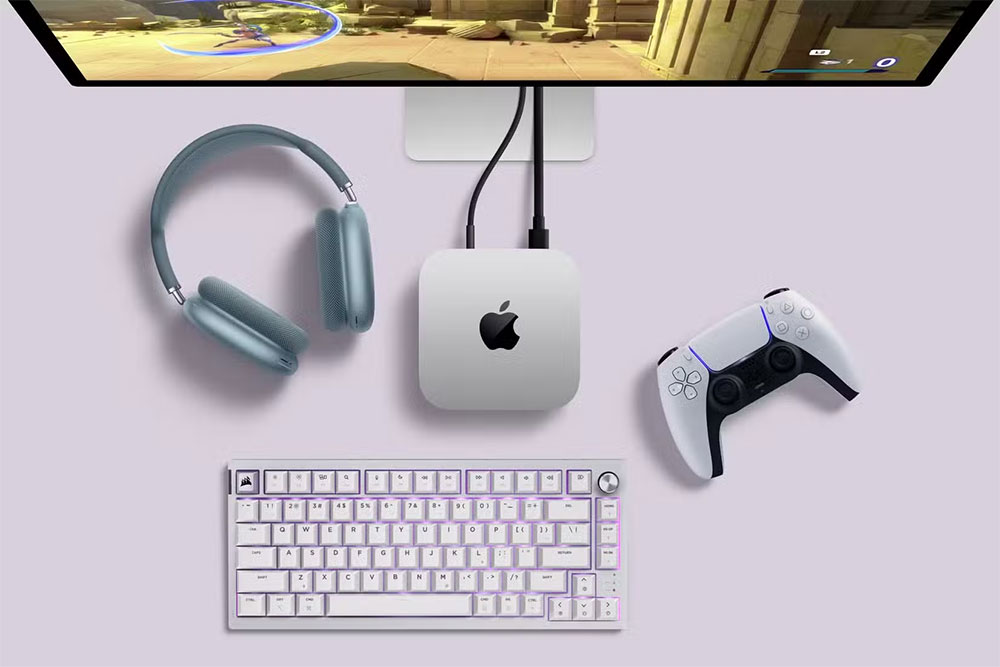
The beauty here is that you’re not locked into anything Apple has to offer. There’s no need to spend extra money on a computer with a monitor (like an iMac) when all you need is a brain to operate. If you’re happy with your current setup, you won’t waste money on Apple accessories you’ll never use.
Mac Mini lasts longer
A Mac Mini won’t necessarily last longer than an iMac because the hardware ages at the same rate. In a few years, you’ll still want to upgrade when that 16GB of RAM and M4 chip starts to feel slow and old, and maybe Apple will introduce some revolutionary new feature that’s unavailable to your Mac, or your macOS support is about to end. But the Mac Mini has more potential as a retrofit machine than the iMac, which since the iMac is a giant monitor that houses the computer, has to be mounted somewhere easily accessible.
That’s not the case with the Mac Mini. Apple’s headless wonder can happily retire as a file server, stream media around the home, or run a local smart home setup with Home Assistant. You can leave it connected to the router in your office, or hide it in a cabinet so it can be easily relocated when maintenance needs to be performed.
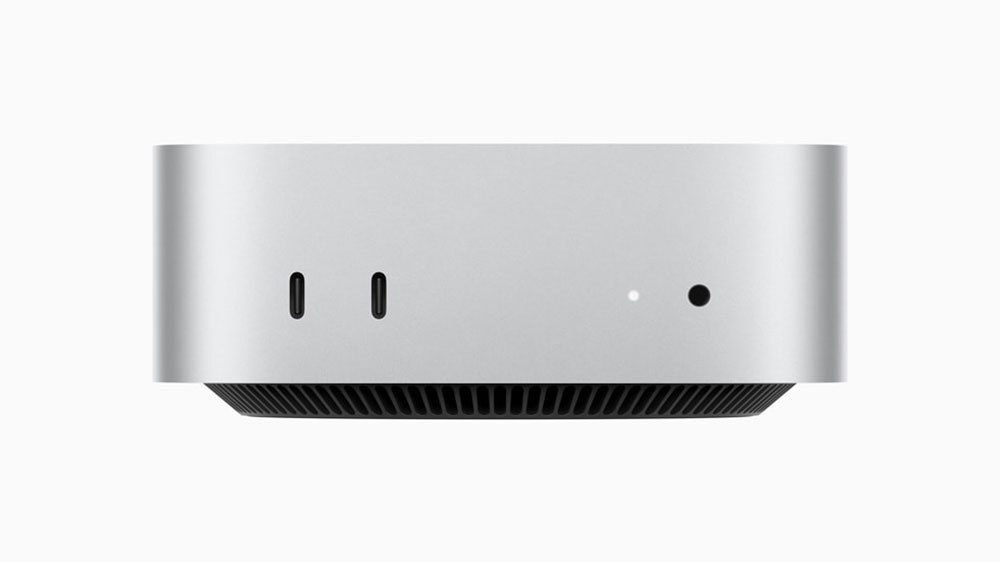
The Mac Mini is also a good choice if you’re looking for a media center computer that runs XBMC or similar software. You can even use it to run modern games with an Apple Arcade subscription or Steam’s Big Picture mode. Even better, even the outdated Mac Mini has enough power to function as a gaming console (Bluetooth means wireless support for Xbox, PlayStation, 8BitDo, and more controllers).
You may also find that the second-hand market is more popular for older Mac Minis, as they are popular small computers that are popular for all the reasons mentioned above. When it’s time to break up, you probably won’t have to wait long and you’ll have some cash in your pocket to spend on your next upgrade.
Ultimately, both the Mac Mini and iMac have their uses. For a simple home setup with everything you need, the iMac is a surprisingly good value. But for those who want to push Apple’s boundaries or want to save some money with something they already have, the Mac Mini can’t be beat.
Source: KOCPC Chinese