


The 2024 iMac continues to receive a series of upgrades. This time around, Apple’s AIO comes with the latest M4 chip, along with a few other upgrades worth considering. Next, we’ll list for you how the new features of the M4 iMac compare to the previous generation M3 iMac.
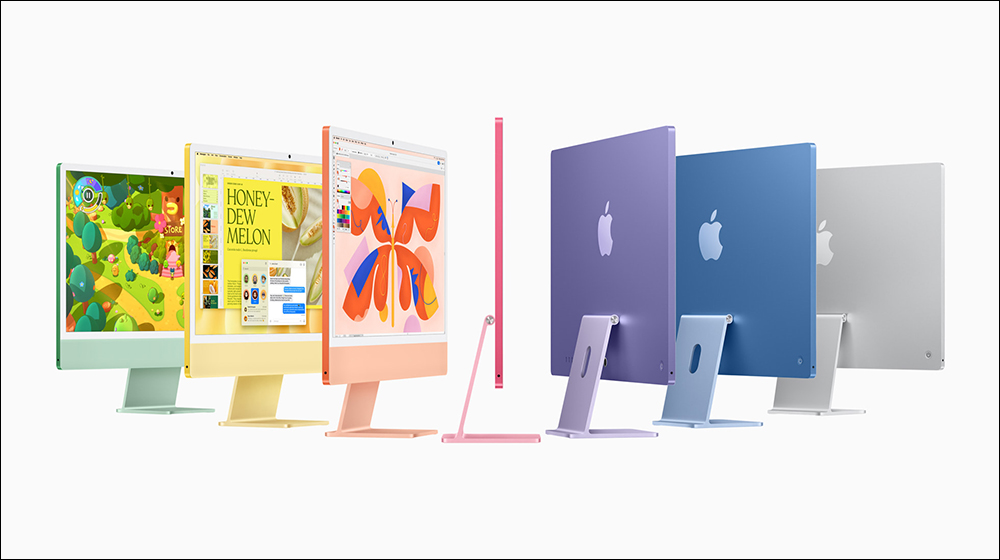
What are the differences between the M4 iMac and the M3 iMac? Find out before upgrading
Similar design but slightly different colors
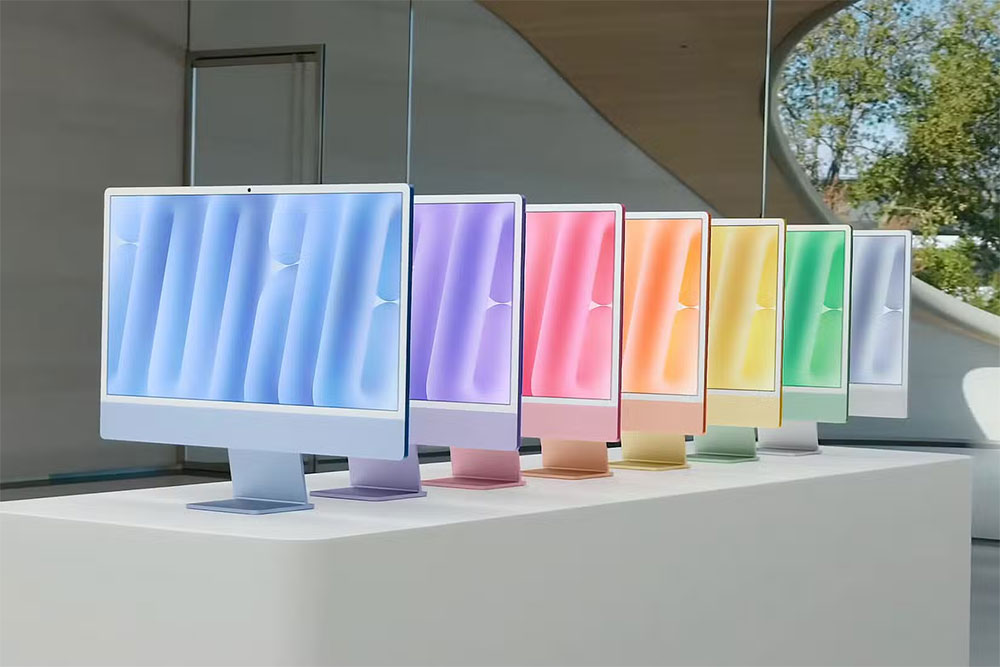
Like the M3 iMac, the M4 iMac is available in seven colors: blue, purple, pink, orange, yellow, green, and silver. However, Apple has gone with slightly lighter shades for all the colors, giving them a different look. Color aside, the overall size and weight of the iMacs remain similar (except the M4 iMac is about 36 grams lighter).
M4 iMac offers optional display upgrade
The display setup on the M4 iMac is exactly the same as seen on the M3 iMac. It uses a 23.5-inch Retina display with a resolution of 4,480 x 2,520 (pixel density of 218 PPI), a peak brightness of 500 nits, and a P3 wide color gamut. Like other devices, Apple has equipped the Ms iMac with True Tone display technology. So, what’s the difference?
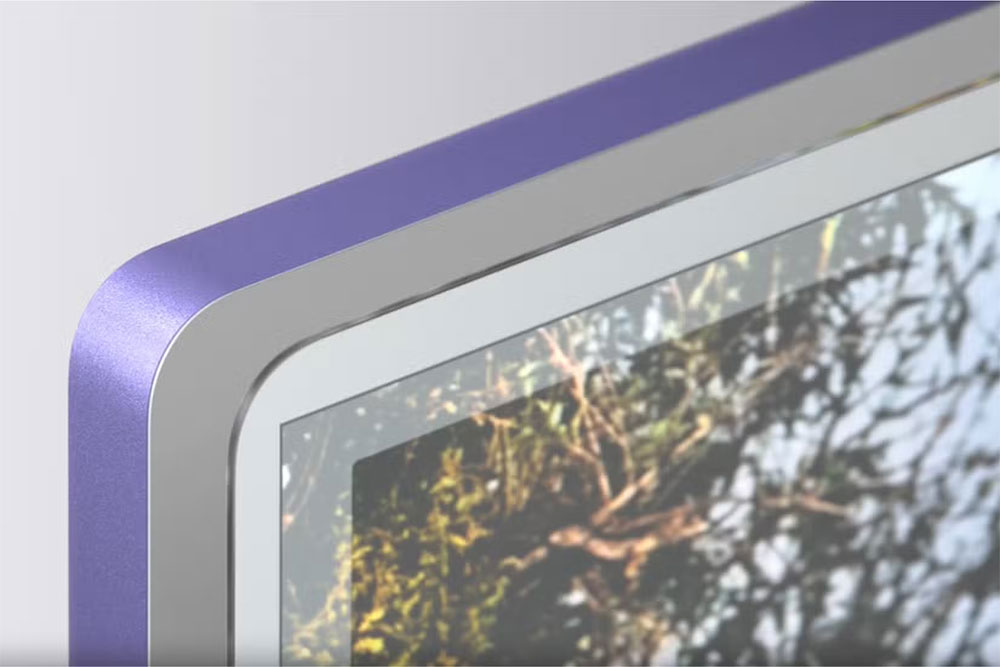
The M4 iMac can be equipped with Nano-texture glass, which Apple debuted on the M4 iPad Pro earlier this year, at an additional cost. This glass is nano-etched to scatter ambient light, maintaining excellent color rendering qualities while making interference such as glare or reflections less noticeable. While it’s not a huge upgrade, Nano-texture glass gives consumers the flexibility to place their iMac anywhere in the room without worrying about ambient light, windows, or skylights.
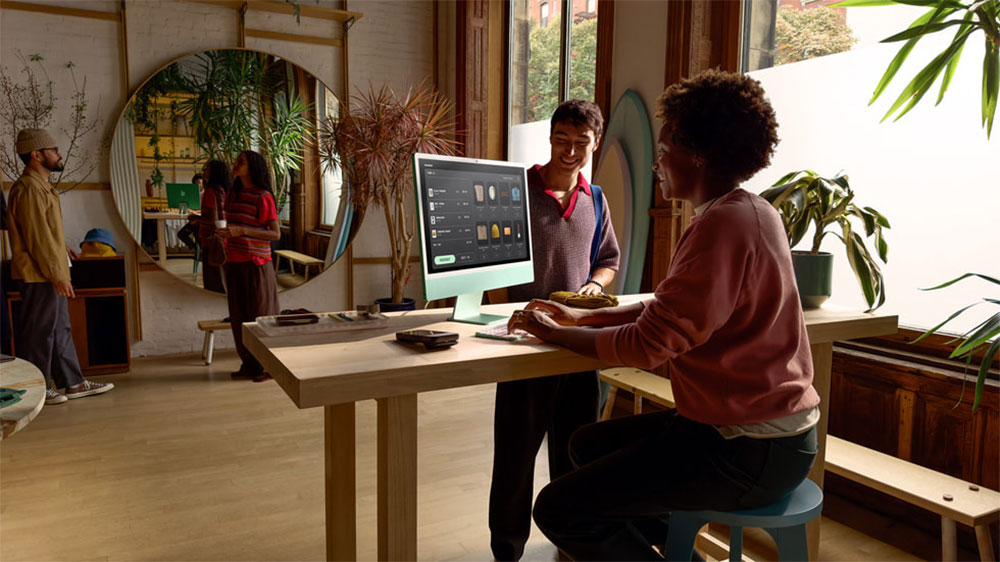
Both iMacs feature a high-fidelity six-speaker system that delivers wide stereo sound with support for spatial audio, as well as three microphones for studio-quality audio.
M4 vs. M3: A speed upgrade
Beneath the colorful exterior, the 2024 iMac is powered by an M4 chip. In fact, the device features two variants of the M4 chip: one with an 8-core CPU (4 performance cores and 4 efficiency cores) and an 8-core GPU; the other with a 10-core CPU (two extra efficiency cores) and a 10-core GPU. Another interesting thing is that there is a third M4 model with a nine-core CPU, a 2024 iPad Pro.
Compared to the M4 iMac, the 2023 iMac features an M3 chip with an 8-core CPU and 8/10-core GPU. In addition, the new iMac comes with 16GB of unified memory (available up to 32GB), which is twice the 8GB of memory available in the previous iMac (available up to 24GB). However, the basic storage capacity of both models is the same, starting from 256GB and going up to 2TB.
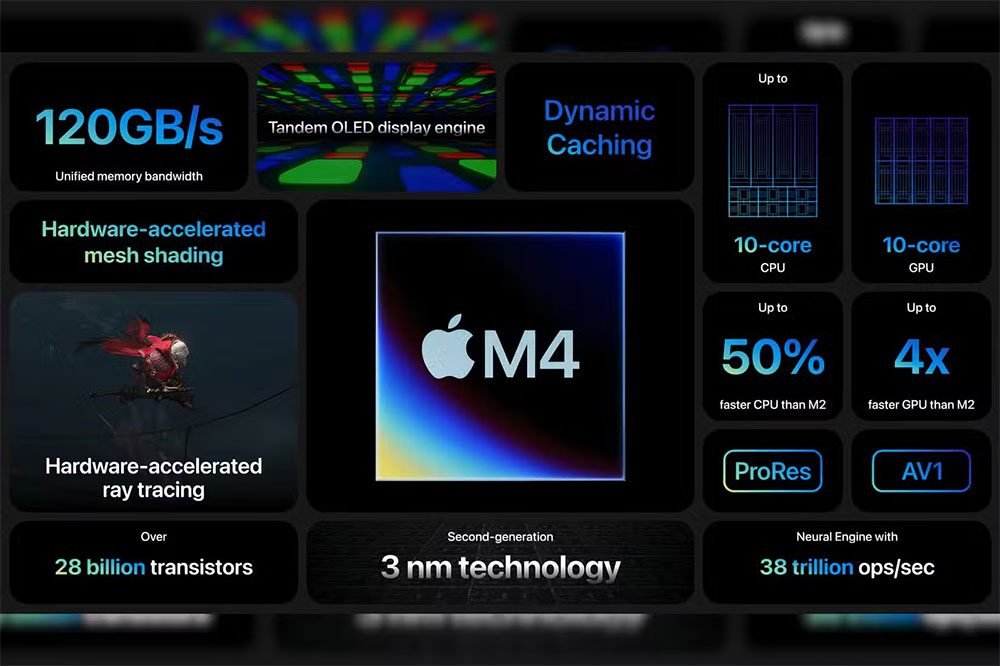
The M4 iMac also features a 16-core Neural Engine that is 2x faster than the engine on the M3 chip. It will help the CPU handle all Apple Intelligence features well when they are launched. Last but not least, memory bandwidth has been upgraded to 120GB/s on the M4 (versus 100GB/s on the M3).
The M4 chip in the latest iMac should deliver significantly better performance thanks to more CPU cores, a better GPU (with a 2x faster ray tracing engine), and more RAM. But is upgrading enough? In my opinion, you should only upgrade if something about the M3 iMac is holding you back, but other than that, the 2023 iMac is still a performance beast.
I/O, external monitors and cameras
The higher-spec M4 iMac (with 10 CPU and 10 GPU cores) offers 4 Thunderbolt ports (up to 40Gbps), USB 4, and USB 3.1 Gen 2 (up to 10Gbps) ports. This AIO can also be configured with an Ethernet port. By comparison, the M3 iMac has 2 Thunderbolt 4 and 2 USB 3 ports, even on the higher-spec version.
Nonetheless, both models feature a 3.5mm headphone jack that supports high-impedance headphones. Wireless connectivity options include Wi-Fi 6E and Bluetooth v5.3. In addition, both computers ship with Smart Keyboard and Smart Mouse, and can be upgraded to Smart Keyboard, numeric keyboard and Smart Control Pad with Touch ID (all upgraded to USB-C charging ports).
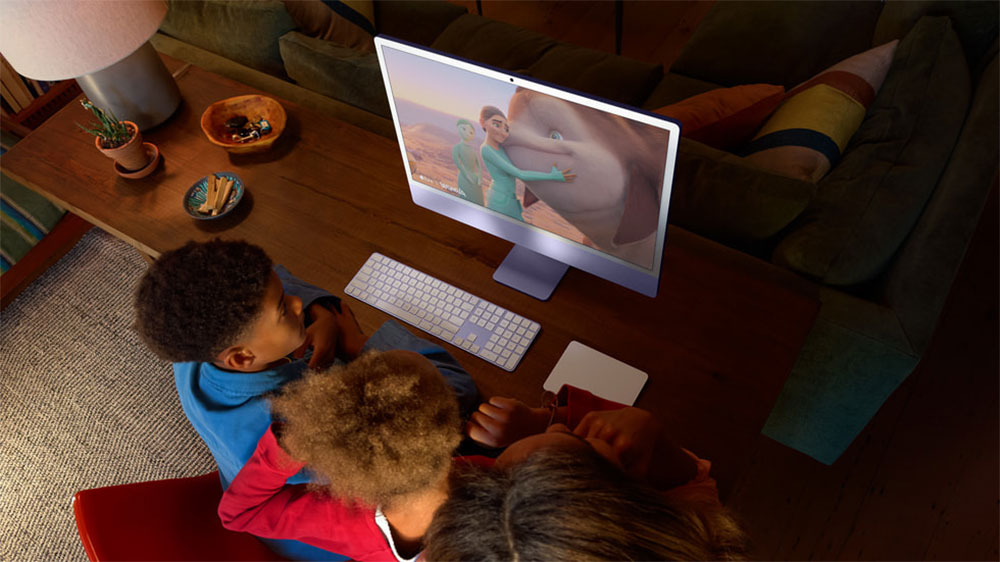
While the M3 iMac supports an external monitor up to 6K/60Hz resolution, the base M4 iMac also supports the same feature. However, the enhanced M4 iMac can handle up to two external monitors at 60Hz, or one external monitor at 60Hz at 8K resolution, which may be a worthwhile upgrade for users who need to use multiple monitors.
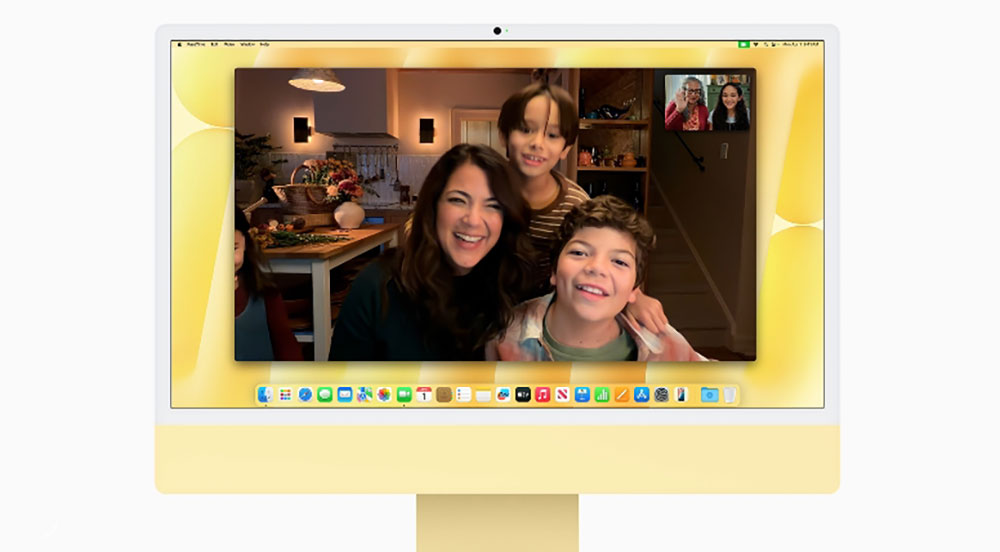
The 1080p FaceTime HD camera on the M3 iMac has been replaced with a 12MP figure-centered camera on the M4 iMac. For starters, character centering is a feature that adjusts on the fly to keep your face in the center of the screen. Additionally, the new camera supports desktop view, a feature that allows users to record an overhead view of their work desk.
Both iMacs support Apple Intelligence
With macOS Sequoia 15.1, Apple is launching its first AI features called Apple Intelligence. From the start, these features include system-wide writing tools, improved Siri, notifications and message summaries, and a few other additions.
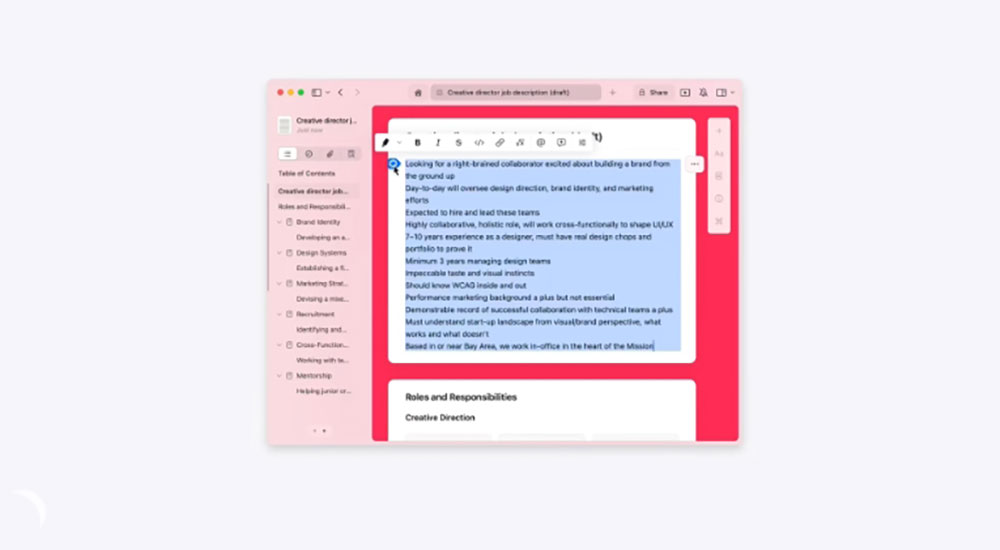
While the M4 iMac runs macOS 15.1 out of the box, the M3 iMac can install updates over the air. In theory, both iMacs support Apple Intelligence, but given the improved neural engine in the M4, the GenAI feature should be a little faster on the new machine.
Source: KOCPC Chinese