


VideoProc Converter AI can really be said to know what it’s doing.Limited-time free, it was only released a few months ago. As Christmas approaches, the official team has recently launched another free promotion, but unlike before, this time it offers the new V7.6 version, and it is Windows、Mac Launched simultaneously, meaning Mac users can enjoy it too. AI Features range from AI video resolution upscaling and frame interpolation to image AI, audio AI, and more.
Of course, the original video conversion, media downloading, recording, stabilizer, and DVD features are all still there. If you don’t have this software on your computer yet, it’s definitely worth grabbing—it’s very powerful.
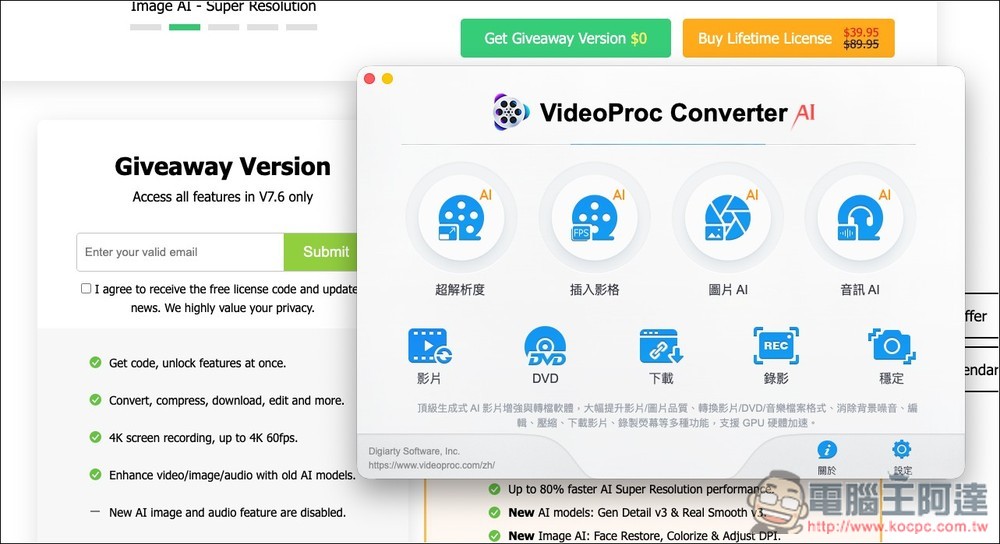
Limited-time free offer for VideoProc Converter AI! The new V7.6 version comes with four built-in AI tools, video conversion, and more.
VideoProc Converter AI is an all-in-one multimedia software that integrates AI image enhancement, video conversion, downloading, and recording. Its biggest highlight is its AI model, which can upscale old videos/photos to 4K and 8K, while improving clarity, reducing noise, and even increasing the frame rate of the footage. For phone videos, old DV footage, animations, AI-generated visuals, and more, it can bring very noticeable improvements.
On the non-AI front, it also has a built-in conversion function that supports nearly all mainstream formats, including MP4, MOV, MKV, AVI, HEVC, AV1, and more. It can also compress large files efficiently without noticeably sacrificing quality.
It also features built-in screen recording, system audio recording, camera capture, and PIP multi-window recording, along with a video downloader that saves online videos, playlists, and audio from multiple platforms.
Go to the VideoProc Converter AI free giveaway page
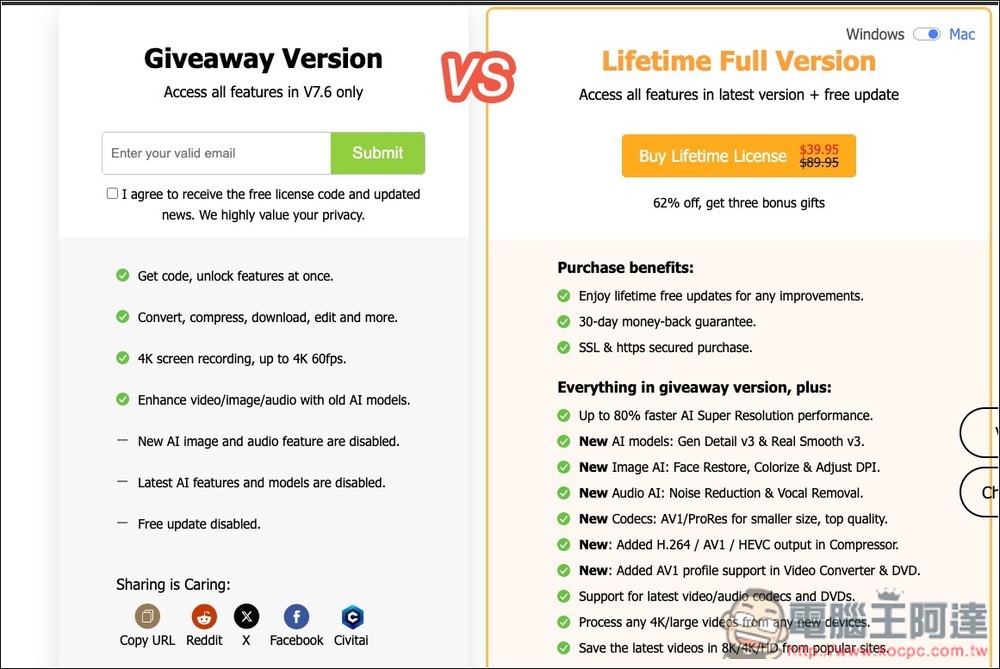
After clicking the link above to enter VideoProc Converter AI, enter your email address in the Giveaway Version on the left, and the serial number and installation file download link will be sent to this email:
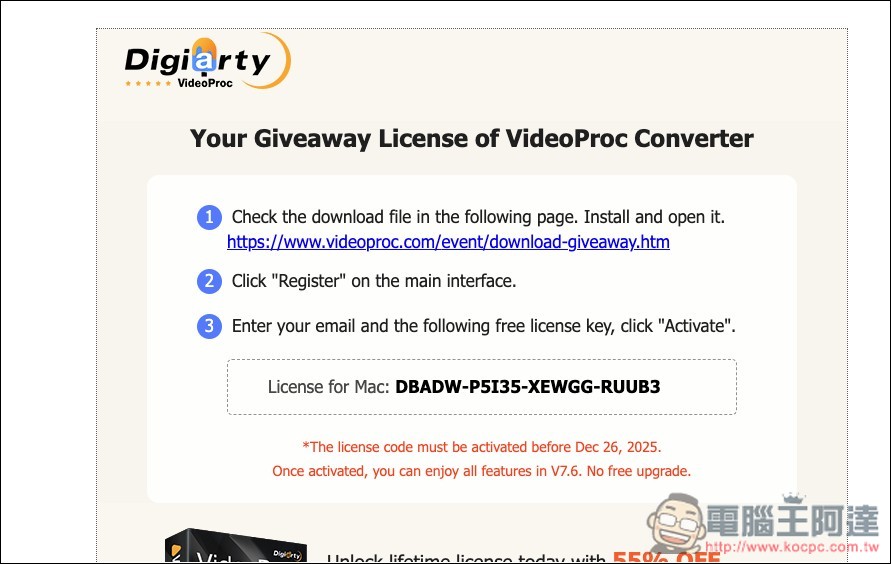
Open your mailbox and you’ll see this email. I’m using a Mac, so the serial number sent is for the Mac version. Click the link above to download the installer. Also note that this serial number must be activated before December 26, 2025, or it will expire.
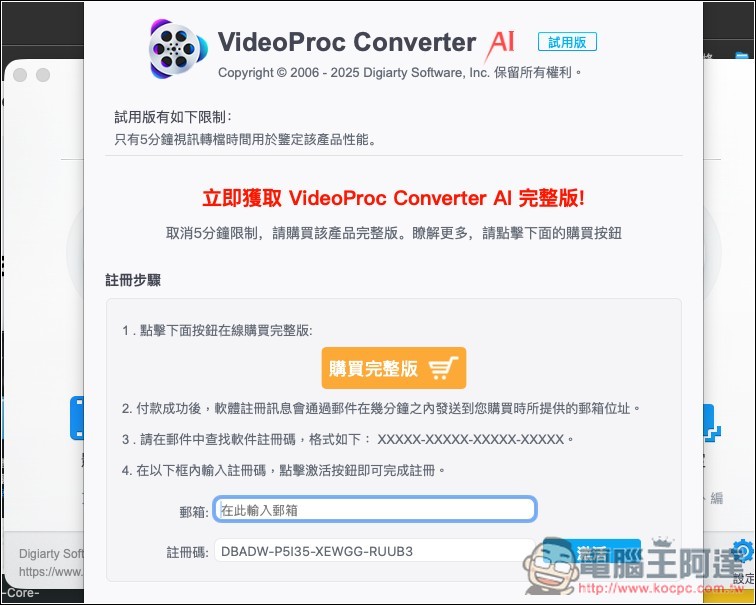
After installing and opening it, the registration screen will appear. Enter your E-mail and the serial number you just received, then click Activate.
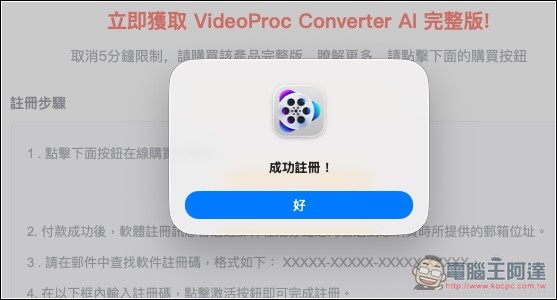
Then it will pop up “Registration Successful”:
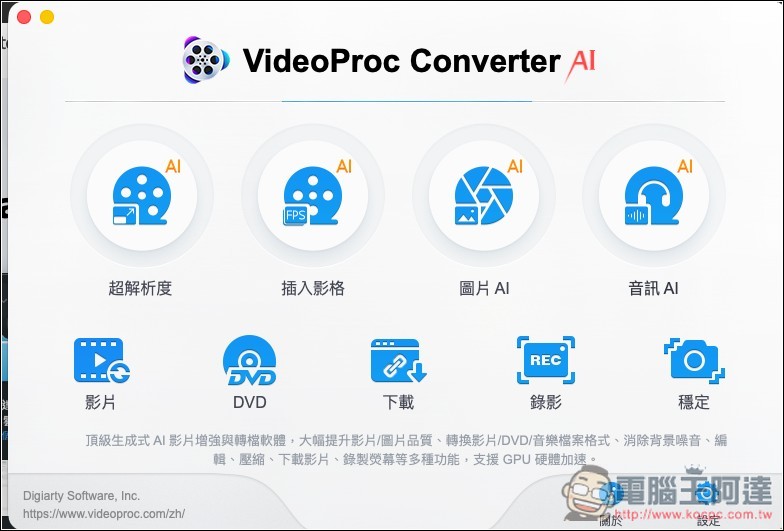
Then you can enjoy all the features of V7.6, including AI super resolution, AI frame interpolation, image AI, and audio AI:
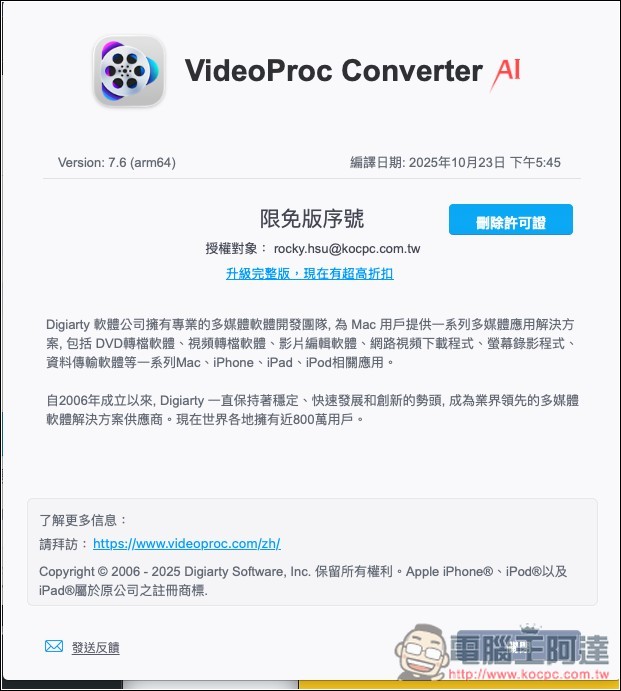
The version part is indeed 7.6.
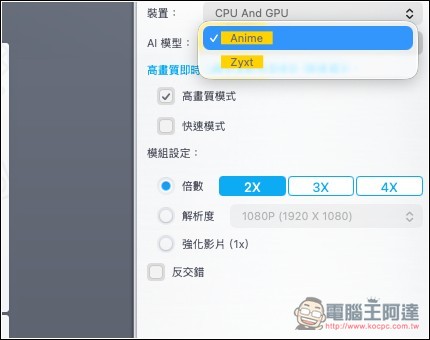
The operation is also very simple. Take AI Super Resolution, for example—this is a feature that enhances video resolution. Once you enter it, just import the video you want to upscale. On the right side, there are some settings you can adjust, such as the upscale factor, up to 4X maximum.
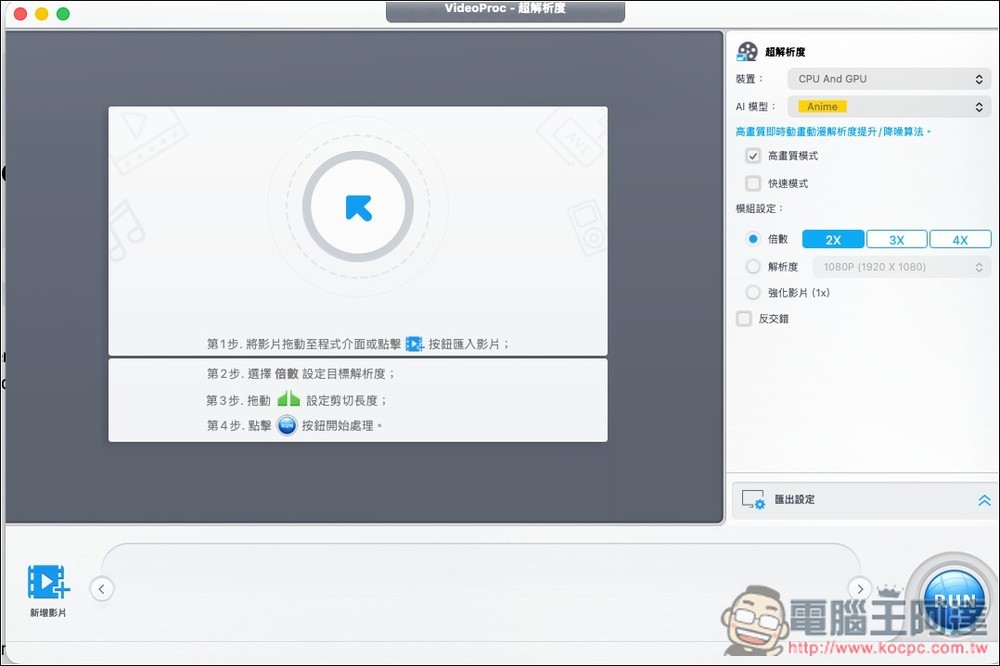
There are two AI models: Anime and Zyxt. You can try both and see how they work.
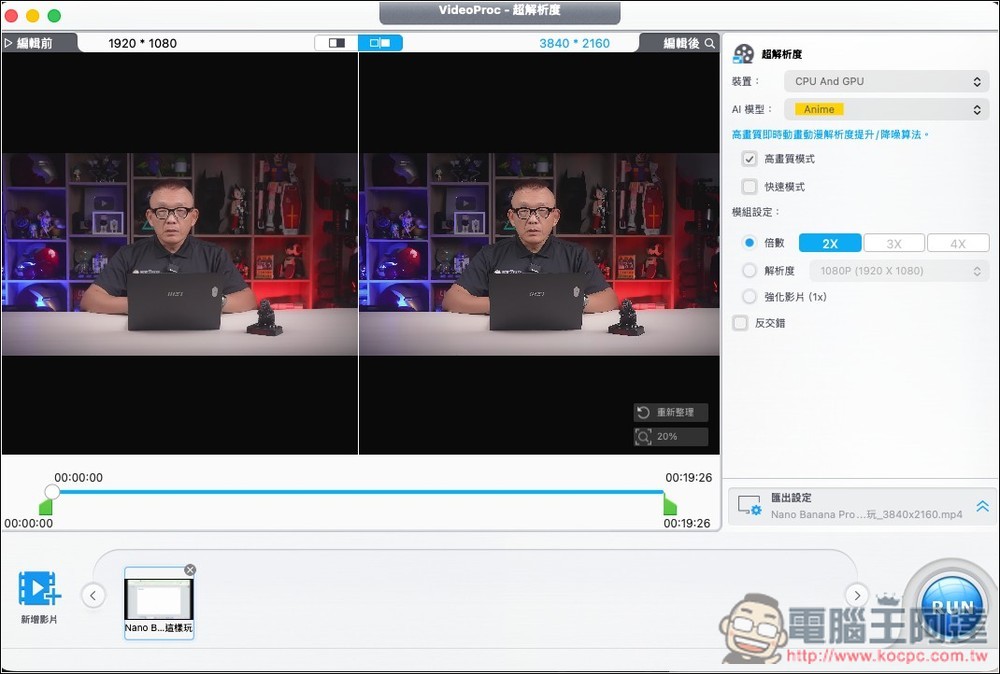
After importing, it will display the original and enhanced videos side by side for easy comparison:
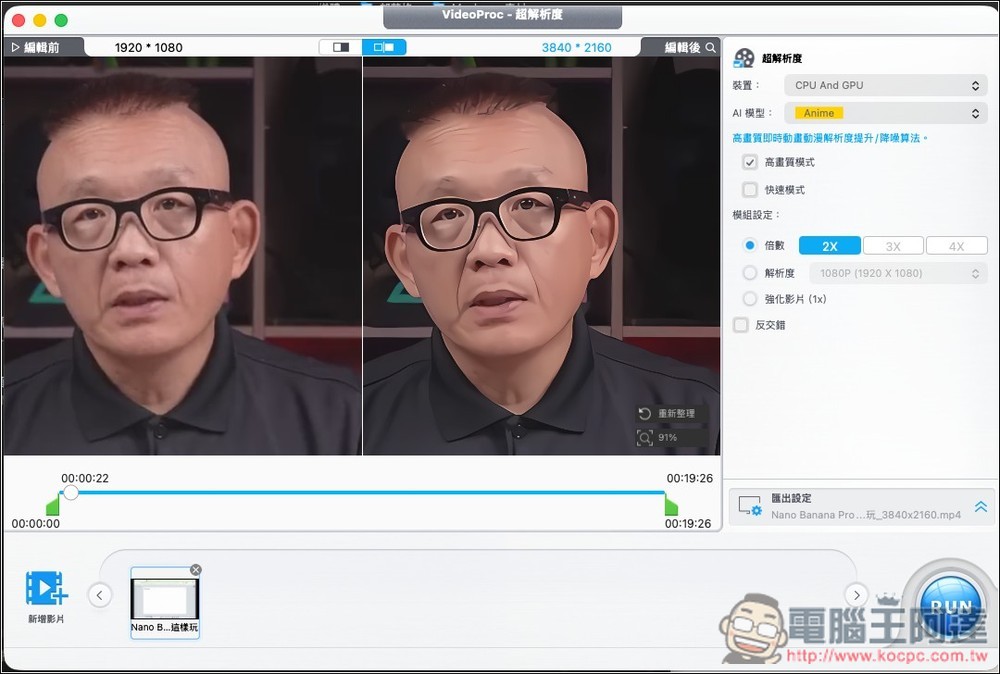
You can zoom in to see the details; the clearly improved video becomes much sharper:
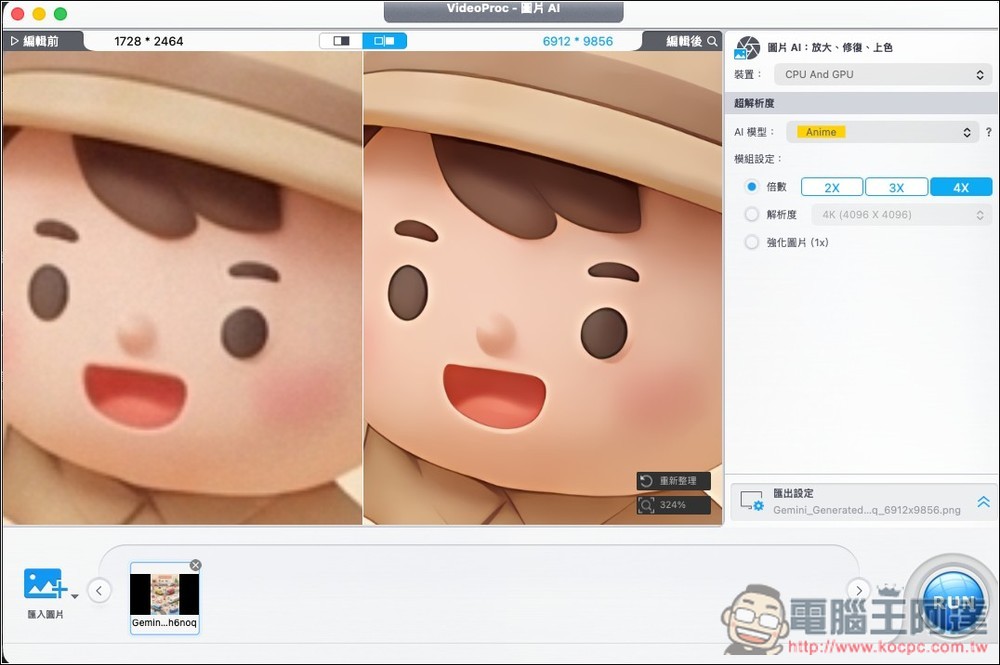
Below is the image AI, used to upscale image resolution. It also supports up to 4X, and after upscaling, the difference is really significant:
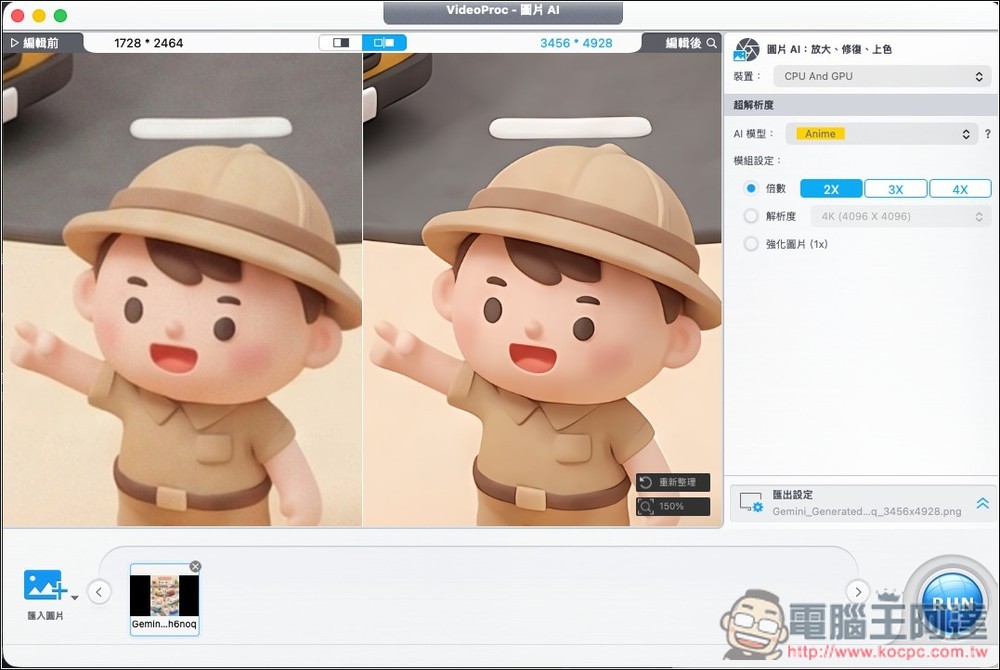
I also tried zooming in 4x, and it’s still super clear when zoomed in:
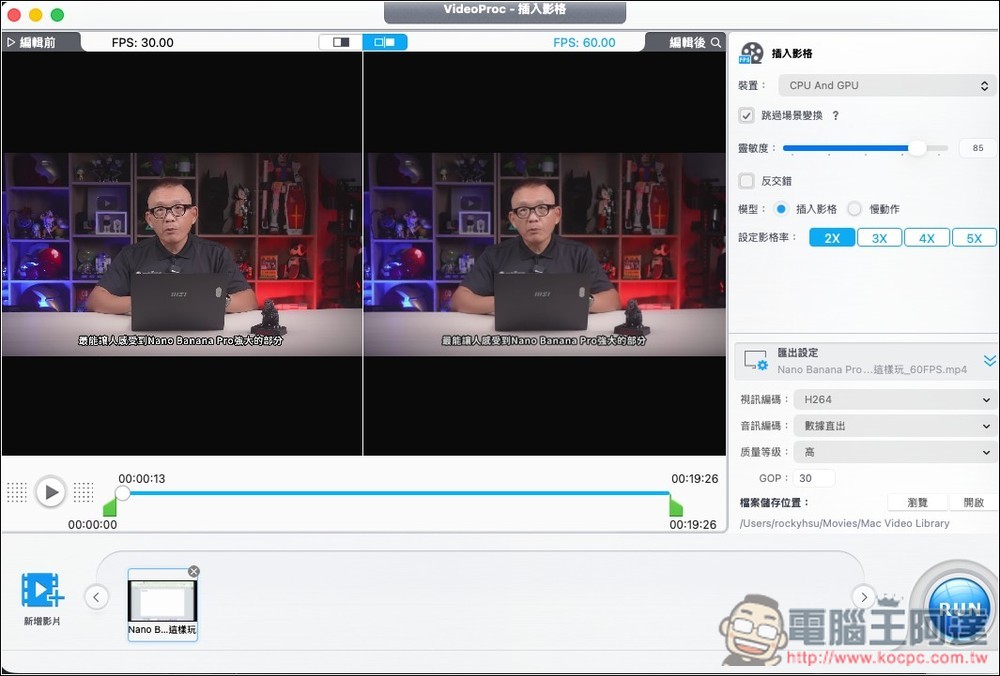
Frame interpolation is used to increase FPS, supporting up to 5x. When I tested it from 30 to 60, it was already quite noticeable.
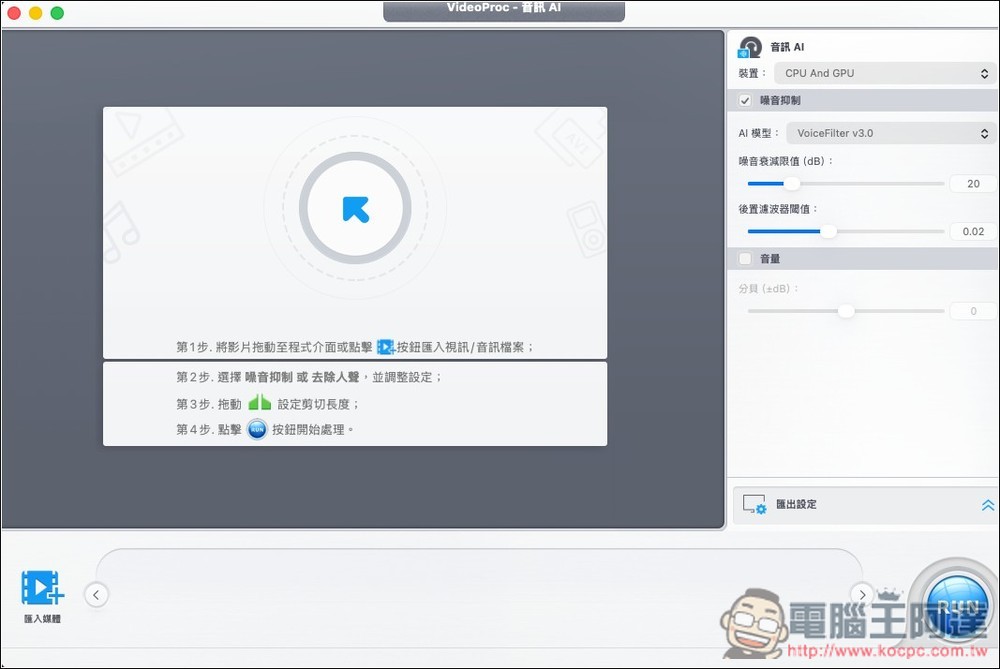
Audio AI, on the other hand, is used for noise suppression and vocal removal:
Source: KOCPC Chinese