


The annual Double 11 promotion is coming soon, and the well-known Swiss pCloud cloud space service has launched a very good lifetime version discount. Not only does it have a variety of capacity options, it also provides a 3-in-1 package this time, which includes 5TB cloud space, professional password management tools, and cloud encryption. All of them are lifetime versions, which is super cost-effective.
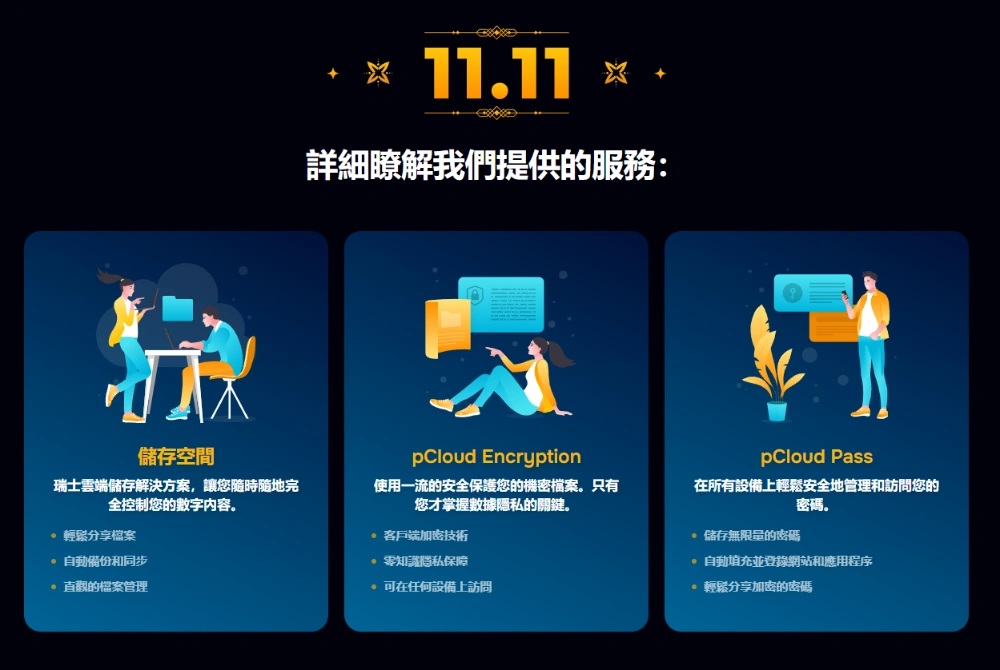
pCloud Cloud Space Lifetime Edition Double 11 Big Discount Compilation
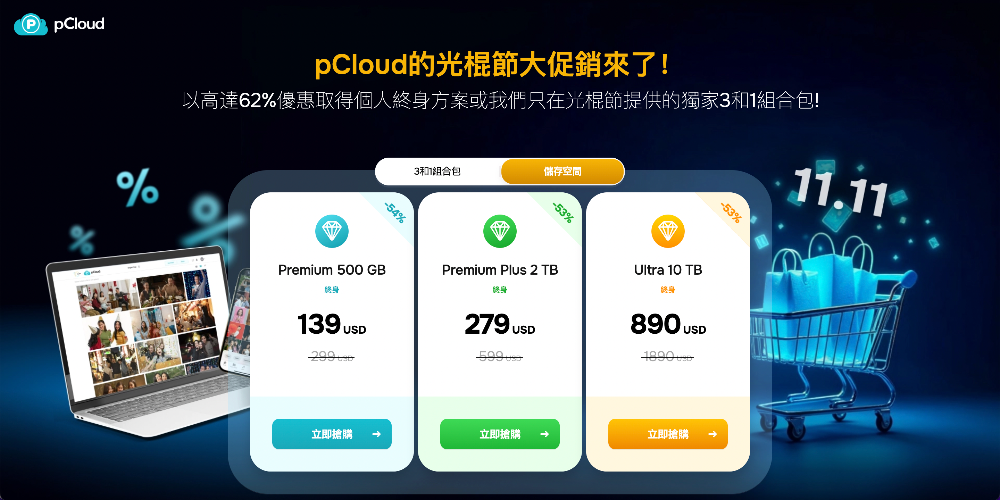
For this Double 11 promotion, pCloud has launched a total of 4 lifetime plans, namely:
| plan | original price | Discount | price after discount | Taiwan dollar |
|---|---|---|---|---|
| 500GB Lifetime Edition | $299 | Save 54% | $139 | About NT$4,400 |
| 2TB Lifetime Edition | $599 | Save 53% | $279 | About NT$8,900 |
| 10TB Lifetime Edition | $1890 | Save 53% | $890 | About NT$28,500 |
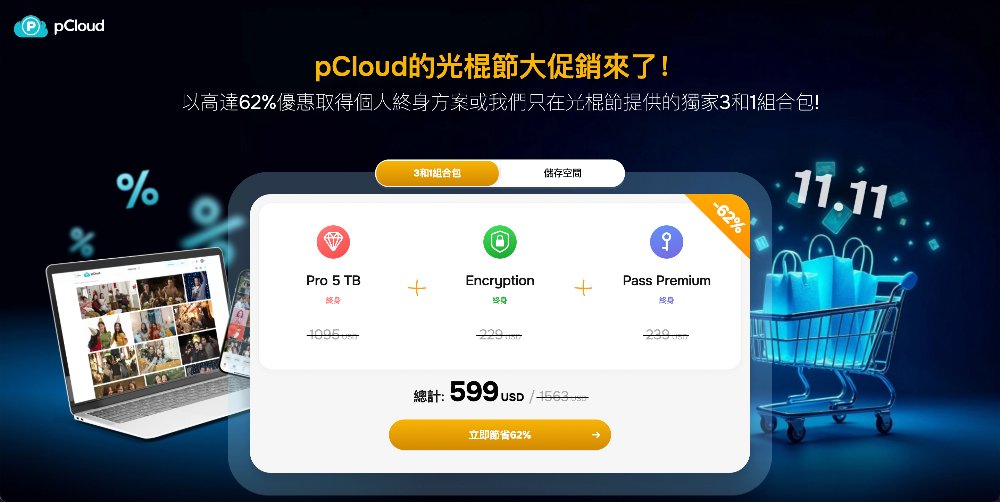
| 3-in-1 Combo Pack Lifetime Edition | Save 62% | $599 | About NT$19,000 |
3 in 1 combo pack contains
- 5TB Cloud Space Lifetime Edition
- pCloud Pass Password Management Tool Lifetime Edition
- pCloud Encryption Encryption Lifetime Edition
Which option is most recommended?
In fact, each of the pCloud Lifetime Edition plans is very good, but among them, I recommend the “3-in-1 Combo Pack” the most, especially for those who don’t have password management tools yet.
With the development of AI, cyber attacks have increased rapidly, which is why there are often news about data leakage from certain websites. Therefore, it is best for everyone nowadays to have a password management tool, so that every service can use strong random passwords without fear of being unable to remember them.
The vast majority of cross-platform professional password management tools use a subscription system, just like cloud space, which costs a lot of money in the long run.
For those who often back up important files in the cloud, the pCloud Encryption encryption function will definitely make you feel more at ease. The specified files uploaded will be automatically encrypted. No one knows what the content is. You need to enter the encryption key to unlock it before use.
pCloud is a 3-in-1 package that meets all your needs at once, and it is a lifetime version, so you don’t have to worry about paying in the future, which is really good.
If you look purely at cloud space, I recommend at least 2TB or more, and 500GB can be filled up in no time.
Compare with other cloud spaces
Many people will definitely want to know, is it really cheaper to buy a lifetime version or a general cloud space subscription? Here is a quick calculation for you.
pCloud 3-in-1 Combo Pack
Because the pCloud 3-in-1 package also adds other things, it is a bit unfair to simply compare with the cloud. I will compare it with iCloud + the well-known password manager LastPass (actually less encryption, but it doesn’t matter):
- iCloud 6TB is NT$900 per month, which is NT$10,800 per year.
- LastPass is $3 a month, $36 a year, about NT$1,152
So the total price for a year is NT$11,952, which means that if you use the pCloud 3-in-1 package for more than a year, you will make money after that. And this does not include the price of the encryption service. If you add it, it might become a year.
500GB Almost all cloud services currently do not offer this option, so skip this one.
2TB Lifetime Edition
iCloud, Google Cloud, and Dropbox all have the same plan. The following are the differences:
- iCloud is NT$300 per month, which translates to NT$3,600 per year. The pCloud 2TB lifetime version only needs to be used for 2.5 years, and you will earn money thereafter.
- Google Cloud is NT$3,300 per year, and after using it for more than 2 years, the pCloud 2TB Lifetime Edition is what you earn.
- Dropbox is $125.87 per year, same over 2 years.
So looking at 2TB, pCloud is really worth it.
10TB Lifetime Edition
Only iCloud offers a 12TB plan that comes close:
- iCloud is NT$1,790 per month and NT$21,480 per year, and pCloud 10TB can be earned in just over a year.
pCloud cloud space features
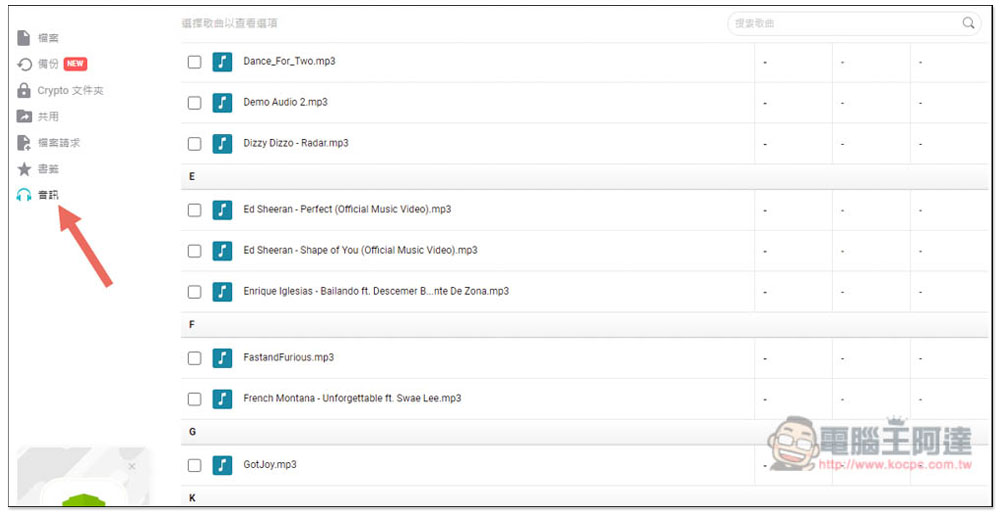
pCloud has the functions that most cloud spaces have. For example, each platform has built-in automatic backup functions, the ability to share files with others, and the ability to install media players.
The most special thing is that pCloud’s online music player will automatically read all music files in the cloud, which means that as long as you put the music in the cloud, you can play it directly from the player, which is very convenient.
In addition to the basic functions, the Android and iPhone parts also have some built-in additional practical functions, such as scanning documents and directly storing the scanned files in the cloud.
pCloud Pass professional password management tool features
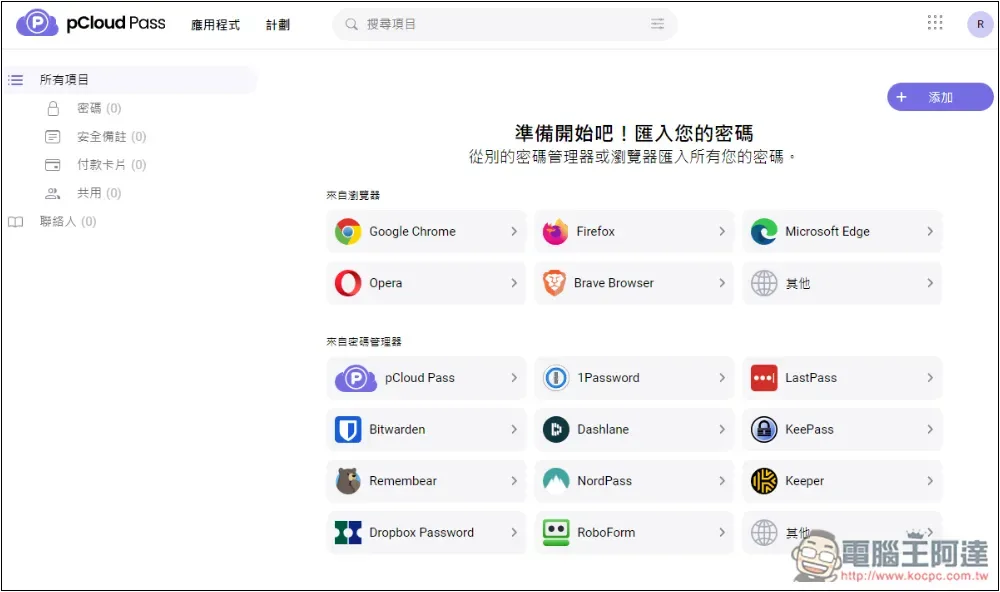
Although pCloud Pass is a relatively new password management tool, it is quite comprehensive in terms of functions. You can use it to record login passwords, security notes, and credit card information for websites and services. It also has a built-in password generator. When you register for new services and change passwords, you can use it to create difficult passwords.
Supports multiple platforms, such as Windows, Mac, iOS, Android and Linux, and also provides Chrome, Firefox, Safari, Edge, Opera, Brave browser extensions, and web versions.
Of course, it also has auto-fill and auto-save functions to facilitate quick login to the website.
pCloud Pass has a free version, but it can only be logged in from one device. If you want to use it on multiple devices, you must upgrade to the paid professional version, and some functions are also limited.
pCloud Encryption encryption function features
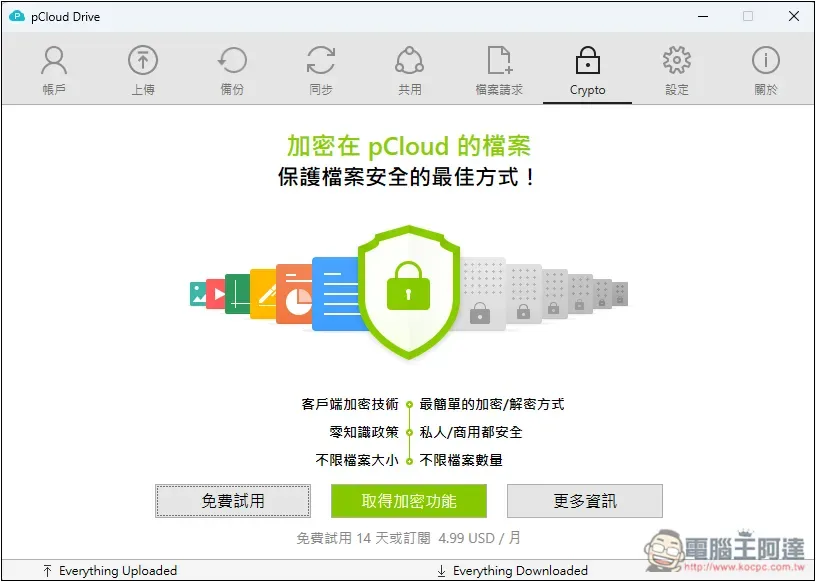
pCloud Encryption is very simple to use. It will create an encrypted folder. Just put the files in and it will automatically encrypt it.
Decryption is also very simple. After entering the encrypted folder, enter your Crypto Pass key and you can start accessing files.
Only the encrypted file version will be uploaded to the server, so even if it is stolen, you will not know what the file content is without the key.
Therefore, the Crypto Pass key should be kept well and must not be lost. If you lose it, you will no longer be able to access these encrypted files.
Source: KOCPC Chinese