


Recently, something magical happened to my AirPods Pro 2. That is, when I want to switch from noise reduction mode back to transparency mode by long-pressing the AirPods control handle, the sound effect will fail from the headphones, and it is really impossible to switch to transparency mode. Continue reading AirPods Pro / AirPods 4 cannot switch between noise reduction and transparency modes normally? You can check these settings and notes in the report text.
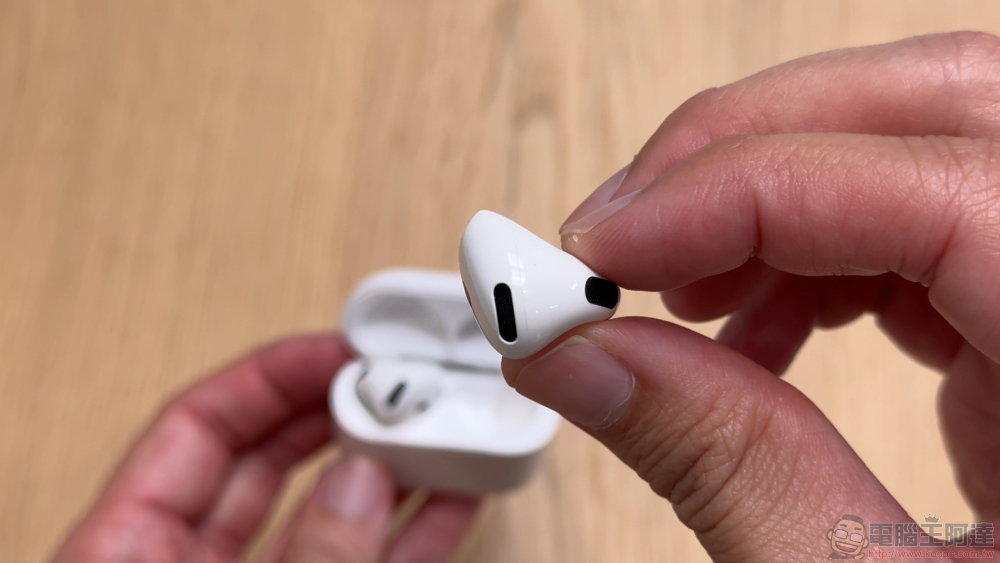
AirPods Pro / AirPods 4 cannot switch between noise reduction and transparency modes normally? You can check these settings and notes
Recently, something magical happened to my AirPods Pro 2. That is, when I want to switch from noise reduction mode back to transparency mode by long-pressing the AirPods control handle, the sound effect will fail from the headphones, and it is really impossible to switch to transparency mode.
Interestingly, if I switch through the volume menu on Mac or iPhone, I can use the normal transparency/adaptive transparency mode without any problem.
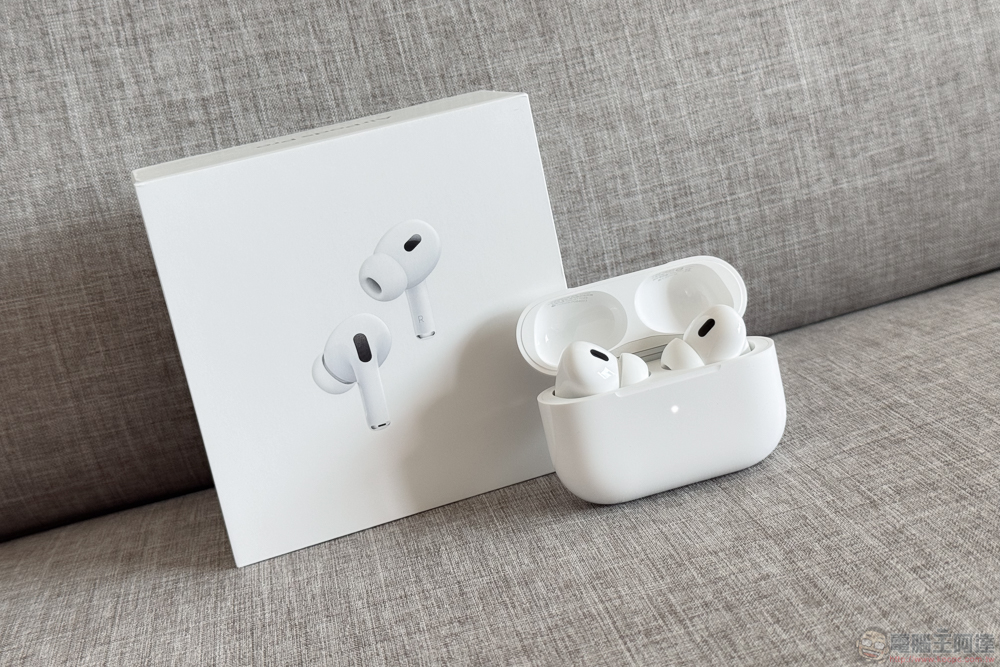
Regarding this situation, I tried searching for keywords such as being unable to switch the noise reduction mode normally. The solutions I got seemed to tell me to clean the earwax and dirt on the headphones to avoid errors in the operation of the sensors and other related structures. But I eventually discovered the cause of the problem – I originally thought it was me being stupid, but later I found out that it might be a bug after the AirPods update.
In short, if you have encountered a similar situation, I hope you can quickly find other possible problem points through this article.
AirPods Pro / AirPods 4 active noise reduction models cannot switch between noise reduction and transparency modes normally. Bug solution
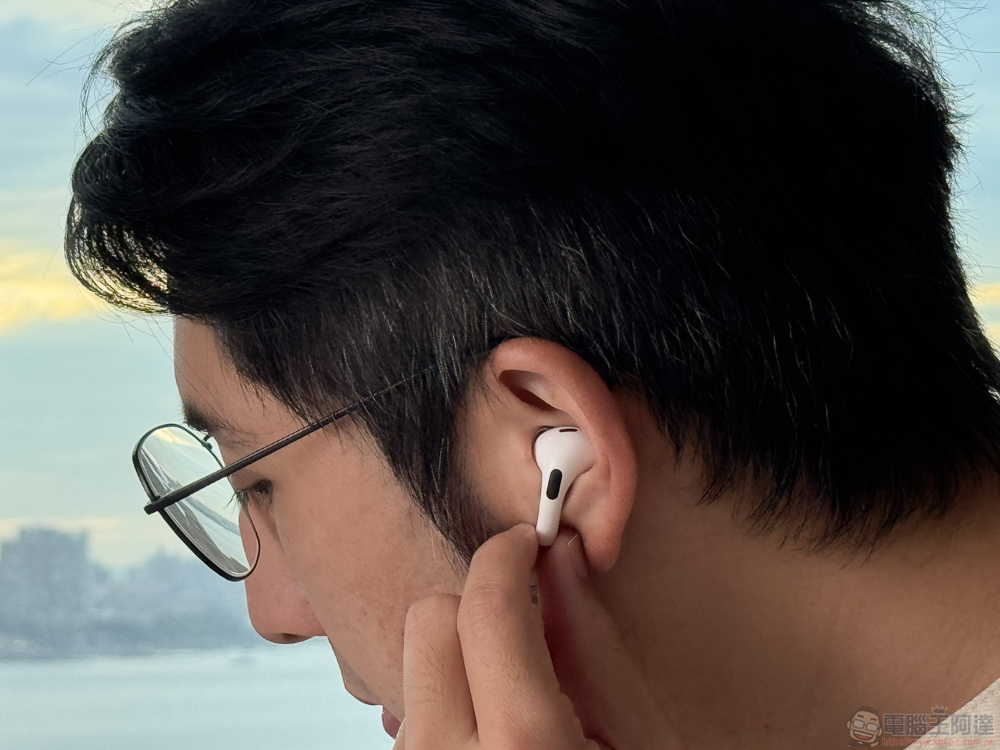
First of all, it is basically impossible to switch to noise reduction or transparency mode directly through the squeeze control of the headphone stem. The emergency solution is to switch by long-pressing the volume menu in the control center, or directly finding the AirPods function menu in the system settings and manually selecting the “Noise Control” mode.
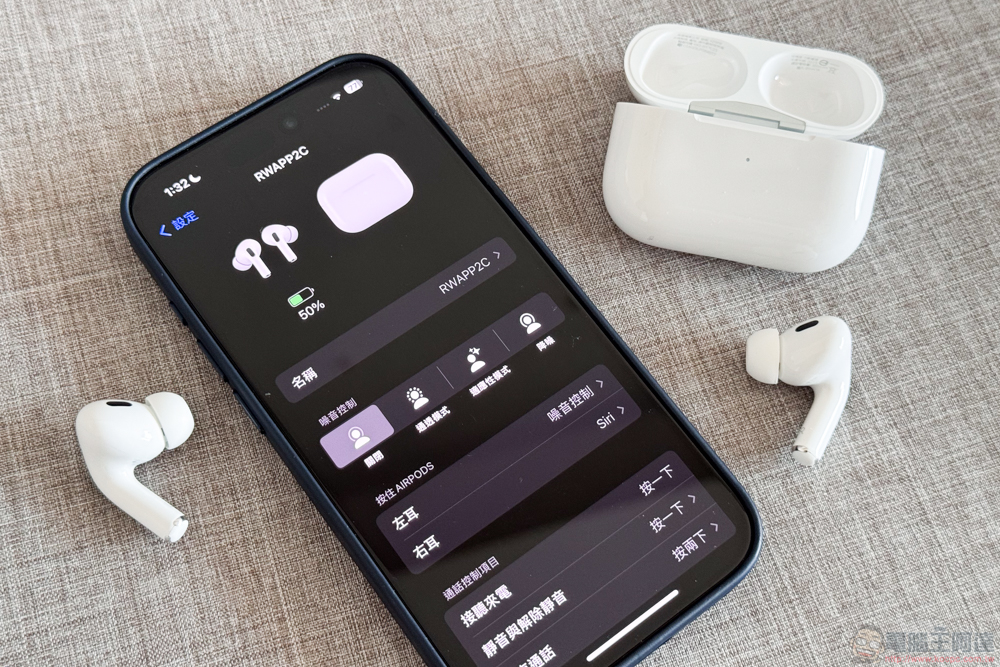
Of course, I believe that if you encounter similar problems, you will not be able to accept why you cannot quickly switch the noise reduction mode through the headphone handle as before. In the end, the editor found the problem. After clicking on the “Hold AirPods” control menu, I actually saw the following screen.
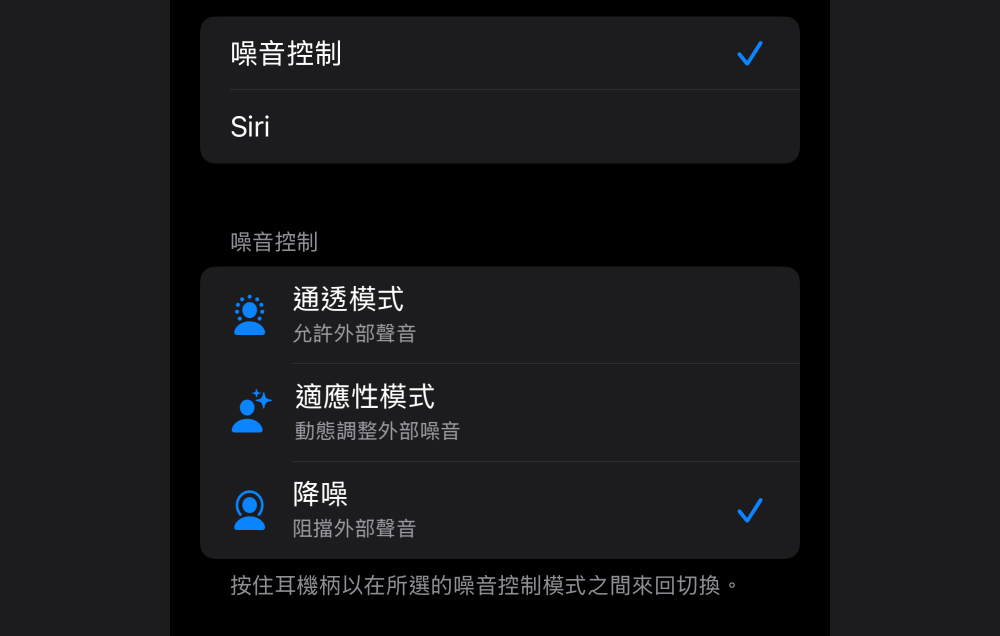
That’s right, it turns out that my noise control menu only has the option “Noise Reduction” specified. It’s no wonder that you can always switch from transparency or adaptive mode to noise reduction, and then you can never switch back.
That is to say, I later felt that this setting logic was not fool-proof. Maybe it was because I wanted to allow users to specify different noise control settings for both ears. But later I found that if I wanted to specify it as a single option, it wouldn’t work – like this picture, I later took a picture with two blue ticks and eliminated it in post-production to simulate the picture I saw before. Basically, it means that I may have encountered a system bug.
I personally believe that someone will encounter a similar bug and suspect that the headset may be broken or something. So I thought I could share this little situation. If you encounter a similar problem, it is recommended that you go to the “press and hold AirPods” noise control menu of AirPods to check whether you have encountered a similar situation. If you also see a similar screen, you can click on the second noise mode check box to start it and it will return to normal.
As for if you still have the problem of switching the noise reduction mode after checking this option, please refer to the official cleaning solutions compiled below.
If Active Noise Cancellation on AirPods Pro isn’t working properly
1. Please confirm that the latest version of the software is installed on the connected iPhone, iPad or Mac.
2. Put both AirPods Pro into your ears and check whether “Active Noise Cancellation” (ANC) is turned on.
3. Check whether “Adaptive Audio” is enabled. “Adaptive Audio” adjusts noise control settings based on the surrounding environment.
4. Clean the microphone and speaker grille – please refer to the video above for cleaning methods, orOfficial page。
Quote sources:Apple|
Further reading:

Source: KOCPC Chinese