


Microsoft Store comes preloaded on every Windows computer and is the default way to download and install apps. The Microsoft Store is similar to the Google Play Store on Android or the App Store on iOS, but the concept of an App Store is still a bit unfamiliar to Windows users, who are used to opening their browsers to search for apps they want to download and install. This begs the question: why use the Microsoft Store? We’ve listed 4 reasons, take a look.
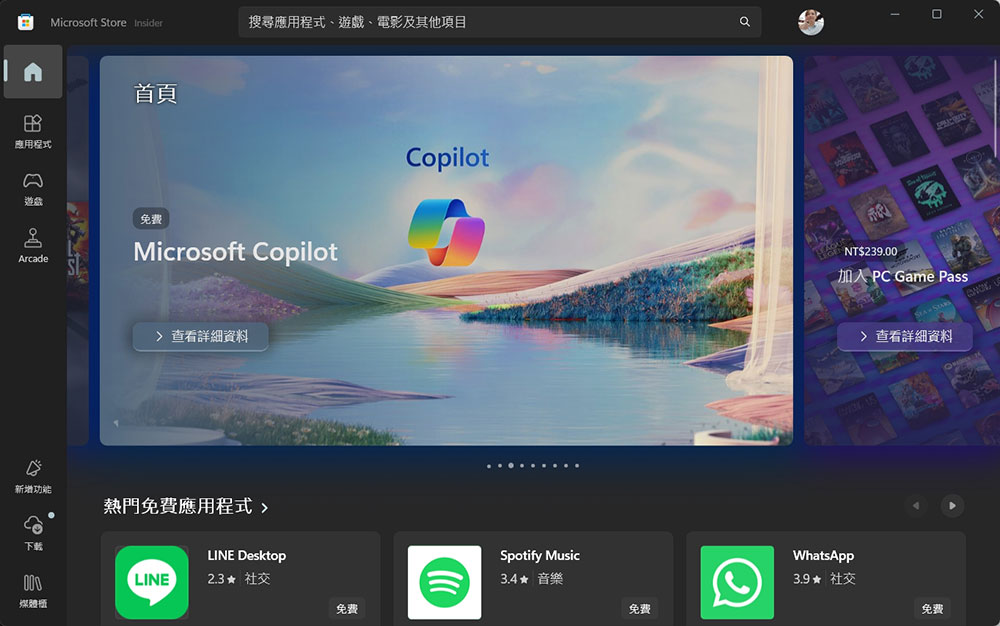
4 reasons why you should install apps and games through the Microsoft Store
1. All your apps and games in one place
First and foremost, the best thing about any app store is centralization and the ease with which you can find any app you need. Of course, you can use a browser to download apps, but that means visiting multiple different websites and sometimes running the risk of making them insecure.
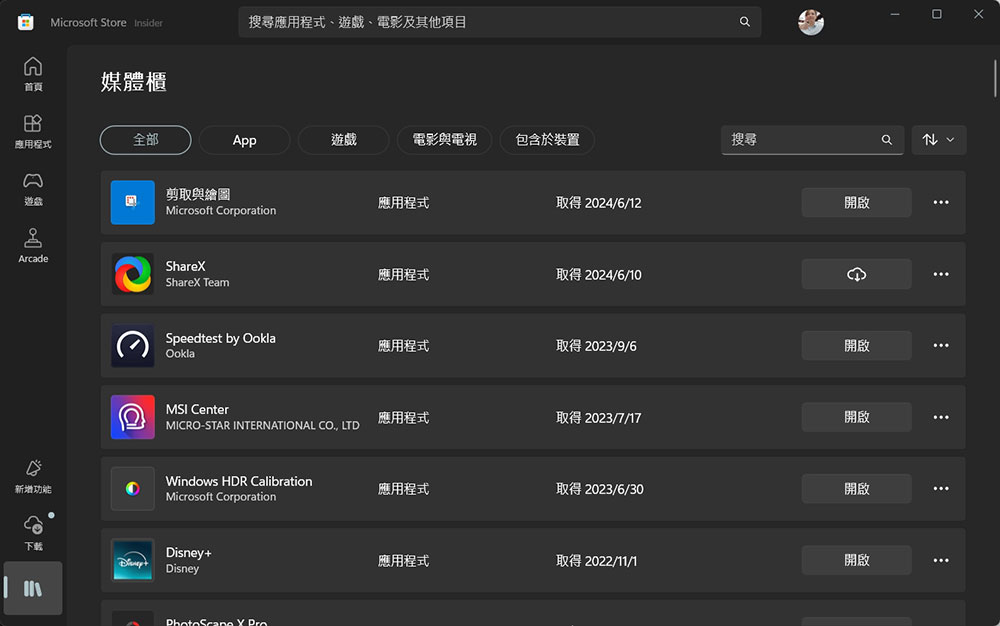
The Microsoft Store is great because it brings all apps under one umbrella, so in most cases you can easily find whatever you need in a safe and trustworthy location. Even better, because the Microsoft Store is also an Xbox Store, you can also find a lot of games there without having to download platforms like Steam or Ubisoft Connect. All your purchases are saved and synced, too, and you can install paid apps on up to 10 devices at the same time. Granted, the Microsoft Store app library isn’t as big as you might think, but you can definitely use all the apps available there, and things have gotten a lot better since the release of Windows 11.
2. Automatic updates
Just like the Play Store and App Store, the Microsoft Store automatically handles app and game updates as long as the apps are hosted on Microsoft’s servers. Directly hosted apps use a built-in update system so your apps and games are always up to date without a second thought, and this also applies to Xbox games.
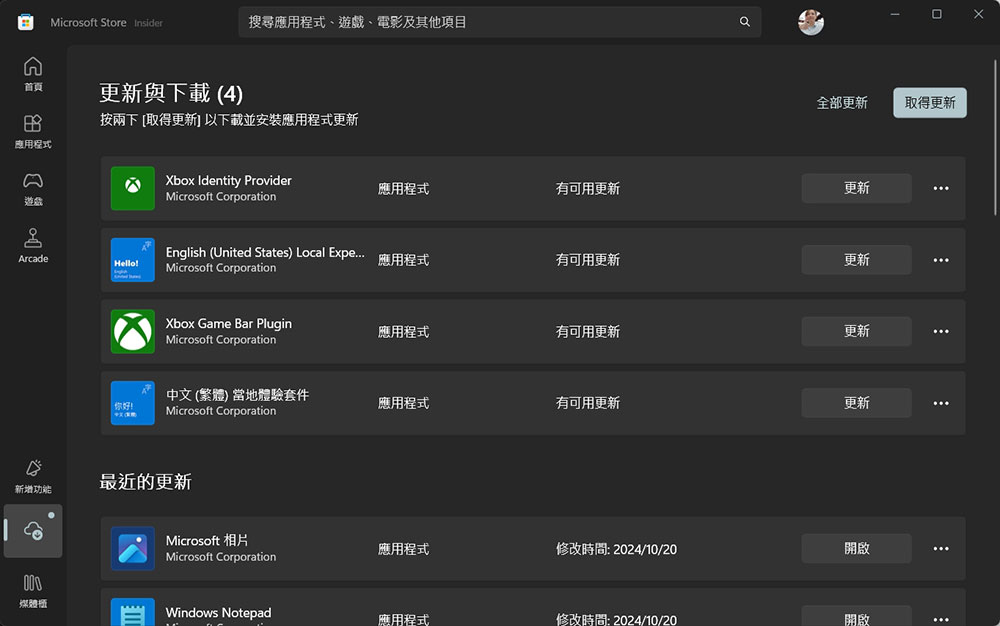
Some apps on the Microsoft Store may be hosted on external servers, and updates for these apps are managed by the app provider, so the experience may vary slightly. However, most apps on the Microsoft Store will have automatic updates anyway.
3. Integration with Windows Package Manager
For some users who like to perform actions within commands, the Microsoft Store also has a nice benefit: it integrates with the Windows Package Manager. Out of the box, you can use the winget command to install apps not only from private repositories, but also from the Microsoft Store.
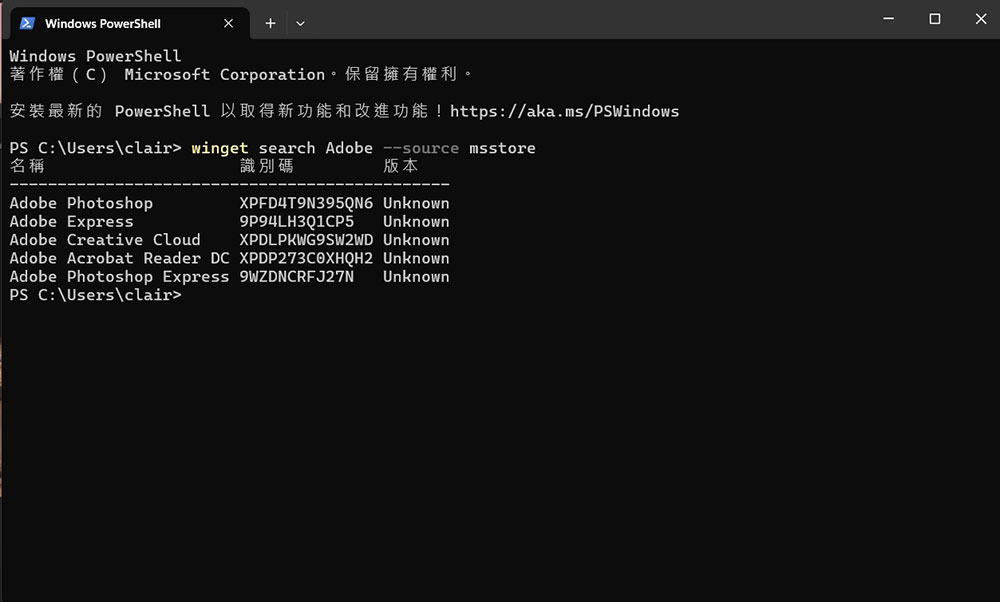
This means you can combine the speed of installing apps with quick commands and conveniently link your download history to your Microsoft account and sync it across devices. You can even back up your list of installed apps and use Winget to install them all at once on a new computer, making setting up a new computer even easier. There are other package managers for Windows, but the unique integration with the Microsoft Store is what makes Winget my personal favorite package manager.
4. Higher security
Arguably the biggest advantage of the Microsoft Store is security compared to using a browser to surf the web and try to download apps on your own. The Microsoft Store is largely a well-curated store, so most of the apps that appear there have been vetted by Microsoft, which means you’re unlikely to get any that contain viruses or pose other threats to online security. You can trust that Microsoft Store apps are at least secure, so the risks that occur there are much less.
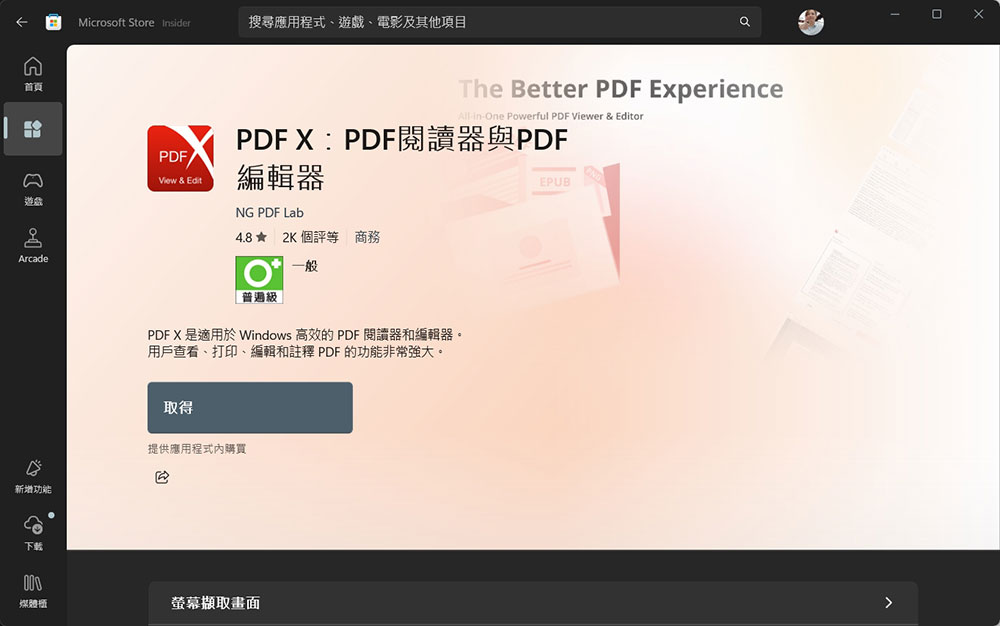
In Windows 11, this changes a bit, as apps can now be listed on the Microsoft Store but hosted externally, meaning Microsoft won’t review packages that users download from external servers. However, Microsoft does make it very obvious who is distributing a specific app, and you can see what other apps that publisher has launched. This means that if you see an app claiming to be Photoshop, you can easily check to see if the publisher is Adobe and determine if the app is safe to install. It’s not as good as having apps vetted by Microsoft, but it still provides better transparency to ensure you only install apps you trust, which is important.
Not everyone is inclined to use the Microsoft Store, but as outlined above, there are some significant benefits to using the Store, so it’s worth giving it a try. There are a lot more apps out there than you remember from Windows 10, and the more people using it, the more likely other apps will appear, so it’s a virtuous cycle.
Source: KOCPC Chinese