


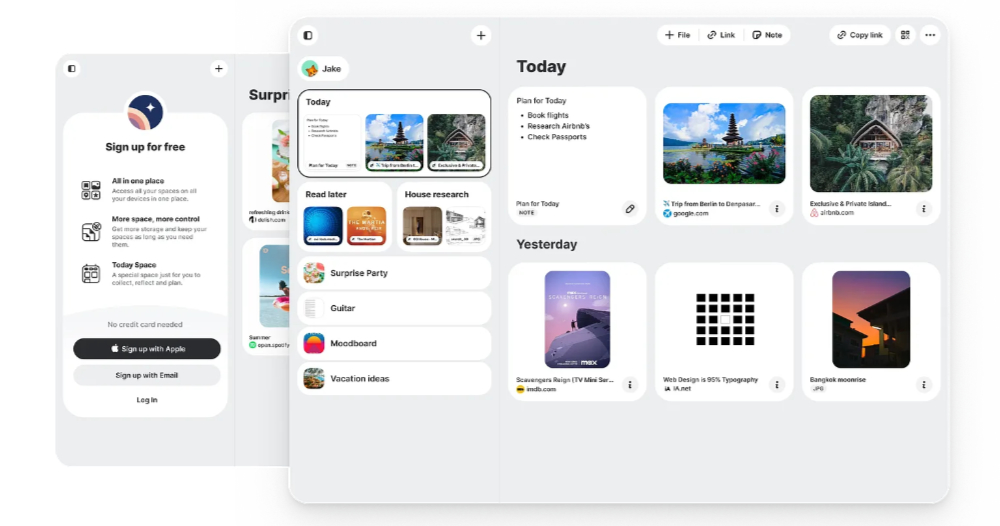
The main focus is on the “new.space” service, which enables unlimited users to collaborate online without leaving the app or even logging in with an account, while still providing end-to-end encryption and privacy – now, they have not only added management support for account login, but also provided an iOS app. The Computer King Ada team also tried it and shared with you their thoughts on using it through this article. Continue reading the content of the report on the file transfer collaboration service new.space’s import App experience, which has been upgraded from 200MB to a maximum of “free” 2GB space (instructions on how to use it).
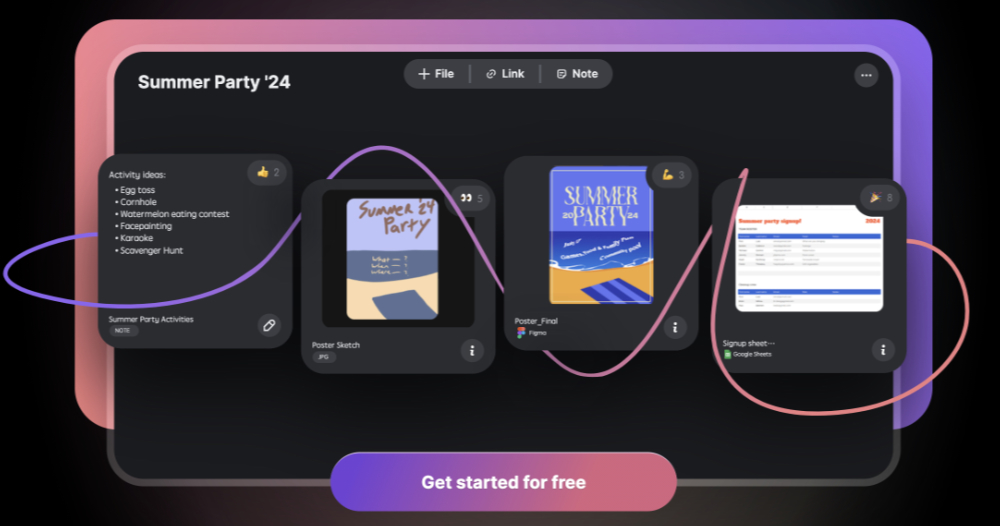
▲Image source: new.space
The file transfer collaboration service new.space imports the App experience and upgrades it from 200MB to a maximum of “free” 2GB space (usage tutorial)
No matter your work environment requires you to go to the office or you can work remotely. In this era where everyone has access to the Internet and mobile devices, I believe many people have already tried to further improve the efficiency of work and study through various services and even AI.
Previously, Computer King Ada introduced that there is a “new.space” service that allows people to support online collaboration with unlimited users without leaving the App or even logging in with an account, and it can still provide end-to-end encryption and privacy. Now, they have not only added management support for account login, but also provided an iOS app. The Computer King Ada team also tried it and shared with you their thoughts on using it through this article.
First, let’s briefly translate and list the main features of new.space:
. Create as many Spaces as you need: Create as many Spaces as you need:
. All content shared is end-to-end encrypted: All content shared is end-to-end encrypted
. Unlimited Space members: unlimited space members
. Share big files, small files, notes, and links—all side-by-side: Share big files, small files, notes, and links, all side by side
. Share via QR code or a single URL: Share via QR code or a single URL
. Moodboard Mode: mood board mode
. Today Space—a special Space that is fresh each day for planning and focus: Today Space—a special Space that is fresh each day for planning and focus:
. Full-featured webapp (for a new Space, just head to new.space!): Full-featured webapp (for a new Space, just head to new.space!)
Tutorial on how to use new.space: You can use it with a browser or with an app
In addition to the App version,new.space Really just paste its service name into the web page and start using it.
Their main focus before was that you could really open new.space to use it without logging in to your account at all – but the webpage would mark this pagewill disappear in 14 days(Unless you created it by logging in, you also need to write down the URL or QR Code yourself).
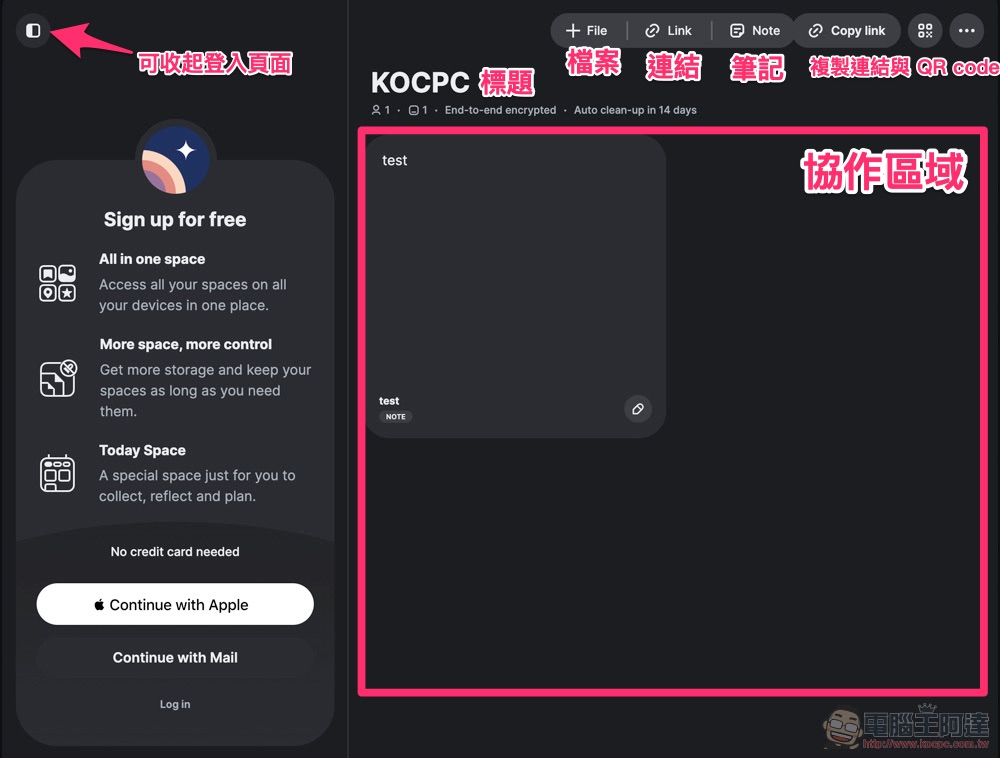
However, as far as the previous usage scenario is concerned, it is basically possible to share data as a quick note or even for short-term sharing of files – after all, it can be used for free or even anonymously!
For those who want to use it for file sharing, new.space still maintains the benefit of anonymous use and supports a single file size of up to 200MB. But if you apply for an account, you can now use up to 2GB of space for free (the upper limit for a single file is within 2GB); the current annual paid subscription of NT$2,990 can use up to 100GB of online space.
Open the anonymous web version and you can basically start uploading files, adding links or using notes instantly.
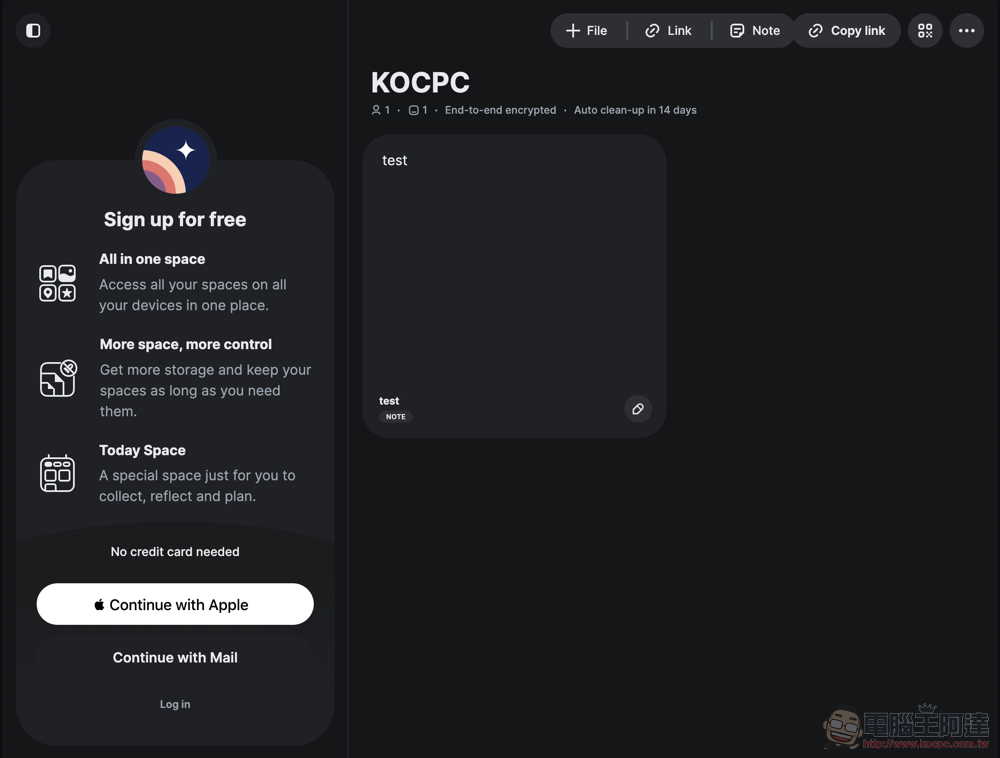
It’s true that you can use it anonymously without an account. You can not only enter and edit the new.space collaboration space at will. You can even add emoticon responses to the information inside.
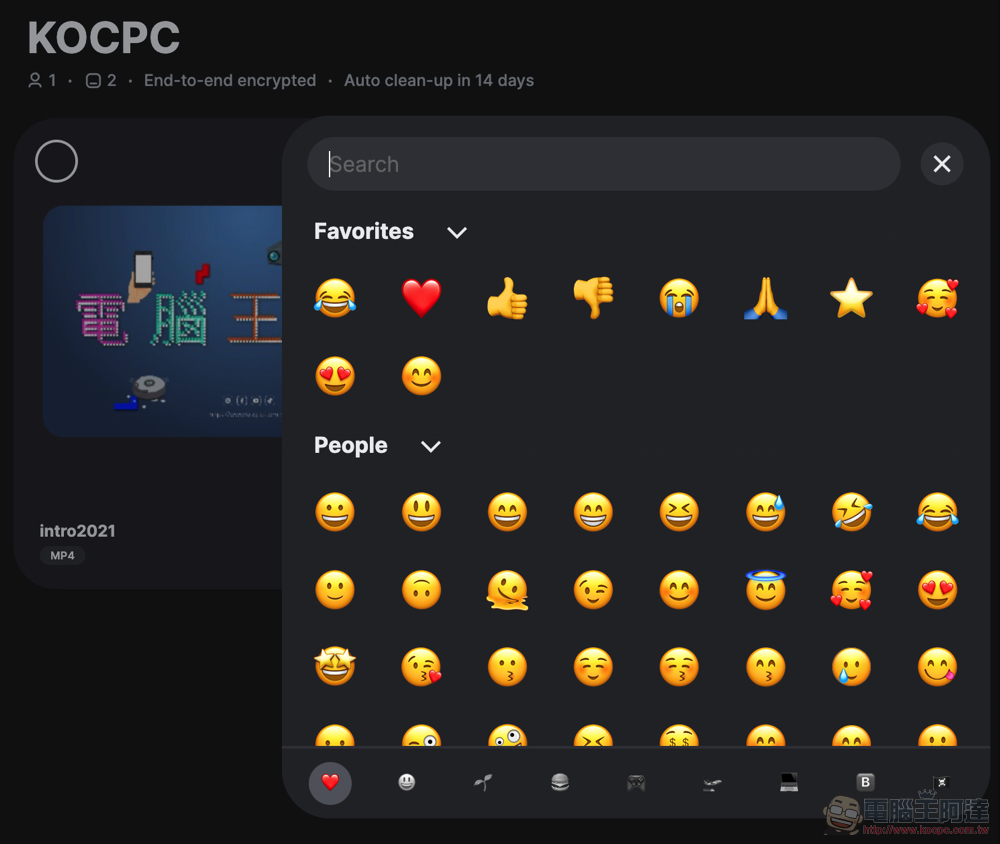
However, since you can choose again by opening a new page, it cannot be used for voting.
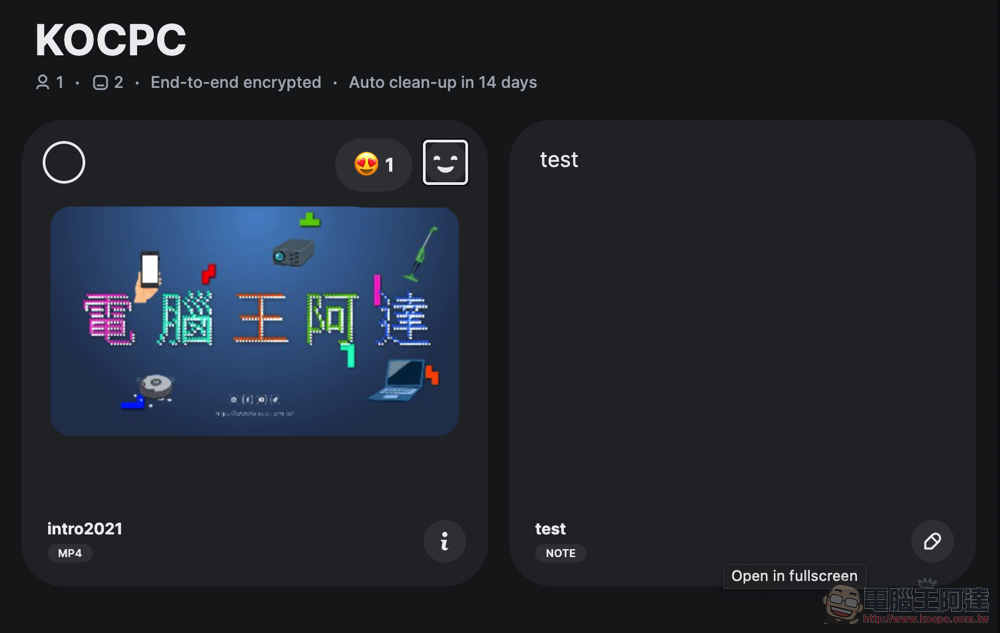
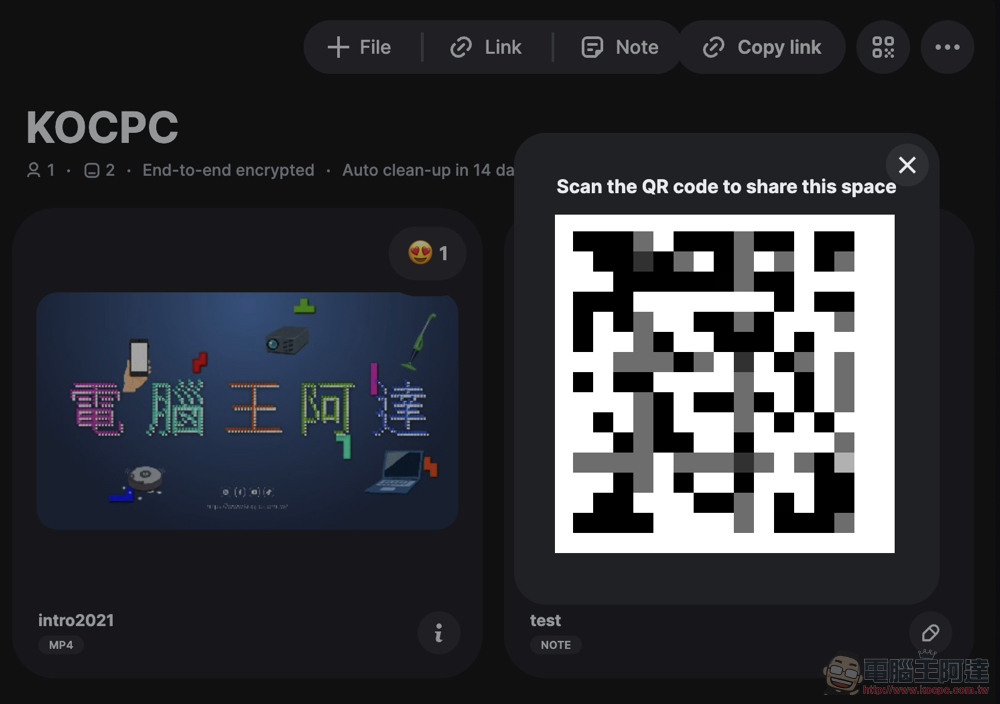
Since the anonymous Space will only be saved for 14 days, it may not be found after closing the page. Therefore, it is recommended to record it through the link in the upper right corner or QR Code; you can also manually delete this anonymous Space from the “…” menu.
Since the free account can also have a capacity of 2GB, plus it can record and save the created Space (and can also receive edited update messages), the single file limit can also be up to a maximum of 2GB, so it is recommended that everyone can apply for an account and log in through email or Apple account.
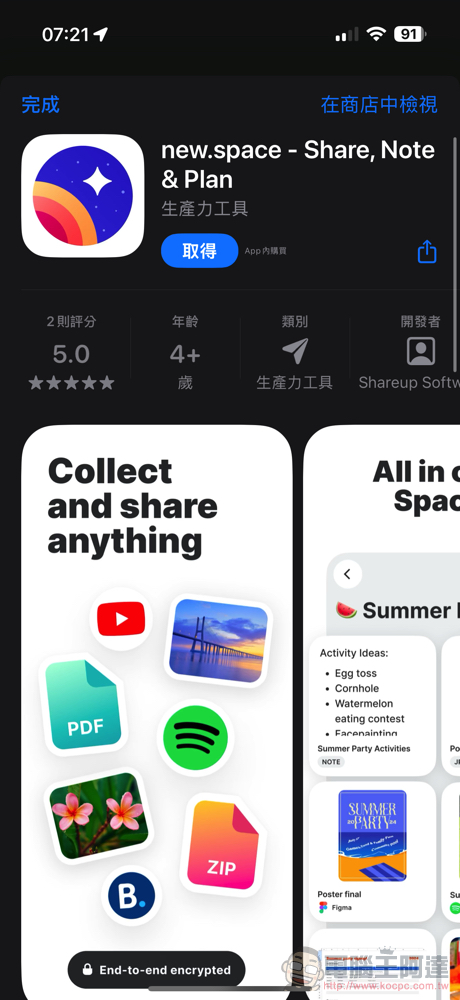
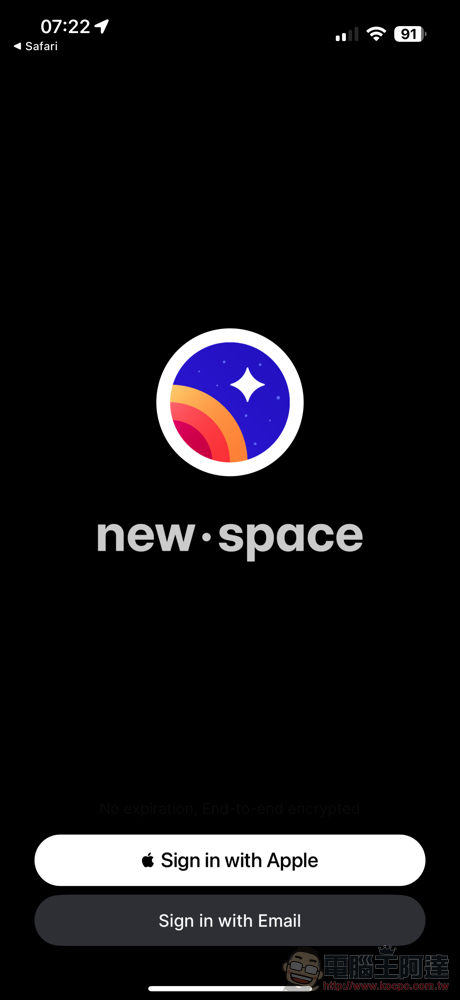
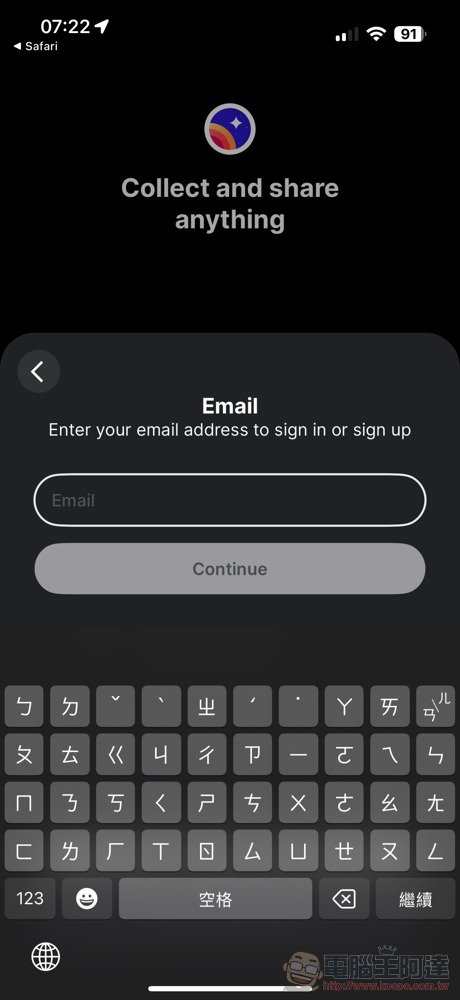
The author applied for an account through email. (Currently) It can be confirmed that there is no need to log in with a credit card or it is mandatory to subscribe and then cancel before you can use it for free. The process will basically be verified via email, and you will also be given a Key to log in to your account (downloadable as PDF) – Remember to write it down because you will need it next time you log in.. In terms of permissions, the App only has the permission to ask me for notifications from the mobile phone system.
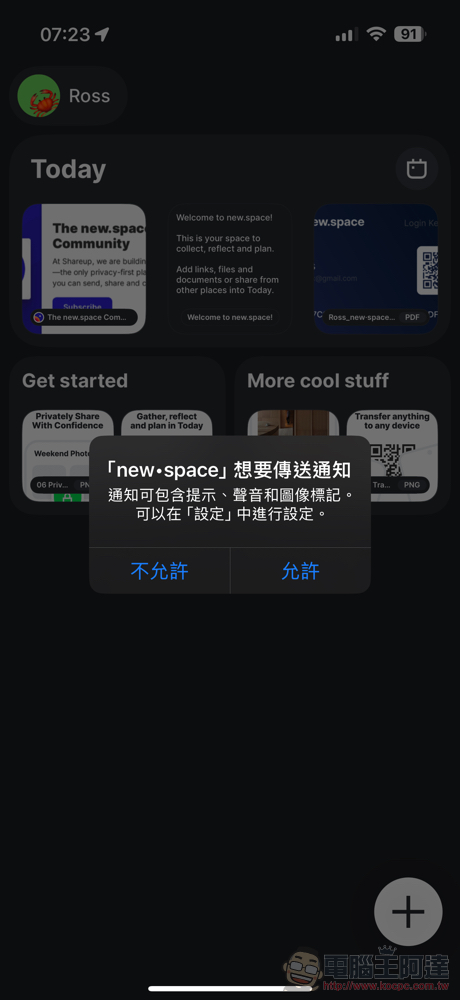
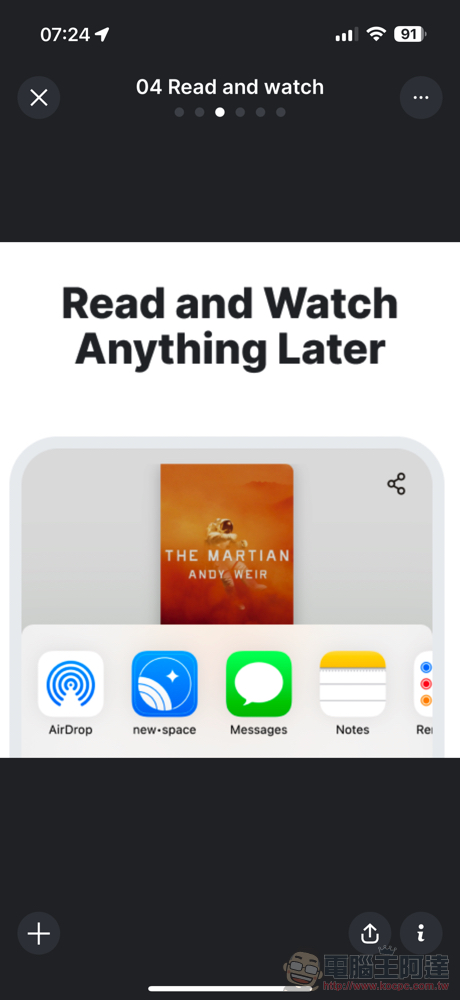
After entering the app, you can see the official demonstration Space listed. Click on the Discovery Space to switch between different contents using a sliding method similar to viewing different photos in an album – if you link to a web page, the page will be displayed directly; if you upload a video, you can also play it directly.
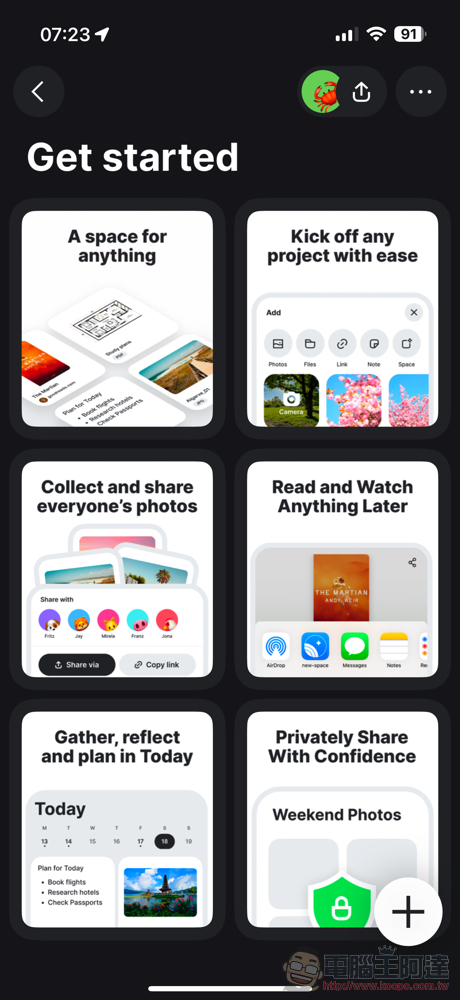
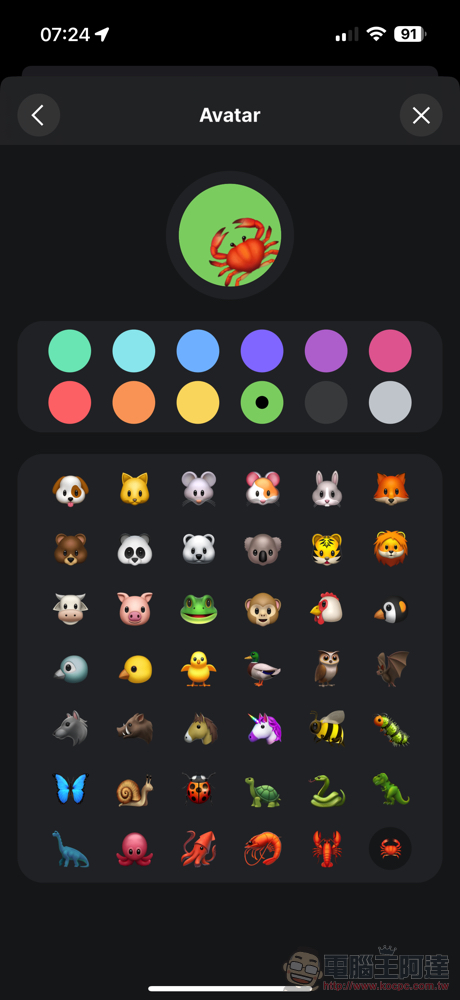
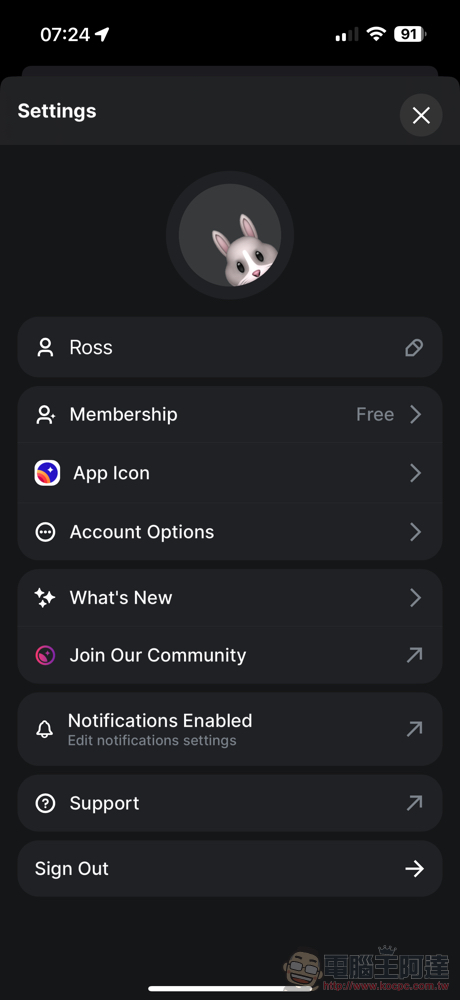
It is different from the previous restriction that it can only be used anonymously. New.space’s free account can customize name stickers and background themes. For paid subscriptions, you can change the app shortcut icon in the settings – I always feel that there will be more differences in the future XD.
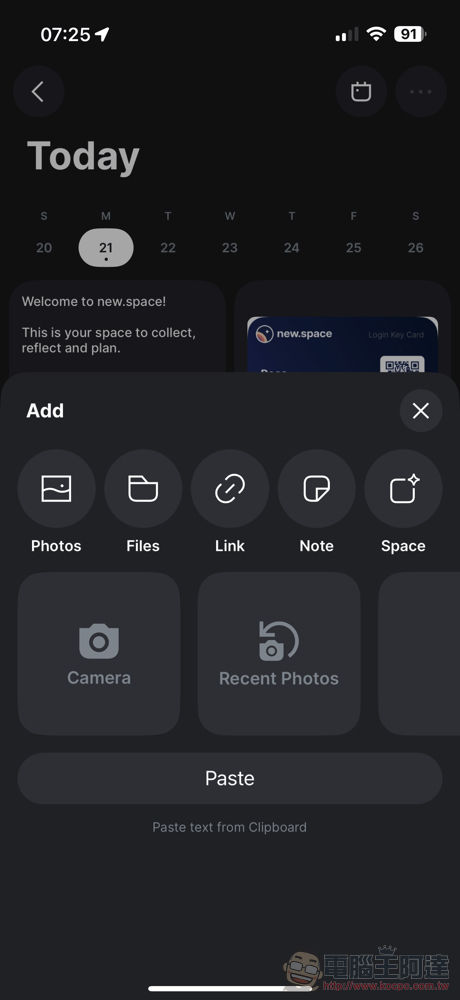
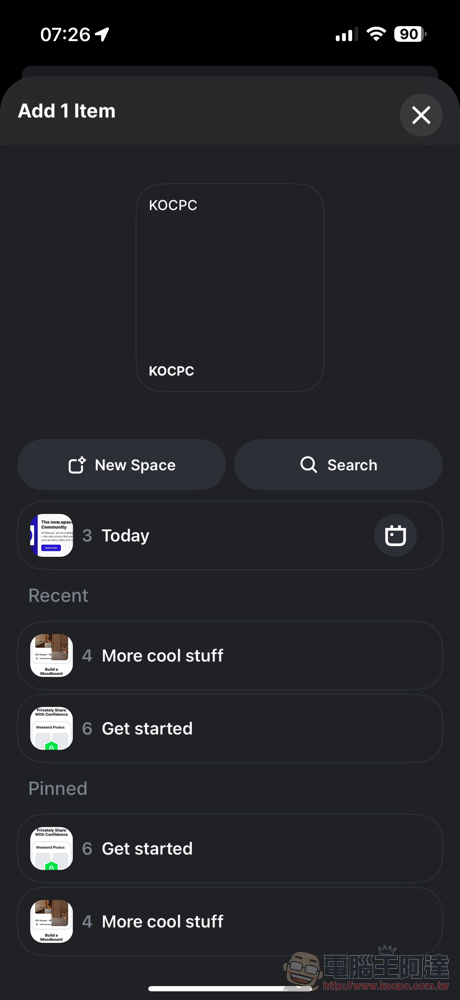
Click “+” to quickly add files/notes/links and other content. After uploading or editing, you can choose which Space to join or create a new addition.
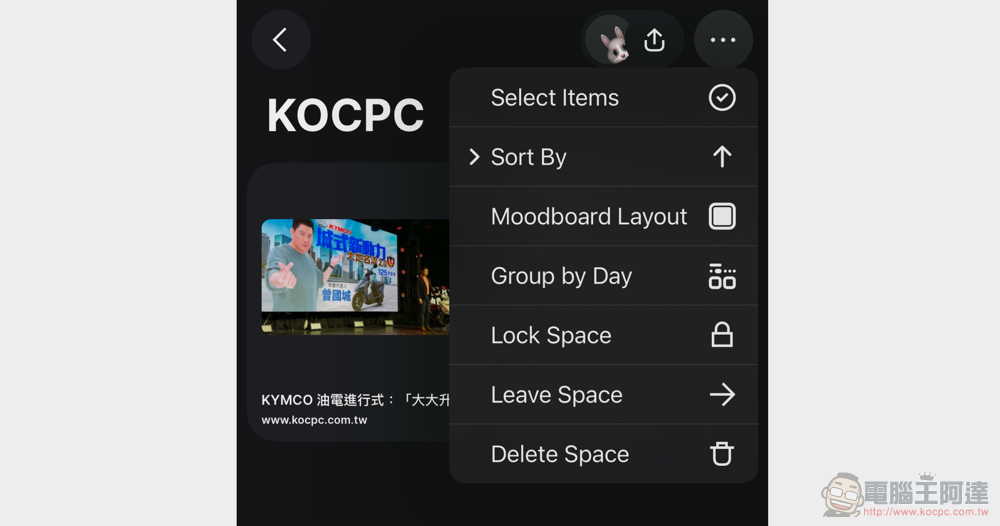
You can use the “…” in the upper right corner to switch the arrangement and lock specific Spaces from editing – this should be one of the main purposes of applying for an account.
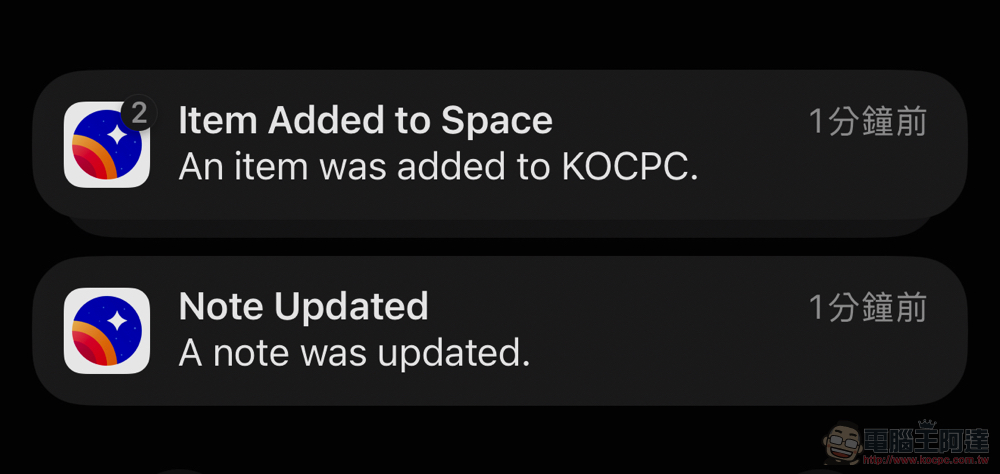
Another benefit is that you can receive data updates for shared collaboration, which are features that were previously difficult to enjoy purely anonymously.
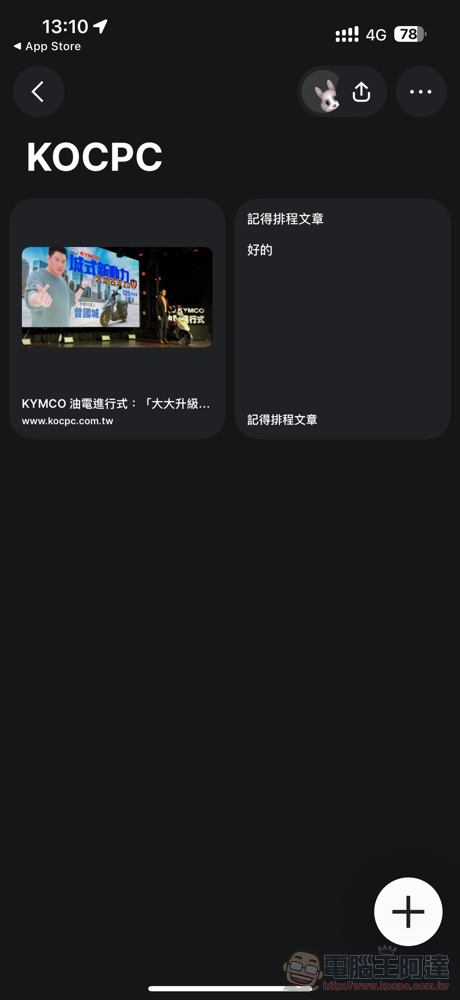
In the “…” option, you can also adjust the layout of Moodboard (the web version supports switching between light and dark modes).

Conclusion: Flexible collaboration services
It has to be said that after new.space features no credit card, no subscription, or even need to apply for an account, it can be used and even collaborates, and then introduces the integration of account login, which really makes its use very flexible. Although I am a little worried that promoting file transfer purposes may cause the service to quickly shrink, I feel that they should want to quickly promote themselves in this way.
In addition, this service has been launched for more than a year, and this time it also brings more evolutions. So it should be expected that they can update and grow more stably.
▲Image source: new.space
new.space exclusive application App download page:https://new.space/app
Further reading:
Source: KOCPC Chinese