


Because of work, many people may be like me and often need to take screenshots. Sometimes the captured images may not look so good, or you want to make the screenshots more textured. This article will recommend a good free online tool “Shotzio”. In addition to instantly making the screenshots more refined, it can also add rectangles, text, Emoji and other content.
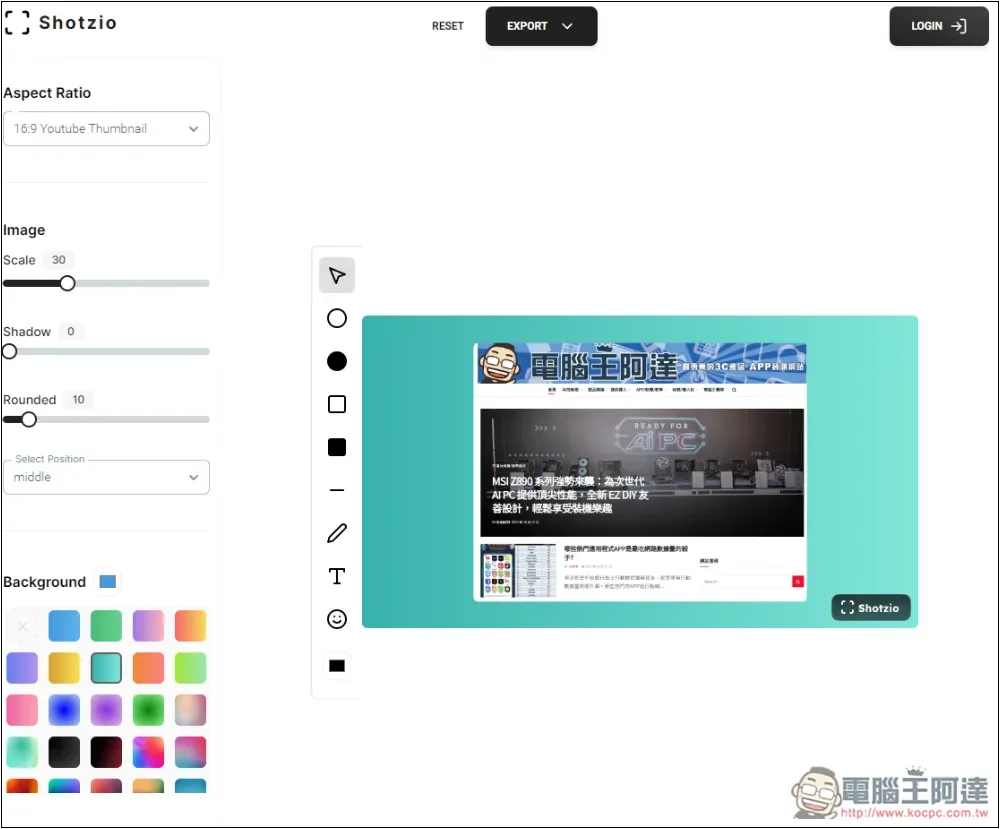
Shotzio is a free online tool that can make screenshots more beautiful.
Shotzio can be used without registering an account, but it has a free version and a paid version. The main difference is that the pictures produced in the free version will have watermarks when downloaded, but this is easy to solve. You can easily remove the watermarks using free online watermark removal tools. I will explain it quickly at the end of the article.
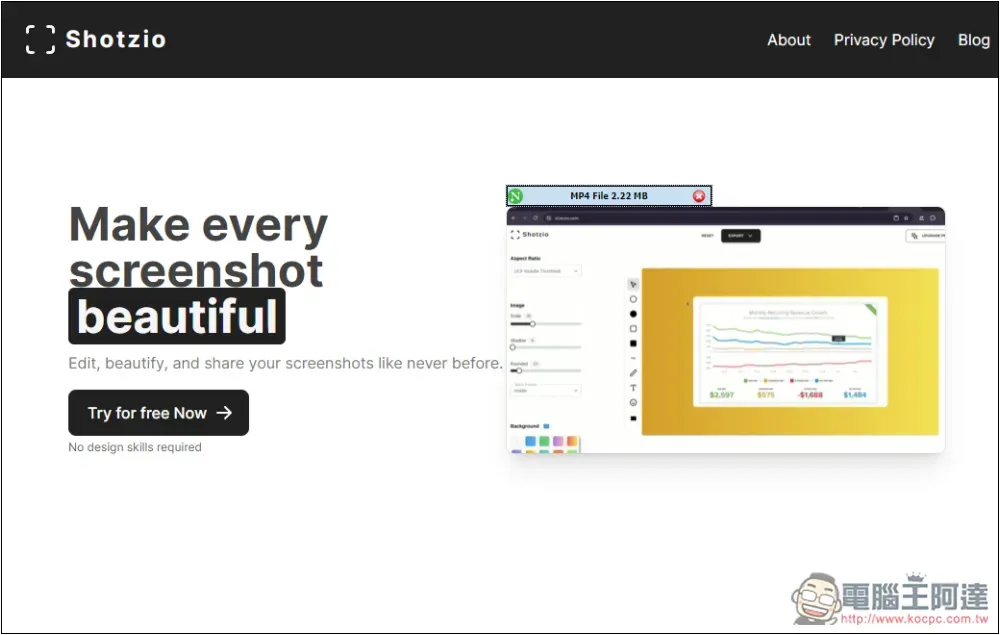
Click the link above to enter Shotzio and click Try for free Now:
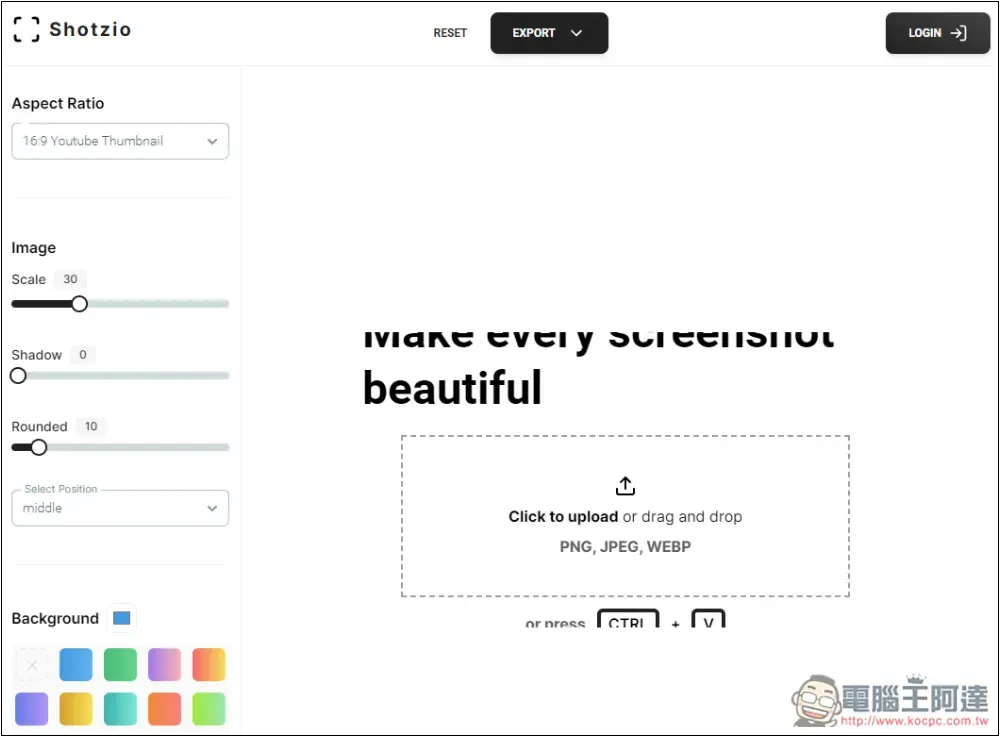
You will enter the editing screen, drag in the screenshot you want to beautify, or press the right side to select it manually. Supports three formats: PNG, JPEG, and WEBP:
After importing the screenshot, it will immediately add a background for you. You can see that compared with the original simple screenshot, it has a lot more texture, but there is a watermark of Shotzio’s logo in the lower right corner:
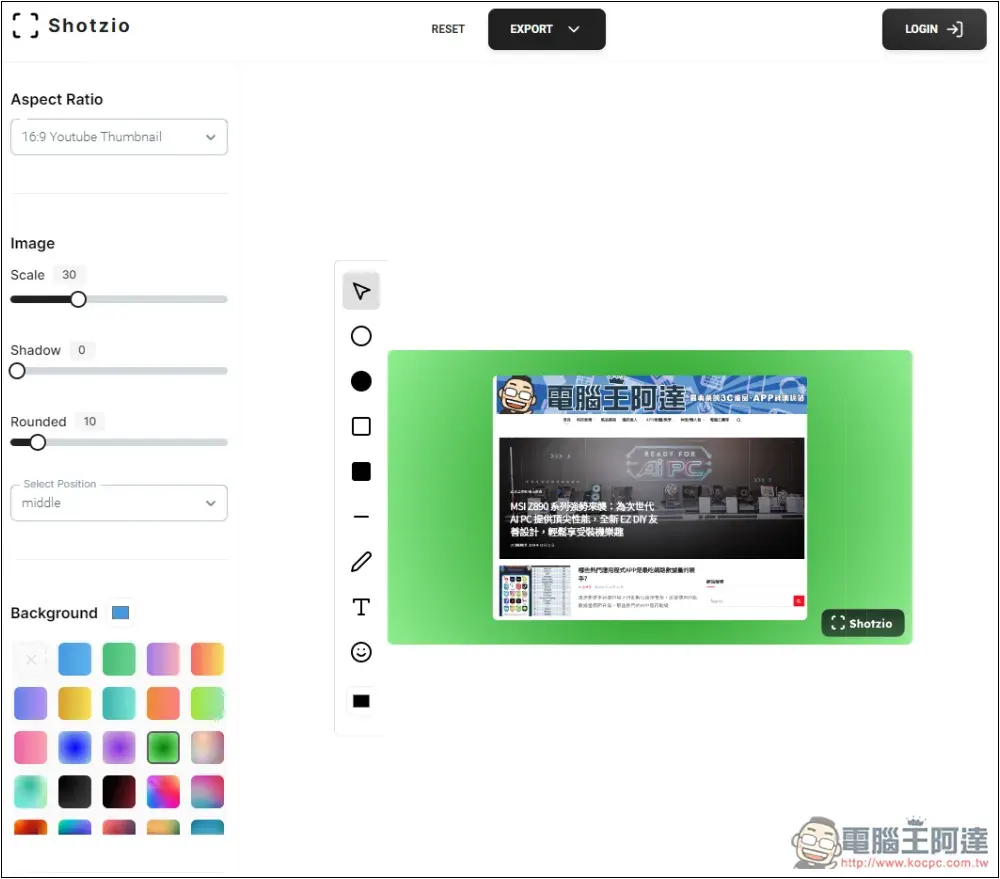
Background on the left can be switched to other backgrounds, providing many options, such as solid color, gradient color, artistic picture, etc.:
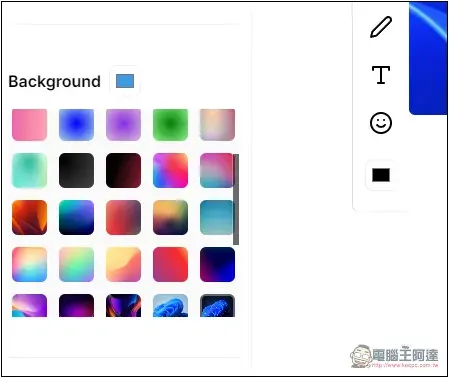
There are even Windows wallpapers, and adding them to the screenshot background won’t look weird:
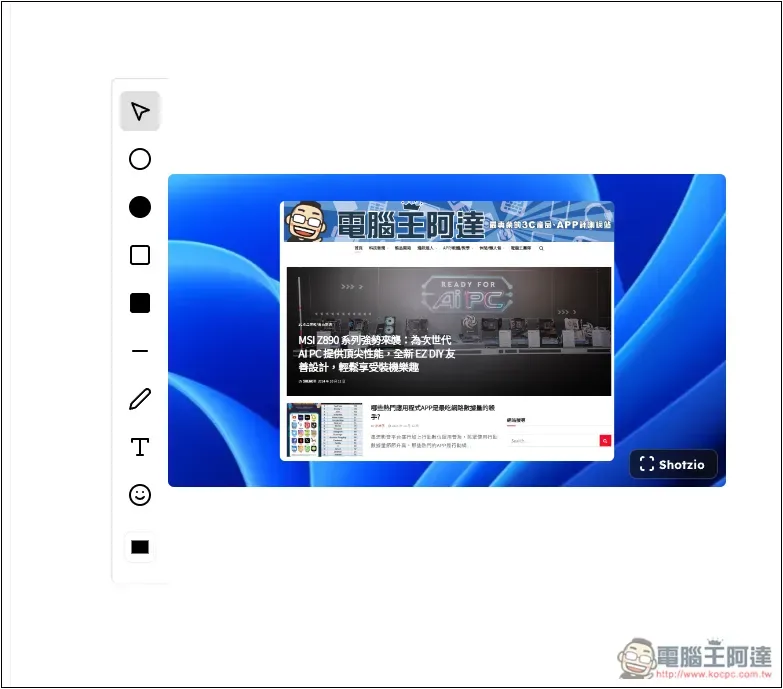
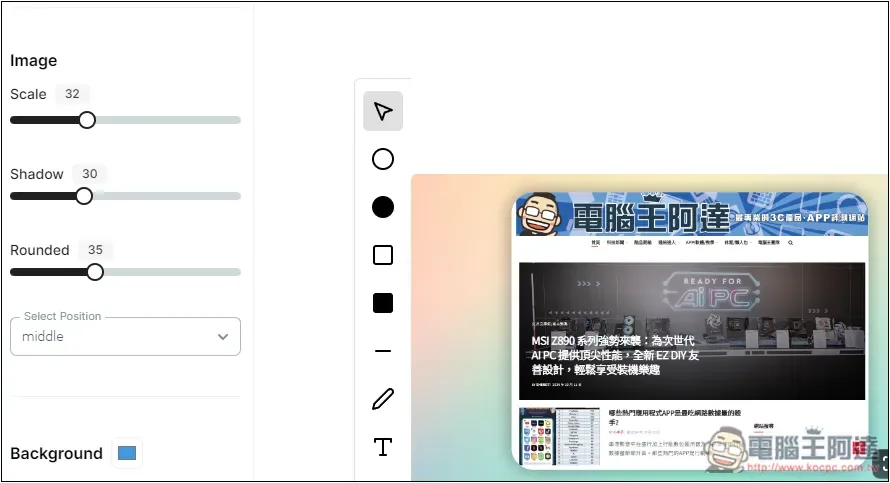
Image on the left can adjust the screenshot size, shadow, and four corners:
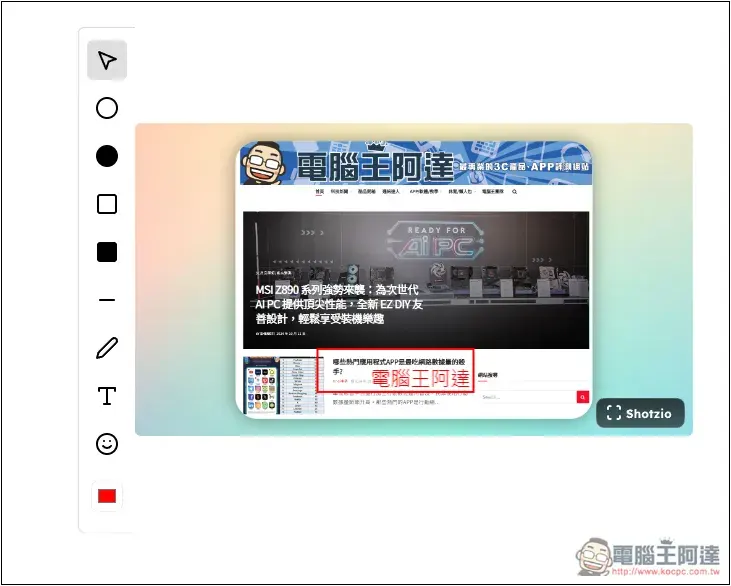
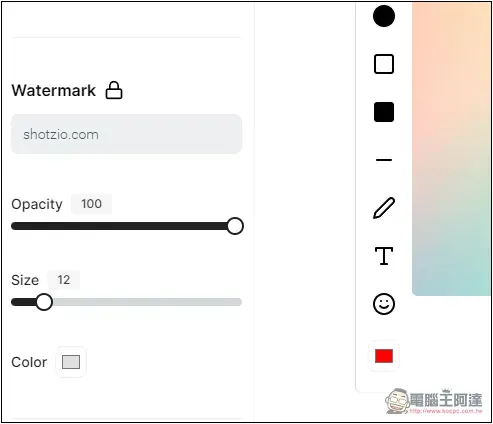
On the left side of the screenshot, there are some editing tools, such as adding circles, rectangles, lines, text, and Emoji:
The free version of the watermark cannot be removed or changed. You can upgrade to the paid version. Although it is a one-time payment, I think it is quite expensive. You can also consider using a watermark removal tool to remove it, because the watermark of this tool is in the lower right corner of the background. Most of the time it will not cover the screenshot, so it is easier to process:
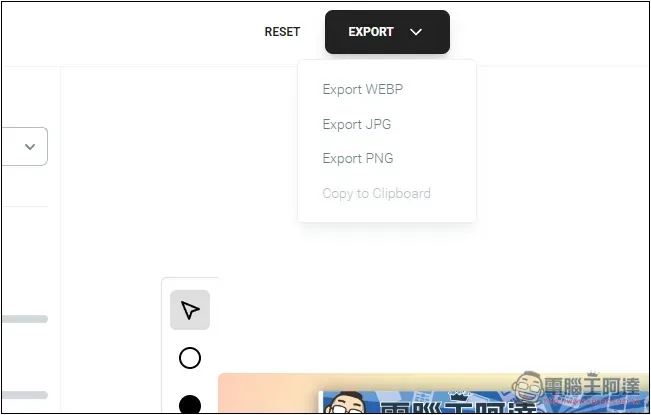
After editing, open the EXPORT menu above to download the image into WEBP, JPG, or PNG format:
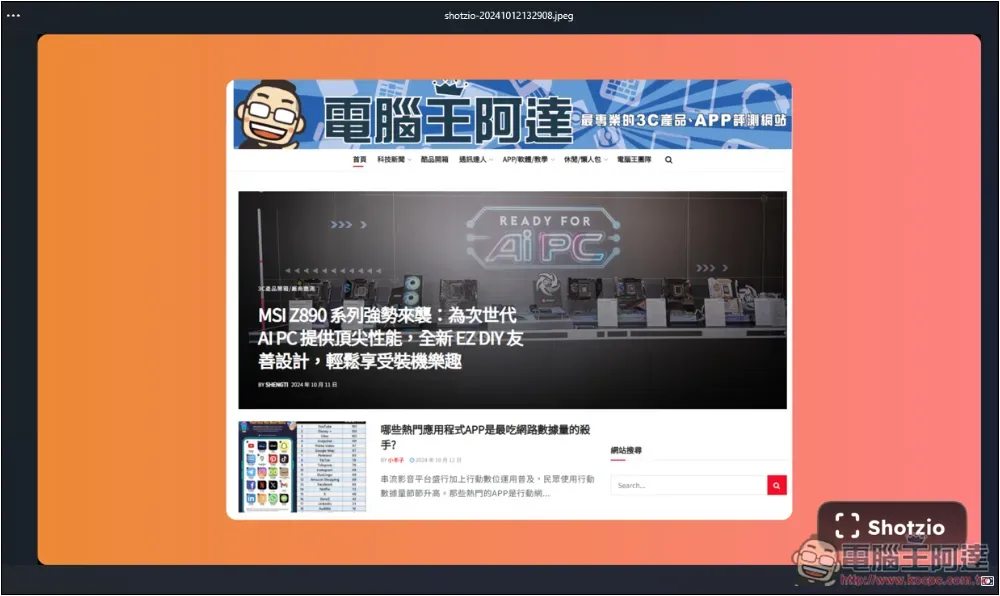
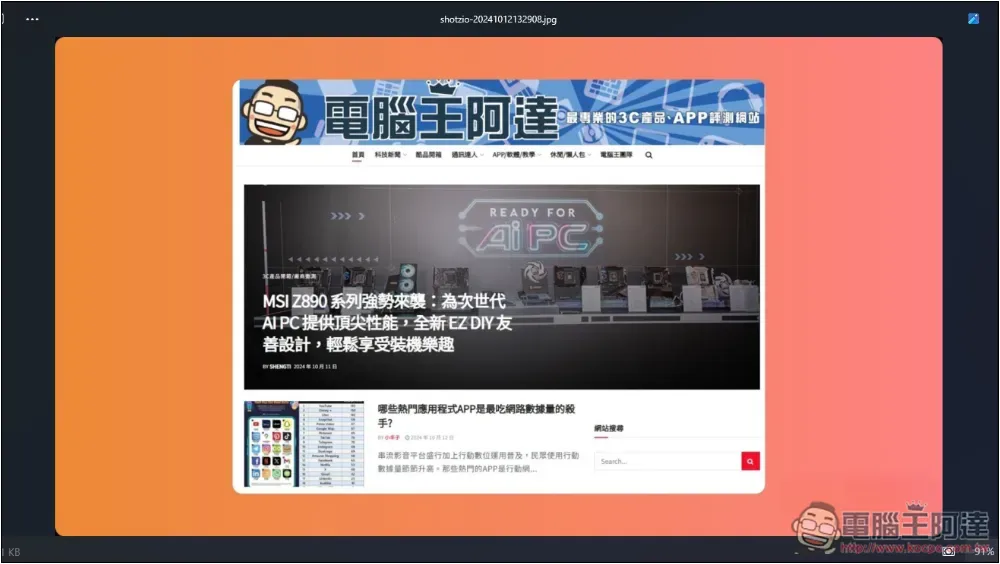
This is the picture I downloaded and made. There is an obvious Shotzio watermark in the lower right corner:
At this time, go online and Google “watermark removal tool” and try any free version. Basically, it should be easy to remove.
I use PicWish’s free watermark removal function to easily remove it:
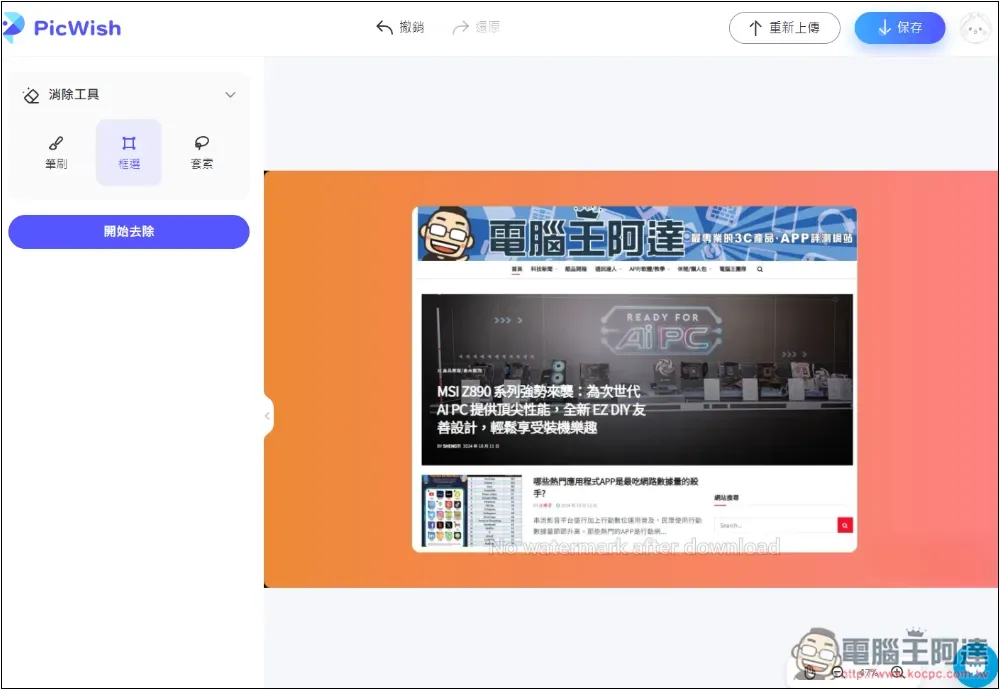
The downloaded image will no longer have a watermark:
Recommended other free screenshot beautification tools
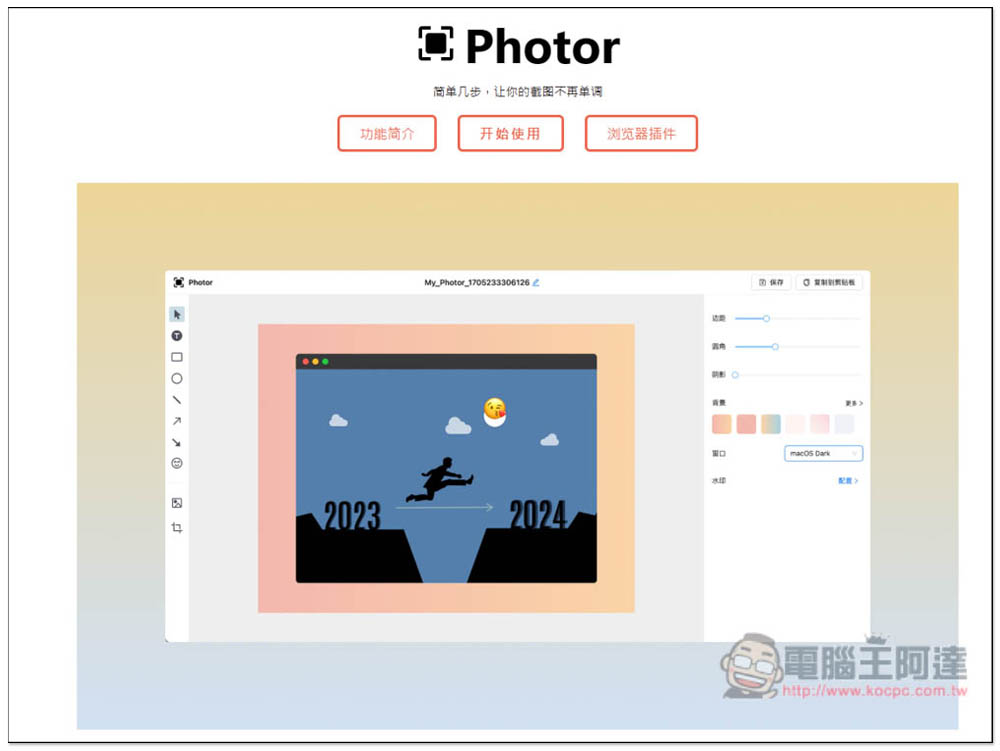
In addition to Shotzio, we have also introduced other useful free tools for beautifying screenshots before, such as Photor, this one is completely free and supports browser extensions. You can also try it out:
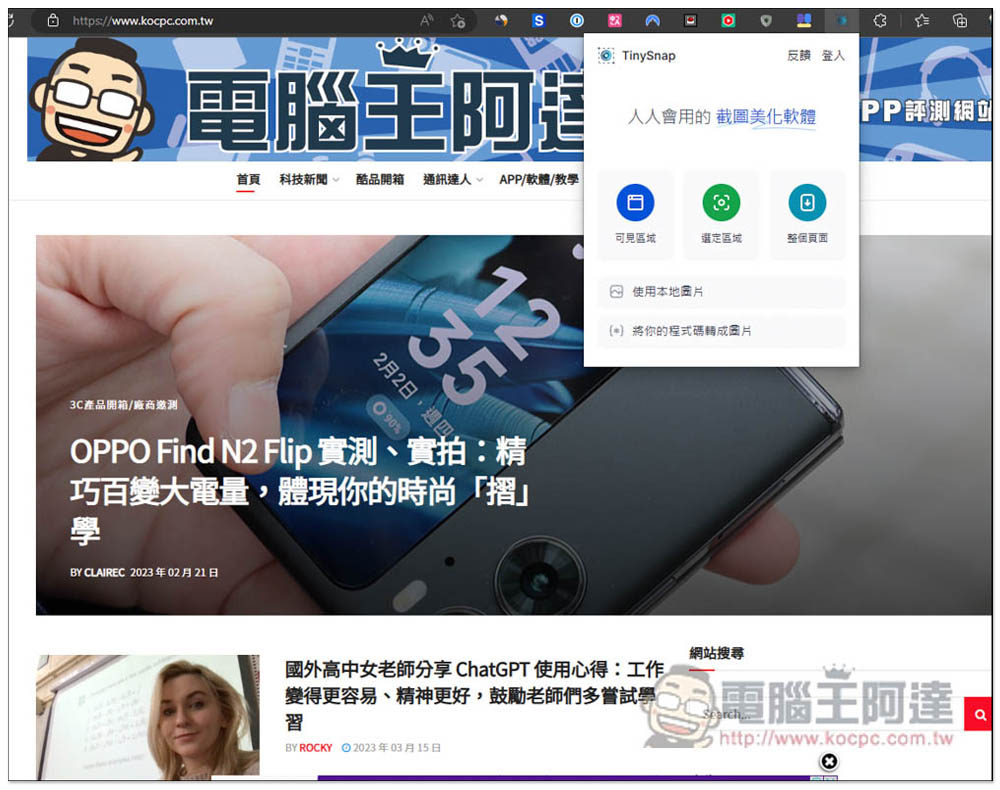
In addition there are TinySnap, it only has browser extension functions. In addition to uploading pictures and editing them with multiple built-in tools, this one also has a screenshot function, which can capture “visible area”, “selected area” and “entire page”. The visible area is the web page currently displayed by the browser, the selected area is for you to circle the range you want to capture, and the entire page is used for long web pages:
Source: KOCPC Chinese