


Whether it is interviews or daily memos, I believe that the built-in recording tool on Android phones is the first thing many people will think of to use to quickly record and record. Previously, the Computer King Ada team has introduced that the speech-to-text function can be achieved through the Google Instant Transcription App – and it supports Traditional Chinese. Recently, we discovered that Google’s own “Recording Tool” App has built-in English transcription function, and has been updated to include transcription support for Traditional Chinese, Japanese and other languages. Because we really think it’s pretty good, we’ll do a simple trial and share it here! Continue reading The Google Recording Tool app silently supports AI Chinese transcription, making it easy to convert recordings into verbatim reports (teaching) with one finger.
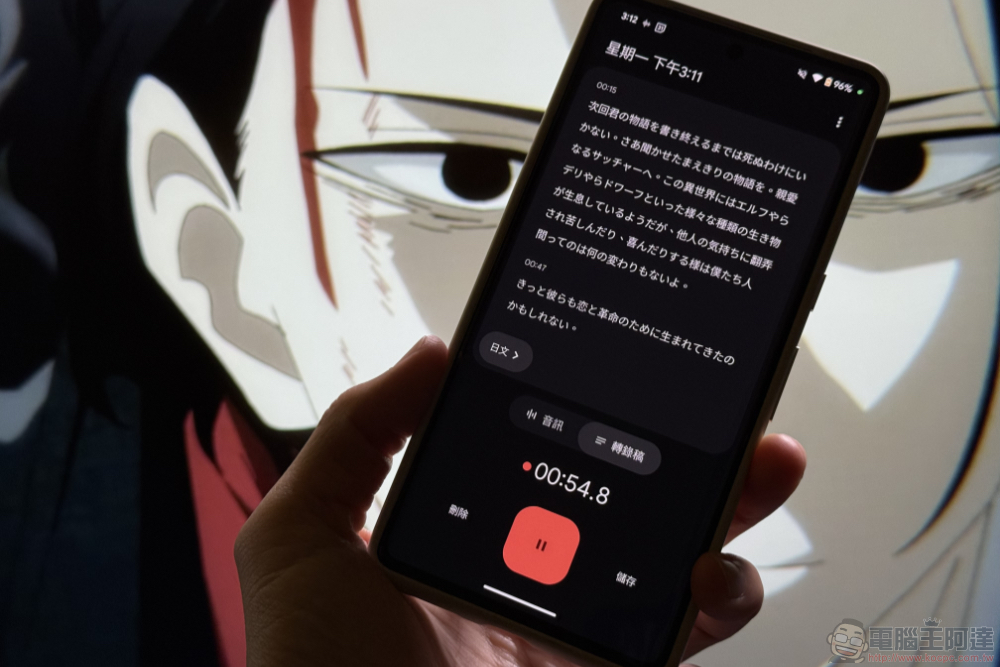
Google Recording Tool app silently supports AI Chinese transcription, making it easy to convert recordings into verbatim transcripts with just one finger (tutorial)
Whether it is interviews or daily memos, I believe that the built-in recording tool on Android phones is the first thing many people will think of to use to quickly record and record. Previously, the Computer King Ada team has introduced that the speech-to-text function can be achieved through the Google Instant Transcription App – and it supports Traditional Chinese.
Recently, we discovered that Google’s own “Recording Tool” App has built-in English transcription function, and has been updated to include transcription support for Traditional Chinese, Japanese and other languages. Because we really think it’s pretty good, we’ll do a simple trial and share it here!
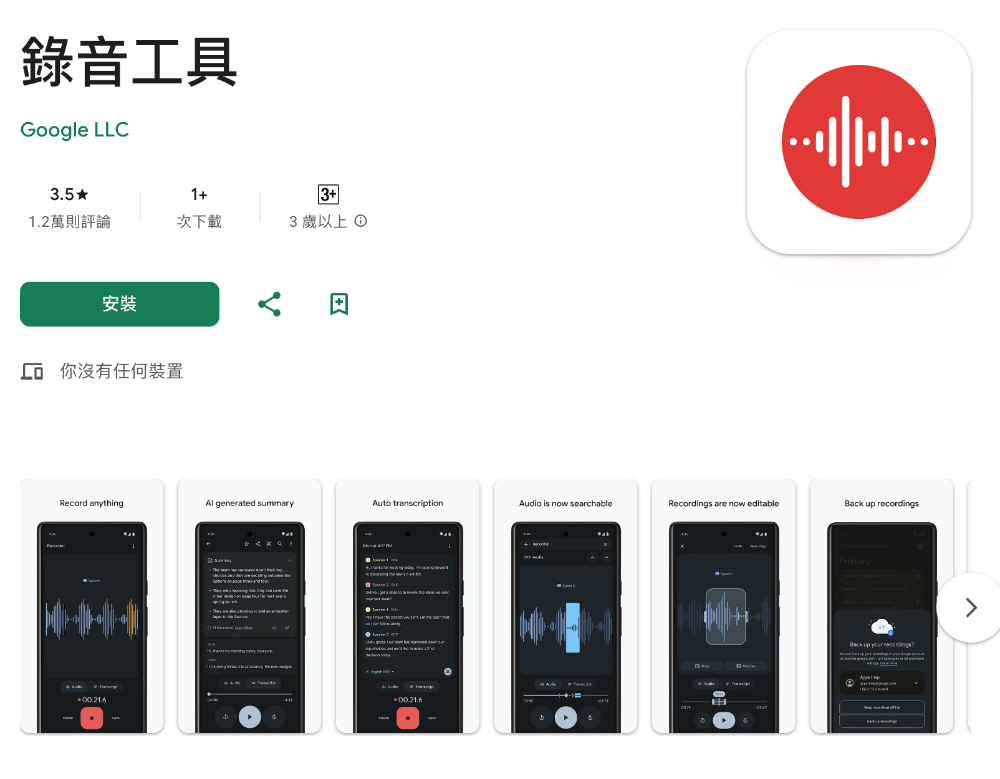
Basically, as long as you can install and use Google recording tool” devices should all receive this feature support. Then you can see the transcription field in the recording interface. If you start recording directly, the system will prompt you whether you want to download the corresponding language based on the detected language:
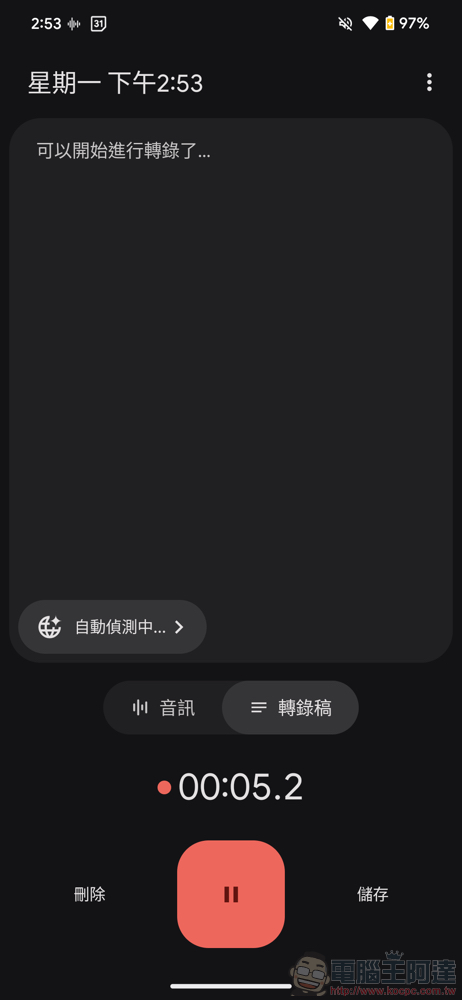
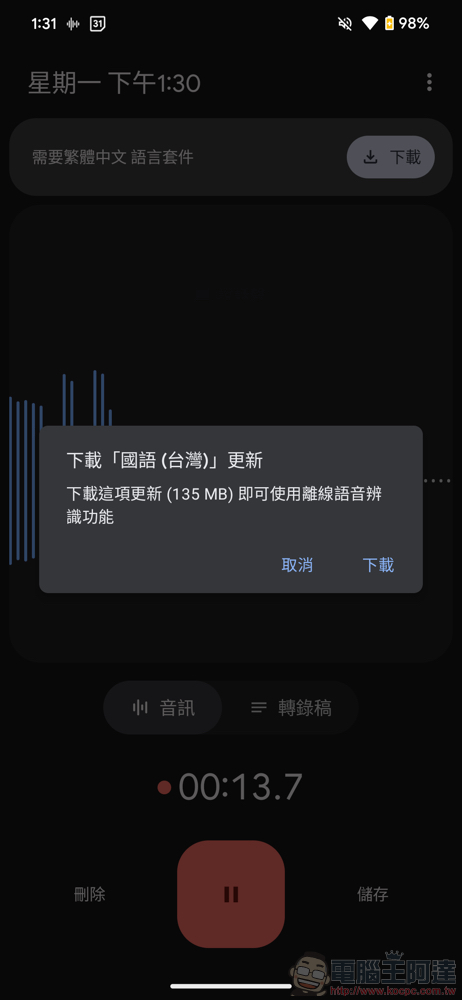
This part is based on our actual measurement. It needs to be downloaded before the transcription can be recognized – this will not be done immediately even if there is an Internet connection. After finishing the recording, you can choose to convert it to a Google document, or directly turn it into an interesting subtitled video for use:
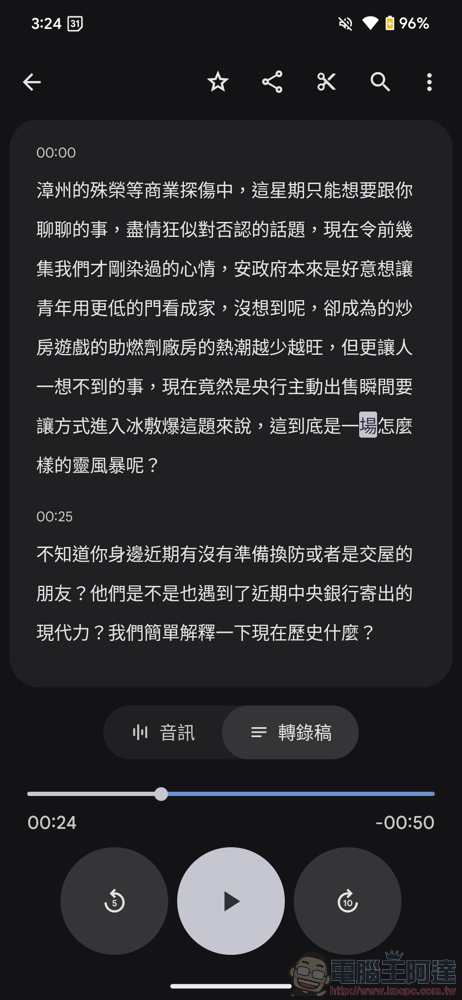
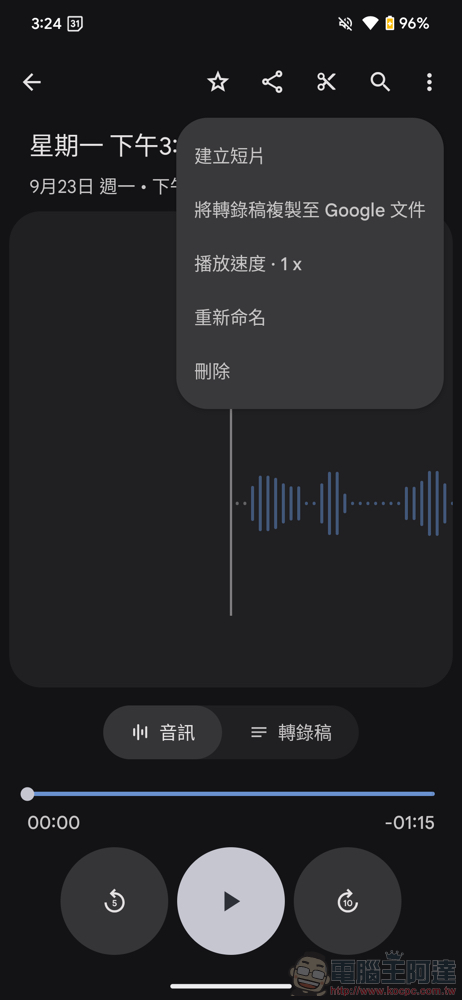
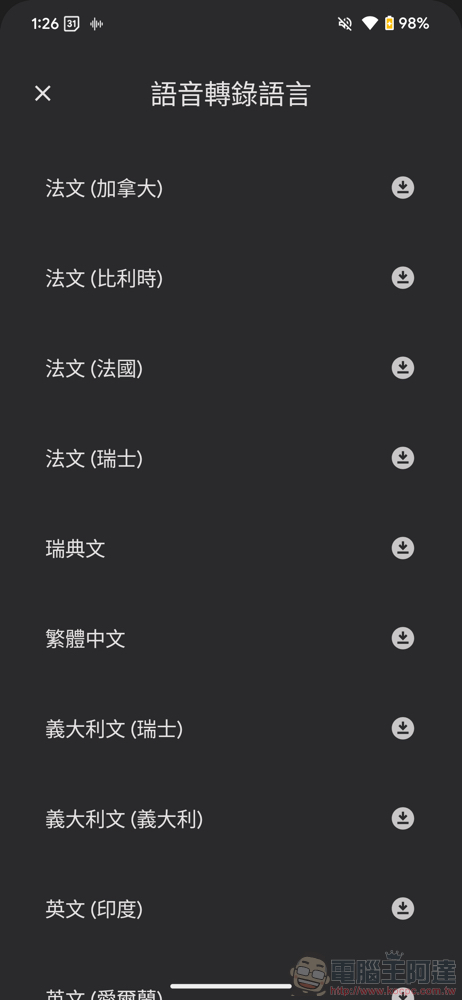
If you do not start recording directly, you can select the language in the transcription field to open the “Speech Transcription Language” interface and see the downloaded language:
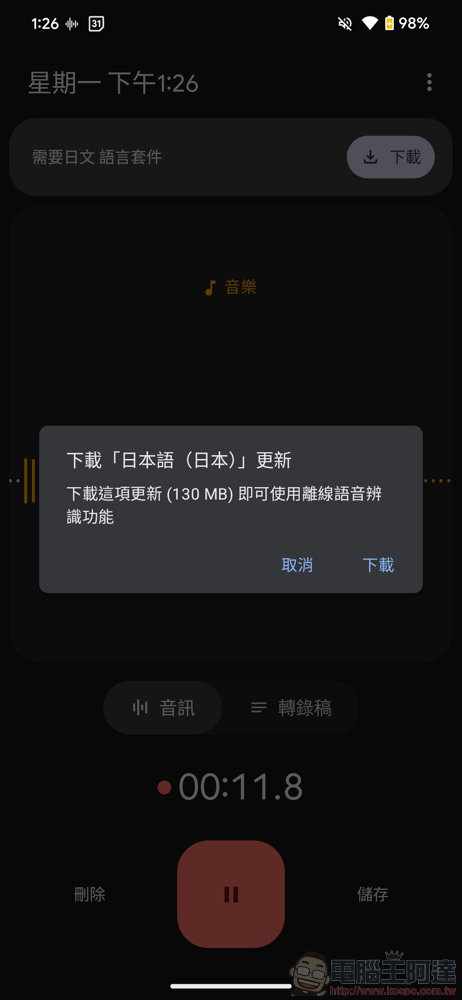
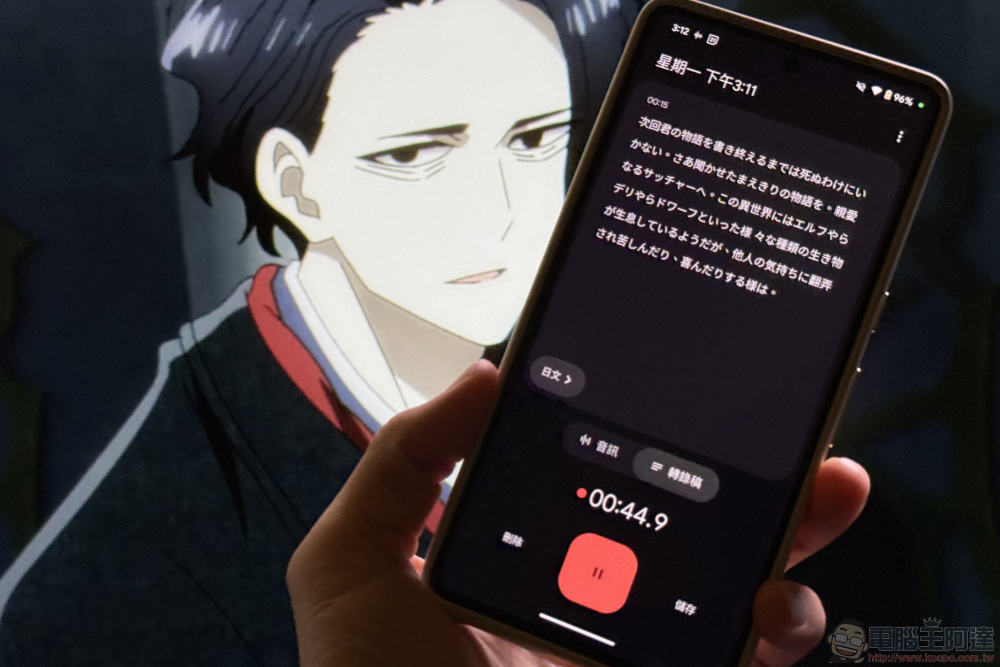
Here is a little trick to share, that is, when the same recording source suddenly changes into a different language. You can manually switch to the corresponding language through the language button at the bottom to continue transcribing:
Conclusion
With the support of transcription, the usefulness of the Google Recording Tool app has really been greatly improved. It is recommended for those who need to transcribe the meeting process or even watch animated videos and hope to take the opportunity to learn the language or want to record the content.
It seems that Google will continue to evolve related technologies powered by AI in this area – and judging from the Play Store demonstration, it also supports automatic tagging of multiple speakers. Recommended to everyone!
Further reading:
Source: KOCPC Chinese